




TripMemo Product Team
Product & releases
15 min read•Published
Summary
Pick one app before the trip, add photos and a one-line caption each evening, and build one page per day rather than per photo. TripMemo suits travellers who want Polaroid-style pages, a map and a shared book with almost no design work; Nooka and Journily suit people who enjoy freeform sticker-and-doodle pages; Canva and PicCollage suit one-off layouts you plan to print.
The fastest way to make a digital travel scrapbook is to pick one app before you leave, add the day's best photos with a one-line caption each evening, and build one page per day rather than one page per photo. Do that and the scrapbook is finished on the flight home, not "someday."
Which app depends on how much you want to make versus how much you want it made for you. A memory-first travel app like TripMemo turns photos into Polaroid-style pages, a map and a shareable book with almost no design work. Craft apps like Nooka and Journily give you freeform pages with stickers and doodles. Design tools like Canva and PicCollage give you templates, which look nice and take a weekend.
This guide covers why the scrapbook aesthetic is back, what makes a digital scrapbook feel real rather than templated, a seven-step method that works on a phone, and an honest comparison of the apps people are actually using in 2026.
Why Digital Scrapbooking Is Back in 2026
Ten years ago "digital scrapbooking" meant Photoshop kits and drop shadows. What's happening now is different, and it's a reaction to two things.
Everything looks generated. Feeds are full of images that were never taken by anyone. The response has been a swing back toward proof: film grain, white instant-photo borders, a caption in someone's actual handwriting, a train ticket with a real date on it. A scrapbook page says this happened and I was there in a way a polished grid never will. We've noticed the same instinct behind the death of the photo dump and the rise of the vintage film look on iPhone.
Everything gets posted and nothing gets kept. A trip that lives only on social media is scattered across stories that expired, a highlight reel nobody scrolls back through, and a camera roll of 1,400 photos. A scrapbook is the opposite: one place, in order, with the story attached. The people driving this comeback are not craft hobbyists. They're travellers who want a version of the trip that's theirs.
The "digital" part matters because paper scrapbooks have a well-known failure mode: you buy the supplies, do the first three days, and the rest of the trip sits in a drawer. A phone-based scrapbook removes the printing, the glue and the guilt. What it has to earn is the feeling of the paper version.
What Makes a Digital Scrapbook Feel Real
We've made a lot of these, and the ones that feel like a scrapbook rather than a slideshow share five things.
- Borders. A white instant-photo frame is the single biggest signal. It turns a photo into an object.
- A caption in your voice. Not a location tag. A sentence. "The ferry we nearly missed" beats "Naxos, Greece."
- Ephemera. Boarding passes, a menu, the museum ticket, a receipt in a language you don't read. These are the details you'll have completely forgotten in three years.
- Imperfection. A slightly soft photo with real light in it belongs in a scrapbook. A hyper-sharpened, over-brightened phone photo doesn't. A gentle film grade does more than any sticker pack.
- Order and place. Pages should follow the trip. Day three comes after day two, and you can see where day three was. Without chronology and a map, it's a mood board, not a memory.
Any app can do the first four with enough effort. Very few do the fifth without you rebuilding it by hand.
How to Make a Digital Travel Scrapbook on Your Phone: 7 Steps
This is the method that gets a scrapbook finished. It's built around one rule: do the work during the trip, in ten-minute pieces, not after.
1. Choose one home before you leave
Decide where the scrapbook lives before the first photo is taken. Switching apps halfway through a trip is how scrapbooks die. Create the trip, give it a name and a cover, and if you're travelling with anyone, invite them now so their photos land in the same place.
2. Shoot for the page, not the feed
Scrapbook pages want variety, not twenty versions of the same view. On each day aim for:
- one wide establishing shot of where you are
- two or three details (the food, the sign, the doorway, the hands holding the map)
- one photo with people in it who aren't posing
- one "boring" photo of something ordinary that will be interesting in ten years
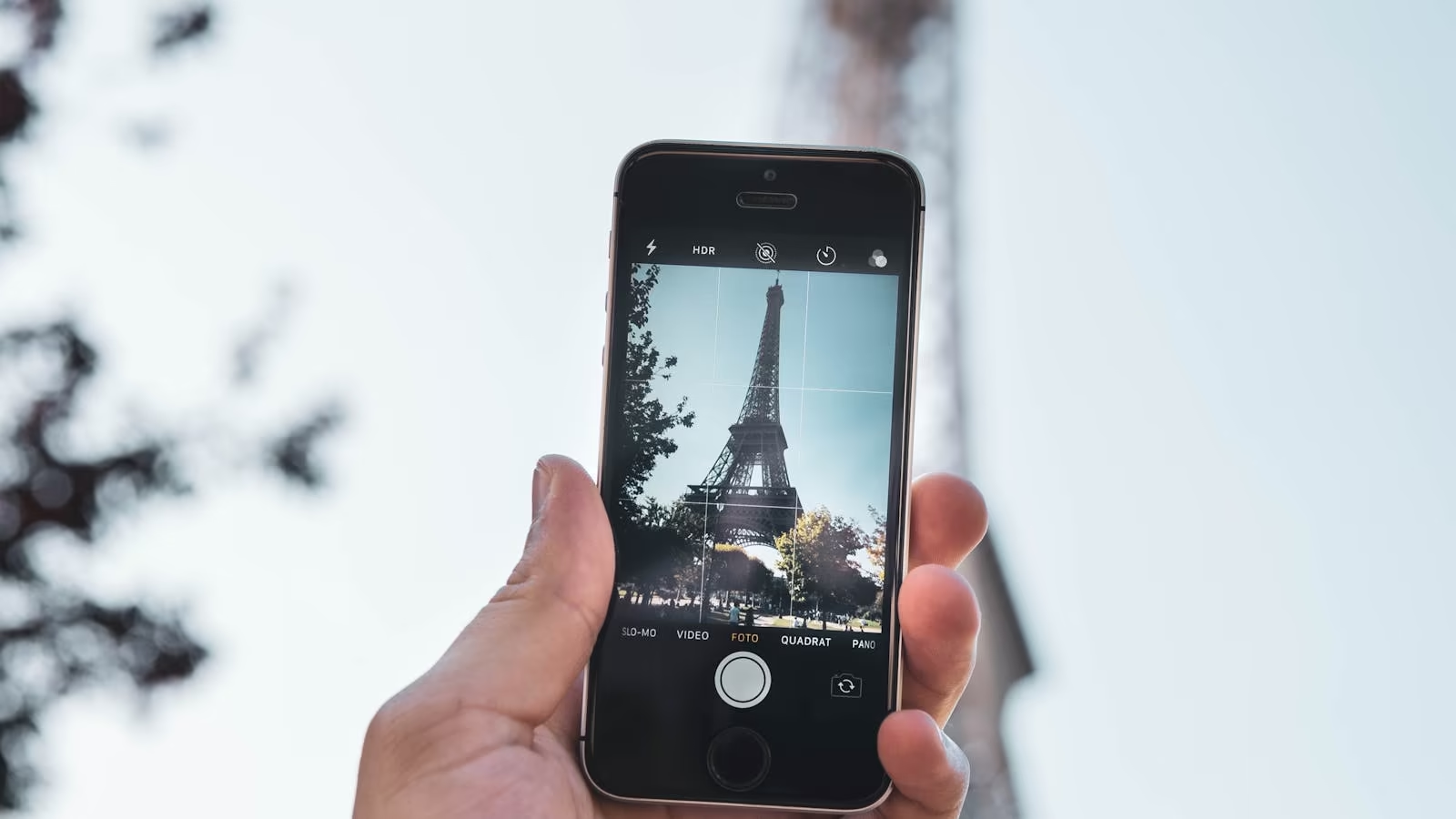
If you want the film look, shoot it in-camera rather than editing later. TripMemo's built-in Vintage Camera applies a film-style colour grade as you take the photo, so the aesthetic is done before the sunset is over. Our full guide to the vintage film travel aesthetic explains why one tap beats fifteen minutes of sliders.
3. Caption the same day, in ten words or fewer
The caption is the scrapbook. It's also the thing that vanishes fastest. Our own experience matches the research on why we forget trips: within a couple of days the specific details blur, and within a month you're captioning from guesswork. Write it that evening. Short is fine. Short is better.
4. Photograph the ephemera
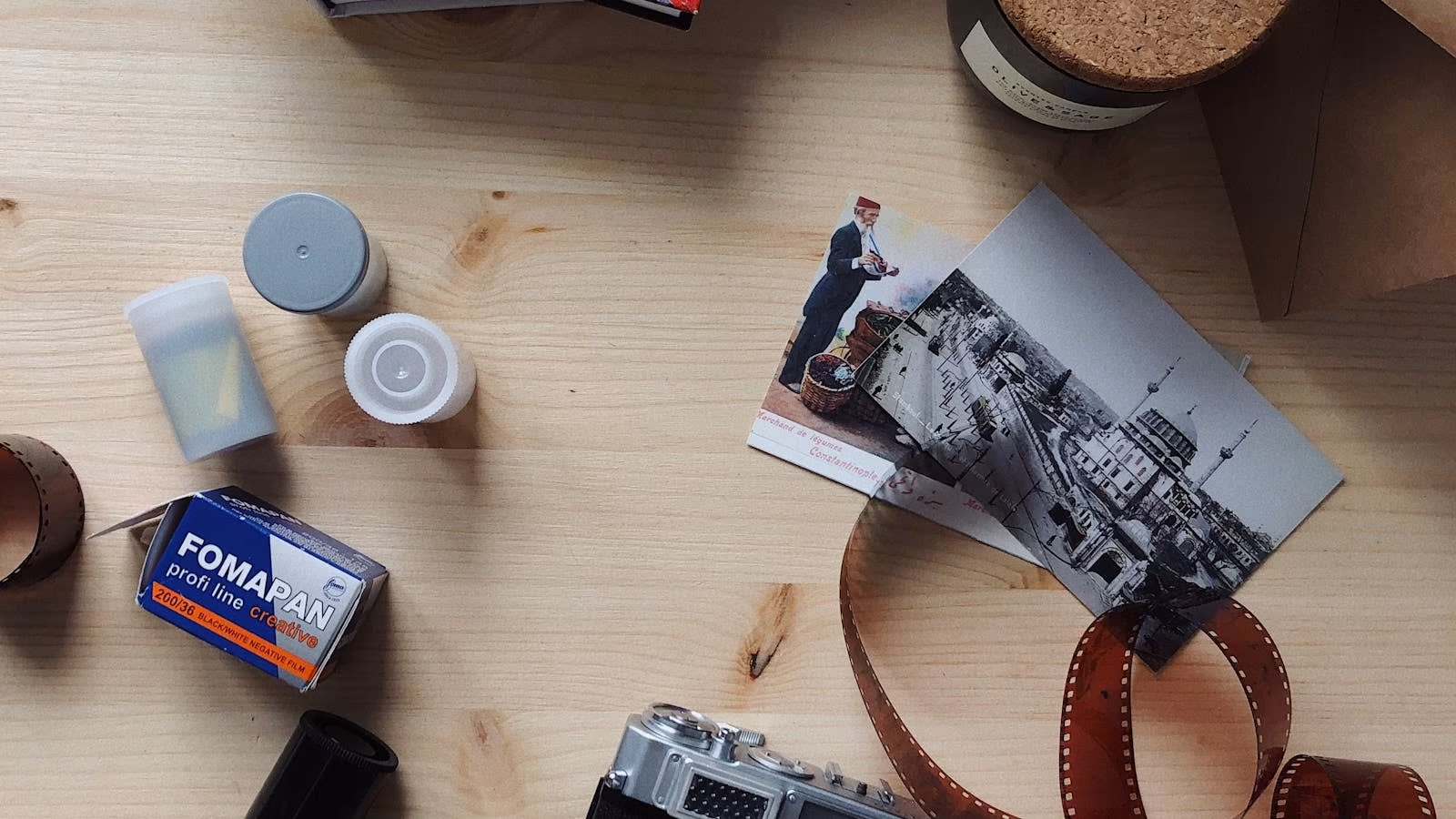
Tickets, wristbands, stamps, menus, hotel keycards, the handwritten bill. Photograph them flat on a table or the bed before they get crushed in a bag. These become the small square images that make a page feel collected rather than curated.
5. Build one page per day
The most common mistake in digital scrapbooking is making every photo its own page. That produces a 400-page book nobody finishes, including you. Think of each day as a spread: the wide shot, three or four details, one ephemera image, one caption. Delete generously. The scrapbook is the highlights; the camera roll still has the rest.
6. Keep the map
A travel scrapbook without a map is missing half the story. Where the days happened, how far you went, which town was which. This is the part craft apps struggle with, because a map has to be drawn by hand or pasted in as a screenshot. Memory-first apps pin each day and photo to a map automatically, which is the reason we built TripMemo the way we did.
7. Finish it: print, export, or share by link
A scrapbook that lives on your phone alone is a private thing, which is fine. But finish it properly:
- Share by link with family who want to see the whole trip, not three Instagram posts. We've compared every way to share trip photos with family without social media.
- Export a PDF so the book exists outside any app.
- Print the best pages. Digital scrapbooks make excellent paper ones, because the curation is already done. If you want the analog version too, our hybrid analog-digital method explains how to run both without doubling the work.
Make It Together: The Scrapbook Everyone Adds To
The best paper scrapbooks were never made alone. Someone cuts, someone glues, someone remembers the name of the restaurant. Digital scrapbooking mostly lost that, because almost every app is built for one person on one phone.
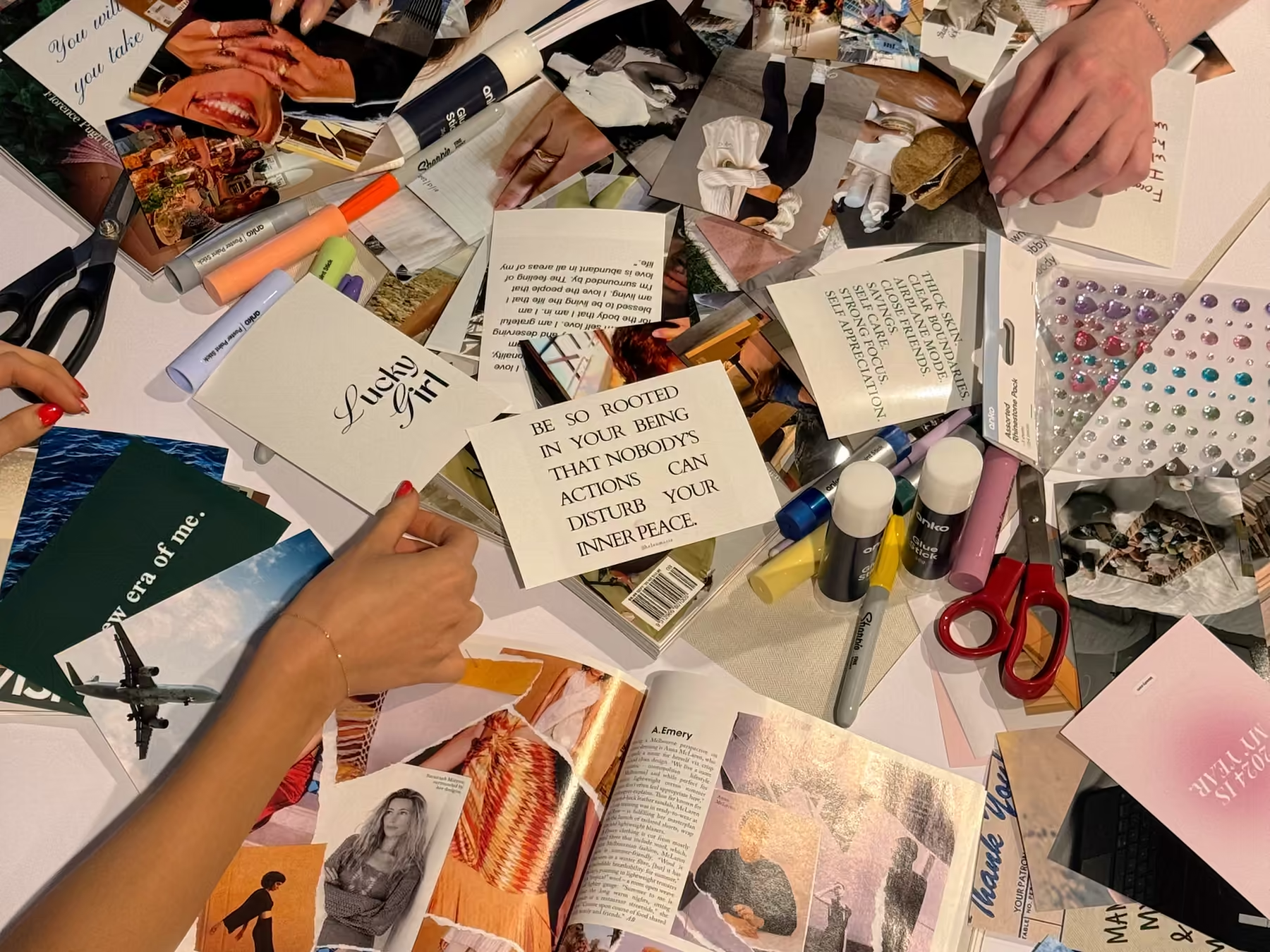
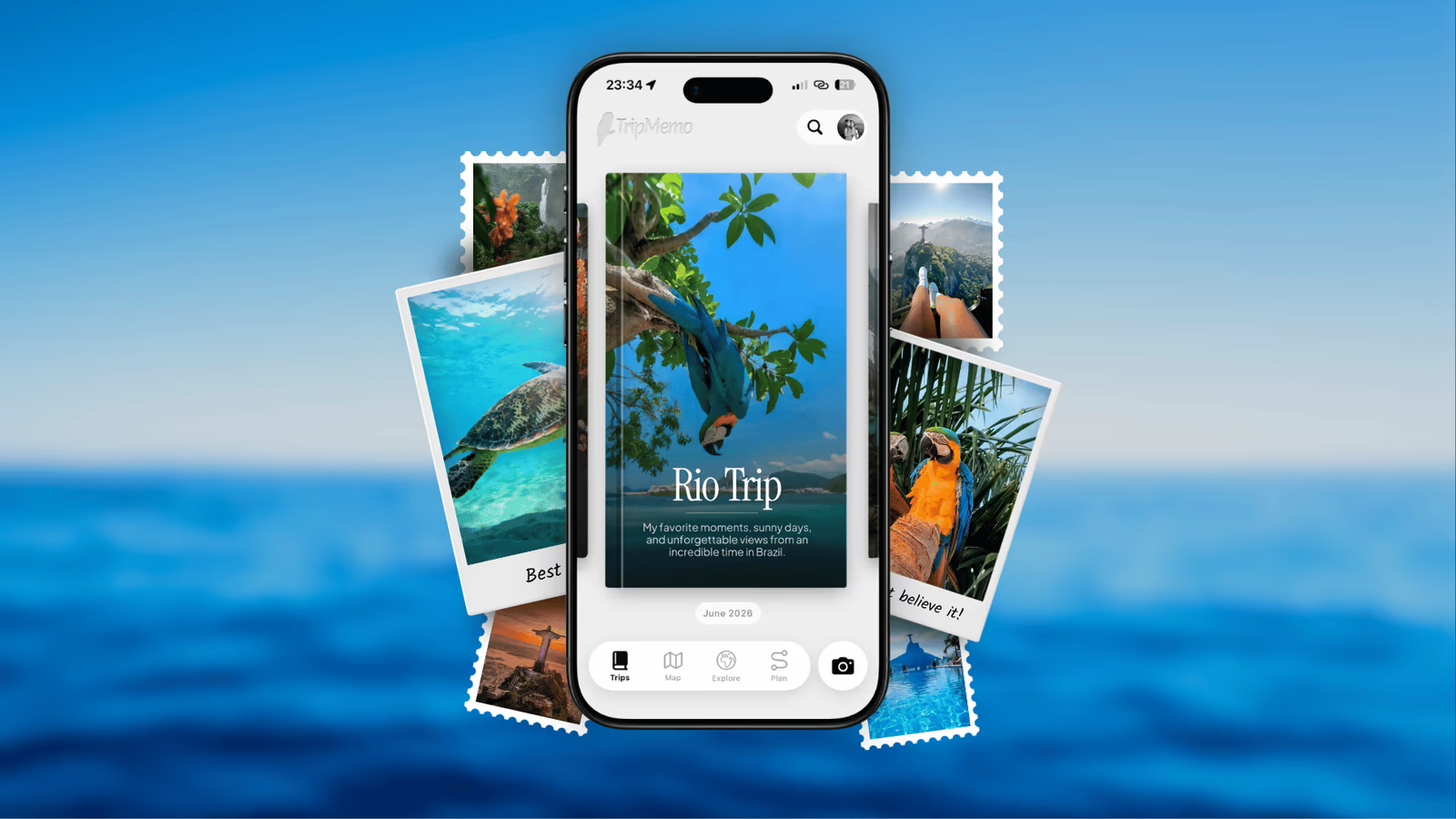
This is the feature we'd point to if you're travelling with anyone at all. In TripMemo, everyone on the trip can add to the same TripBook in real time: your friend drops in the photos from her phone, your partner fixes the caption you got wrong, your brother adds the day you weren't there for. Changes appear on every phone instantly, and the finished scrapbook is one book with everyone's photos in it, not four half-books and a group chat. It's genuinely fun to watch a page fill up from three phones at once at the end of a day.
It also solves the oldest problem in travel photography: the trip ends and every person holds a different third of the photos. We've written about how TripMemo's group features work and how to run a shared travel journal without anyone needing to be "the organised one."
Join the TripMemo
Newsletter
Unsubscribe anytime. Read our privacy policy.
The Best Digital Scrapbook Apps in 2026, Compared Honestly
A note on where we stand: we build TripMemo, so read the ranking with that in mind. We've kept the limits honest, including ours, because the wrong app for you is a scrapbook you abandon, and that helps nobody.
The category has grown fast. A year ago it was Canva and a few iPad drawing apps; now there are dedicated scrapbook apps with real design taste. Here's how the main options stack up for a travel scrapbook specifically.
TripMemo
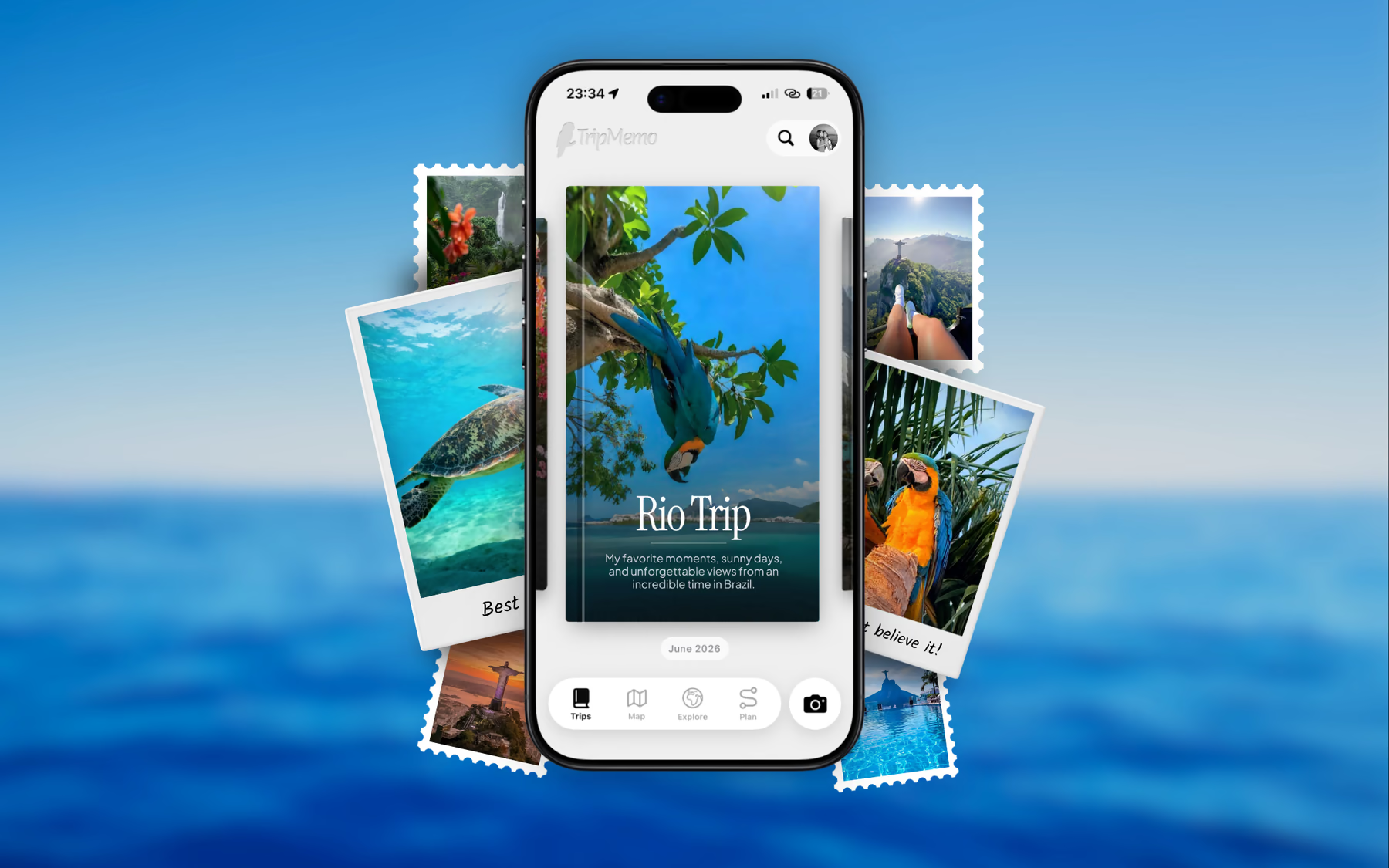
TripMemo is a travel journal app that presents each trip as a TripBook: Polaroid-style photo pages with editable captions, organised by day and pinned to a map. It's the memory-first option. You add photos and captions; the book, the map and the aesthetic are handled.
Best for: travellers who want the scrapbook look without doing layout work, group and family trips (everyone adds to the same book in real time), and anyone who wants the trip on a map. Works offline, which matters more than you'd think on a trip. Books can be exported as a PDF and shared privately by link.
Honest limits: it isn't a freeform canvas. You can't drag a washi-tape sticker across a photo or doodle in the margin. If the craft process is the point for you, look at Nooka.
Nooka
Nooka is a scrapbook and collage app built around freeform pages: layer photos with cutouts, sketches, handwriting and stickers, and file the results into books on a virtual shelf. The pages can look genuinely handmade.
Best for: people who enjoy making pages and want full creative control. It's also good for non-travel scrapbooking.
Honest limits: no map, no automatic trip structure, and every page is work. It's a craft app, so a three-week trip is a three-week craft project.
Journily
Journily is a travel-specific scrapbook journal with a hand-drawn, cosy aesthetic, a postcard-style timeline for daily entries, a map and printable PDF keepsakes.
Best for: solo travellers who like an illustrated, diary-first feel.
Honest limits: it's a personal journal rather than a shared one, so friends can't add their photos to your book. The illustrated style is lovely but it's its style, not yours.
Canva
Canva has hundreds of scrapbook templates and works on a phone, though it's happier on a laptop.
Best for: a single page or a printed book you'll design in one sitting after the trip.
Honest limits: templates look like templates, and Canva knows nothing about your trip. There's no timeline, no map, no captions attached to photos. You're doing everything by hand, and most people do the first four pages.
PicCollage
A quick, phone-first collage app with scrapbook templates, stickers and fonts. Free to start and easy to learn.
Best for: a fast page to send to the group chat.
Honest limits: it makes images, not a book. There's nowhere for the trip to live afterwards.
GoodNotes and Procreate (iPad)
If you own an iPad and a pencil, digital scrapbooking in a note or drawing app with imported sticker kits is a real hobby with a real community. The results can be beautiful.
Best for: iPad owners who want to draw and hand-letter.
Honest limits: not something you'll do on a phone at the end of a travel day. This is the post-trip, at-home, cup-of-tea version.
Quick Comparison
| App | Aesthetic | Trip map | Friends add | Effort | Cost |
|---|---|---|---|---|---|
| TripMemo | Polaroid pages | Automatic | Real time | Low | Free to start |
| Nooka | Freeform craft | None | No | High | Free to start |
| Journily | Illustrated | Yes | No | Medium | Free to start |
| Canva | Templates | Manual | Design only | High | Free to start |
| PicCollage | Templates | None | No | Low | Free to start |
| GoodNotes / Procreate | Hand-drawn | Manual | No | High | Paid / iPad |
| Paper scrapbook | The real thing | Manual | In person | Very high | £15–40 supplies |
The best digital scrapbook apps at a glance
| App | Best for | Watch out for |
|---|---|---|
| TripMemo | Polaroid-style pages, a map and a shared book built automatically from your photos | Not a freeform sticker canvas |
| Nooka | Handmade-looking freeform pages with stickers, cutouts and handwriting | No map or trip structure; every page is work |
| Journily | Cosy illustrated travel diary with a timeline and printable PDFs | Single-user, and the style is theirs rather than yours |
| Canva | One-off templated pages you plan to print | Templates look like templates; nothing is automatic |
| PicCollage | A fast collage page to send to friends | Makes images, not a book |
| GoodNotes | iPad hand-lettering with imported sticker kits | Not a phone-on-the-road workflow |
%20copy%202.avif&w=384&q=75&dpl=dpl_B2DaXHBbNucfRgJqqwj2zMaECZud)
%20copy%203.avif&w=384&q=75&dpl=dpl_B2DaXHBbNucfRgJqqwj2zMaECZud)

Your trips deservemore than a camera roll
.avif&w=96&q=75&dpl=dpl_B2DaXHBbNucfRgJqqwj2zMaECZud)
Scrapbook Aesthetic Photo Ideas for Your Next Trip
If you're wondering what to actually put on the pages, these are the shots that consistently make a digital scrapbook feel like one. They come from our wider guide to travel photography for memory rather than Instagram. Screenshot this list.
- The view from the plane or train window, slightly reflective glass and all
- Your hotel or apartment door, with the number
- The first meal, photographed from above before anyone touches it
- A local sign, menu or notice you can't fully read
- Hands: holding a map, a coffee, a ticket, a shell
- The back of someone walking ahead of you
- A shop window at night
- Something ordinary: the bus stop, the supermarket aisle, the laundrette
- A landscape with something small and human in it
- The ephemera flat-lay: tickets, receipts, stamps, wristbands
- A sunset you didn't spend twenty minutes editing
- The last photo of the trip, whatever it is
Run the wide shots through a film grade and put the small ones in white frames. If you want to try the look before the trip, our free Polaroid frame generator adds a frame, caption and date to any photo, and the vintage filter applies a film colour grade in your browser. Both are free and neither needs an account.
Digital or Paper? (You Can Have Both)
People ask this as if it's a decision. It isn't. The honest trade-off:
- Paper is slower, more personal, and better as an object. It's also the format most likely to be abandoned on day four of a trip.
- Digital is faster, backed up, searchable, shareable, and gets finished. It's the format most likely to exist in ten years, because it can't be lost in a house move.
The combination most people are happy with: build the digital scrapbook during the trip, when the captions are fresh and the phone is in your hand anyway. Then, if you want an object, print the best pages when you get home. The digital version has already done the hard part, which is deciding what mattered. That's also the version you'll actually reopen, which is the whole point of a travel memory app.
FAQ: Digital Travel Scrapbooks
What is the best app for a digital travel scrapbook?
It depends on how much design work you want to do. TripMemo builds Polaroid-style pages, a map and a shareable book from your photos with almost no layout effort. Nooka and Journily are better if you enjoy freeform pages with stickers and doodles. Canva and PicCollage suit one-off pages you plan to print.
Can I make a digital scrapbook for free?
Yes. TripMemo, Nooka, Journily, Canva and PicCollage all let you start free. Paid tiers generally unlock more books or pages, higher-quality exports, or printing. Start free, finish one trip, then decide whether the paid version earns its place.
How do I get the scrapbook aesthetic on my photos?
A white instant-photo border, a short caption with a date, a gentle film grade rather than a heavy filter, and a mix of wide shots with small details like tickets and menus. TripMemo's Vintage Camera and free Polaroid frame generator handle the first three automatically.
Is a digital scrapbook better than a paper one?
They do different jobs. Paper is slower and more personal but easy to abandon mid-trip. Digital is searchable, backed up, shareable and finished on the plane home. Many people build the digital version during the trip and print the best pages afterwards.
How long does a digital travel scrapbook take to make?
About ten minutes per evening with a memory-first app, if you caption photos the same day. Freeform craft apps take longer per page, and a template tool like Canva usually means a weekend of work after the trip.
Can friends add to my digital scrapbook?
In TripMemo, yes. Everyone on the trip can add photos and notes to the same TripBook in real time, so the scrapbook fills up from every phone instead of just yours. Most craft-style scrapbook apps are single-user.
Related reading:
Want the scrapbook without the scrapbooking? Download TripMemo and every photo you add becomes a Polaroid-style page with a caption, a date and a place on the map. Add the day's photos each evening and the book is finished when you land. See how TripBooks work.