Free PolaroidGenerator
Turn any picture into a Polaroid online and download it free—no signup.
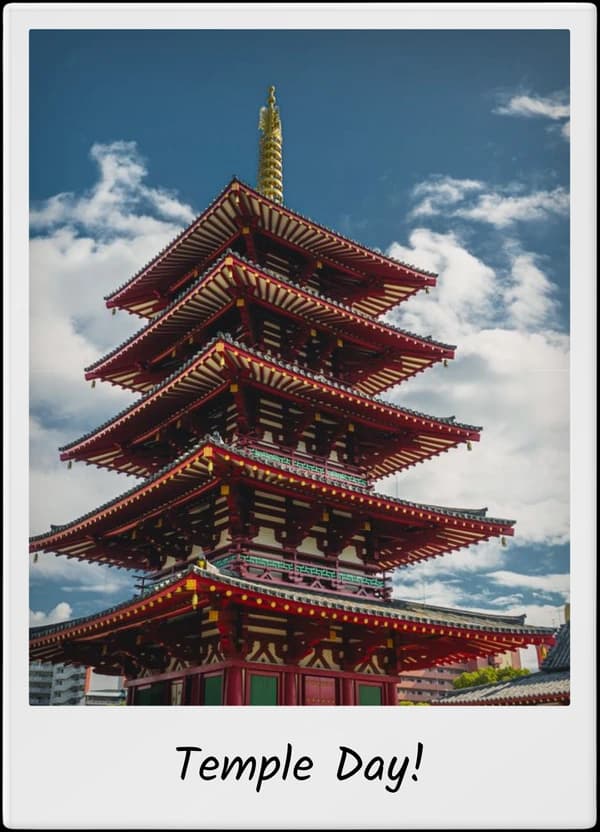
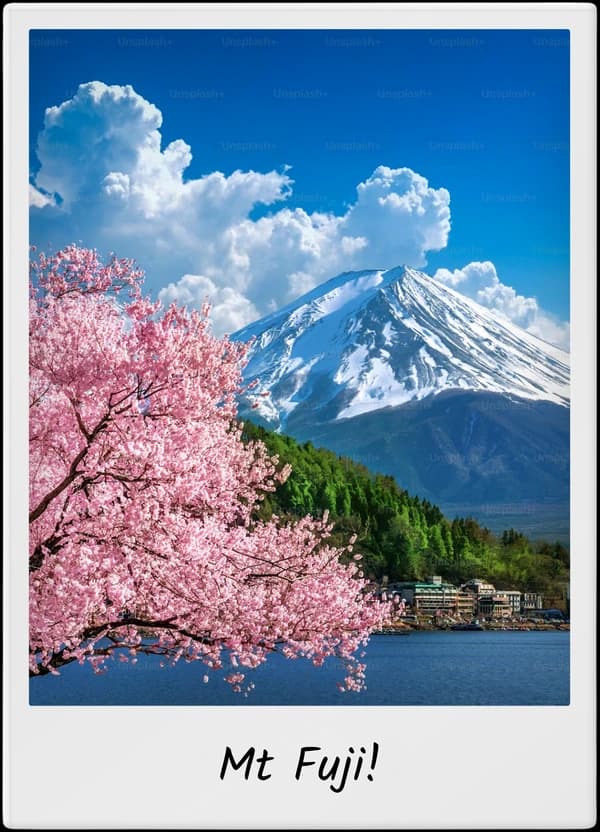
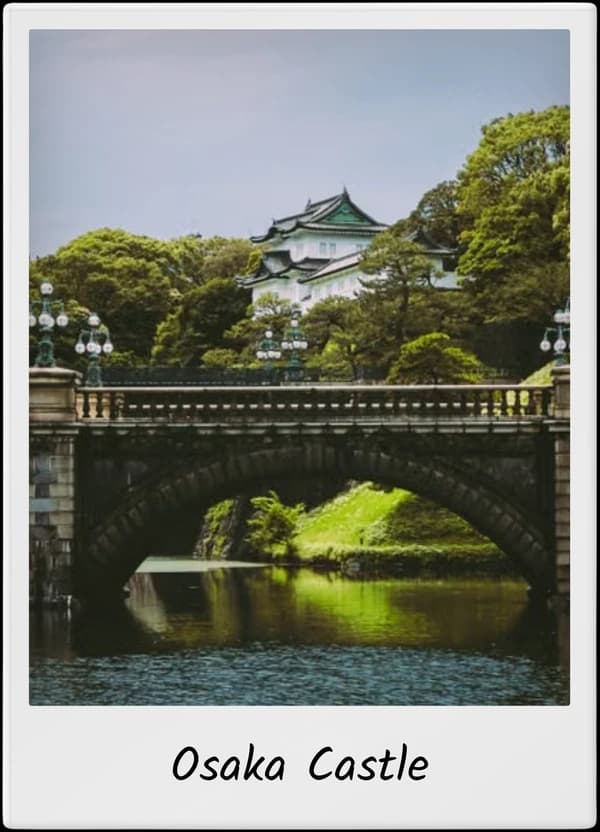
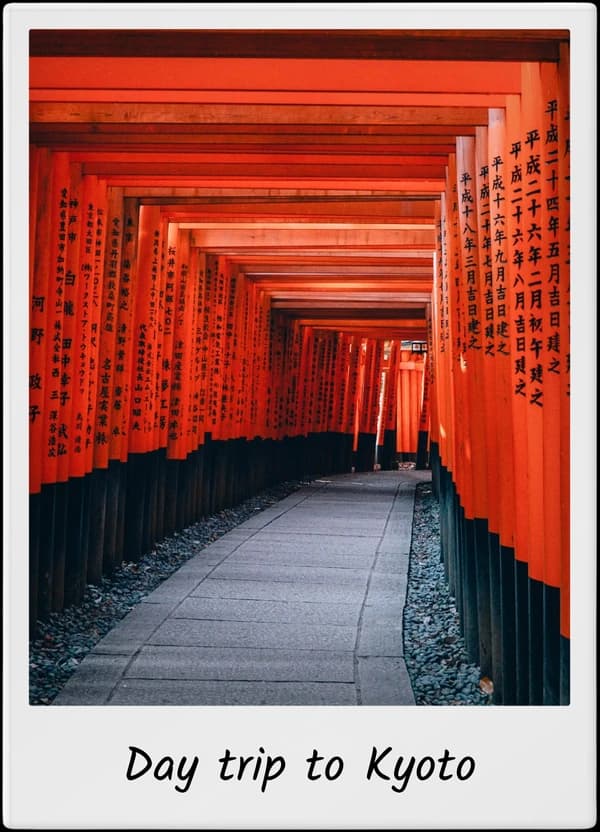
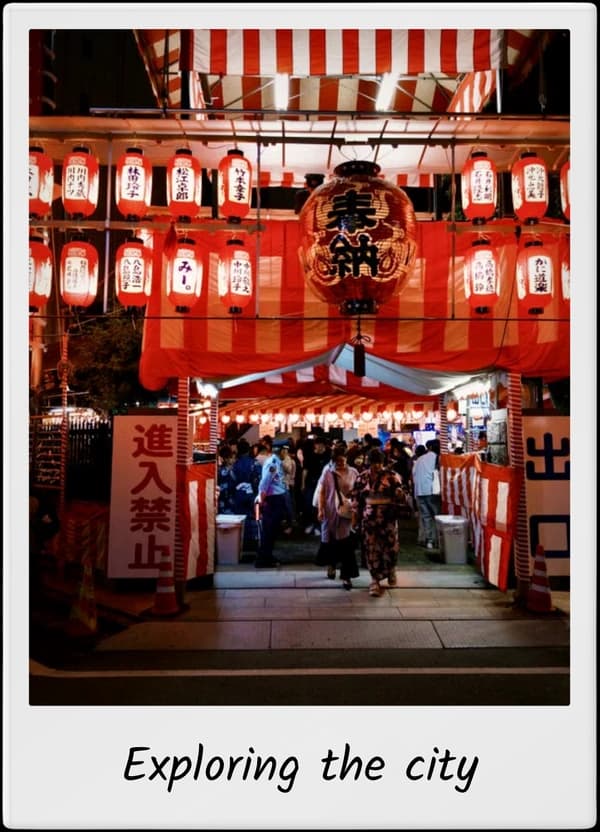
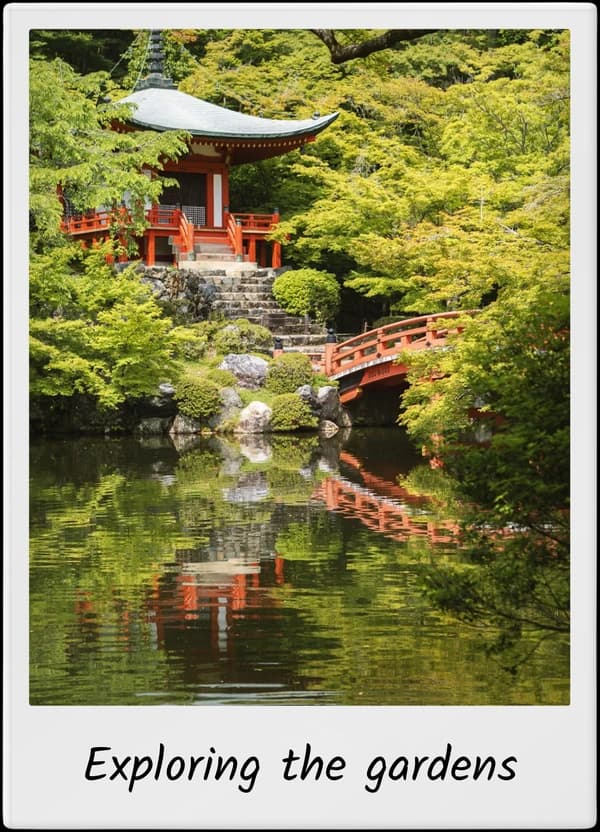
Polaroid photo examples
Turn any picture into a Polaroid
Upload a photo, add a realistic instant-film frame, then customise the crop, filter, caption and date before downloading it free.
How to turn a picture into a Polaroid
Picture to Polaroid in three simple steps
Everything happens in one private online editor. No design skills or account required.
Upload any picture
Choose a JPG, PNG or WebP from your phone or computer. Your image stays in your browser.
Customise the Polaroid
Pick a photo shape, crop the image, adjust the filter and add your own caption or date.
Download it free
Save a high-resolution PNG or JPEG with no sign-up, paywall or TripMemo watermark.
Polaroid filter & effect online
Change the mood. Keep the photograph.
Choose a filter
Start with Original, Warm, Vintage or Mono and compare the result in the live preview.
Fine-tune the crop
Use zoom and position controls to keep faces, landmarks and horizons exactly where you want them.
Set the film texture
Add a little grain for an instant-film look, then choose the paper colour and texture.
Want more control over colour and film character? Apply a vintage photo filter online before adding the frame.
Free online Polaroid editor
Every Polaroid control in one simple editor
Adjust the frame and photograph together, then download the finished Polaroid without moving between apps.
- Choose the format
- Portrait 4:5, square 1:1 or wide 3:2
- Set the finish
- Original, warm, vintage or monochrome
- Perfect the crop
- Zoom and reposition without re-uploading
- Add the details
- Paper texture, grain, caption and date
Social posts
Give Instagram posts, Stories and travel recaps a more tactile, collected feel.
Print projects
Make scrapbook pages, party prints, memory walls, gifts and journal inserts.
Travel memories
Add a place, date or tiny note so the story stays attached to the photograph.
Private Polaroid maker
Edit photos without uploading them
Your photo is processed locally in this browser—not sent to TripMemo, saved to an account or used to train AI.
Local processing
Framing and exporting happen on your device.
Clean export
High-resolution PNG or JPEG with no watermark.
No generative AI
The editor styles your photo without inventing a new one.
Polaroid size & ratio guide
Classic instant-film proportions
A traditional print is roughly 88 × 107 mm, with an almost-square 79 × 77 mm image area. That is why an authentic instant-photo crop feels nearly square.
Choose Square for the classic look, Portrait for people and social posts, or Wide for landscapes and groups.
Compare Polaroid sizes and dimensionsChoose the right tool
Polaroid generator, template maker or AI?
Use a frame generator to style a photo you already have, a template maker for multi-photo layouts, or AI when you want to generate or substantially change the scene.
Polaroid frame generator
This toolWraps your existing photo in a realistic instant-photo border, then lets you crop, filter, caption and download it.
Best for:Fast single-photo edits
Polaroid template maker
Starts with a designed layout for collages, invitations, posters or social graphics, usually with several editable elements.
Best for:Multi-photo designs
AI Polaroid generator
Generates or substantially changes a scene from a prompt. It may combine people, invent a setting or recreate the photograph.
Best for:Generated scenes and trends
Making several frames? Use the Polaroid collage and strip generator. Taking a new picture first? Open the online Polaroid camera.
One photo becomes a story
Don't let the rest of the trip disappear in your camera roll.
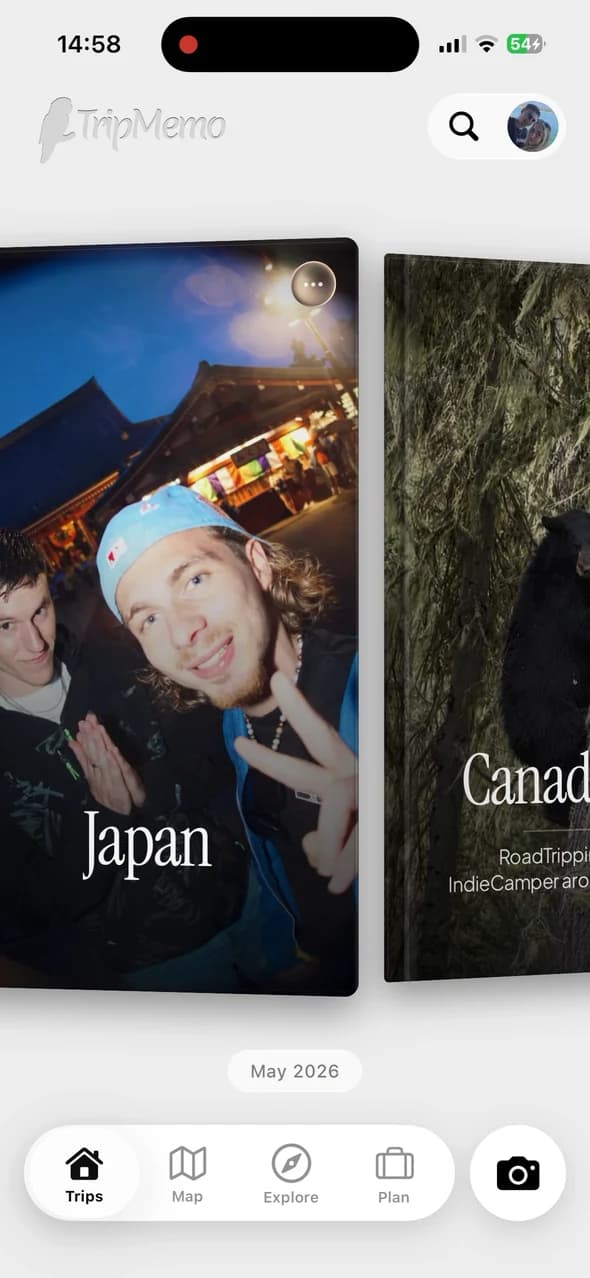
TripMemo turns every day into a TripBook—photos, places, captions and private notes kept in the order the journey happened. See how the travel photo journal app brings the full camera roll together.
.webp&w=96&q=75&dpl=dpl_EPXMHFF758wZiFUsuw99japedPYQ)
Free to start on iPhone
Polaroid generator FAQ
Answers about the free Polaroid generator
File formats, privacy, Polaroid sizes and everything else you may want to know before creating your photo.
01Is the Polaroid generator really free?
Yes. You can upload, customise and download as many Polaroid-style photos as you like. There is no account, paywall or watermark.
02Are my photos uploaded or stored?
No. Your photo is processed locally in your browser and is not uploaded to TripMemo. Close the tab and the image is gone from the editor.
03How do I turn a picture into a Polaroid online?
Upload a picture, choose Portrait, Square or Wide, adjust the crop and filter, add an optional caption or date, then download it as a PNG or JPEG.
04What size or ratio should a Polaroid photo be?
A traditional instant print is roughly 88 × 107 mm with an almost-square 79 × 77 mm image area. In the editor, Square gives you the familiar instant-photo crop, Portrait 4:5 suits social feeds and travel portraits, and Wide 3:2 works well for landscapes and group photos.
05Can I download a transparent PNG or a JPEG?
You can export the complete framed photo as a high-resolution PNG or JPEG. The Polaroid paper itself is included in both formats; the PNG is not a transparent-frame overlay.
06Can I add my own caption and remove the date?
Yes. Captions are optional and can run across multiple lines. The date can be changed or switched off completely.
07Can I use the Polaroid pictures on Instagram or print them?
Yes. Portrait 4:5 is a natural fit for social feeds, Square works well in carousels and scrapbooks, and Wide 3:2 suits landscapes. Exports are rendered at high resolution for clean sharing and small-format printing.
08Is this an AI Polaroid generator?
No. This tool frames and styles a photo you already own. It does not generate new people, combine faces or change the content of your photograph with generative AI.
TripMemo is an independent travel-journal app and is not affiliated with Polaroid.
Keep creating