
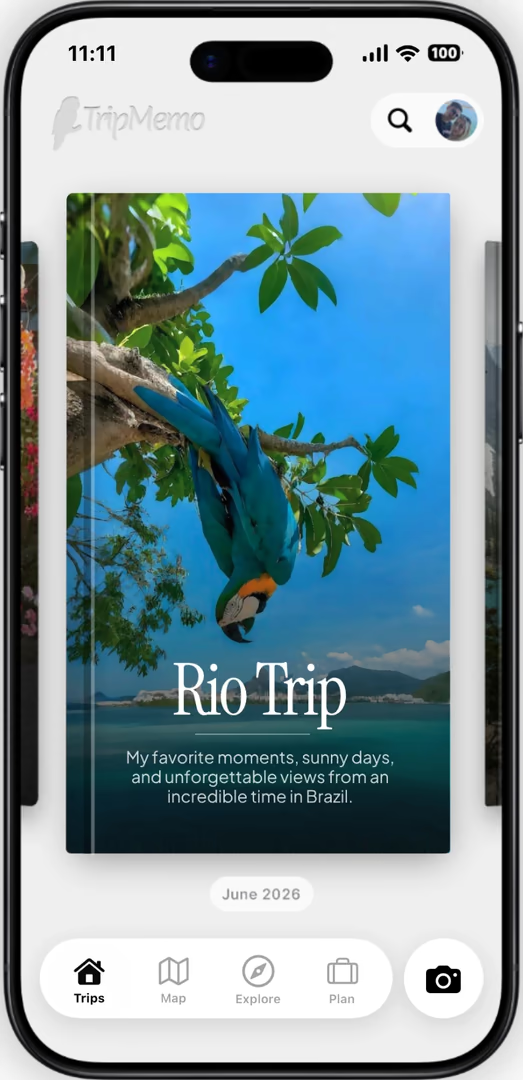





Shape the route.Keep every stop.
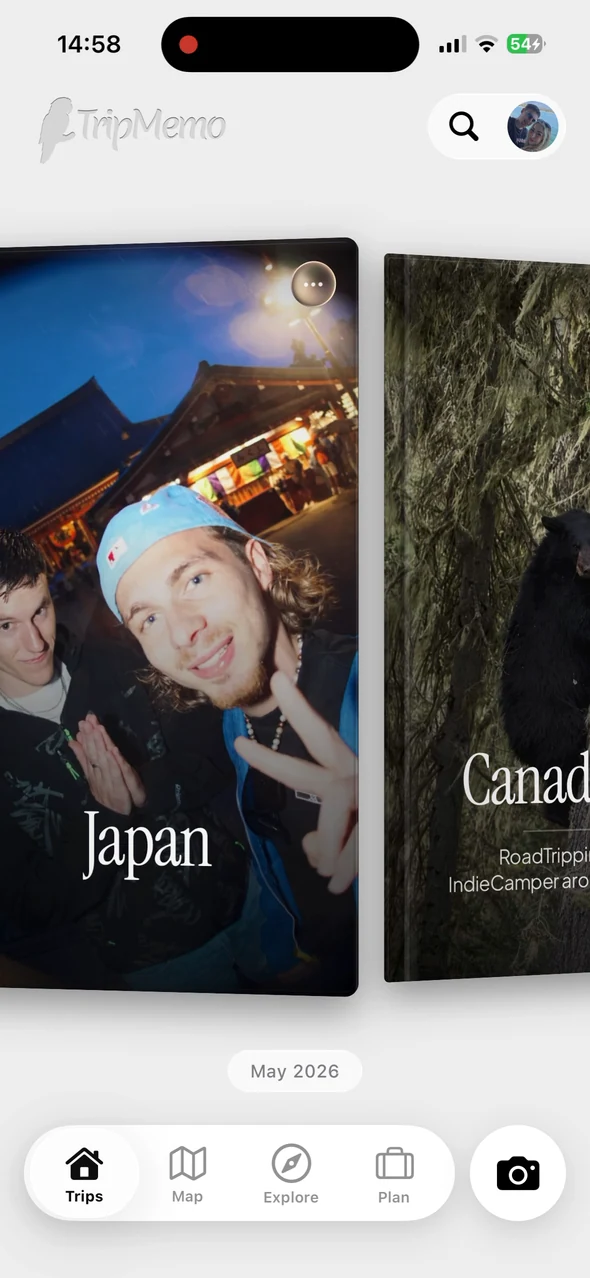
Road trip app for iPhone · works offline
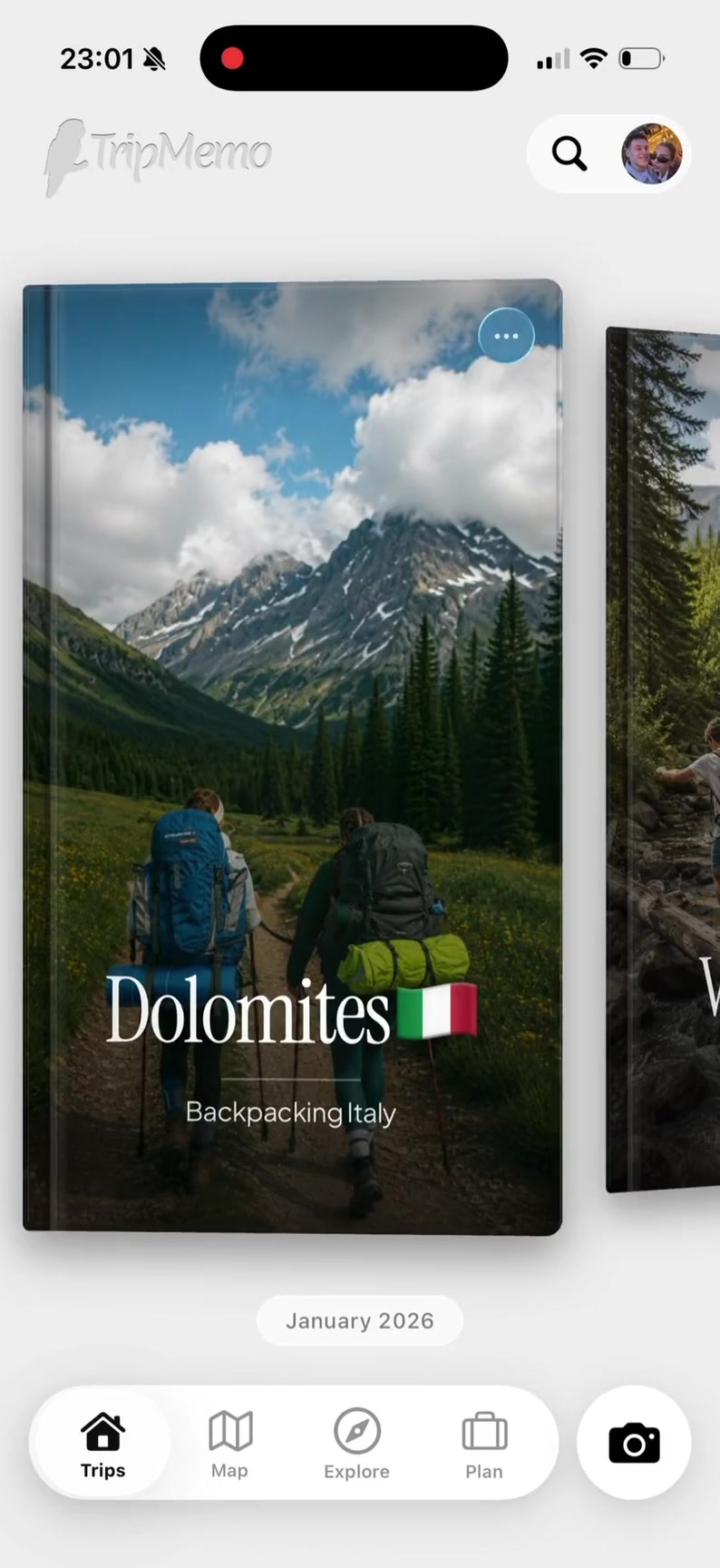
TripMemo turns the route, roadside stops, photos and stories from every drive into one day-by-day TripBook, online or off the grid.




Quick answer
The best road trip app depends on what you need. Use Google Maps, Apple Maps or Waze for live navigation. Use TripMemo to plan a road trip, map memorable stops, journal offline and bring every passenger's photos into one private, day-by-day TripBook.
Swipe through all four
Available for iPhone · Requires iOS 16.4 or later · Subscription options are shown in the App Store, checked 28 July 2026
App Store detailsCounting the states your road trips have taken you through? Create your visited US states map, then keep the photos and stories behind those stops in TripMemo.
Invite the driver, navigator and back seat to one TripBook. Everyone can add photos, notes and favourite stops, so the complete drive lives beyond the group chat.














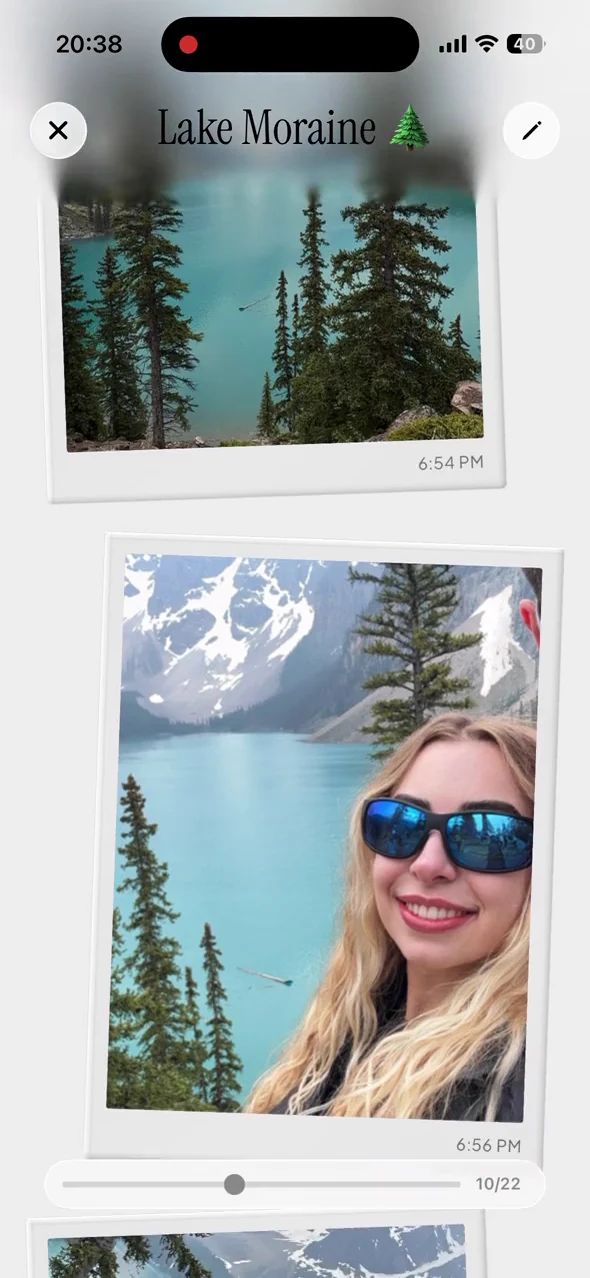
Travellers are using TripMemo to organise the camera roll, write down the details and give every journey a home they can return to.
Shape the route, capture roadside moments offline and bring every mile home in one story.
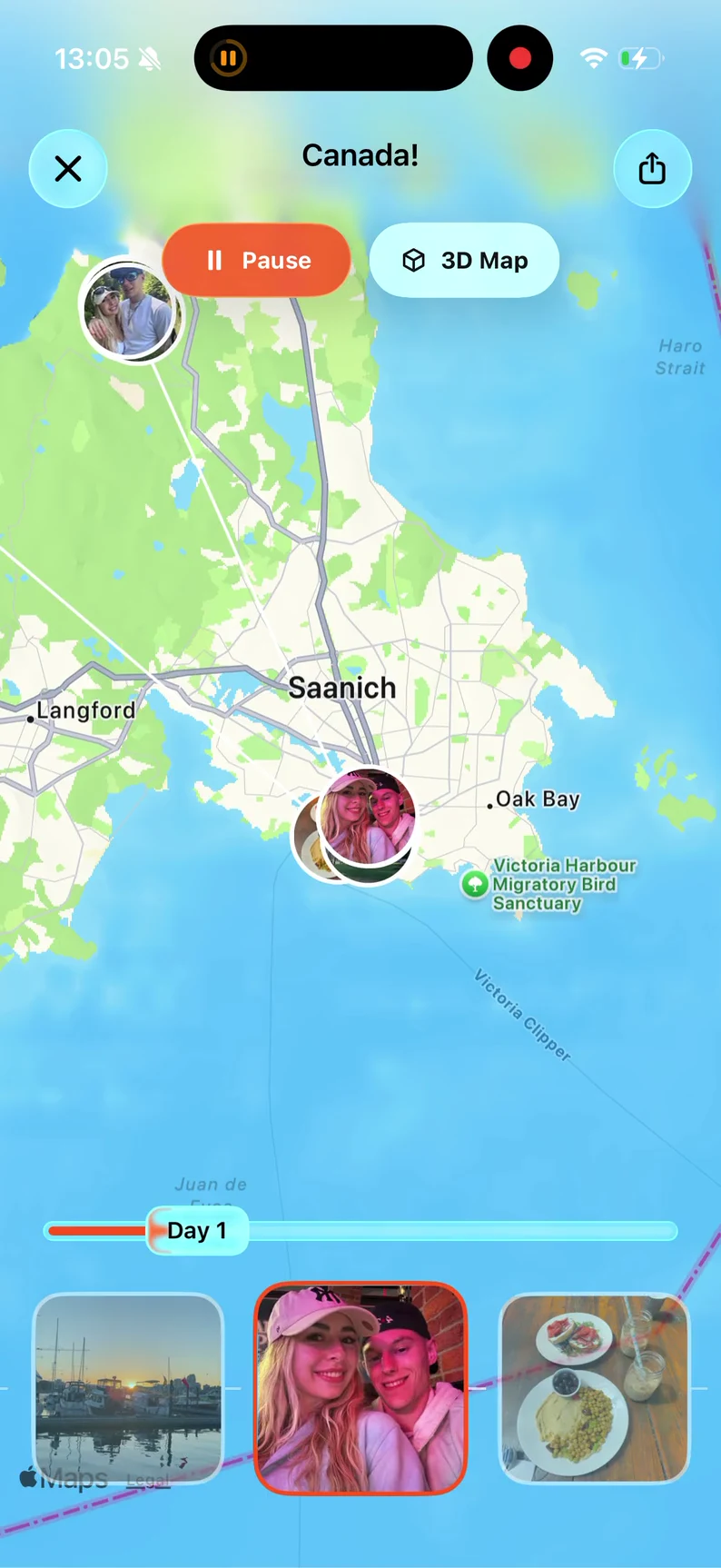
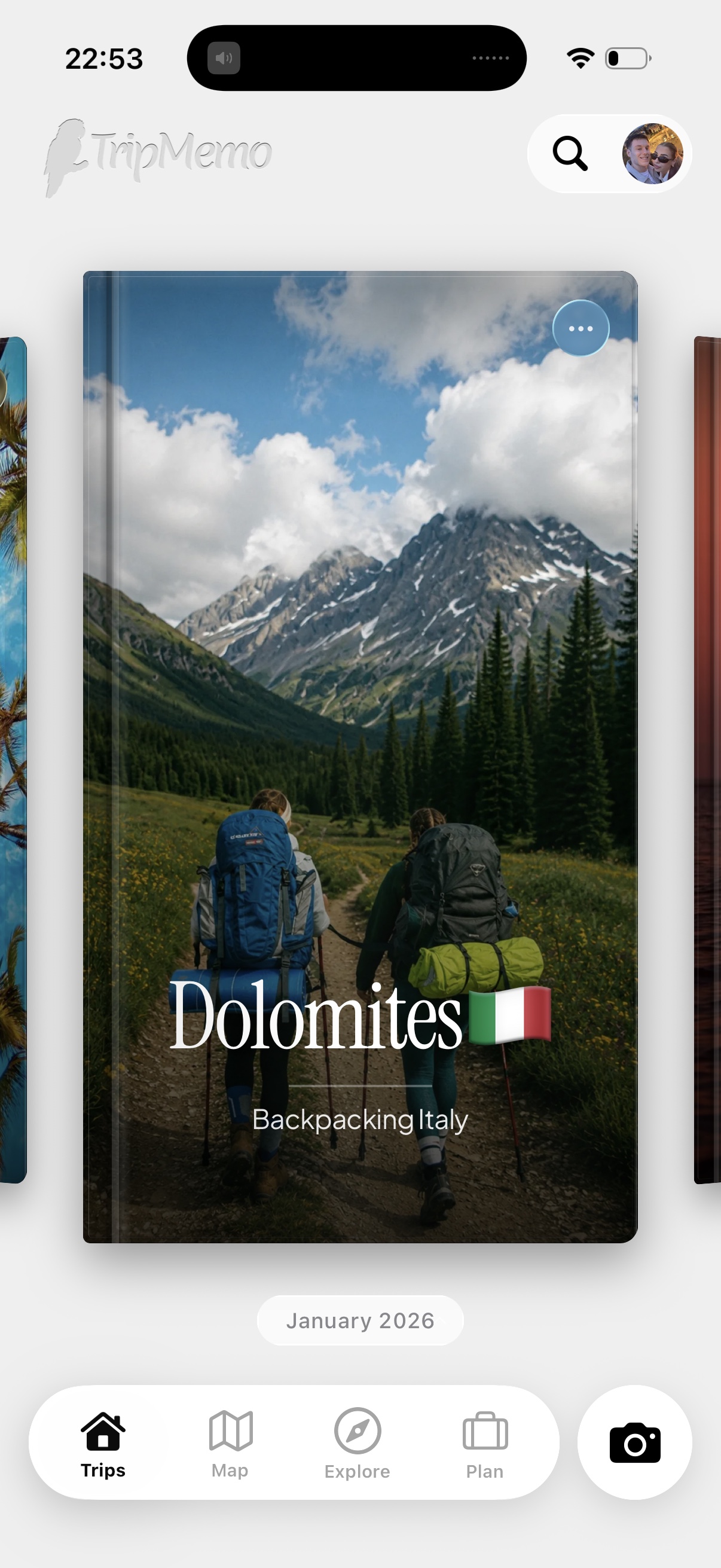
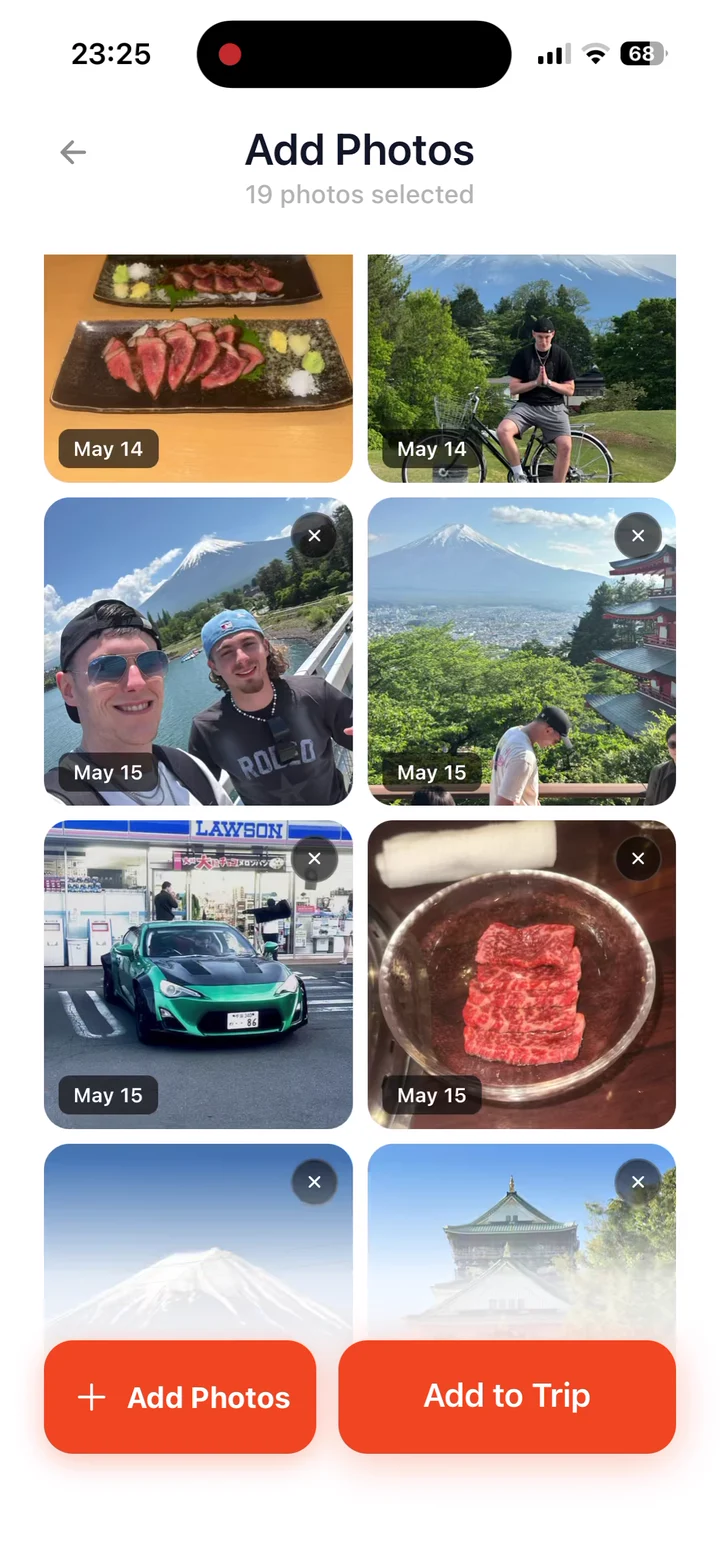
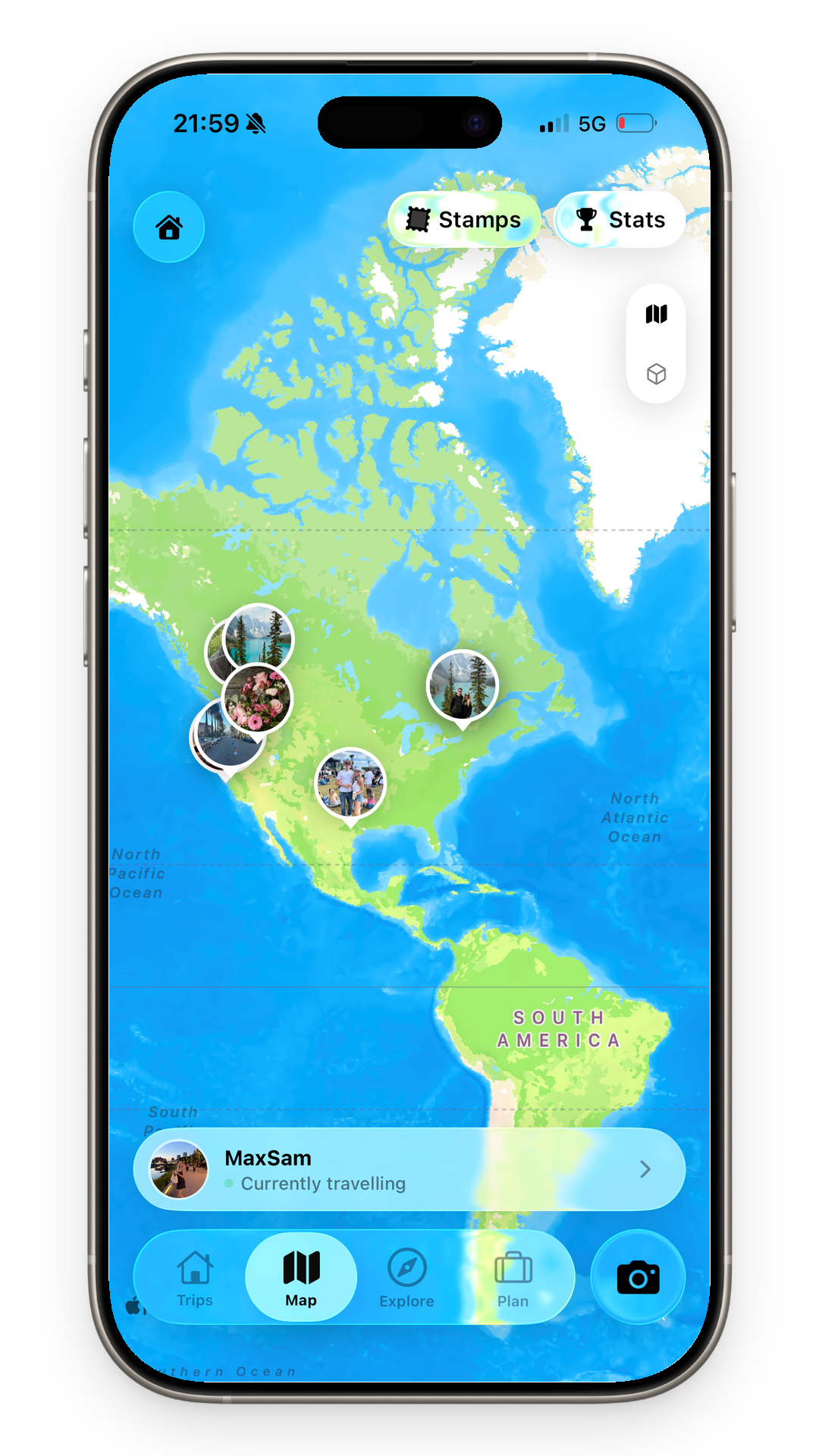
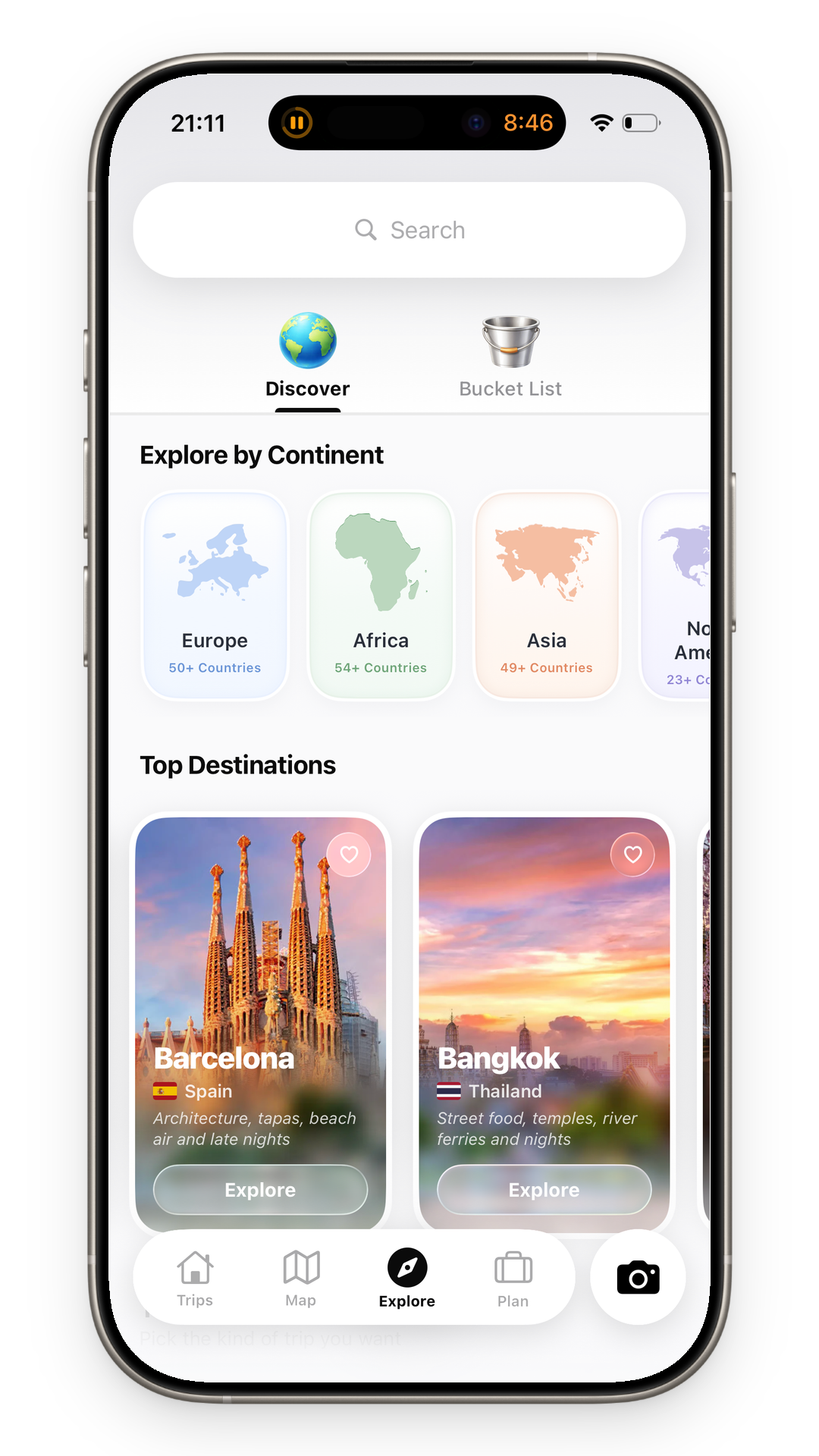
Plan the drive, capture every stop offline and keep the whole story.One road trip app for the route before, during and after.
Create a Road TripBookA good road trip app keeps the route, stops and stories connected, even when the signal drops and the plans change.

Scenic pull-offs, tiny diners and unexpected detours disappear into screenshots and half-finished notes.
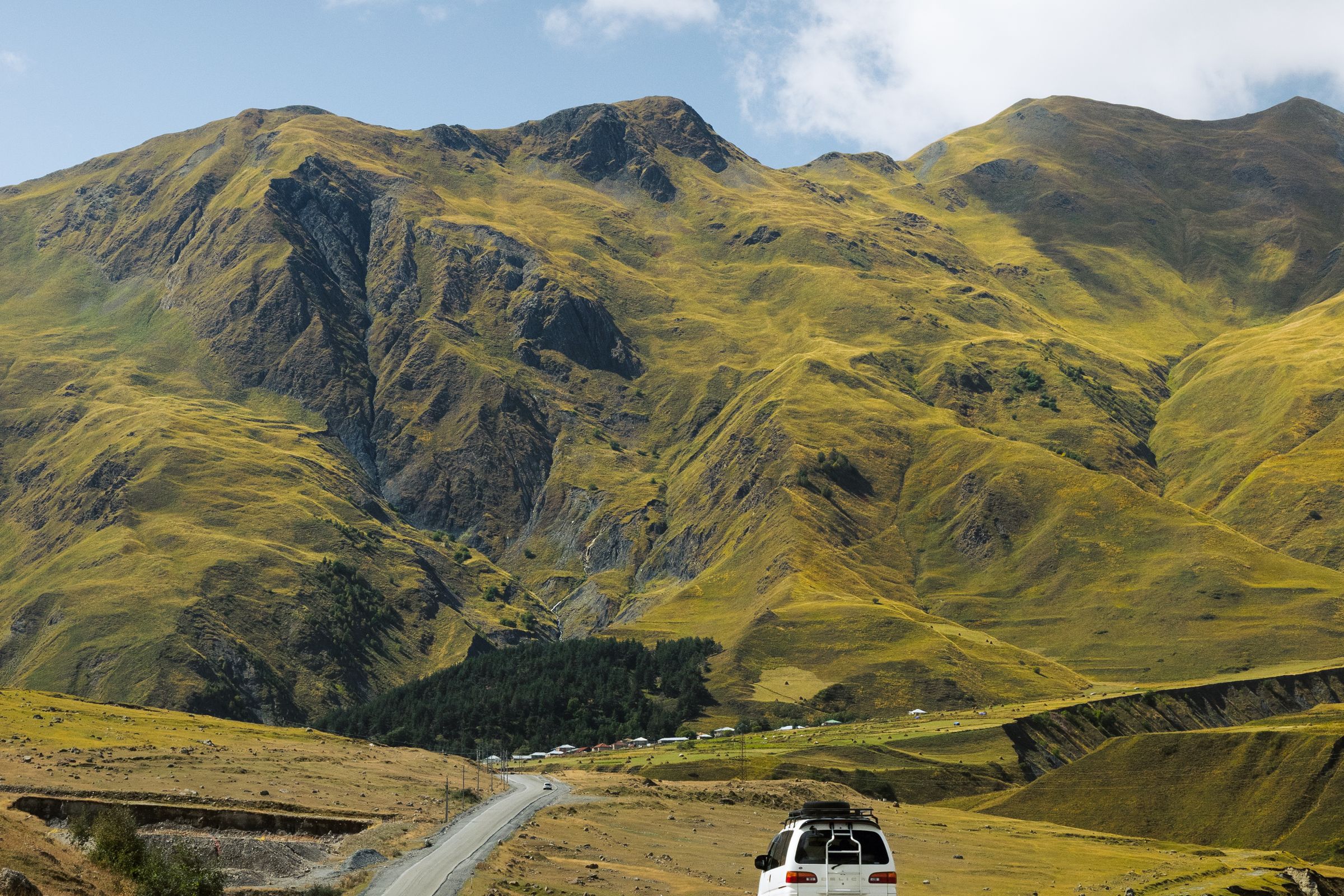
National parks, mountain passes and desert highways are where signal disappears—and memories happen.

Hundreds of road photos pile up with no place names, no context and no story connecting the miles.

The driver, navigator and back seat all capture a different version of the same adventure.
One open road. One complete TripBook.
Save the route, capture every stop offline and turn the miles into a story worth revisiting.
Road trip app comparison
Compare road trip apps by the job they do. The strongest setup pairs a live navigation app with TripMemo for flexible planning, mapped memories and the story behind each stop.
| Feature | Notes | Albums | Maps | TripMemo |
|---|---|---|---|---|
| Route and stop planning | Manual lists | Not its purpose | Core function | Editable itinerary |
| Day-by-day road journal | Manual | Photo timeline | Not its focus | TripBook pages |
| Photos + written stories | Possible | Captions | Place notes vary | Combined |
| Works in dead zones | Device-dependent | Local photos | Needs downloads | Offline capture |
| Shared passenger input | Shared notes | Shared albums | Shared lists vary | Collaborators |
| Bulk upload after the trip | Manual | Core function | Not its focus | Auto-sorted |
| Private trip sharing | Shareable note | Album link | Route or list link | TripBook link |
| Map + memories together | Manual | Location view varies | Saved places | Memory map |
Swipe sideways to compare every column
| Feature | Notes App | Photo Album | Map App | TripMemo |
|---|---|---|---|---|
| Route and stop planning | Manual lists | Not its purpose | Core function | Editable itinerary |
| Day-by-day road journal | Manual | Photo timeline | Not its focus | TripBook pages |
| Photos + written stories | Possible | Captions | Place notes vary | Combined |
| Works in dead zones | Device-dependent | Local photos | Needs downloads | Offline capture |
| Shared passenger input | Shared notes | Shared albums | Shared lists vary | Collaborators |
| Bulk upload after the trip | Manual | Core function | Not its focus | Auto-sorted |
| Private trip sharing | Shareable note | Album link | Route or list link | TripBook link |
| Map + memories together | Manual | Location view varies | Saved places | Memory map |
Discover & plan
Save the drives, shape the days, then keep every stop and story.
Road trip planner + travel journal
TripMemo combines a flexible road trip planner with an offline travel journal. Save route ideas and stops, then add photos, places and notes while the drive unfolds. Everything becomes one day-by-day TripBook instead of scattered screenshots, albums and messages.
It complements navigation apps rather than replacing them. Use live maps for directions; use TripMemo to remember why a roadside diner, overlook or unplanned detour mattered.
Compare the best road trip apps, then get more from the drive with our road trip journaling guide, play road trip bingo, or browse the broader travel journal app.
Road Journaling Tips
Make the most of your travel memories with these practical journaling strategies.
The overlook, tiny diner and roadside oddity often become the best story. Add a quick place pin and one line while the detail is fresh.
Do not wait for signal. Capture the moment in national parks and dead zones, then let TripMemo sync further down the road.
Invite the whole car so the driver, navigator and back seat can contribute their own photos and version of the day.
Record the soundtrack, best meal, funniest wrong turn or view you would drive back for. Specific details make the route come alive.
Field-tested ideas for planning the drive, entertaining the car and turning fleeting stops into memories worth keeping.
Planning guideBuild a realistic route around anchor stops, comfortable drive days, overnight plans and offline backups.
Featured guideA practical system for capturing the route, the tiny stops and the stories that happen between destinations.
 Passenger game
Turn passing landmarks and roadside oddities into an easy game for the whole car.
 Conversation game
Funny, revealing questions that make the miles disappear and get everyone talking.
App comparisonCompare navigation, route planning, offline maps, tracking and road trip journals by the job each one does.
AlternativesFind a better fit for free planning, Europe, offline maps, campervans, tracking or travel memories.
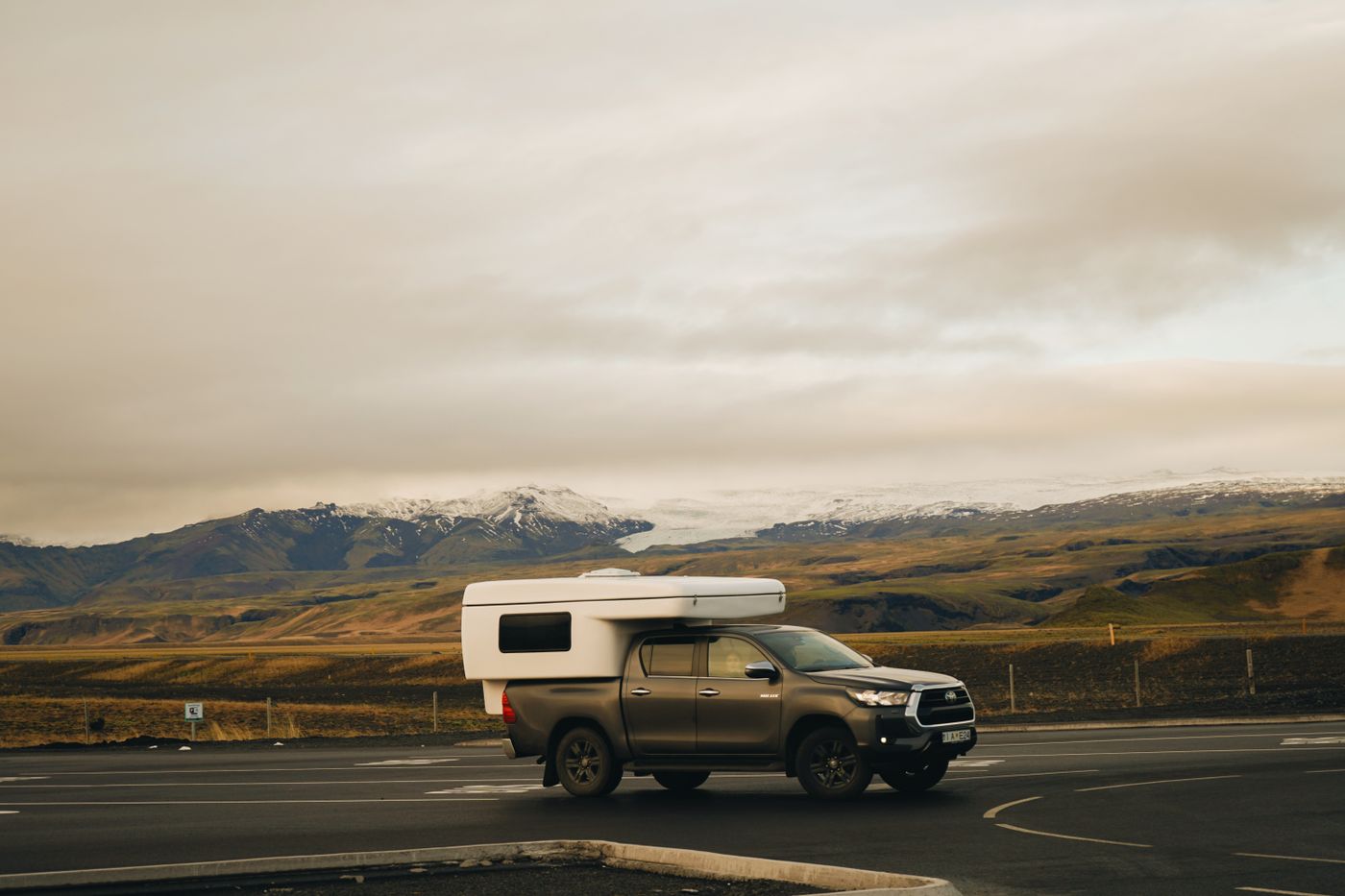
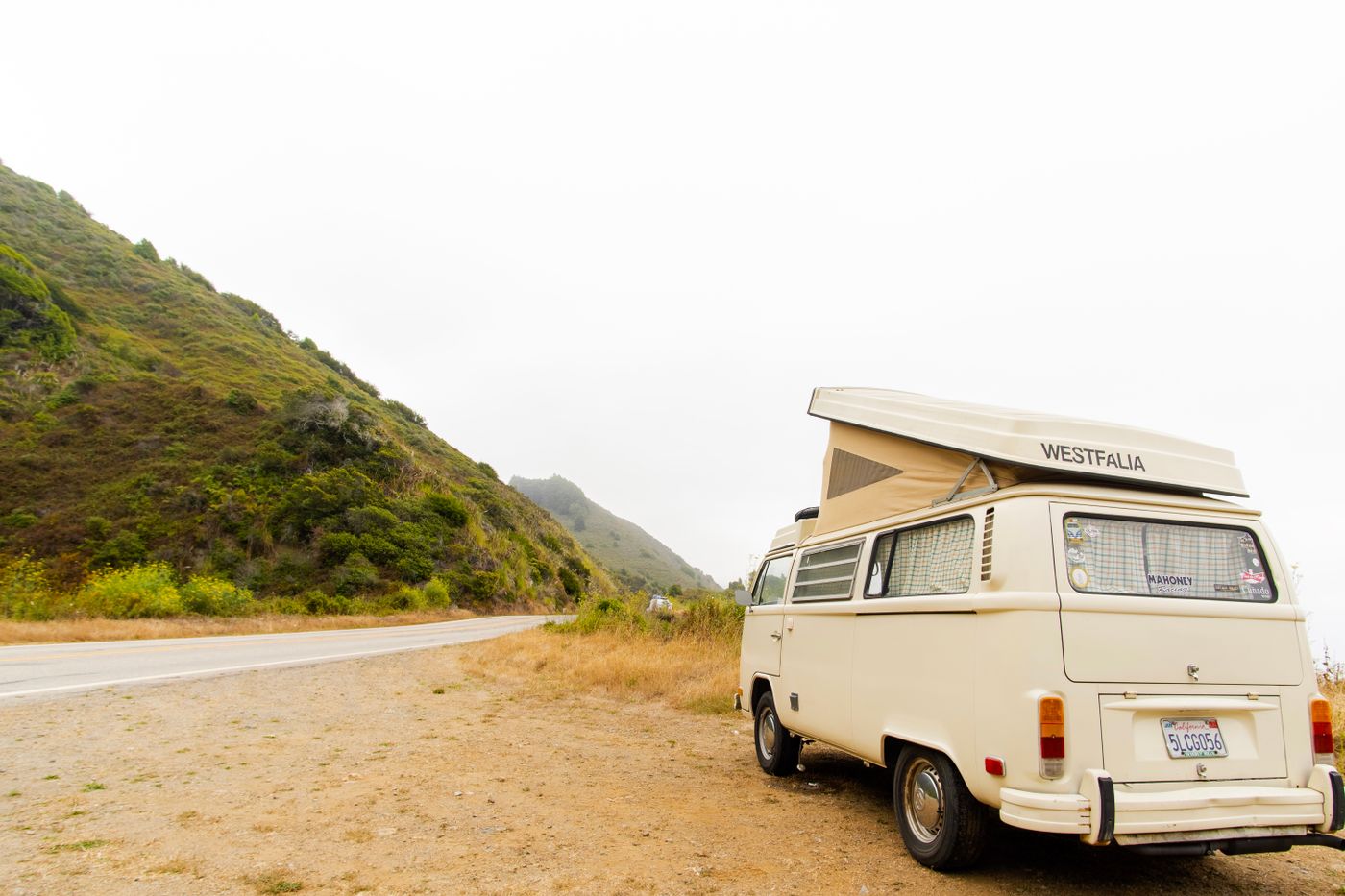
Campervan travelPlan flexible stretches, journal offline and keep campsite photos, places and road notes in one TripBook.
Tracker guideChoose between automatic route tracking, personal location history and intentional memory maps.
FAQ
Research note
Product availability, platform support, pricing, plan limits and features can change. We verified this page against the first-party product and support sources linked throughout on 28 July 2026. Check the relevant official source before purchasing, travelling offline or relying on a tracking feature. Prices may vary by country, currency, taxes, promotions and billing platform.
Turn travel photos into books you'll actually look back on.



%20copy%202.webp)
%20copy%203.webp)