

















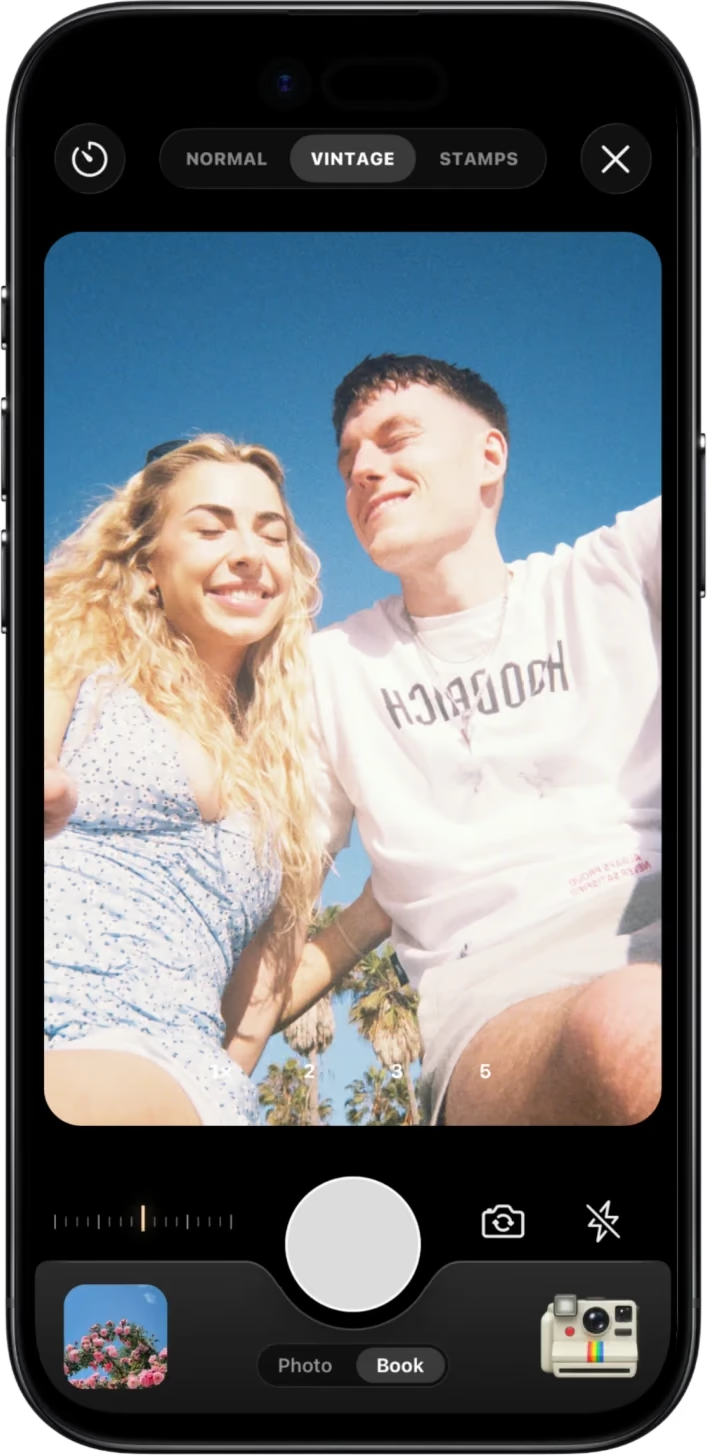
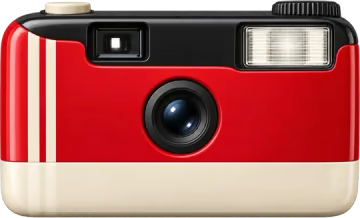
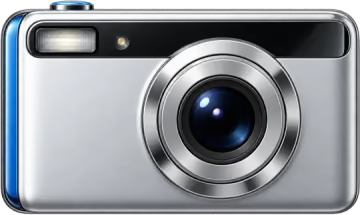
Vintage Cam
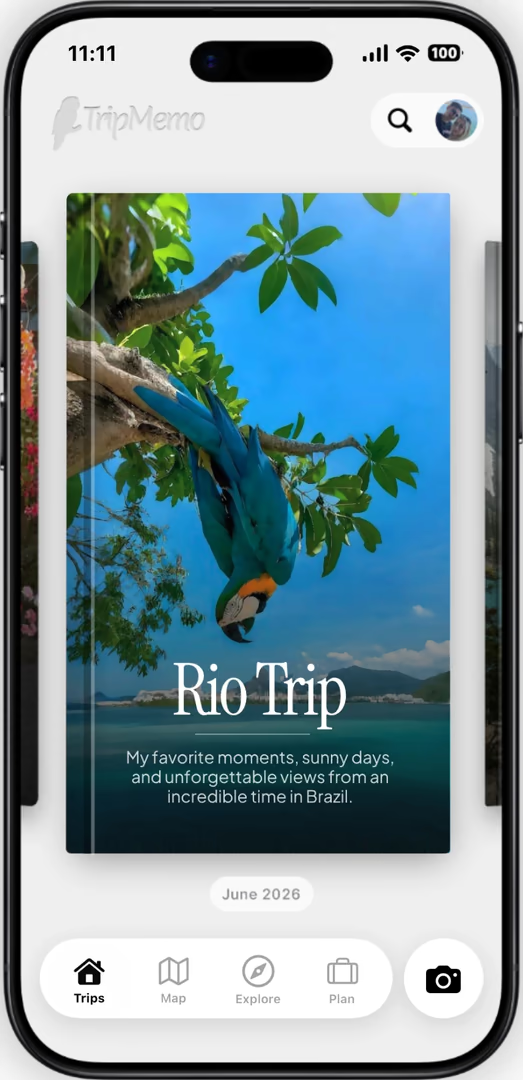
Plan your adventures and keep your travel memories with TripMemo for iPhone. Create a personalised photo book on the website or in the app.Plan and track with TripMemo for iPhone. Create photo books on the web or in the app.
With TripMemo you can
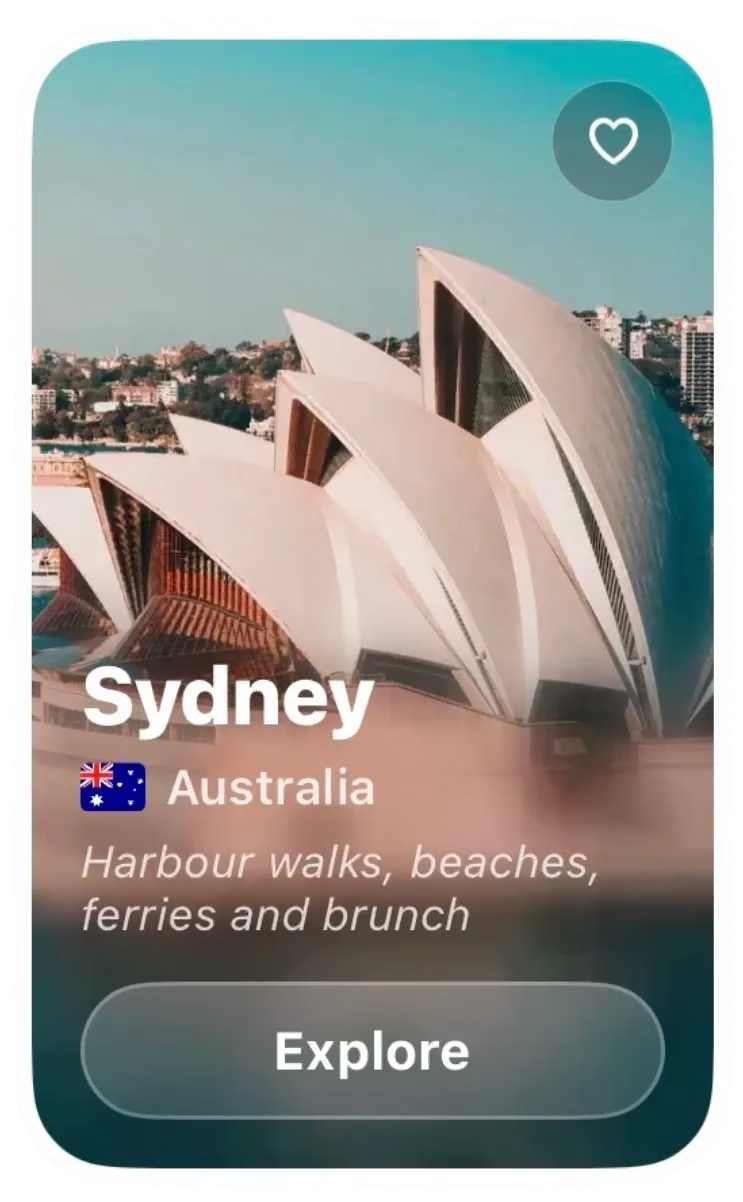
Browse destination guides by continent and save the places you want to see next.
Keep upcoming trips and the places you saved from TikTok and Instagram together, ready to plan.
See every trip on a 3D map drawn from your photos, and record your route as you go if you want to.
Send one link anyone can open in a browser, or invite everyone on the trip to fill the same book.
Create and order a travel photo book on our website or in the iPhone app. Choose hardcover, softcover or layflat, with a cover for your trip.


Add photos and they fall into place, day by day, with a caption for each one so you remember why it mattered.
More about TripBooksAdd journal notes between your photos, or record a voice note that is transcribed on your iPhone. The stories stay with the trip, even with no signal.
More about TripBooksYour TripBooks are pinned to the places they happened on one world map, each one marked with a photo from the trip.
See the travel map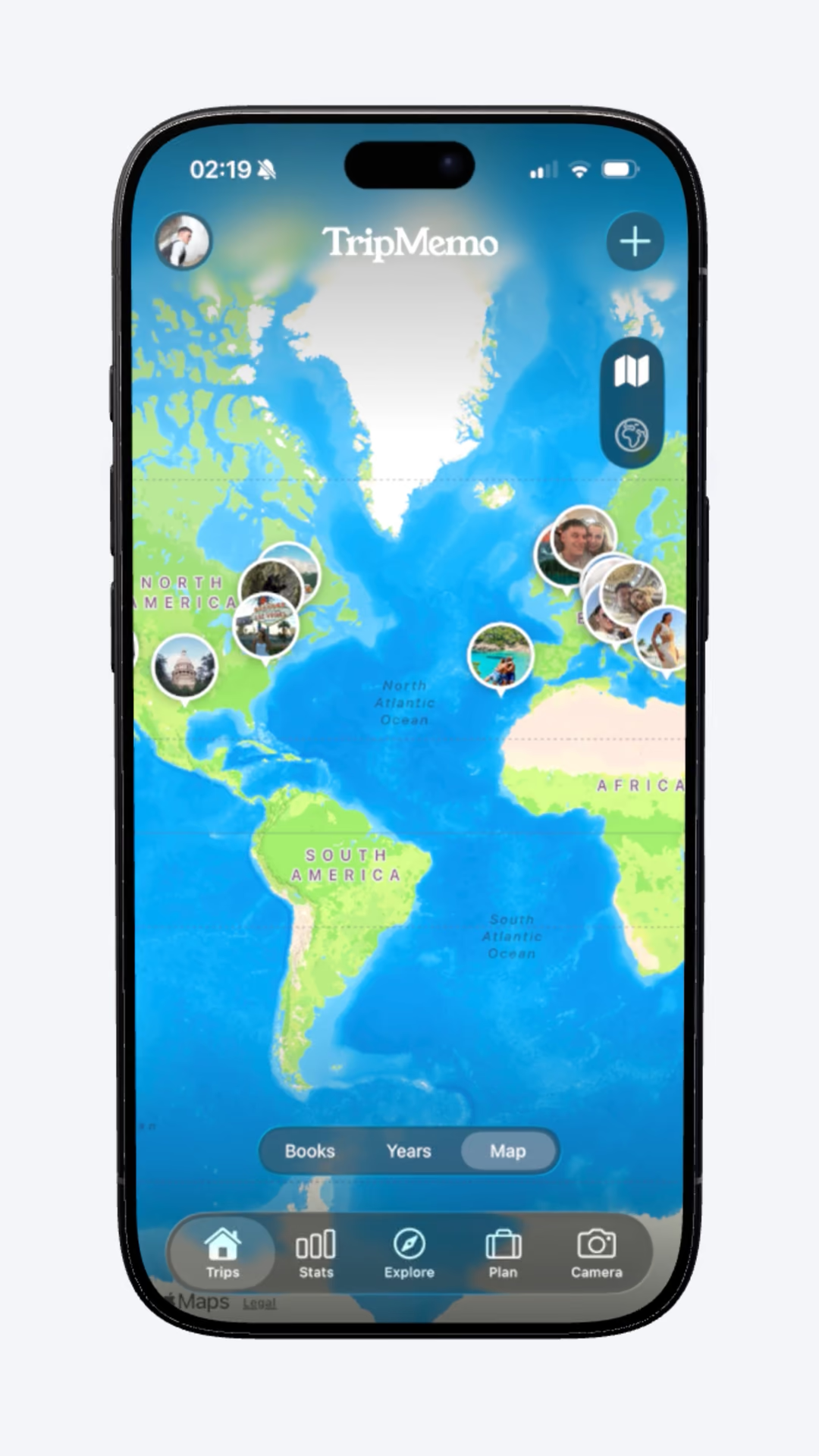
Invite the people you travelled with. Everyone adds their own photos and notes to the same TripBook, in real time.
How collaborating worksSend a link anyone can open in their browser, with no app or account. Or turn the trip into share cards for your Stories, with your photos, route and dates laid out.
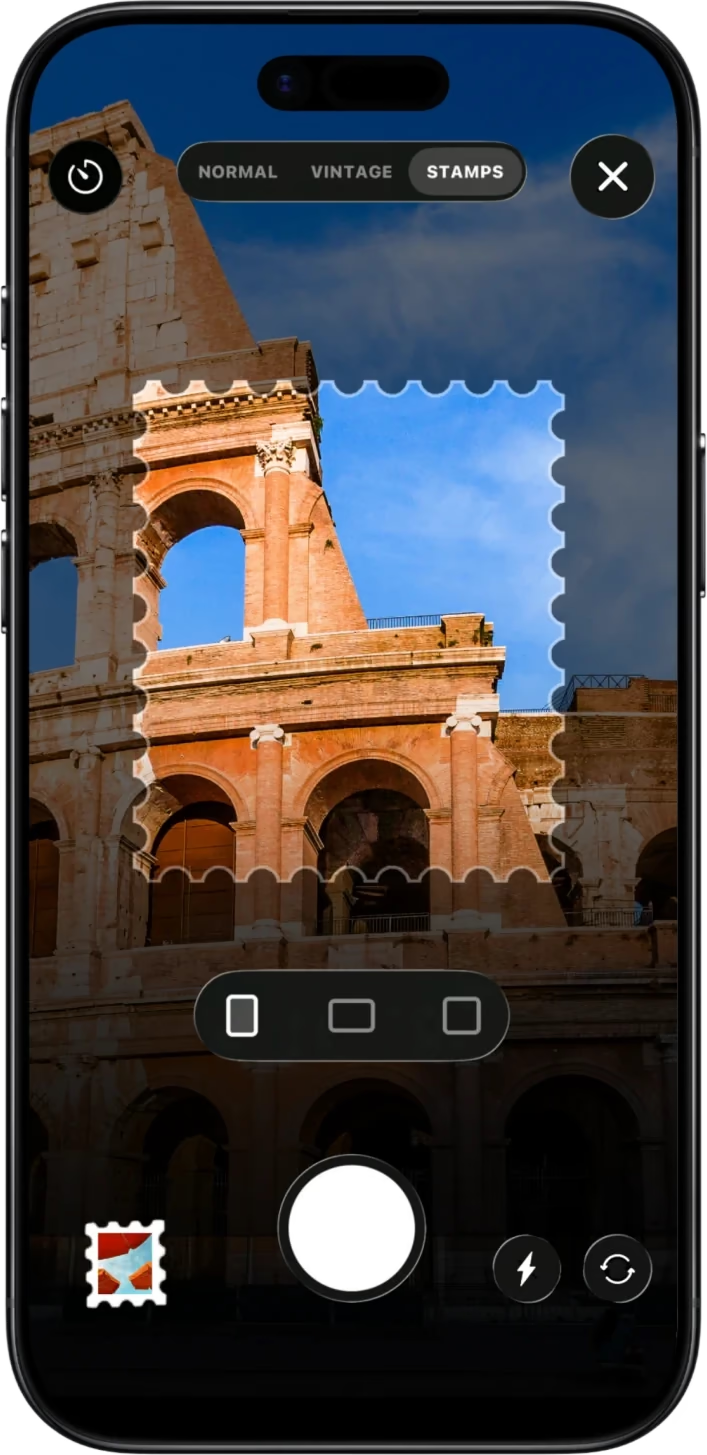
How sharing worksTwo cameras made for the road, your world in numbers, widgets for your Home Screen and every place you saved from social media.




TripMemo traces your route as you travel and counts your steps every day, then plays the whole trip back on the map.
See route tracking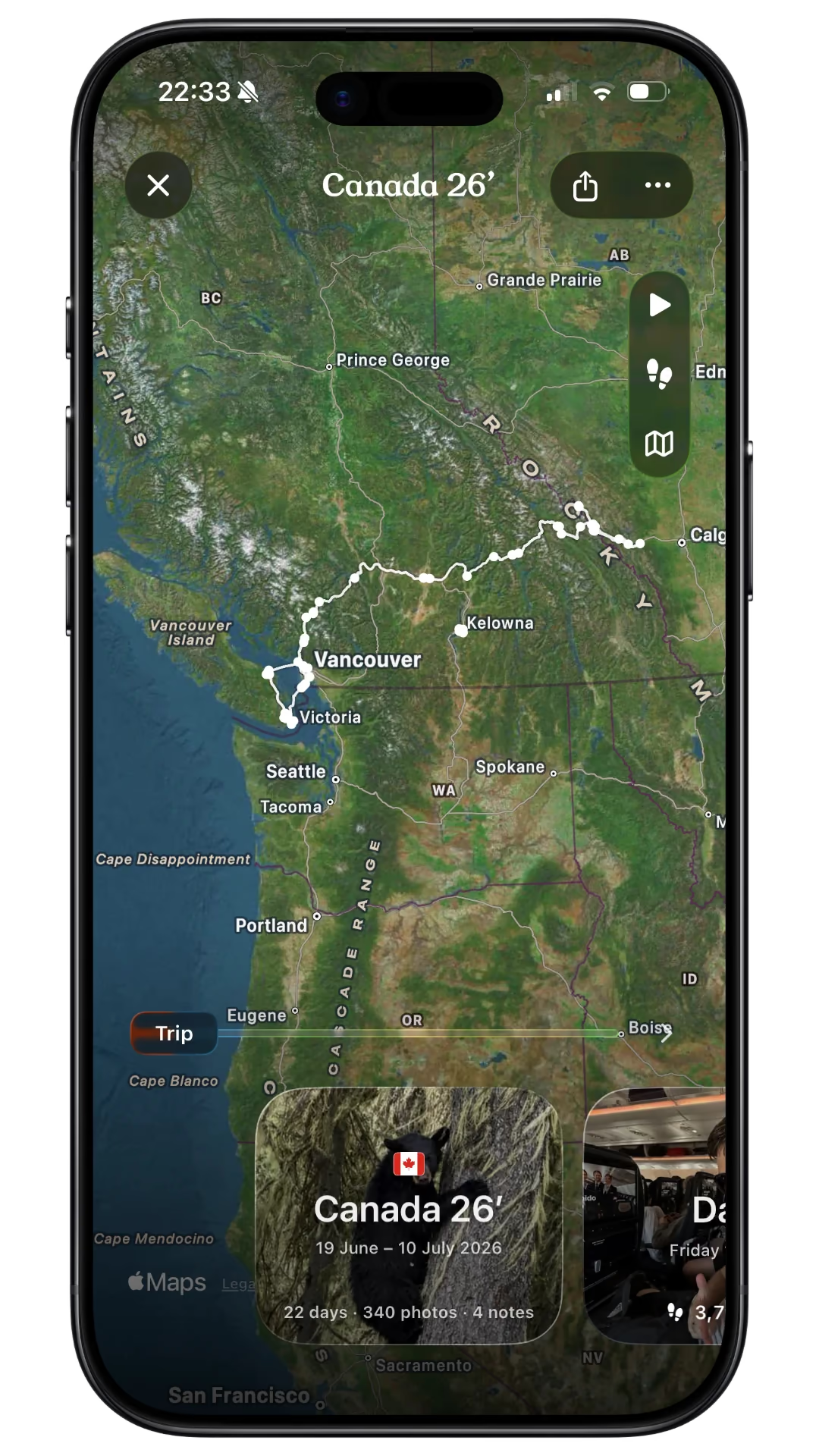
12,203 daily average
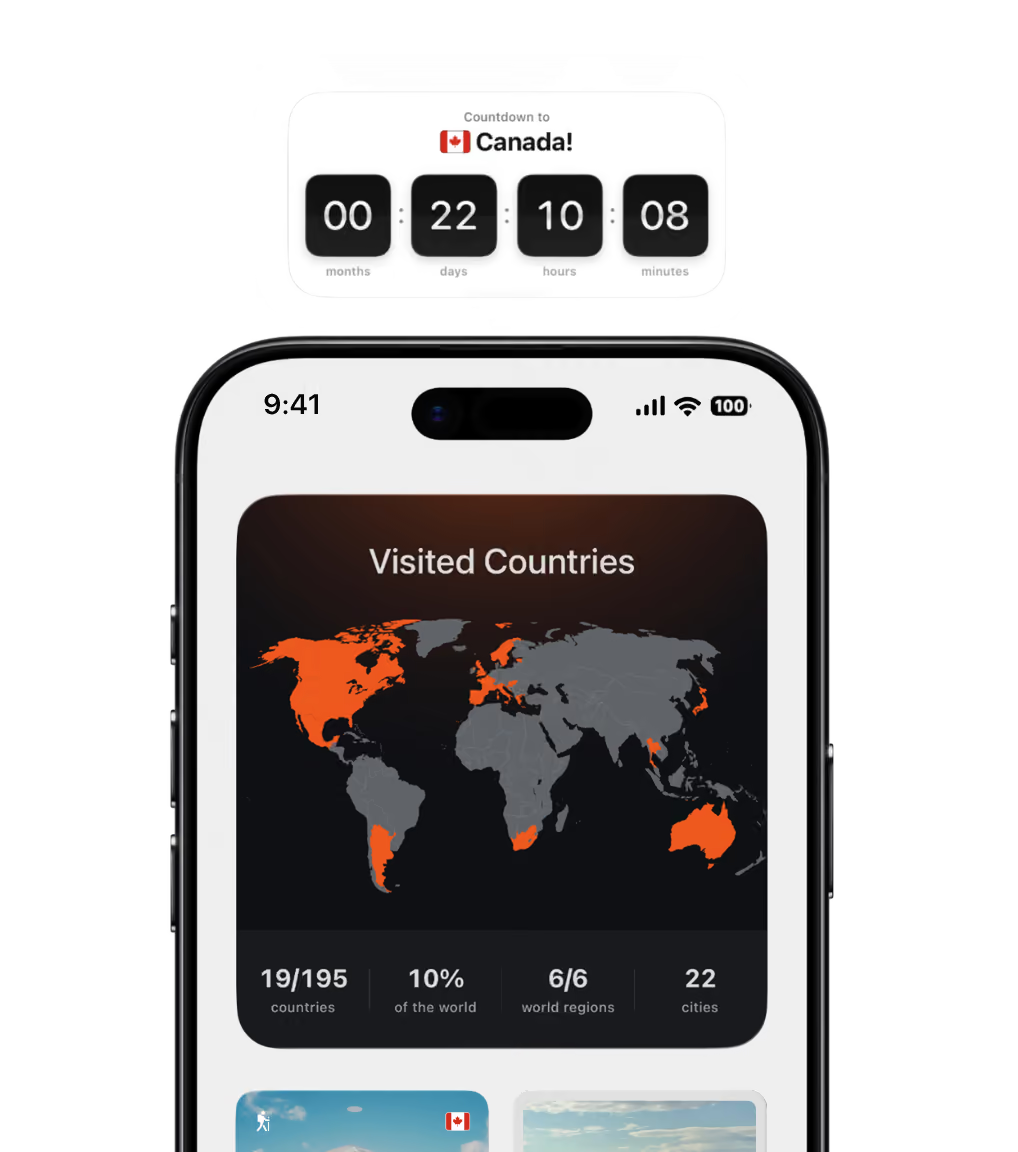
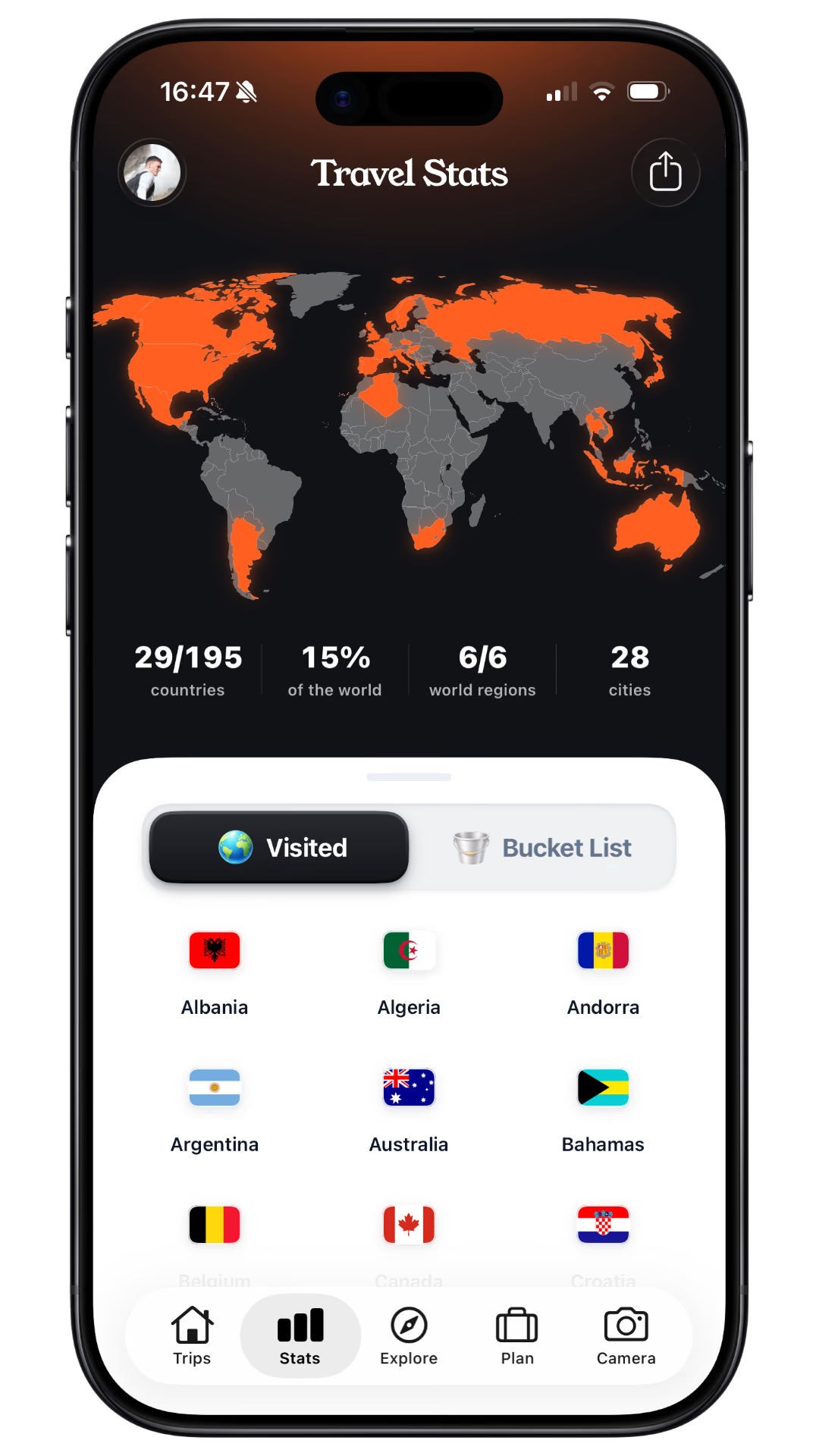
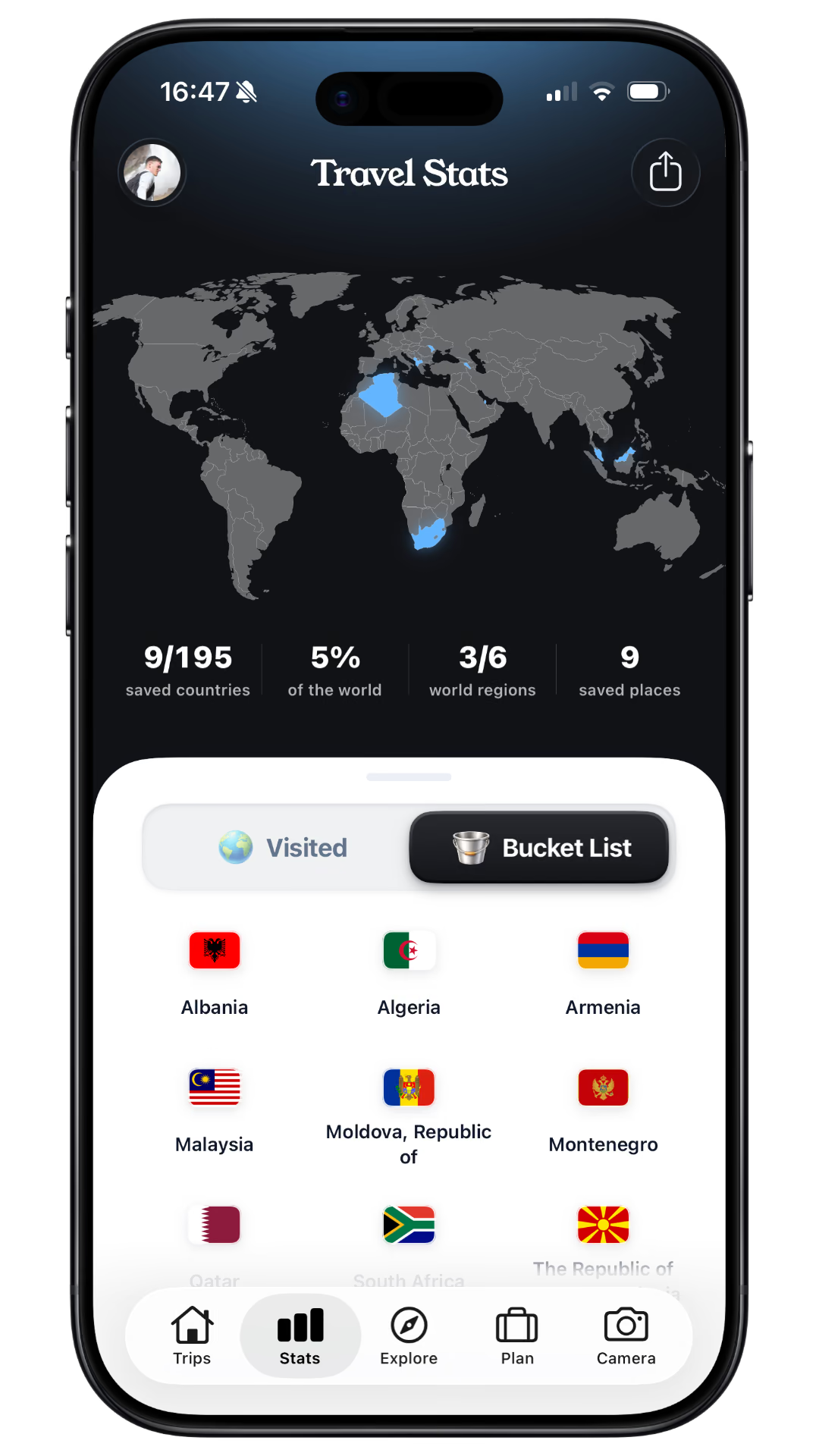
Every country you have been to lights up orange. Keep a bucket list of the rest in blue.
Turn your travel photos into a trip recap
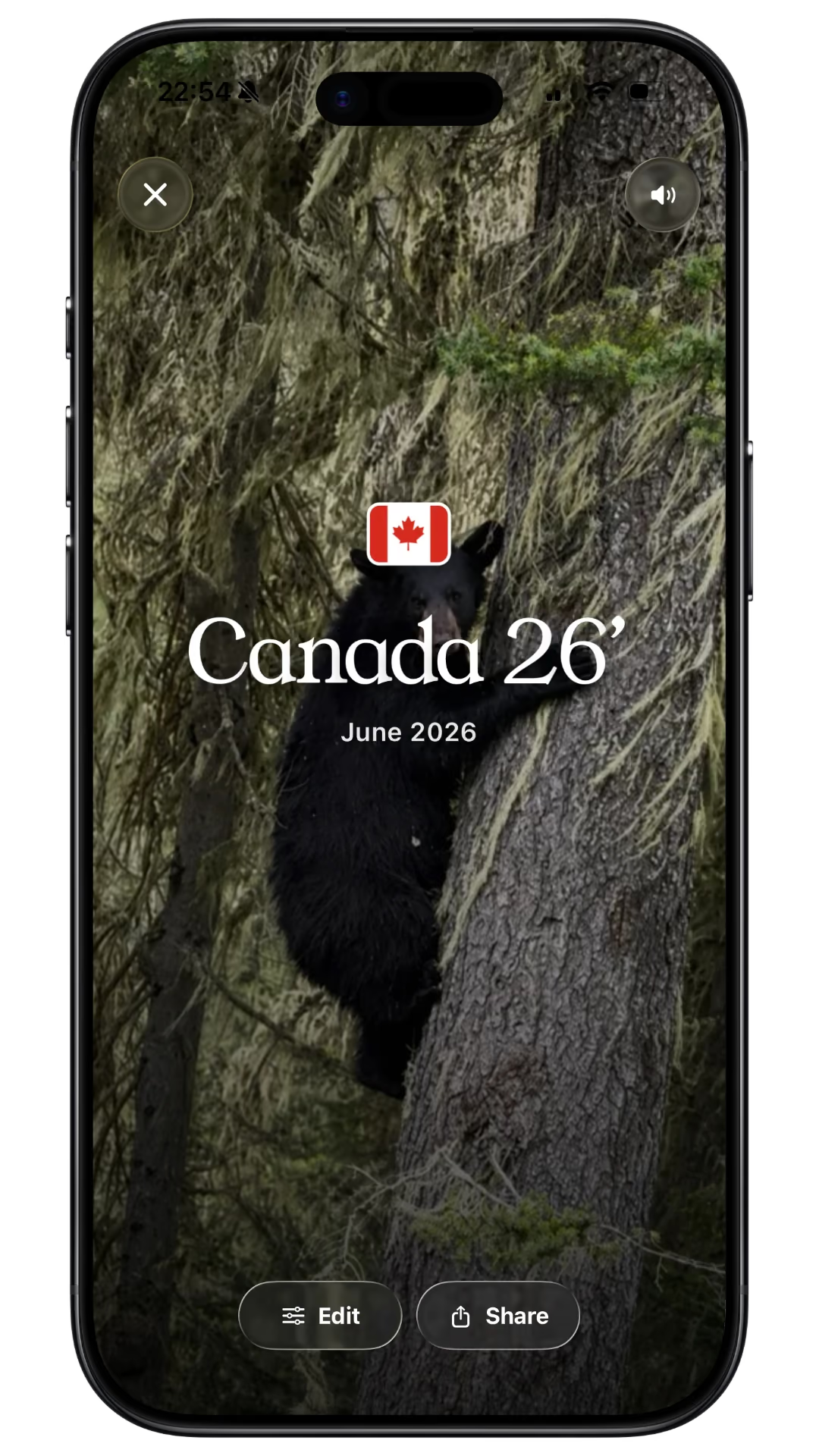




Create a personalised travel photo book on our website or in the iPhone app. Choose from 717 illustrated covers, then make it yours.













Explore the iPhone app and learn how to create travel photo books on our website or in the app.
TripMemo helps you plan, track and remember your travels with an iPhone app, and turn your photos into printed travel photo books. In the app, keep your photos, notes and routes together in digital TripBooks. Create and order a printed photo book on our website or in the iPhone app.
Yes. TripMemo looks at when and where the photos in your library were taken, finds the trips in them, and turns each one into a TripBook with its own cover. Trips can stay private on your iPhone until you choose to share them.
Yes. Send a link and anyone can flip through your TripBook, with its photos, captions, notes and route, in their browser, with no app or account. You can also invite the people you travelled with to add their own photos to the same book.
In the TripMemo iPhone app, tell us where you are going to build a day-by-day plan of real places, checked on Apple Maps, with travel times, closures and holidays worked out. You can also save places you find on TikTok and Instagram and plan around them.
Yes. In the iPhone app, keep adding photos and notes on flights and in remote places. Everything syncs when you are back online.
Yes. Create and order a personalised travel photo book on the TripMemo website or in the iPhone app. Choose hardcover, softcover or layflat, pick an illustrated destination cover or use your own photo, and preview your pages before ordering. We deliver worldwide.
No. You can create and order a printed photo book directly on our website. Choose a cover, add your travel photos and personalise your pages in the online print studio. You can also create and order photo books in the TripMemo iPhone app.
The TripMemo app is available for iPhone on the App Store. If you use Android, you can create and order printed travel photo books through our website in your browser.