Save from Social Media
TripMemo for iPhone brings your saved travel inspiration together. Save Instagram Reels, TikTok videos, Safari pages and X posts, add personal notes and see saved places on a map. That little restaurant. The hotel with the view. Keep the ideas you can’t stop thinking about, ready for your next trip.
.webp&w=96&q=75&dpl=dpl_8rfq4W9dyXsDTL7JRYsC2GrNn4WF)
Found it? Save it.
See somewhere you'd love to go? Share from Instagram, TikTok, Safari or X and choose TripMemo. Your inspiration goes straight into your saved items, ready for the next time you're thinking about a trip.
See saved places on the map
That café looks perfect, but where is it? See your saved place on the map and work out how it fits into the area you want to explore.
Add notes to your saved places
Make a note of what caught your eye, what to order or when to visit. Keep your own tips alongside each saved idea, so when it’s time to plan, you remember exactly why you wanted to go.
How it works
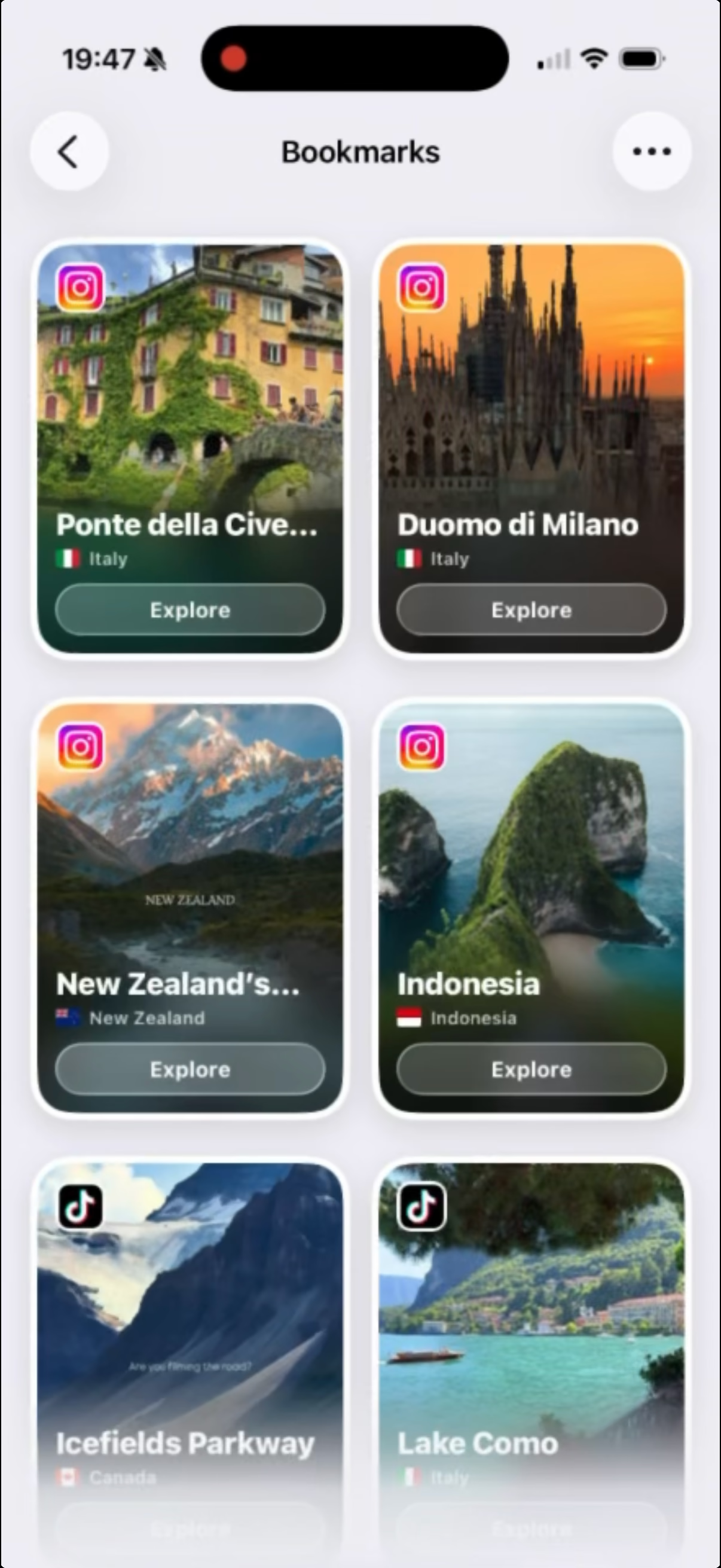
On your iPhone, share a video, post or web page to TripMemo, add an optional note, then find it in Plan under Bookmarks.
Ready to plan with your saves? Read our guide to turning TikToks and Instagram Reels into a travel itinerary.
Find something worth saving
Open Instagram, TikTok, X or Safari on your iPhone and choose the video, post or page you want to save.
Tap the share icon
Open the sharing options for the content you’ve chosen.
Tap Share to
Choose “Share to” to open your iPhone’s sharing options. Some apps take you straight there.
Choose TripMemo
Find TripMemo in the row of apps and tap it.
Add a note (optional)
Jot down why you saved it, what to try or a detail you don’t want to forget.
Find it in TripMemo
Open Plan in TripMemo and look for Bookmarks. Your saved item is there with your note, ready to revisit.
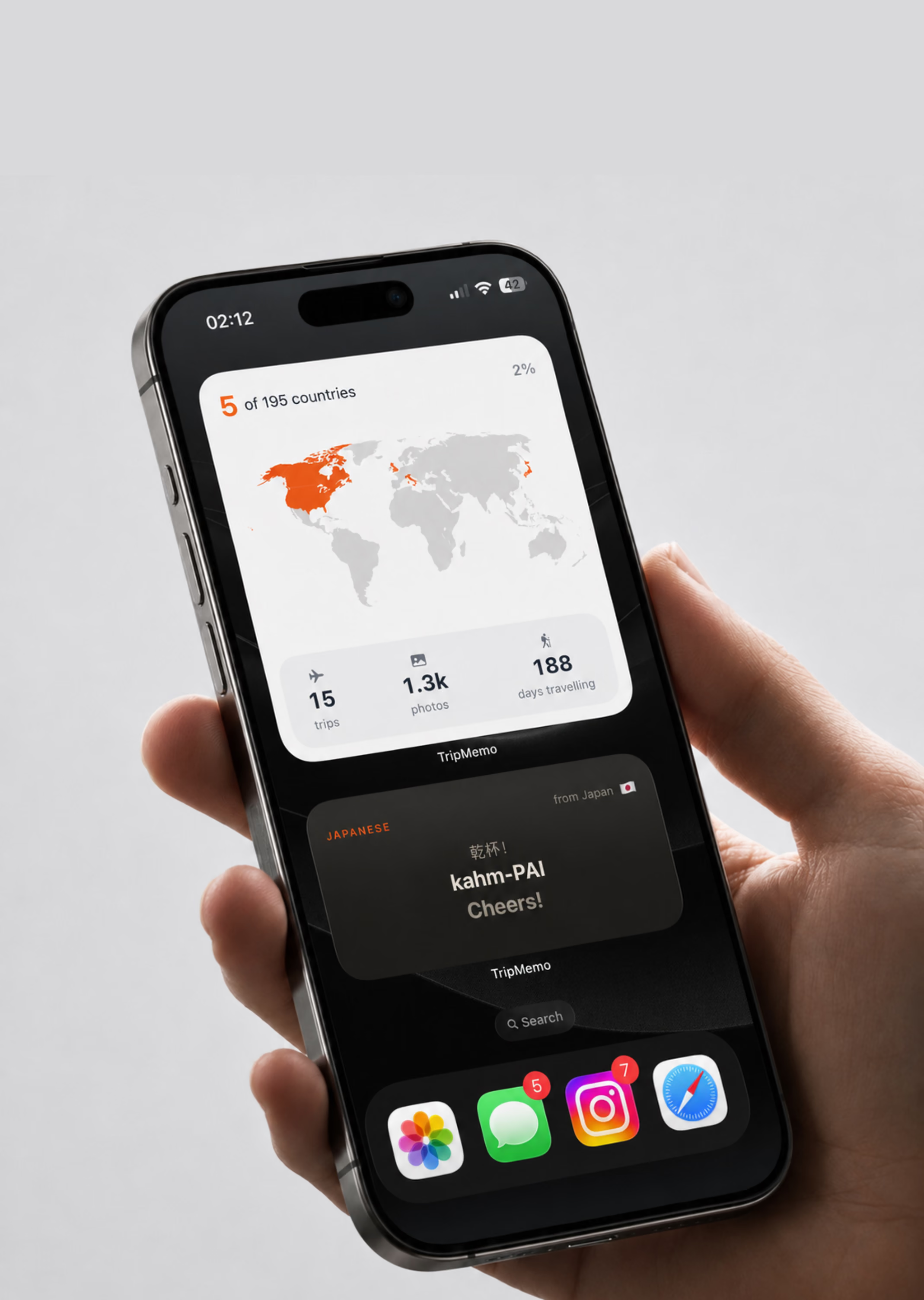
More Features in the TripMemo App.avif&w=3840&q=75&dpl=dpl_8rfq4W9dyXsDTL7JRYsC2GrNn4WF)
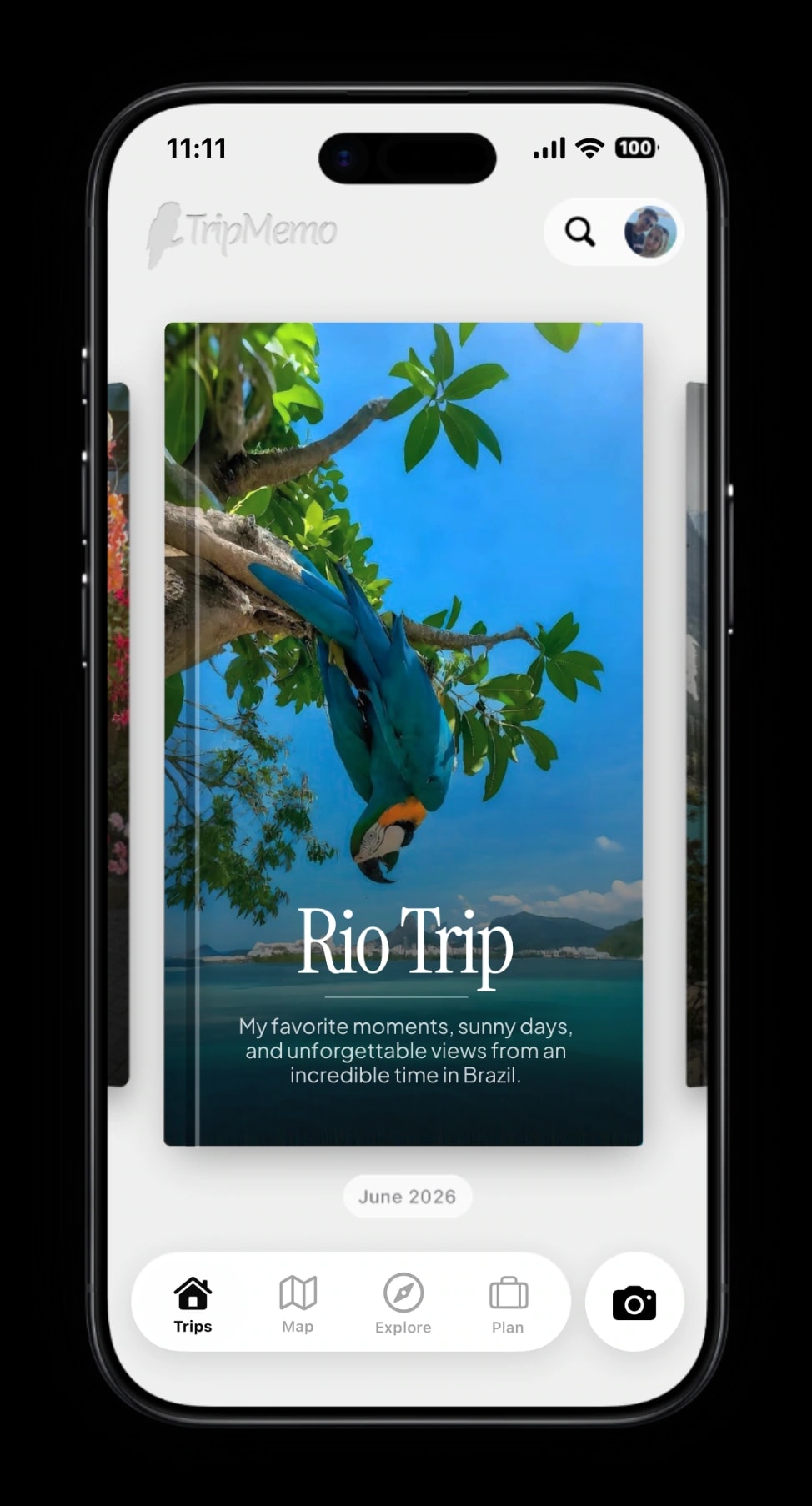
TripBooks
Turn your trip into a book of memories.
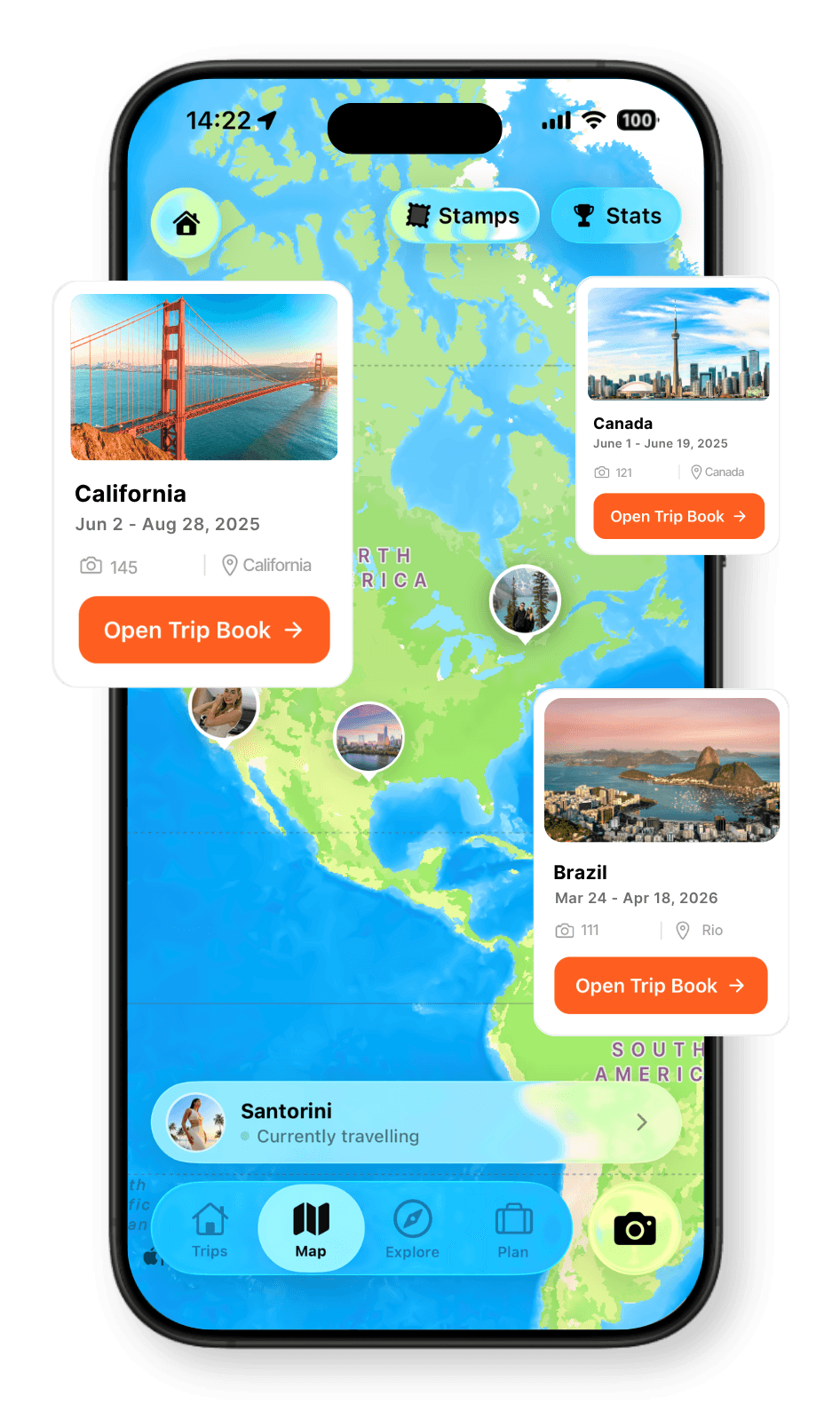
Travel Map
Every place, every memory, together on your map.
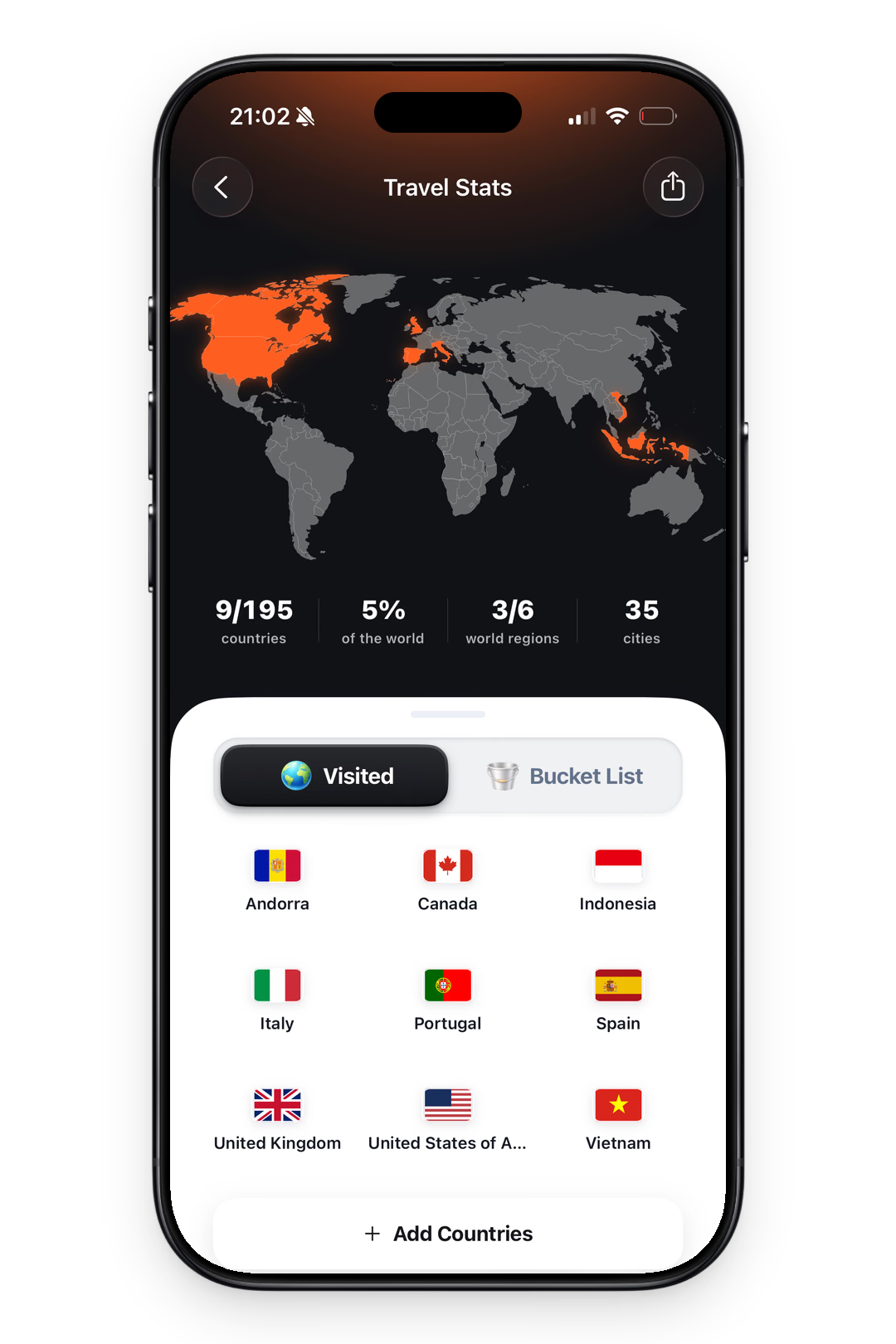
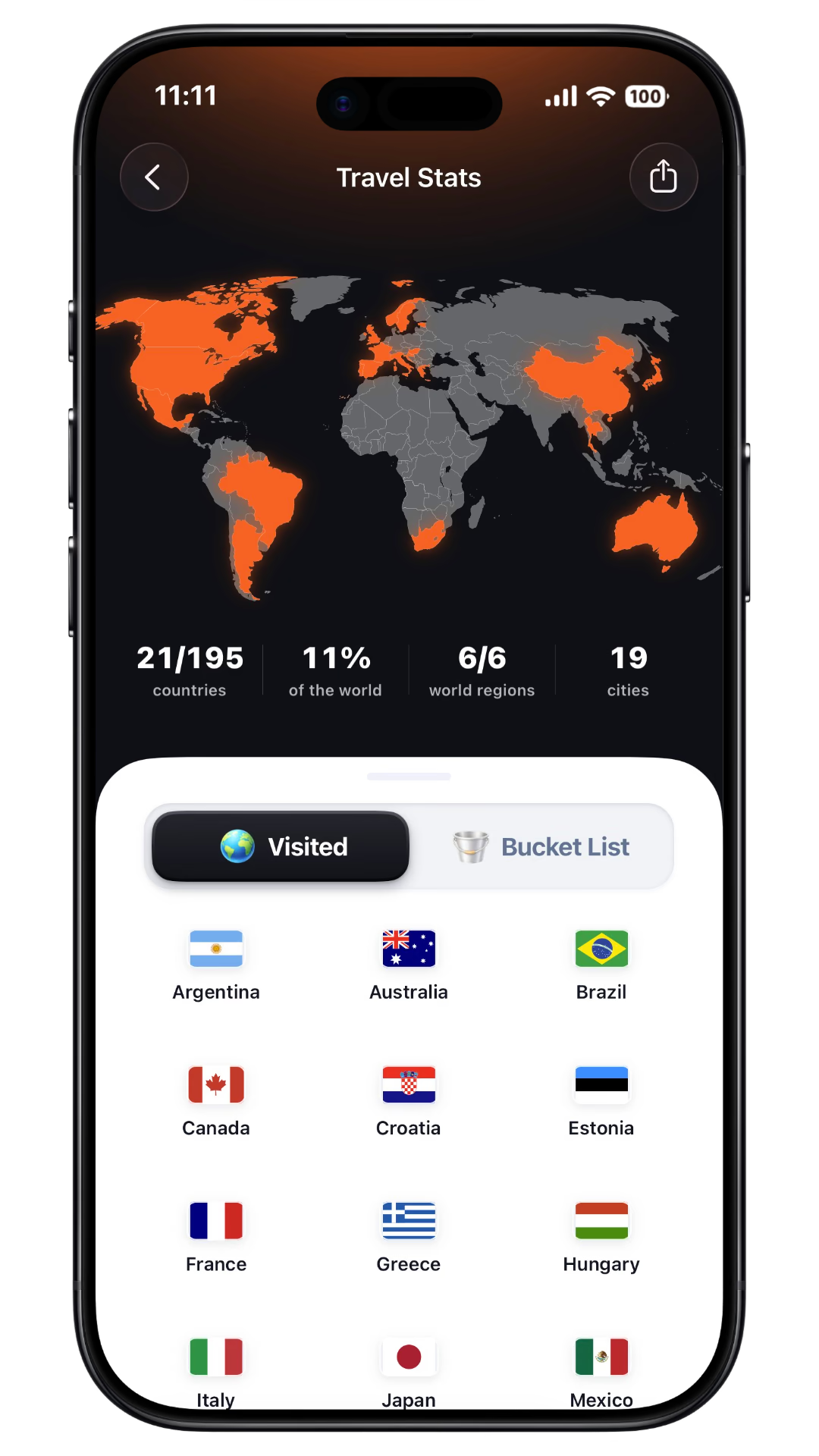
Travel Stats
See your countries visited and travel days add up.
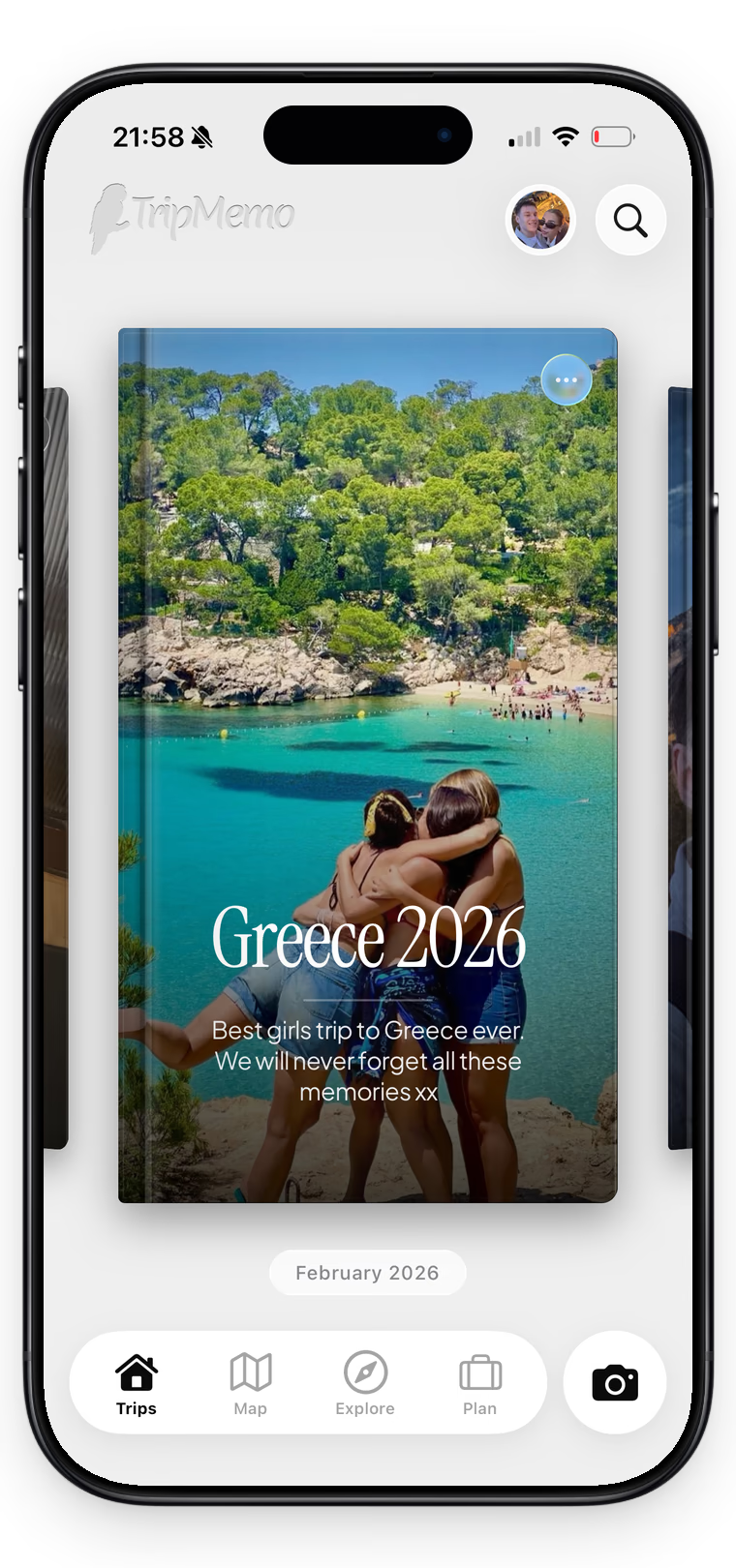
Collaboration
One shared trip, everyone’s best moments.
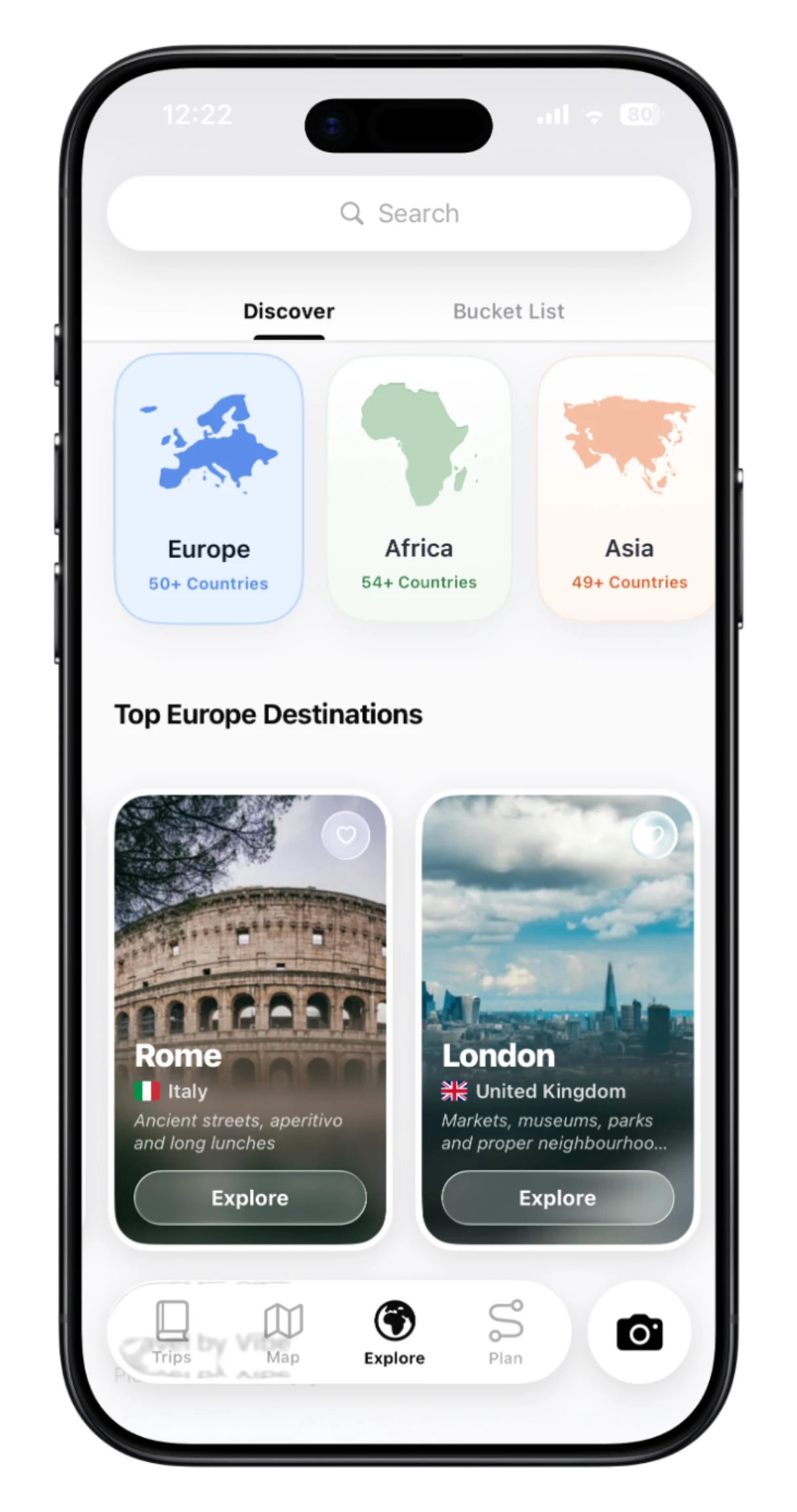
Discover
Explore destinations and ideas. Find places you’ll love.
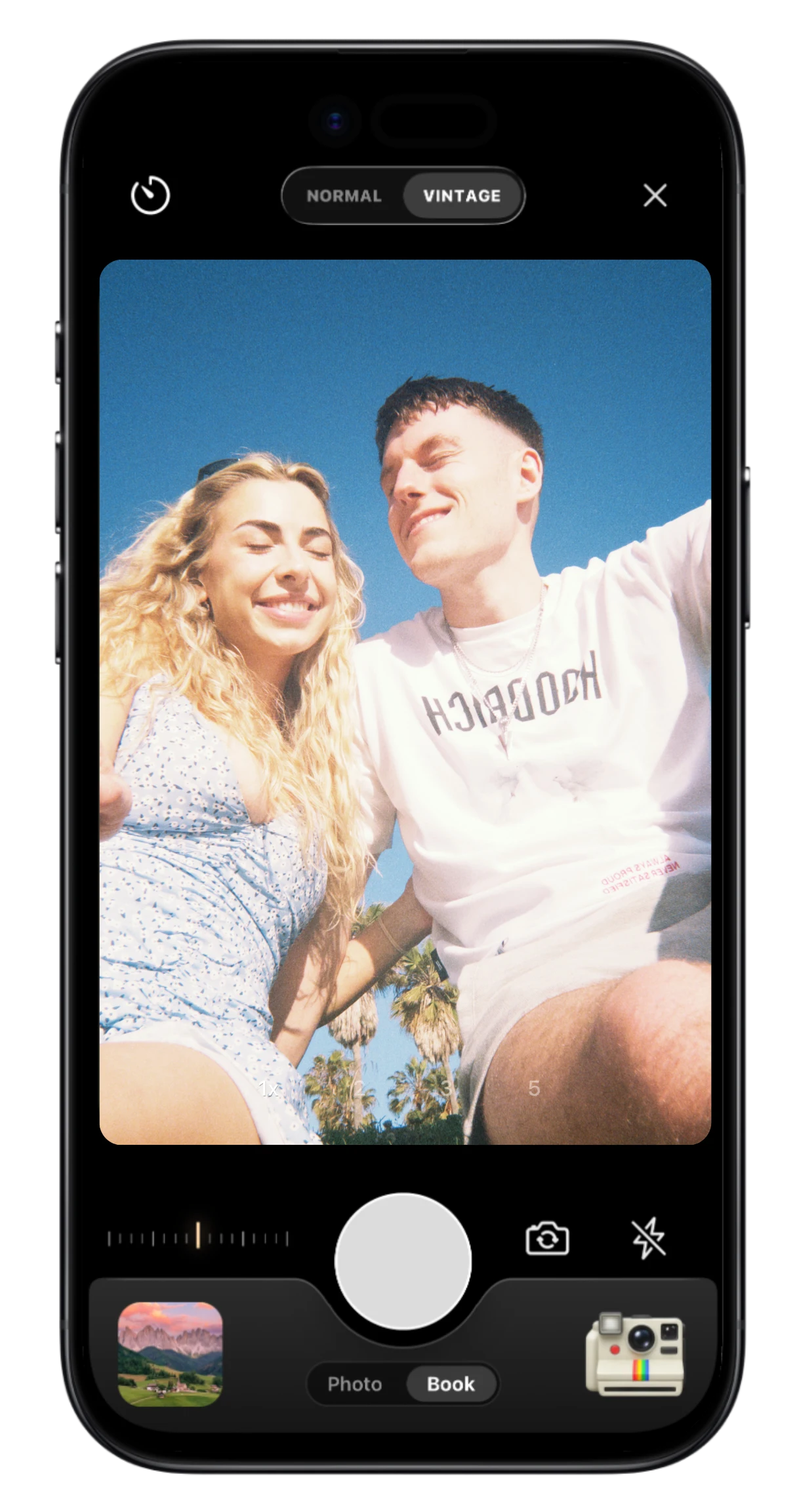
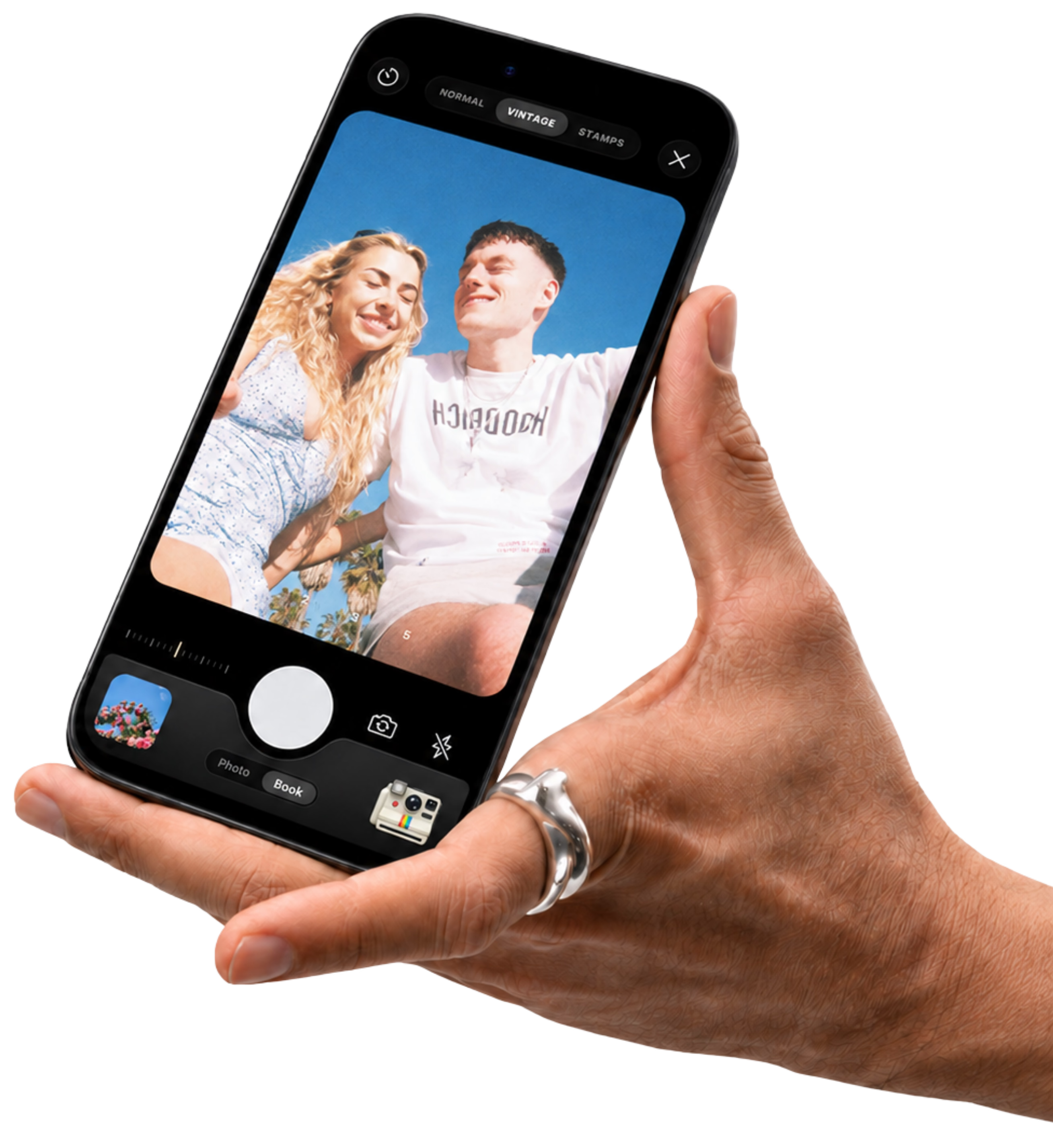
Vintage & Stamp
Capture the moment with film looks and travel stamps.
.webp&w=3840&q=90&dpl=dpl_8rfq4W9dyXsDTL7JRYsC2GrNn4WF)
Offline Mode
Add memories offline. Sync when you reconnect.
Save from Social Media FAQ
You’ll find instructions for saving in the TripMemo app. Open the content you want to save in Instagram, TikTok, Safari or X, then use the sharing options to send it to TripMemo. It goes into your saved items, ready to revisit when you need it. Add a note to remember what caught your eye.
Yes. Open the Reel or TikTok video on your iPhone, use its sharing options, then choose TripMemo in the iPhone share sheet. You can add a personal note and return to the saved item in TripMemo when you want to plan.
Yes. Share a travel page from Safari or a post from X to TripMemo using the sharing options on your iPhone. Keep those ideas together with your saved Instagram and TikTok travel inspiration.
Open Plan in TripMemo and look for Bookmarks. Your saved travel items are there to revisit, along with any personal notes you added.
Save inspiration for restaurants, cafés, hotels, beaches, viewpoints and places you want to explore. It can be a whole destination or one little spot you would love to visit while you are there.
A saved folder keeps the post, but planning means remembering the place, finding it on a map and recalling why you wanted to go. TripMemo brings your saved travel videos, places and personal notes together with the rest of your travels.
Yes. Add a personal note to your saved item, such as the dish you want to order, the room you loved or the best time to visit a viewpoint. Keep the detail that made you want to go.
Yes. See the place on a map to understand where it is and how it fits with the area you want to explore. A restaurant, hotel or local spot becomes easier to work into your plans when you know its location.
Yes. Revisit the video from your saved items in TripMemo to watch the inspiration again. Refresh your memory of the atmosphere, the food or the view when you are deciding where to go.
No. Save a place as soon as it catches your eye, even if you have no dates or destination decided. Your ideas stay together in TripMemo, ready for when someday becomes your next trip.
Looking for your next destination? Explore TripMemo Discover, or shape your next trip with the AI travel planner.