



Max
Co-Founder, TripMemo
7 min read•Published
Summary
Tired of spending hours in editing apps just to get that perfect film look? Learn how to capture nostalgic, high-quality travel photos instantly with one tap.
There is a reason we are all obsessed with the "film look" in 2025.
In an era of ultra-sharp, hyper-processed smartphone cameras, everything looks a little too perfect. Every leaf is sharpened, every shadow is artificially brightened, and every sky is a neon blue that doesn't exist in nature.
Digital perfection is boring. Nostalgia has soul.
But the problem is the "editing trap." You take a photo, then you spend 15 minutes jumping between VSCO, Lightroom, and Tezza, trying to find a grain setting that doesn't look like digital noise. By the time you’re done editing, you’ve missed the sunset you were trying to capture.
Here is how to get the vintage film aesthetic on your iPhone—without the editing headache.
Why "Over-Editing" is Killing Your Travel Vibe
Travel is about being present. But the modern travel photography workflow is the opposite of presence:
- Snap 50 photos.
- Scroll through them at dinner.
- Apply filters, adjust grain, tweak HSL sliders.
- Post 3 days later when the "vibe" is gone.
When you spend more time looking at sliders than at the scenery, your travel memories become a chore. The goal should be Instant Atmosphere: a photo that feels like a memory the second you take it.
The Solution: TripMemo’s Built-In Vintage Camera
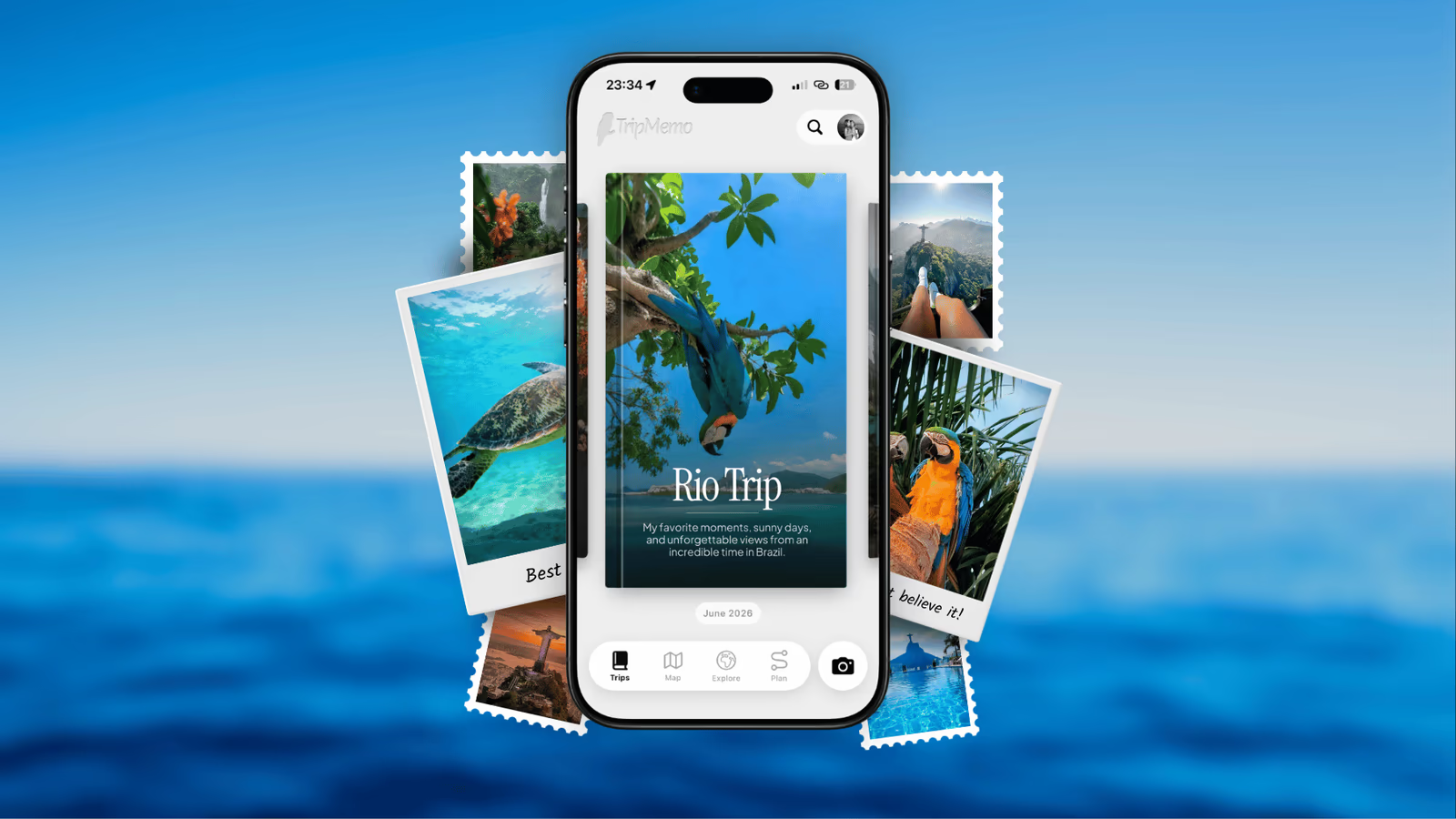
We built TripMemo's travel photo journal app for travelers who value feeling over pixels. That's why we integrated a custom Vintage Camera directly into the app.
Instead of taking a sterile photo and "fixing" it later, the TripMemo camera applies a custom LUT (Look-Up Table) in real-time. It’s not a filter slapped on top; it’s a re-interpretation of the light as it enters your lens.
The 4-LUT System
We didn't want 100 confusing options. We wanted 4 perfect ones:
- LUT 1: The '70s Summer – Warm, golden, and slightly faded. Perfect for Mediterranean coastlines and golden hour.
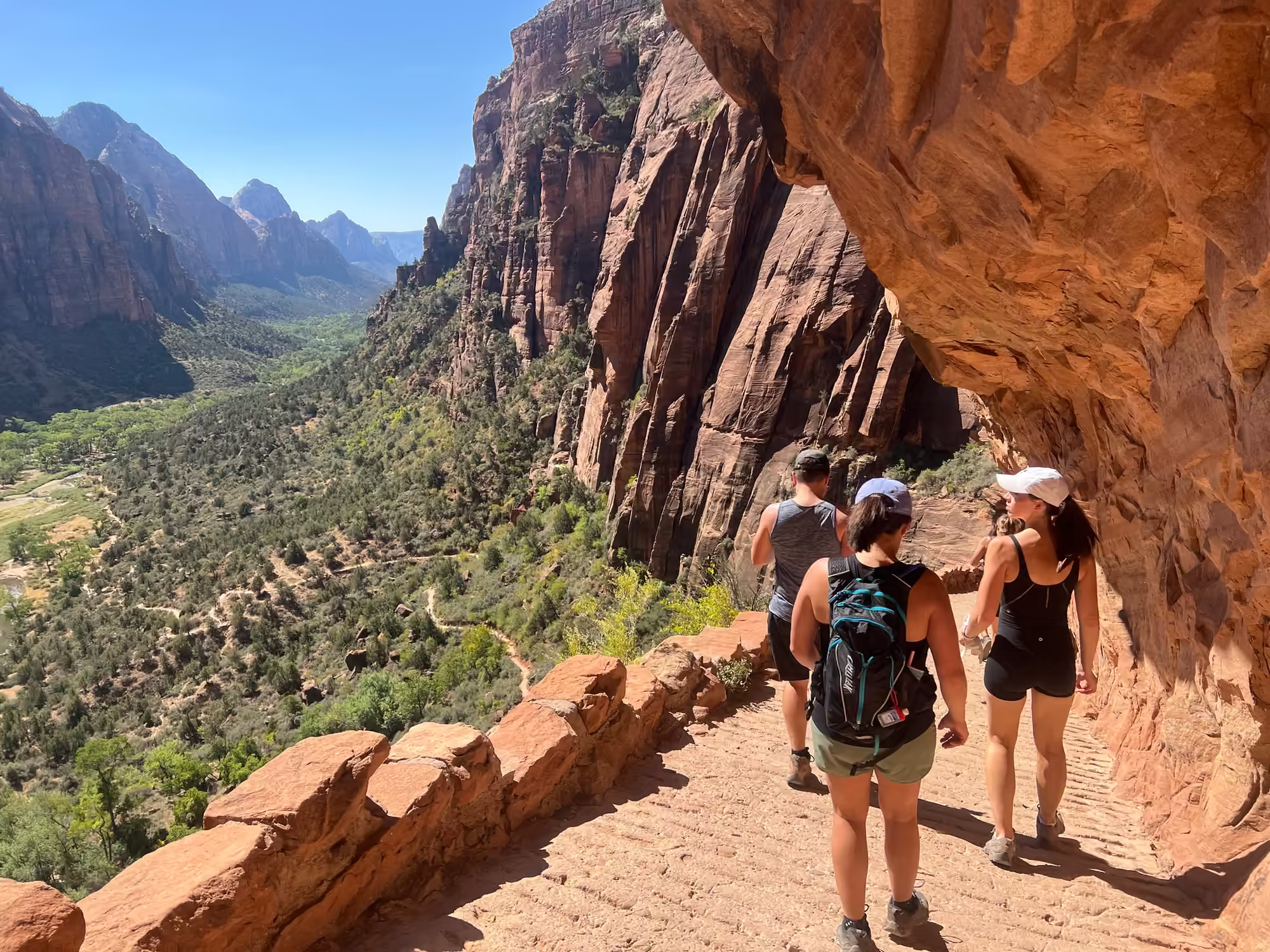
- LUT 2: The Moody Roadtrip – High contrast with crushed shadows. Ideal for rainy cities or rugged mountain ranges.
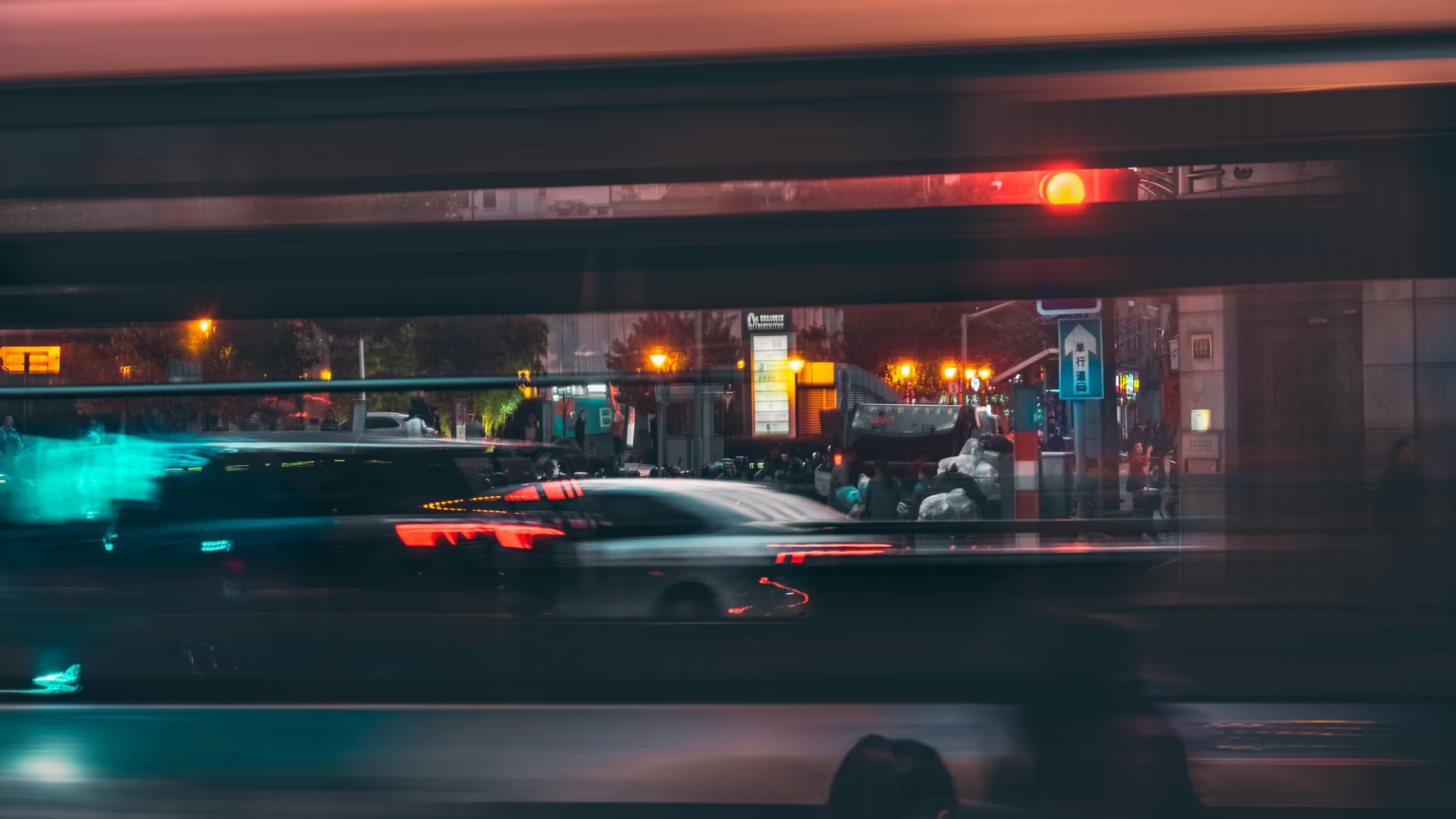
- LUT 3: The Tokyo Neon – Cool blues and vibrant magentas. Designed for night markets and city lights.
- LUT 4: The Classic Grain – A balanced, timeless film look with organic texture that makes digital photos feel tactile.
3 Pro Tips for the Perfect Film Aesthetic
Even with the right tool, a few simple tweaks can elevate your "film" shots:
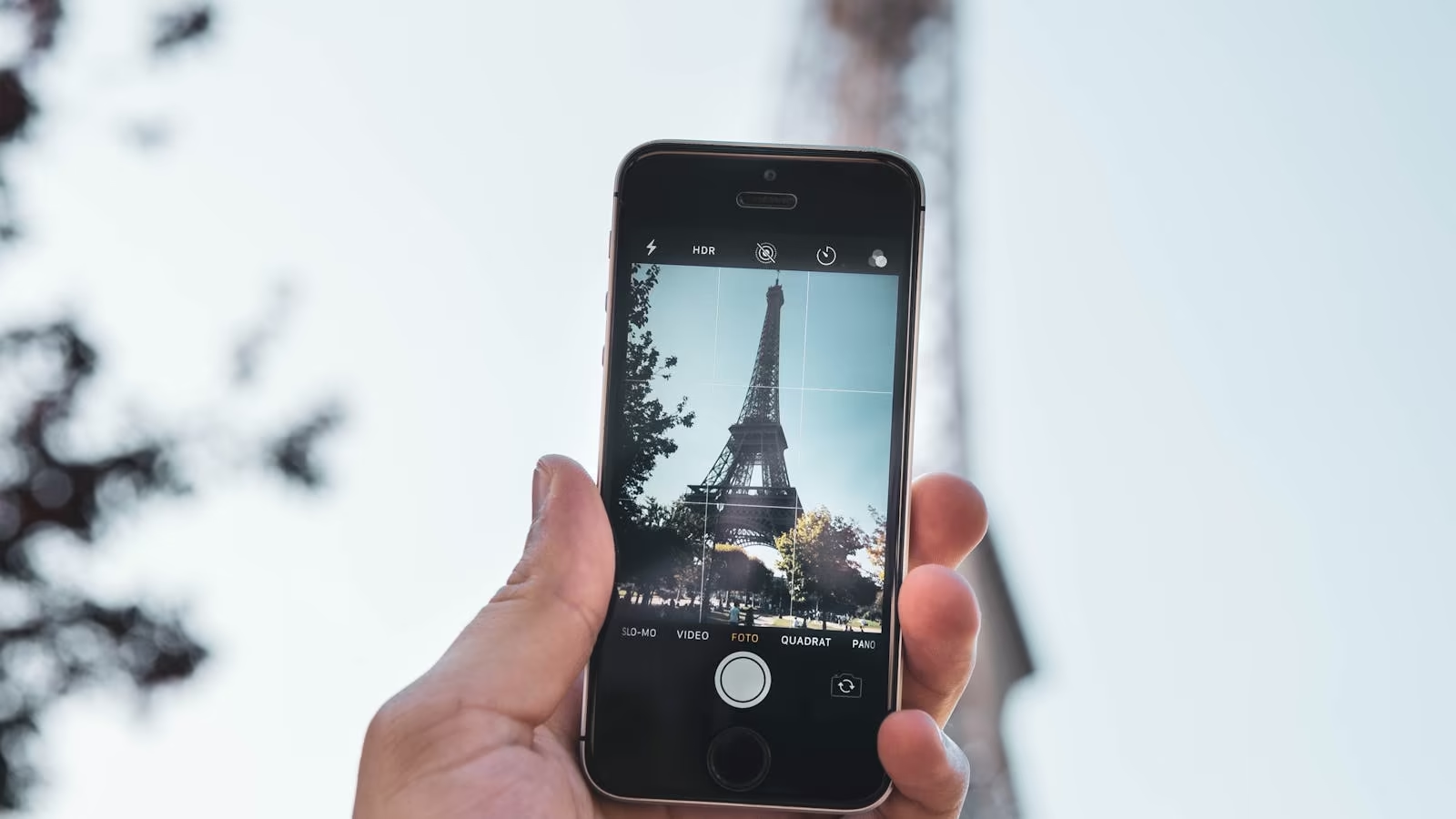
- Under-Expose Slightly: Film handles shadows beautifully but can look "digital" if the highlights are blown out. In the TripMemo camera, tap the screen and slide your finger down slightly to lower the exposure.
- Look for Natural Framing: Use windows, archways, or overhanging branches. The vintage aesthetic thrives on depth and "peeking" into a scene.
- Capture the Mundane: On film, a photo of a coffee cup or a train ticket looks like art. Don't just save your photos for the "big" landmarks. Capture the small details—they often hold the most nostalgia.
From Camera to TripBook
The best part? When you take a photo with the TripMemo Vintage Camera, it doesn't just sit in your camera roll. It is instantly added to your TripBook.
It gets a location pin, a timestamp, and a beautiful LUT (like our Polaroid Vintage Filter) automatically. You aren't just taking photos; you are building a library of your life’s travels, one nostalgic shot at a time.
Stop editing. Start capturing.
Questions
Vintage Aesthetic FAQ
- What is a "Vintage Travel Filter"?
A vintage travel filter mimics the characteristics of analog film—grain, light leaks, desaturated colors, and warmer tones. It's designed to give photos a nostalgic, timeless quality that feels more like a memory than a sharp digital file.
- Do I need a professional camera for the film look?
No! Modern iPhones have incredible sensors. With the right software—like TripMemo's 4-LUT camera—you can achieve a high-quality film aesthetic that is indistinguishable from professional cameras for most travelers.
- What is a LUT and how is it different from a filter?
A "filter" usually just overlays color on top of an image. A LUT (Look-Up Table) is a mathematical formula that re-maps every color and light value in the shot. It’s more sophisticated, resulting in a deeper, more organic "baked-in" look.
- How can I get the film look without editing?
Use an app that applies the look while you take the photo. TripMemo’s built-in camera does this automatically, so the photo is "finished" the moment you press the shutter button.
- Is grain important for travel photos?
Yes! Subtle grain breaks up the "plastic" look of digital sensors. It adds texture and makes photos feel more like a physical object (like a printed Polaroid) rather than a digital file.
- Can I use the vintage camera offline?
Yes. TripMemo is built for travel, meaning the camera and all 4 LUTs work 100% offline. You can capture memories in the most remote locations and they will sync once you have signal.
- How do I choose the right "film" look for my location?
Match the mood of the place. Warm LUTs are great for sunny destinations (Italy, Mexico). Cooler, moodier LUTs work best for Northern Europe or rainy cityscapes. When in doubt, LUT 4 (Classic Grain) works for everything.
- Will these photos be high enough quality to print?
Absolutely. TripMemo captures high-resolution files. The "vintage" look actually makes printed photos look even better, as the grain and color shifts mimic the natural properties of printed paper and film.
Related reading:
- Travel Photography for Memory, Not Instagram
- The Anti-Influencer Guide to Travel Photography
- How to Make a Digital Travel Scrapbook in 2026
- Polaroid Vintage Filter
Join the TripMemo
Newsletter
Unsubscribe anytime. Read our privacy policy.