Share Your Trips

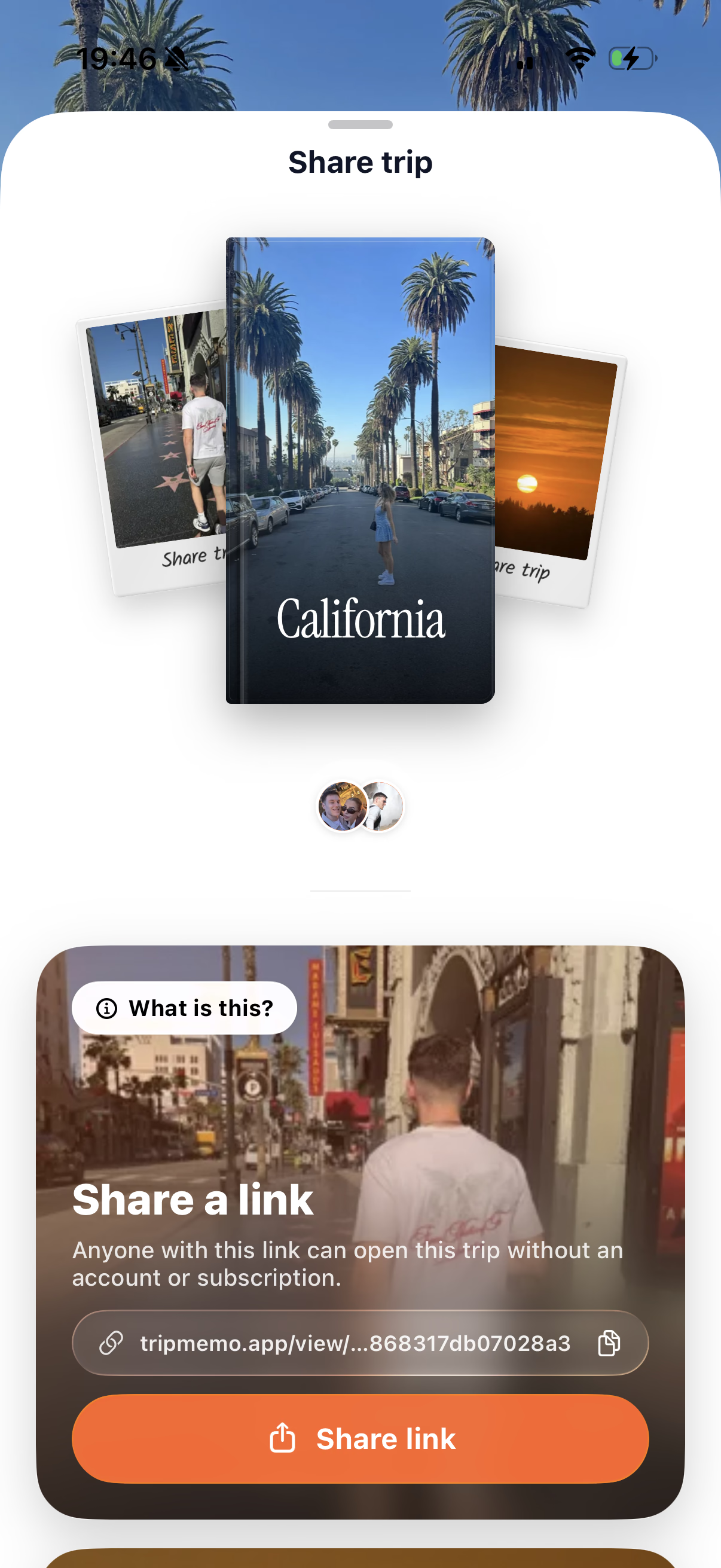
Bring family and friends along for the journey. Share your TripBook with a link so they can explore every photo, caption and journal note, and follow your trip route on the map. They can open it in any browser, for free, with no app to download and no TripMemo account.

Let them follow the route

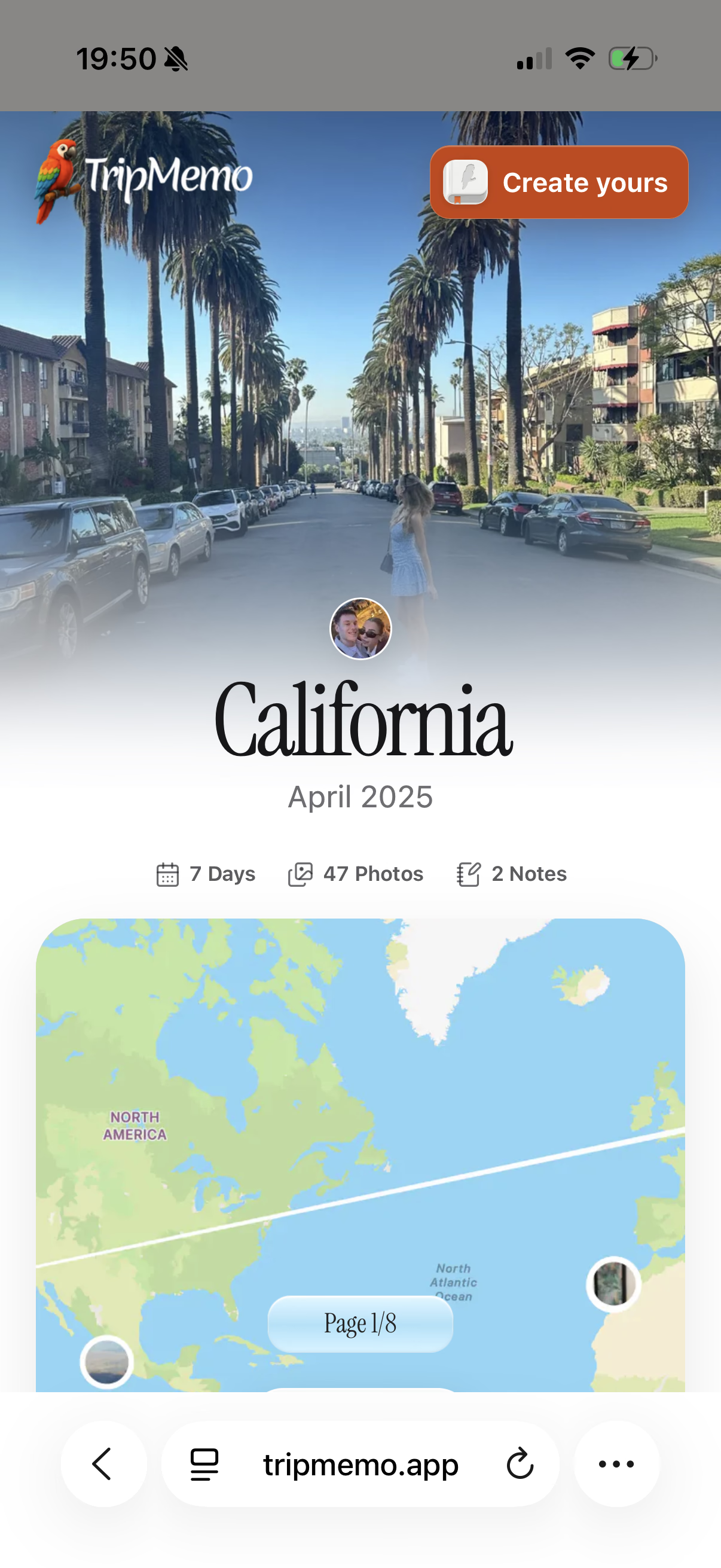
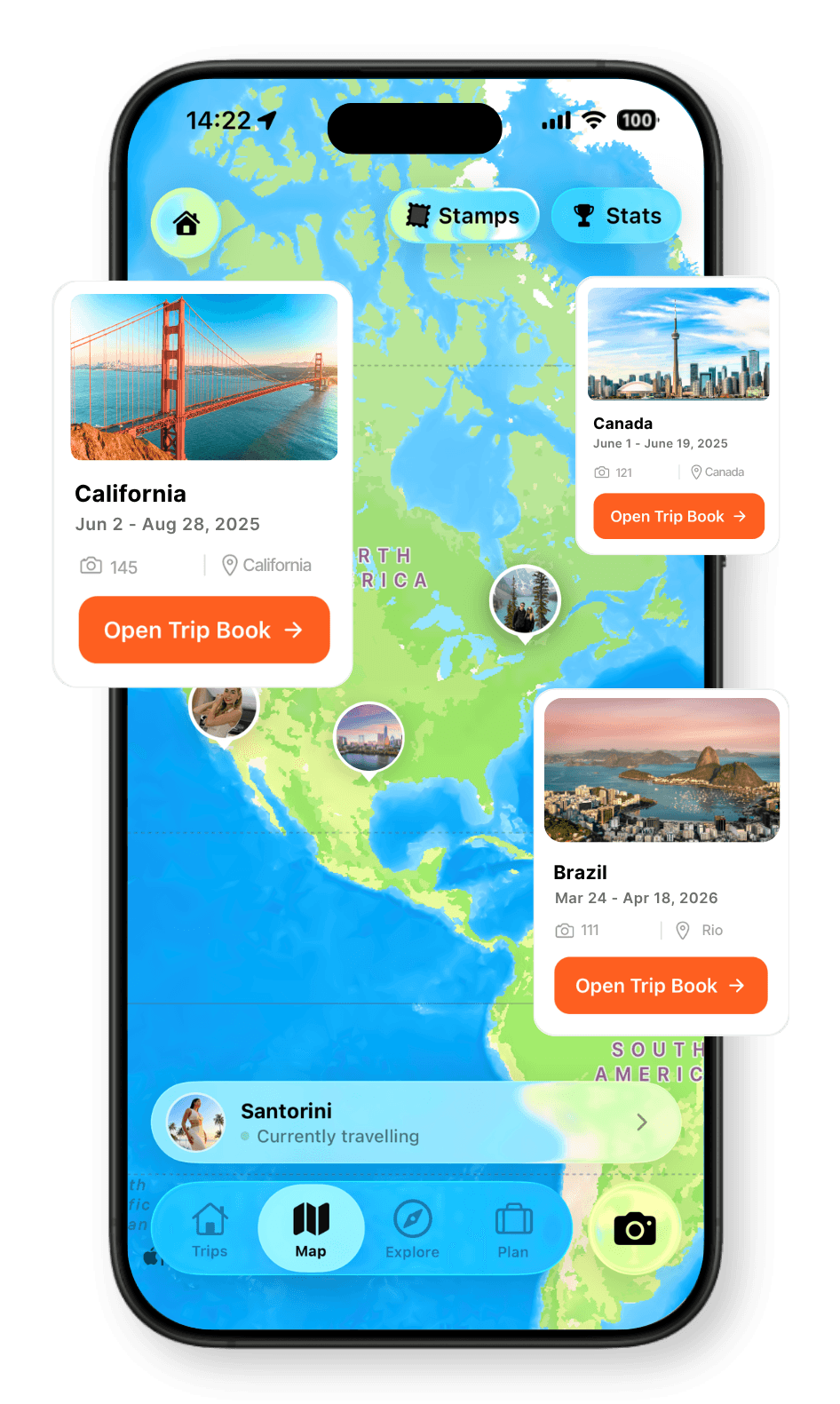
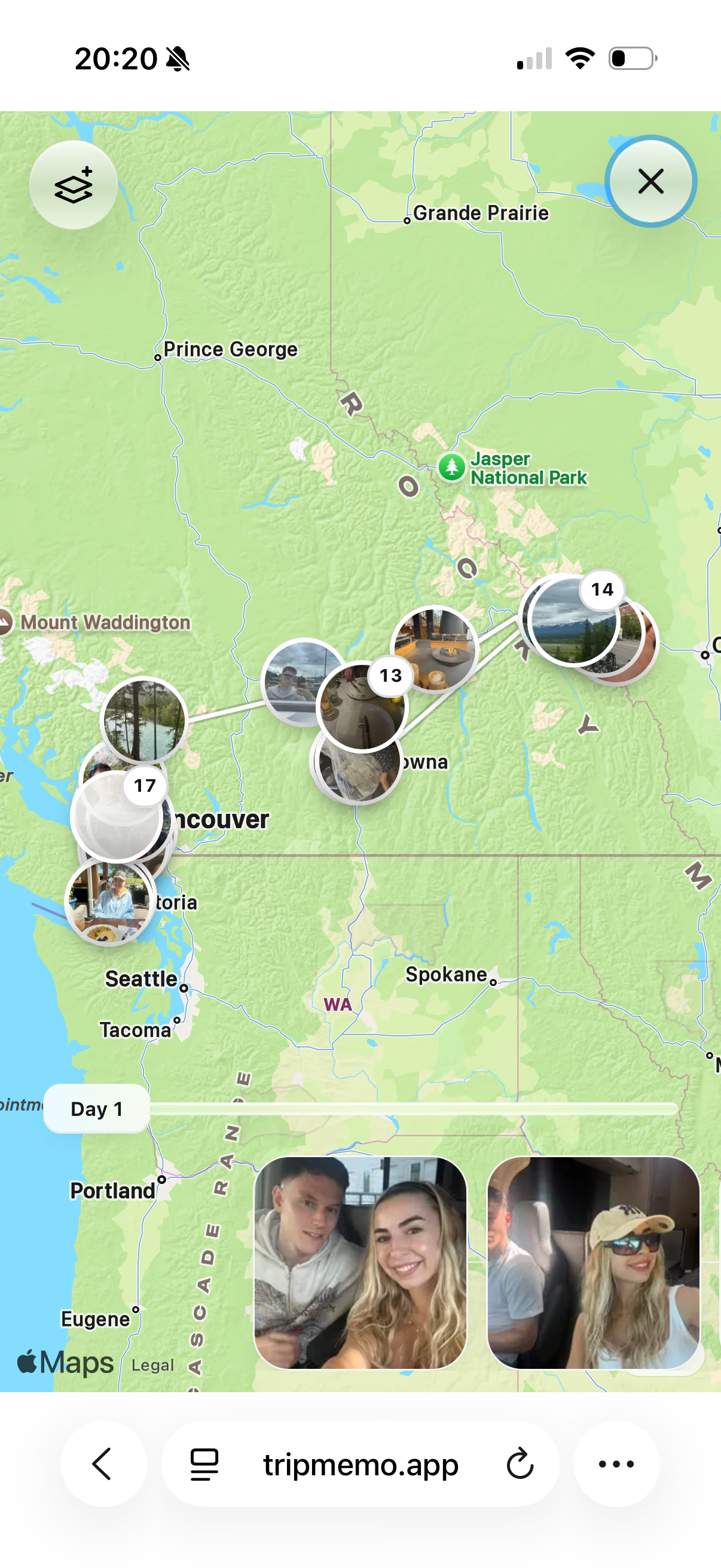
Help the people back home picture the journey. Your shared TripBook includes your trip route on the map, so they can see how the places in your story connect. As you update your TripBook while travelling, family and friends can return to the same link to follow your latest additions.
California TripBook open in a browser, showing the trip cover, seven days, 47 photos, two notes and route map
Canada TripBook viewed in a browser with travel photos pinned along the route through western Canada

Every photo has a story

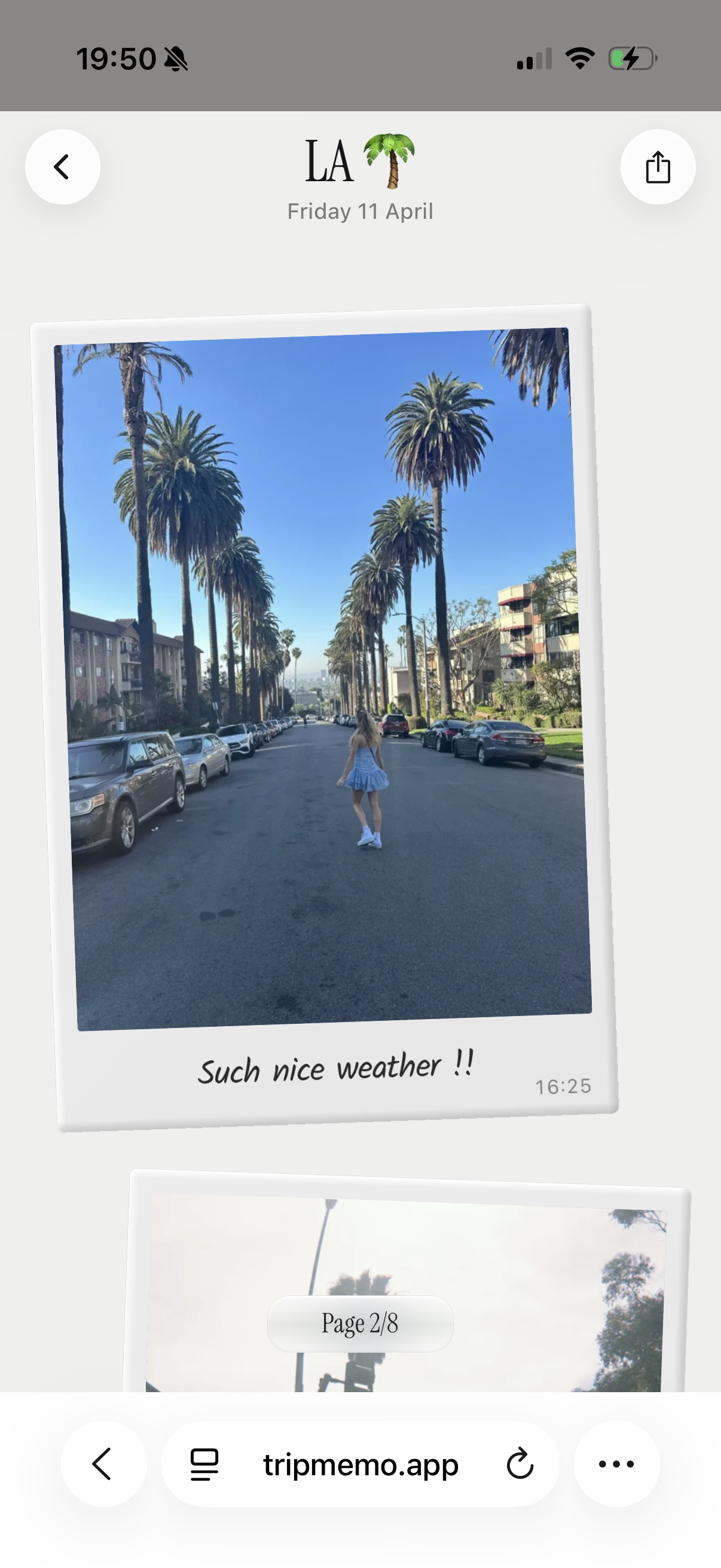
Share every photo, caption and journal note in your TripBook, from the incredible views to the little moments you want to tell them about. Keep adding memories while you are away, or share a completed trip after you get home. Family and friends can read, browse and revisit the whole story at their own pace.

Shared TripBook open in a browser with a Los Angeles palm-lined street Polaroid and the handwritten caption Such nice weather
Three friends hugging above a turquoise cove

The whole crew

Friends sharing a picnic beside the beach

Best lunch spot

Two friends holding hands at sunset on the beach

Sunset with you

Three friends looking across a mountain landscape

We made it

Four friends and their dog taking a coastal selfie

Coast crew

Two travellers laughing together at a Rio viewpoint

Rio laughs

A family laughing together on a boat

Boat day

Share Your Trips FAQ

Can they open my TripBook on a laptop?

Yes. Family and friends can open your shared TripBook link in any browser on a laptop or desktop computer, as well as on a phone or tablet. They can view your photos, captions, journal notes and trip route for free, without downloading an app or creating a TripMemo account.

How do I share my trip with family and friends?

Create your TripBook in the TripMemo iPhone app, add your photos, captions and journal notes, then send its view-only sharing link to family and friends. They open the link in any browser to explore your TripBook and follow your trip route on the map.

Do people need the TripMemo app or an account to view my trip?

No. Family and friends can open your TripBook link in any browser without downloading the app or creating a TripMemo account. You use the TripMemo iPhone app to create and update the TripBook.

Is it free for family and friends to view my TripBook?

Yes. Viewing a shared TripBook in a browser is free for family and friends. They do not need to pay, download the app or create an account.

What can people see through my TripBook link?

They can see all the photos, captions and journal notes in the TripBook you share, plus your trip route on the map. The link brings the pictures, stories and places from that trip together in one place.

Can family and friends follow my trip route on a map?

Yes. People viewing your shared TripBook can follow the trip route on its map and see the places that connect your journey.

Can people edit my TripBook through the sharing link?

No. The sharing link gives view-only access. Recipients can browse your trip and stay updated, but they cannot edit the TripBook. Inviting travel companions to contribute is a separate feature called Collaboration.

Can people stay updated while I am travelling?

Yes. Keep adding photos, captions and journal notes to your TripBook as you travel. Family and friends can return to the shared link to see the updates you have added and follow the story as it grows.

Can I share a completed trip too?

Yes. Share a TripBook while you are away or after you get home. Family and friends can explore the photos, read the journal notes and follow the route at their own pace.

Want to build a TripBook together? Explore Collaboration for invited contributors. Learn more about TripBooks and your travel map.

App Store Reviews

4.6/5 from 49 UK App Store ratings · checked 8 September 2026