
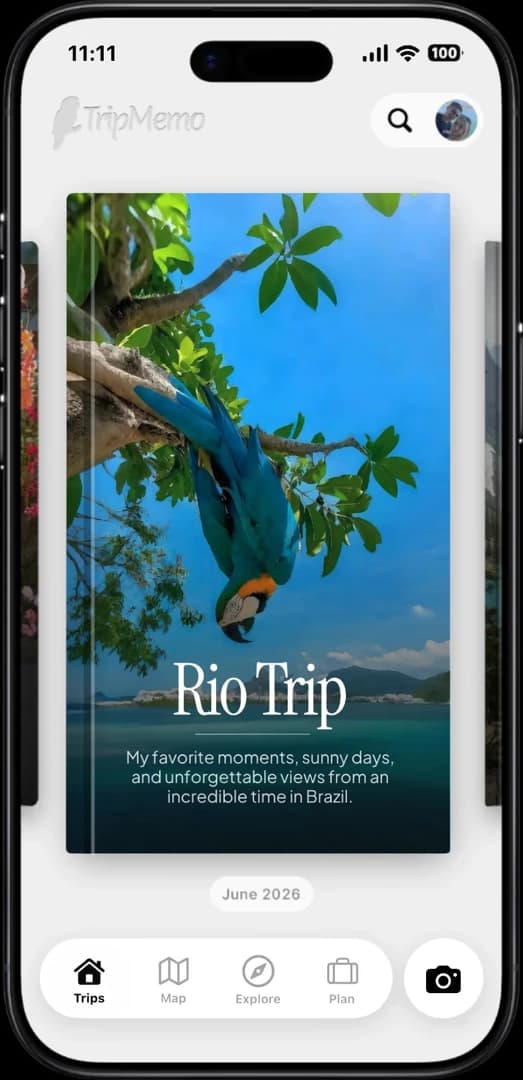





Plans everywhere
Routes, reservations, hostel details and saved places get split across screenshots, tabs and chats.
Interrail travel diary & interactive map · works offline
Plan every stop, journal offline between stations and bring everyone’s photos together. TripMemo turns your route across Europe into an interactive photo map and one day-by-day TripBook.





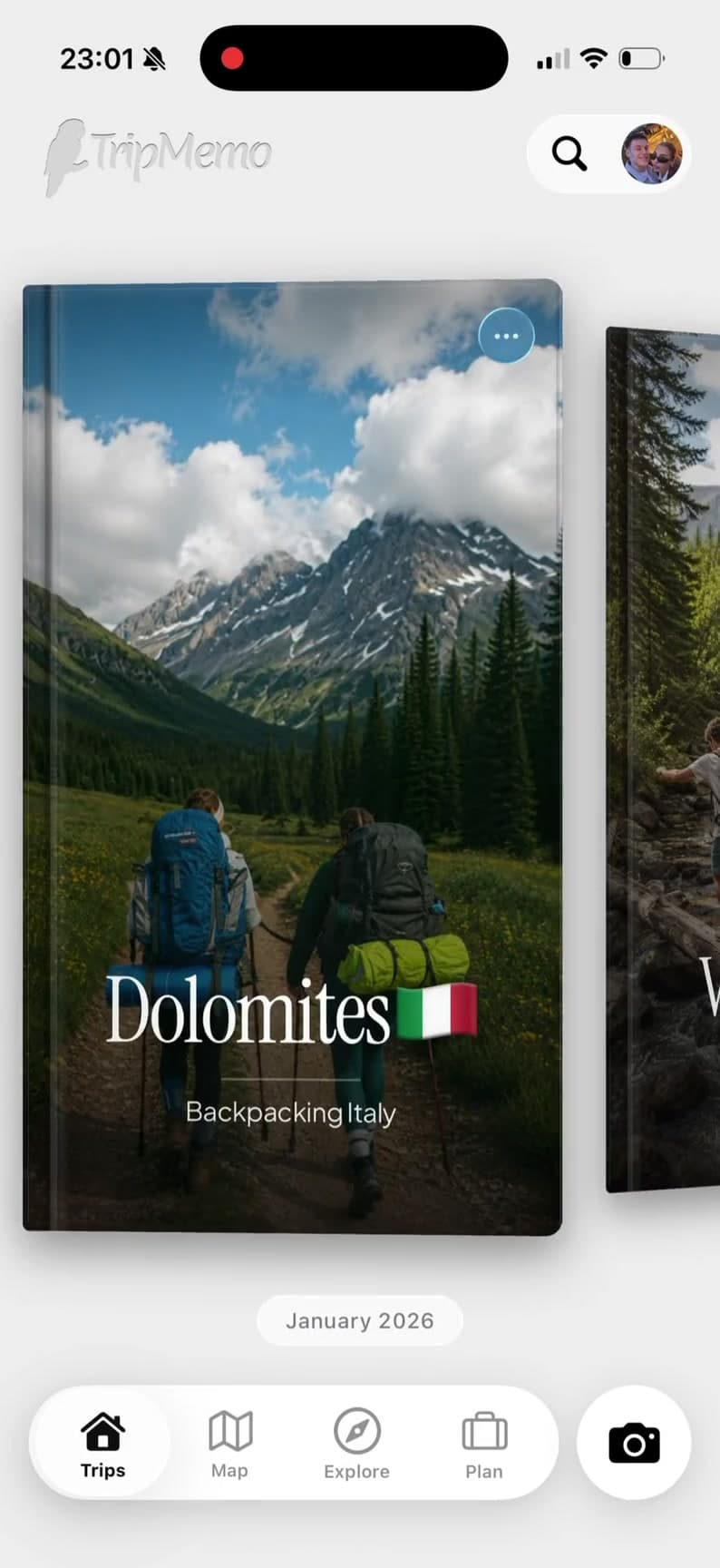
A good Interrail travel diary should keep the route, each day and everyone's favourite moments connected, even when plans change and Wi-Fi disappears.
Routes, reservations, hostel details and saved places get split across screenshots, tabs and chats.
Tunnels, border crossings and night trains are exactly when your travel diary still needs to work.
Ten cities become a blur of platforms, street food and sunsets with no story connecting them.
Everyone captures a different angle, then the best moments disappear inside a noisy group chat.
One rail pass. One organised TripBook.
Plan the cities, capture every day offline and keep the full route across Europe in one place.
Interrailing with friends
Invite your rail crew to the same TripBook. Everyone can add photos, notes and unexpected finds in real time, so the complete European adventure survives beyond the group chat.














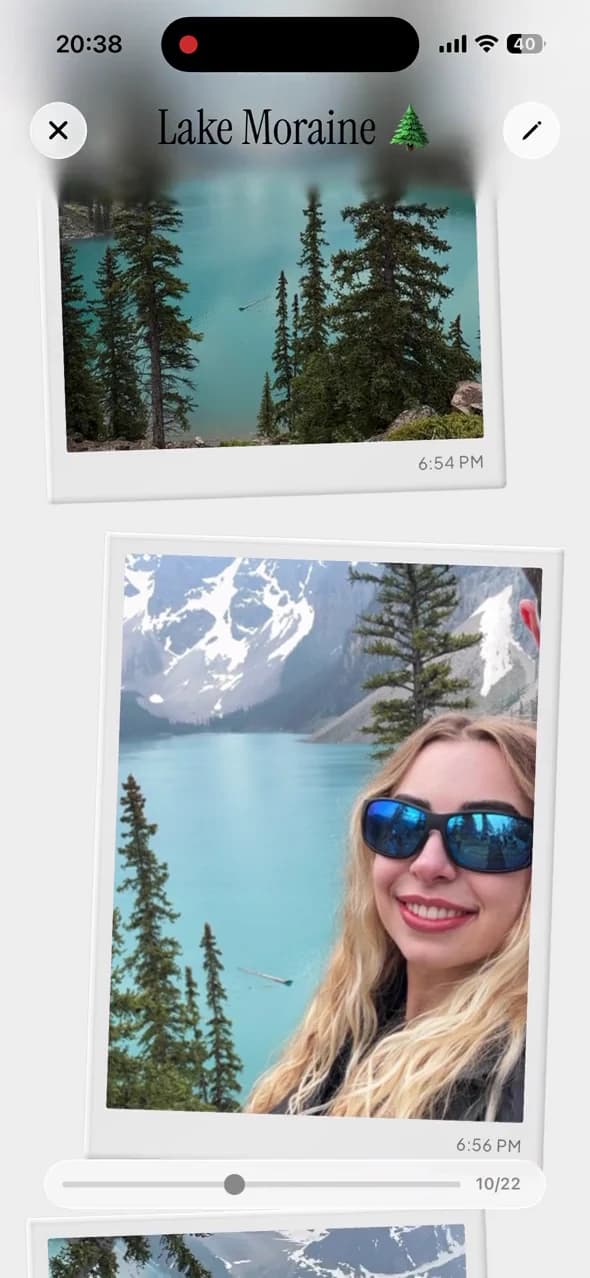
Built for Europe by rail
Plan before departure, capture offline between stations and preserve every city when you return.
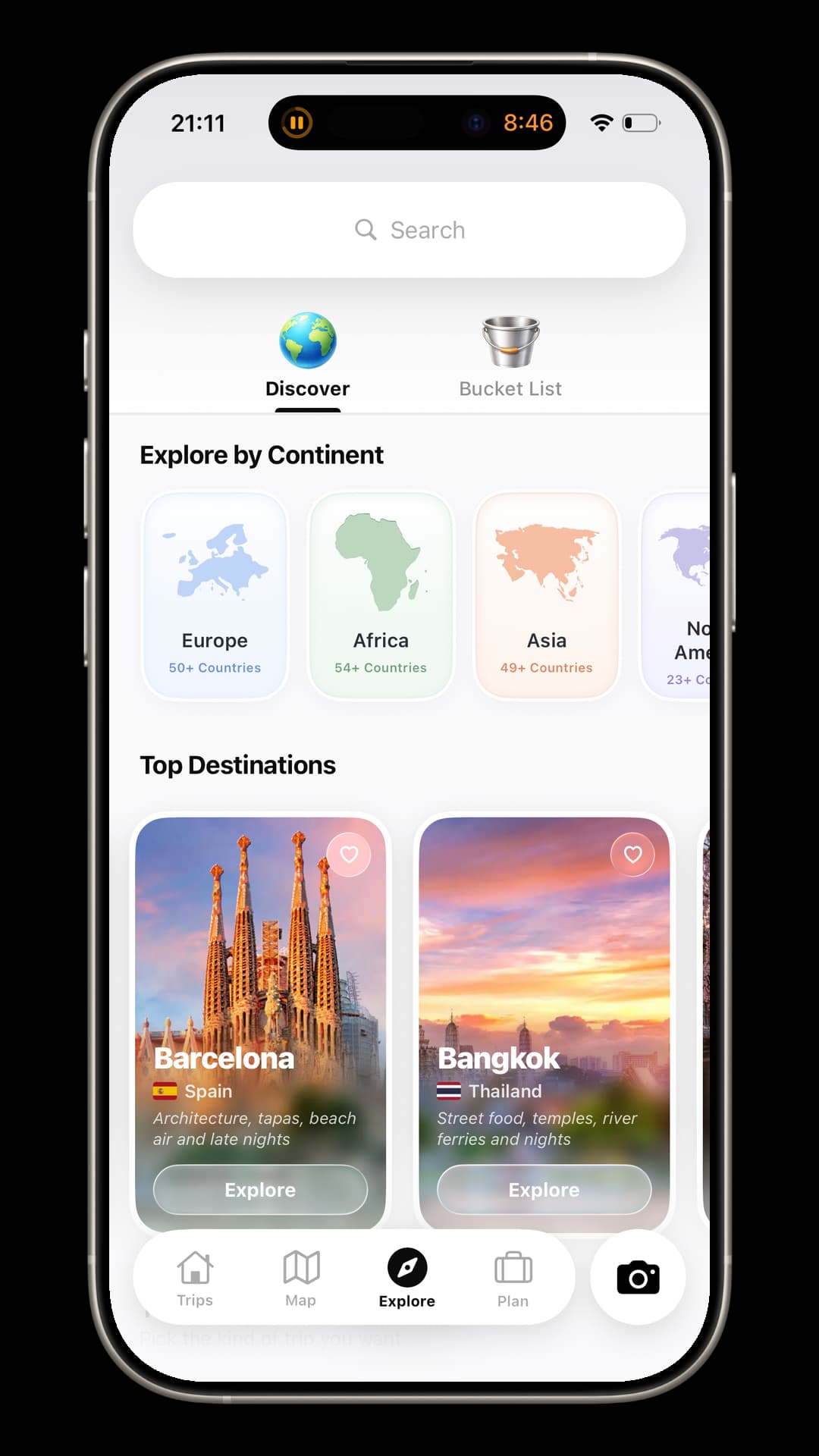
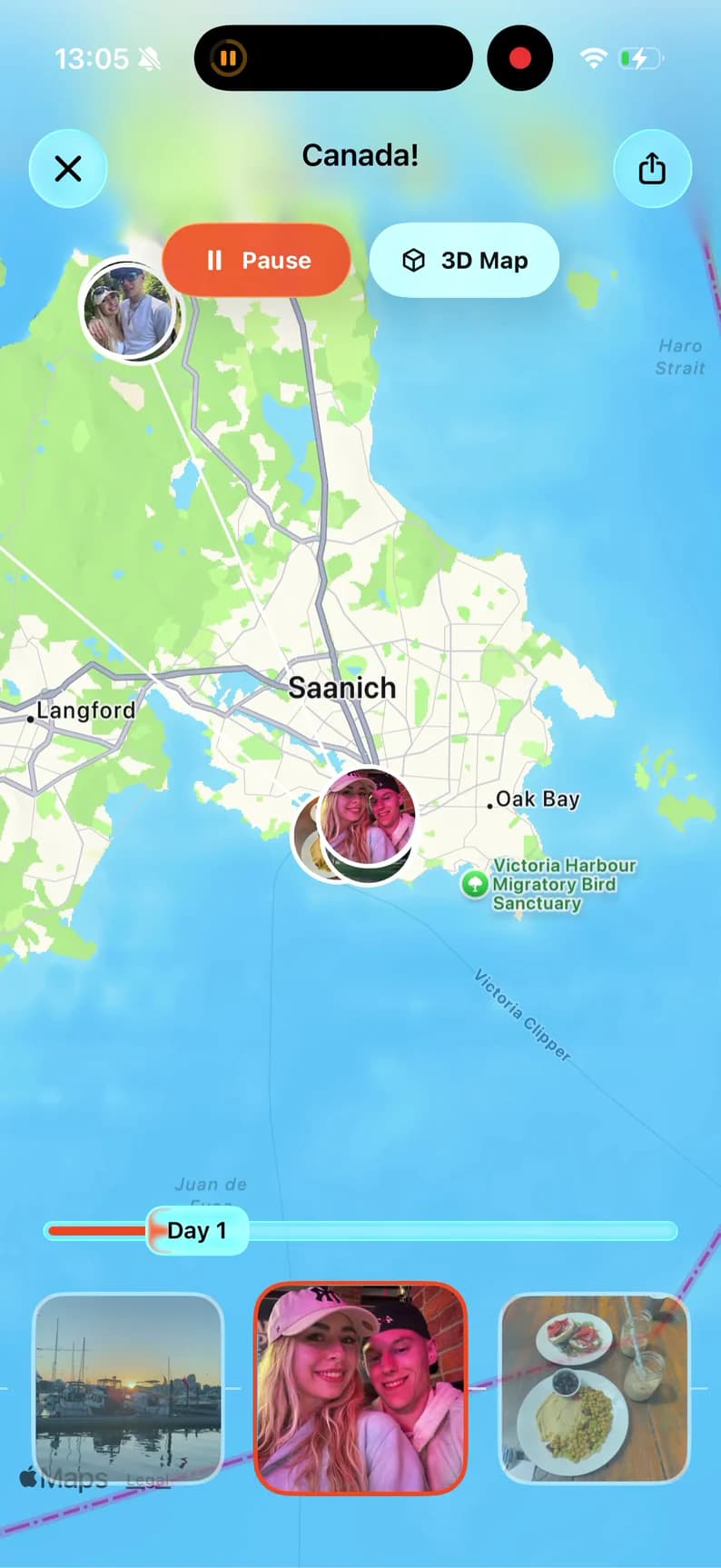
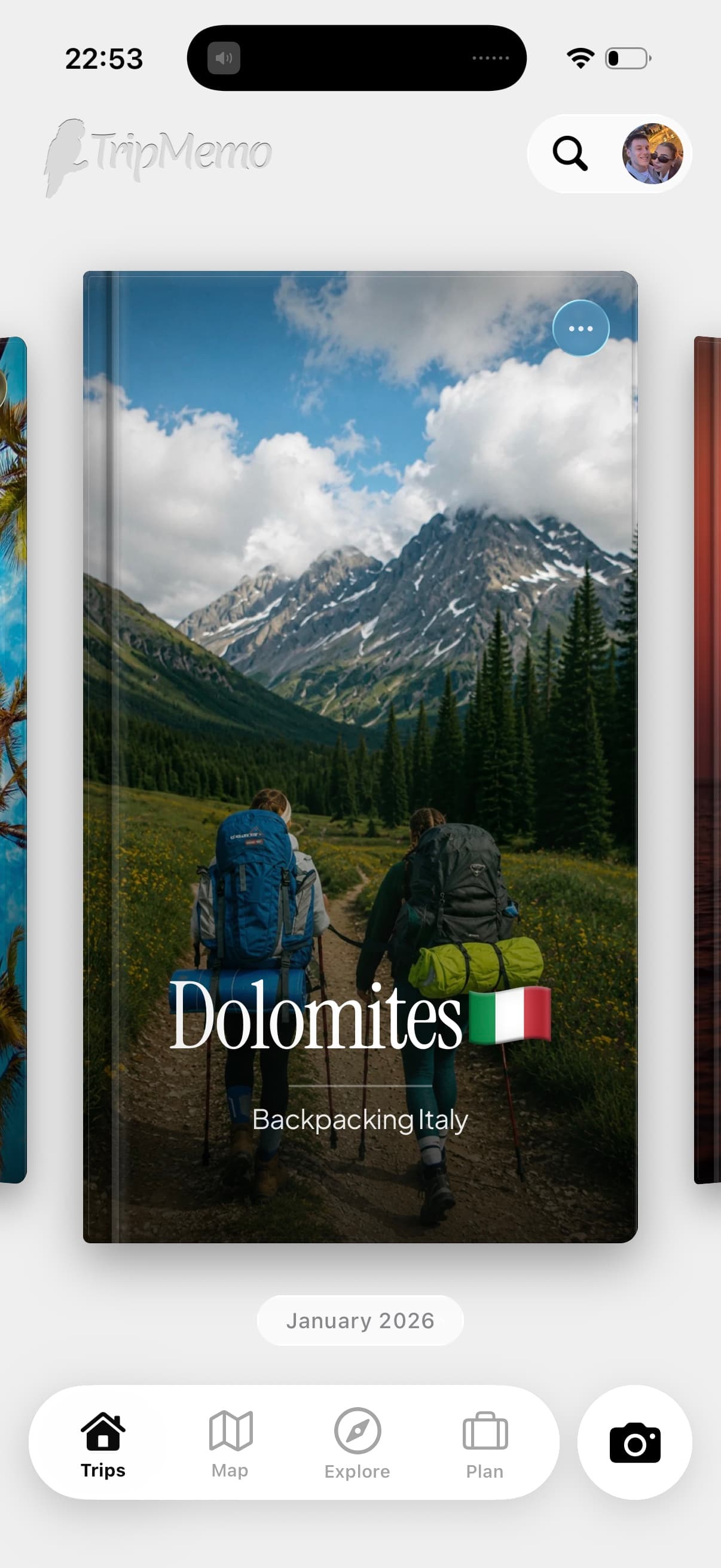
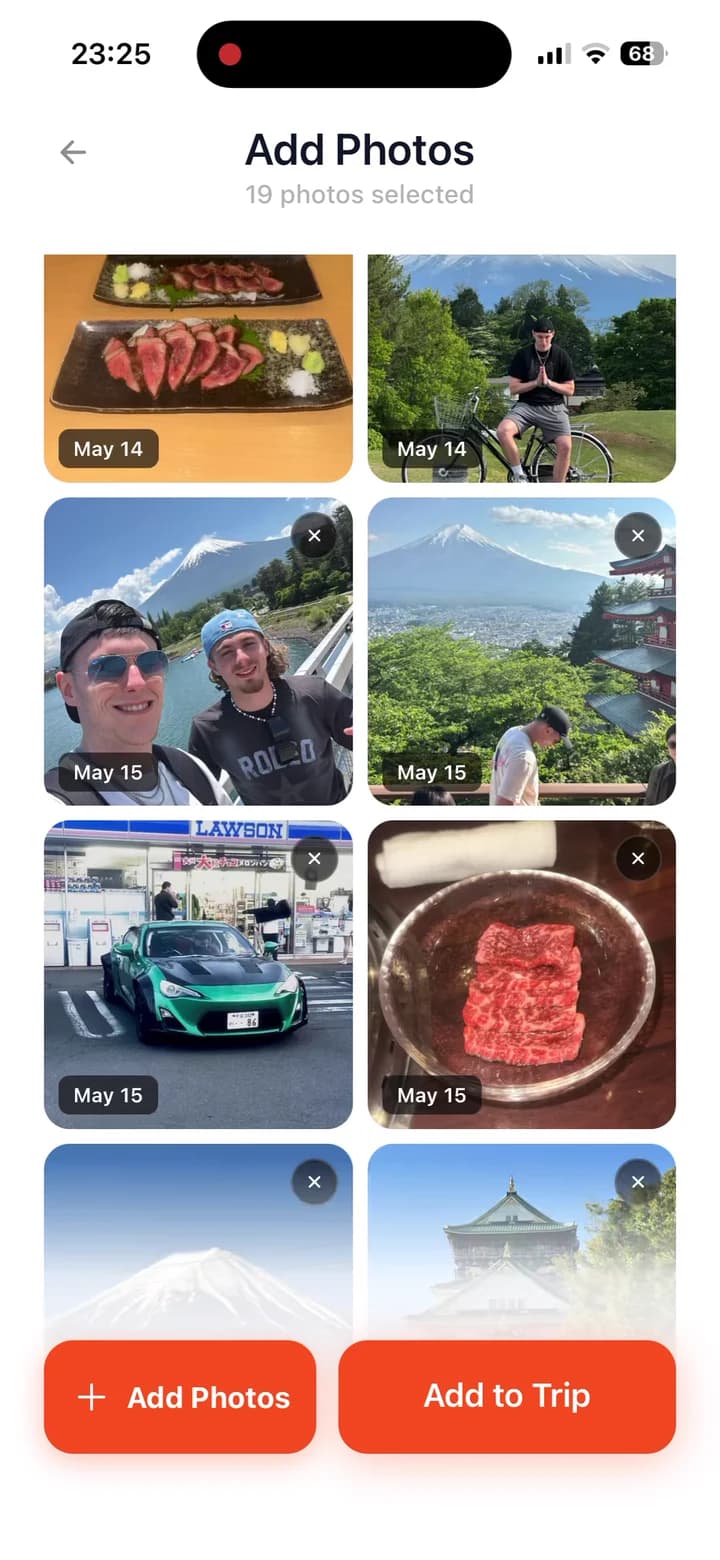
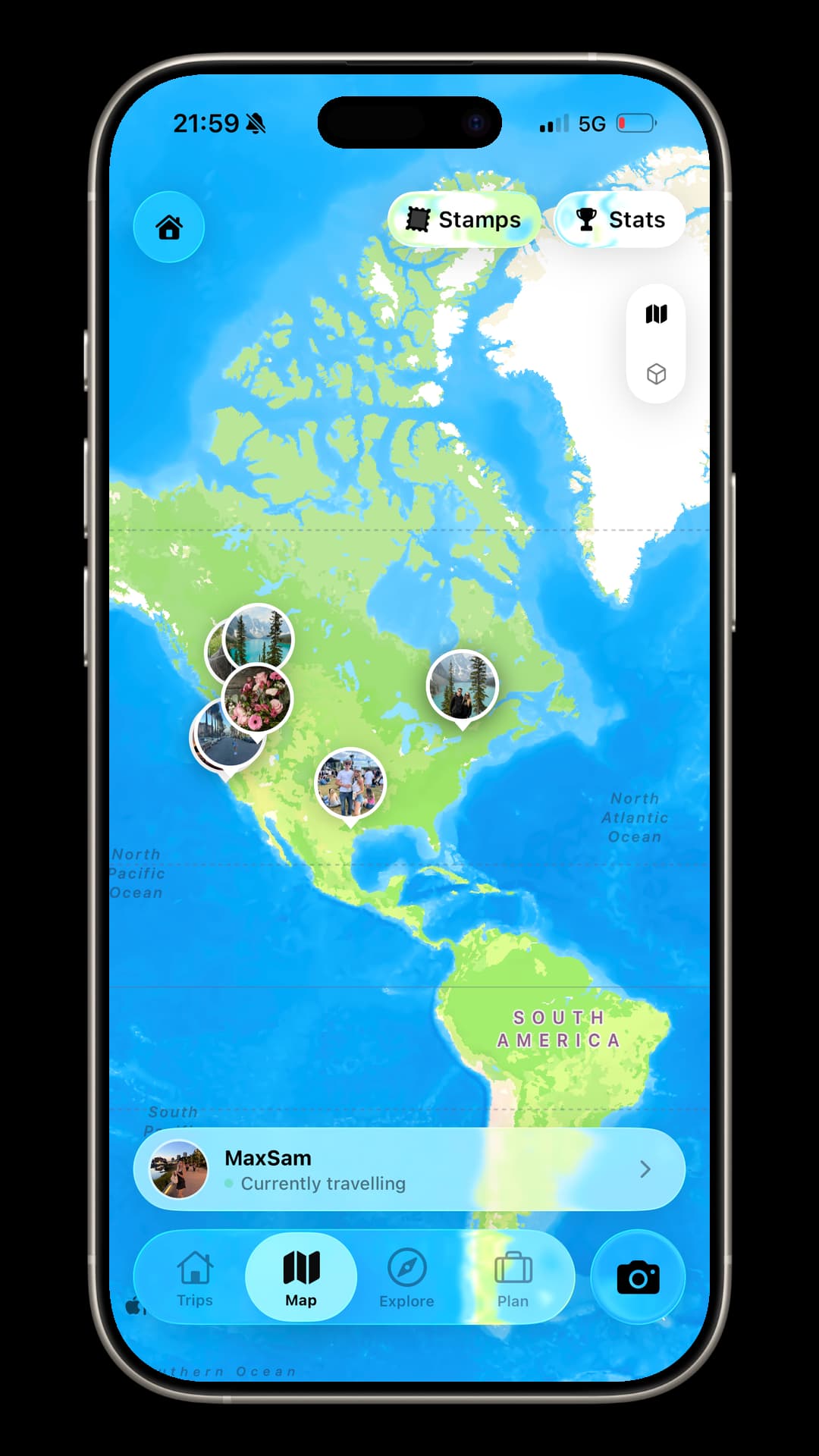
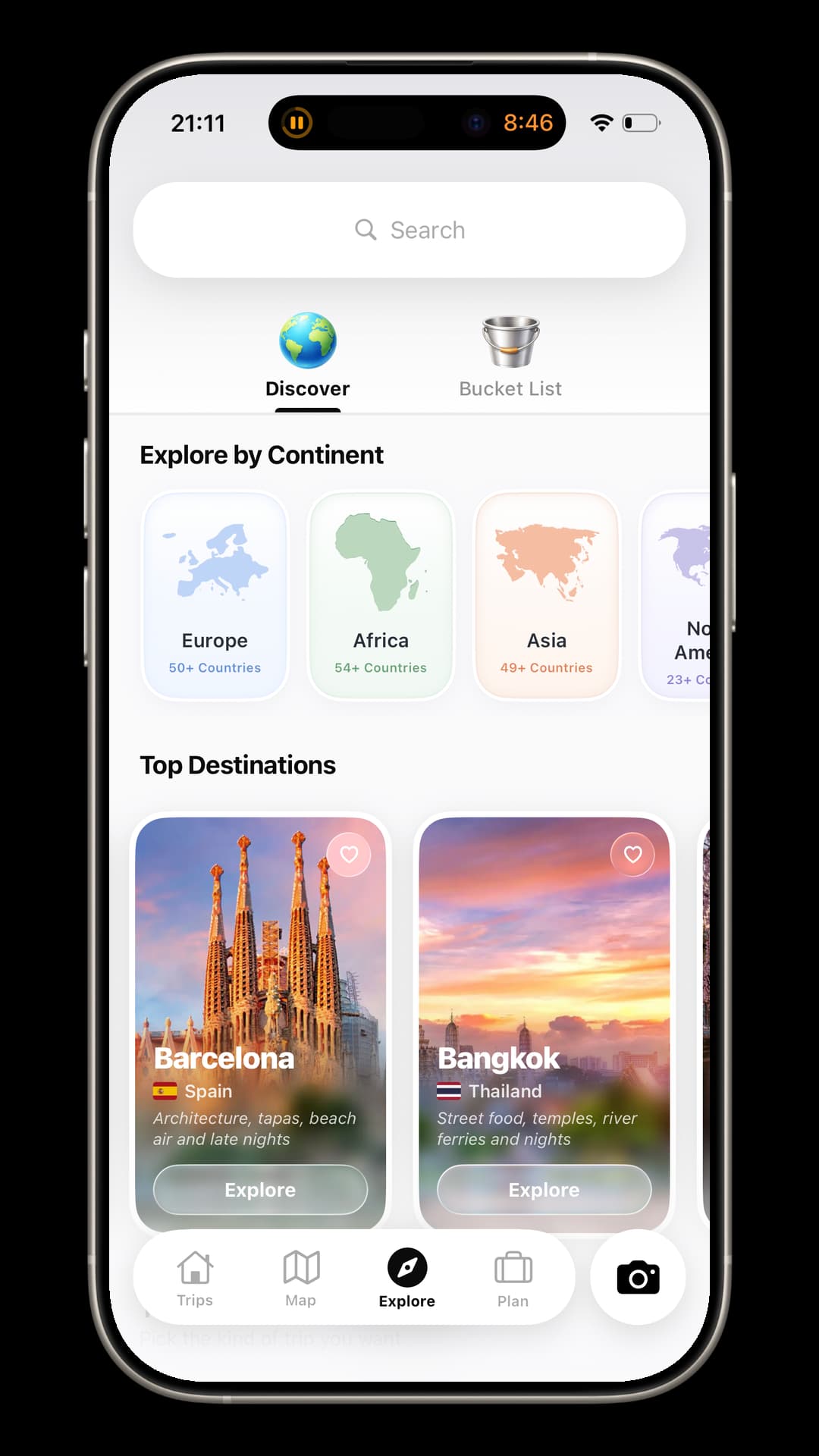
Plan the cities, capture the journey offline and keep every day.One Interrail app for the route before, during and after.
Create an Interrail TripBookChoosing an app
The right setup keeps live rail information separate from the story you will want to remember.
Compare the 7 best Interrail apps for 2026| Feature | Notes | Photos | Rail | TripMemo |
|---|---|---|---|---|
| City-by-city planning | Basic | No | Timetables | Yes |
| Day-by-day travel story | No | No | No | Yes |
| Photos + written notes | Text only | Photos only | No | Yes |
| Works offline | Basic | Limited | Often | Yes |
| Group collaboration | Basic | Basic | No | Real time |
| Bulk upload past days | No | Yes | No | Yes |
| Private trip sharing | Hard | Album link | No | One link |
| Route + memories together | No | No | Route only | Yes |
| Built for trip stories | No | No | No | Yes |
| Feature | Notes App | Photo Album | Rail Planner | TripMemo |
|---|---|---|---|---|
| City-by-city planning | Basic | No | Timetables | Yes |
| Day-by-day travel story | No | No | No | Yes |
| Photos + written notes | Text only | Photos only | No | Yes |
| Works offline | Basic | Limited | Often | Yes |
| Group collaboration | Basic | Basic | No | Real time |
| Bulk upload past days | No | Yes | No | Yes |
| Private trip sharing | Hard | Album link | No | One link |
| Route + memories together | No | No | Route only | Yes |
| Built for trip stories | No | No | No | Yes |
How it works
Open each feature to see how TripMemo stays with you before, during and after the journey.
Trains run late. Routes change. New friends join for a few cities. TripMemo keeps the route, the people and the story in one place without continuously tracking you.
Made for real life between stations
Offline capture · shared TripBooks · private links
Interrail planner + travel journal
TripMemo complements the official Rail Planner app. Use Rail Planner for live timetables, pass days and reservations; use TripMemo to shape the itinerary, save places, journal offline and turn the complete journey into one day-by-day TripBook with an interactive photo map.
Planning the practical side? Build a free Interrail route map, compare the best Interrail apps, try our Europe trip cost calculator and read the Interrail journaling guide.
Available for iPhone on the App Store · Free with in-app purchases · Rated 4.6 from 33 UK ratings as of 27 July 2026. View the current App Store listing.
For current routes, use the official 2026 Interrail map. For a personal map of places and memories, explore TripMemo's photo map features.
Journaling Tips
Make the most of your travel memories with these practical journaling strategies.
Thoughtful guides for planning, documenting and remembering every part of the journey.
FAQ
TripMemo is designed for the story around your rail pass: planning cities, saving ideas, journaling offline, mapping memories and collecting a group’s photos in one TripBook. Keep the official Rail Planner app for live timetables and reservations, and use TripMemo for the complete journey before, during and after.
Yes. Build a flexible city-by-city itinerary, save places and activities, keep accommodation or reservation notes together and use AI suggestions for each destination. Your plan stays connected to the photos and journal entries you add on the road.
Yes. TripMemo connects the places and photo memories you add to your TripBook, creating an interactive map of your Interrail journey. It is a personal memory map rather than a live railway timetable, so use the official Rail Planner app for train times and seat reservations.
Interrail publishes a free 2026 railway map and provides its Rail Planner app for route and timetable planning. TripMemo serves a different purpose: it turns your chosen route, daily photos and written memories into an interactive travel diary you can revisit and share.
Yes. Add photos and notes while crossing borders, travelling through tunnels or taking a night train. TripMemo stores your changes on your iPhone and syncs them when you reconnect.
No. Use Rail Planner for train times, pass management and seat reservations. TripMemo complements it by organising the itinerary, places, photos, notes, route map and finished travel story.
Yes. Invite everyone travelling with you to one TripBook. Each person can add their own photos, notes and favourite finds, so the journey is not split across different phones and group chats.
Yes. Bulk upload photos and TripMemo sorts them by date into chronological days. Add captions, notes and places to rebuild the route without creating every page manually.
No. TripMemo does not continuously run GPS in the background. You choose the places, photos and notes that become part of your map, helping preserve battery during long travel days.
Yes. TripBooks are private by default. Share one specific trip through a private link when you want friends or family to follow the journey without posting everything publicly.
Yes. The planning, offline journaling, collaboration and mapping features work the same way whether you travel with an Interrail or Eurail pass.
Download TripMemo for iPhone from the App Store, create a TripBook and start adding route ideas, cities, photos and notes. You can invite fellow travellers at any point.
Turn travel photos into books you'll actually look back on.



%20copy%202.webp&w=384&q=75)
%20copy%203.webp&w=384&q=75)
