.webp&w=96&q=75&dpl=dpl_5LiWpjAxVHcJfxZ5FqYxsrCPPe5e)

Solo travellers
Your route, your photos and every place you discovered along the way.
Pin your trips on an interactive world map. Track countries visited. Turn every pin into a memory with photos and notes attached. Your travel footprint, visualized.
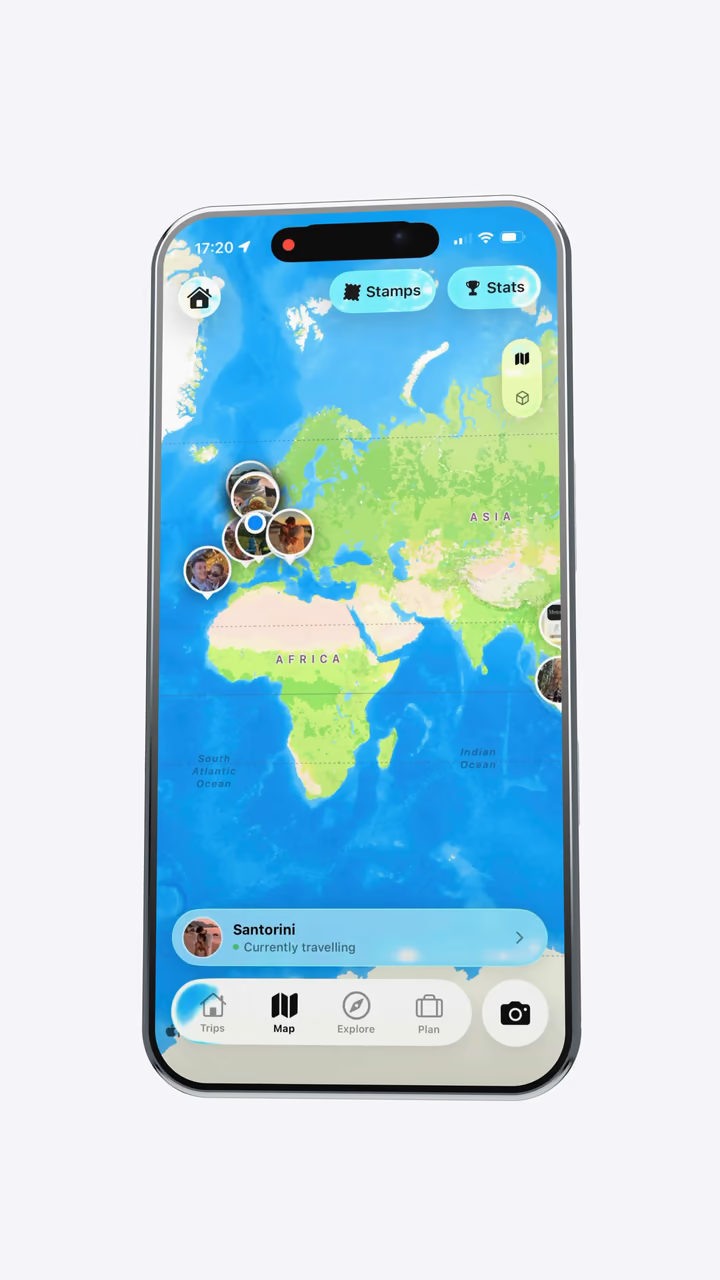
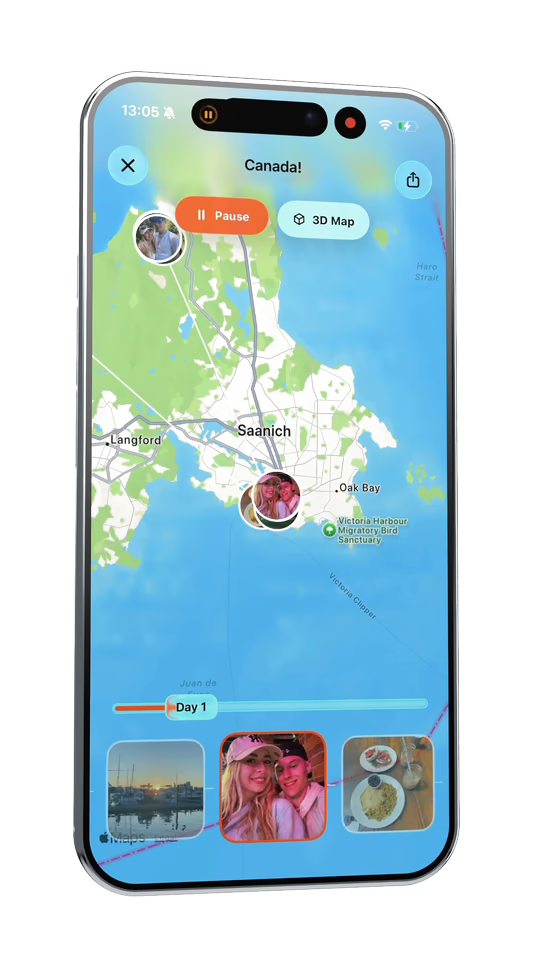
Turn your trip photos into a location map automatically. TripMemo uses each photo's date and location to pin every stop, then connects them into a route you can explore on a standard map or 3D globe. Your travel stats update automatically as your map grows.


Add a trip from years ago using the photos already in your camera roll. TripMemo uses their dates and locations to rebuild your travel history, placing every holiday, country and stop together on one world map.
Replay one trip to watch every stop appear in the order you visited it. You can also replay your complete travel history to see which country came first, second and next.

Send friends and family a card of one trip's exact route, or share a world map of everywhere you have visited. Post either card to social media or share it privately.
However you travel, TripMemo keeps every place, photo and memory together in one TripBook you can revisit.
Your route, your photos and every place you discovered along the way.

One plan, every camera roll and the places you all loved.

Pin the stops, capture offline and bring every photo home.

Give everyone an easy way to add their favourite moments.

Keep every group photo, inside joke and late dinner in one TripBook.

Birthdays, reunions and milestone trips remembered together.
.avif&w=3840&q=75&dpl=dpl_5LiWpjAxVHcJfxZ5FqYxsrCPPe5e)

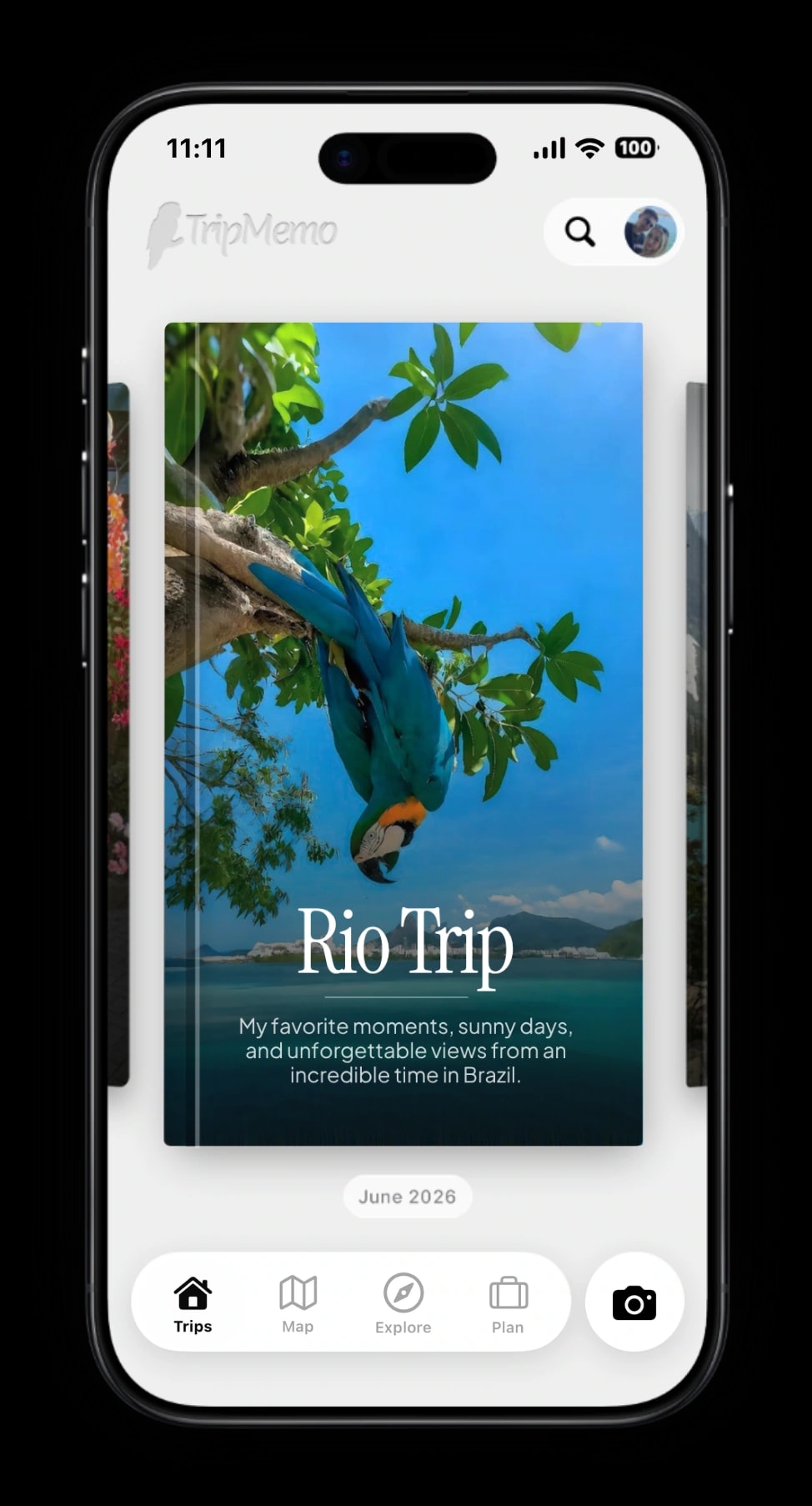
Turn your trip into a book of memories.

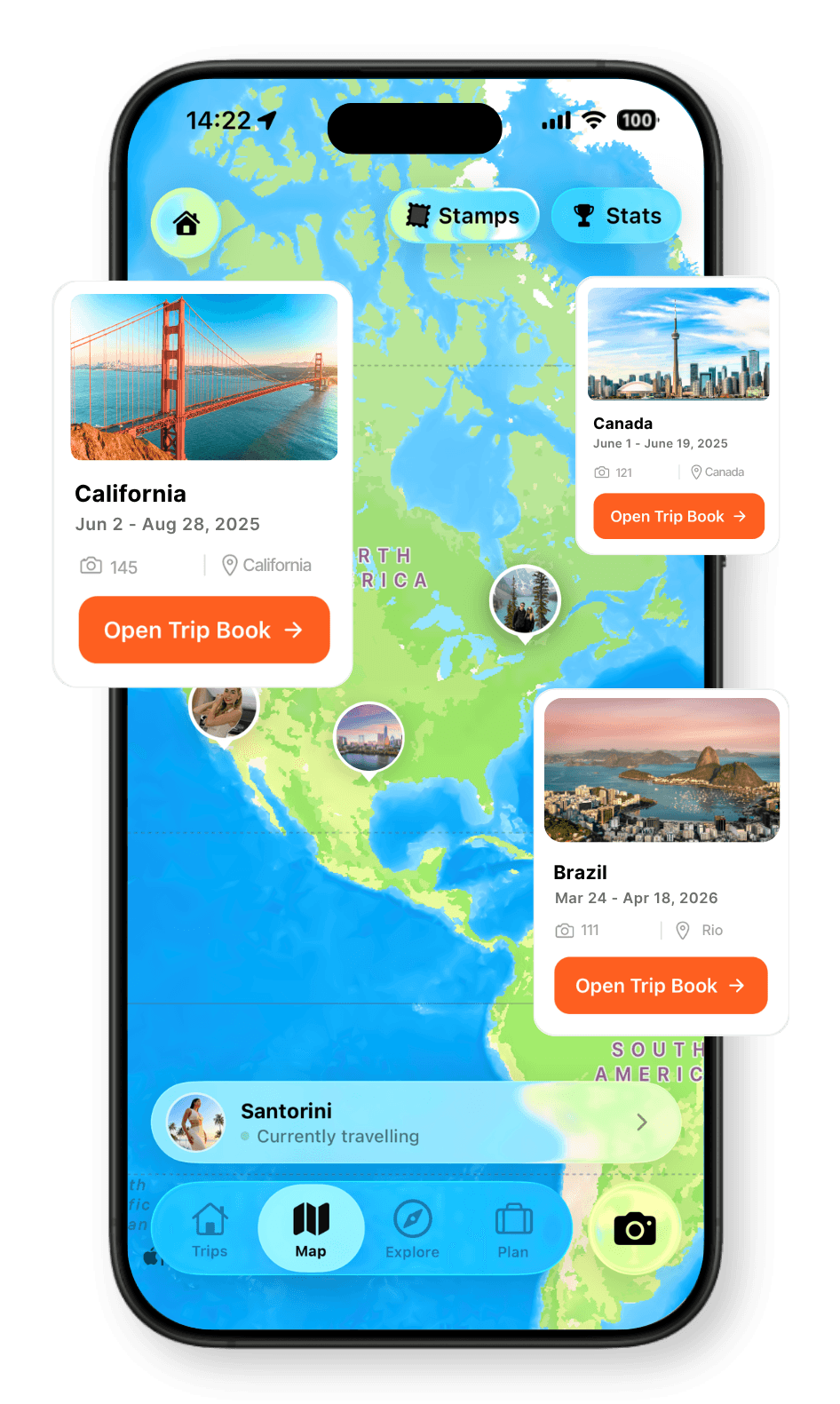
Every place, every memory, together on your map.

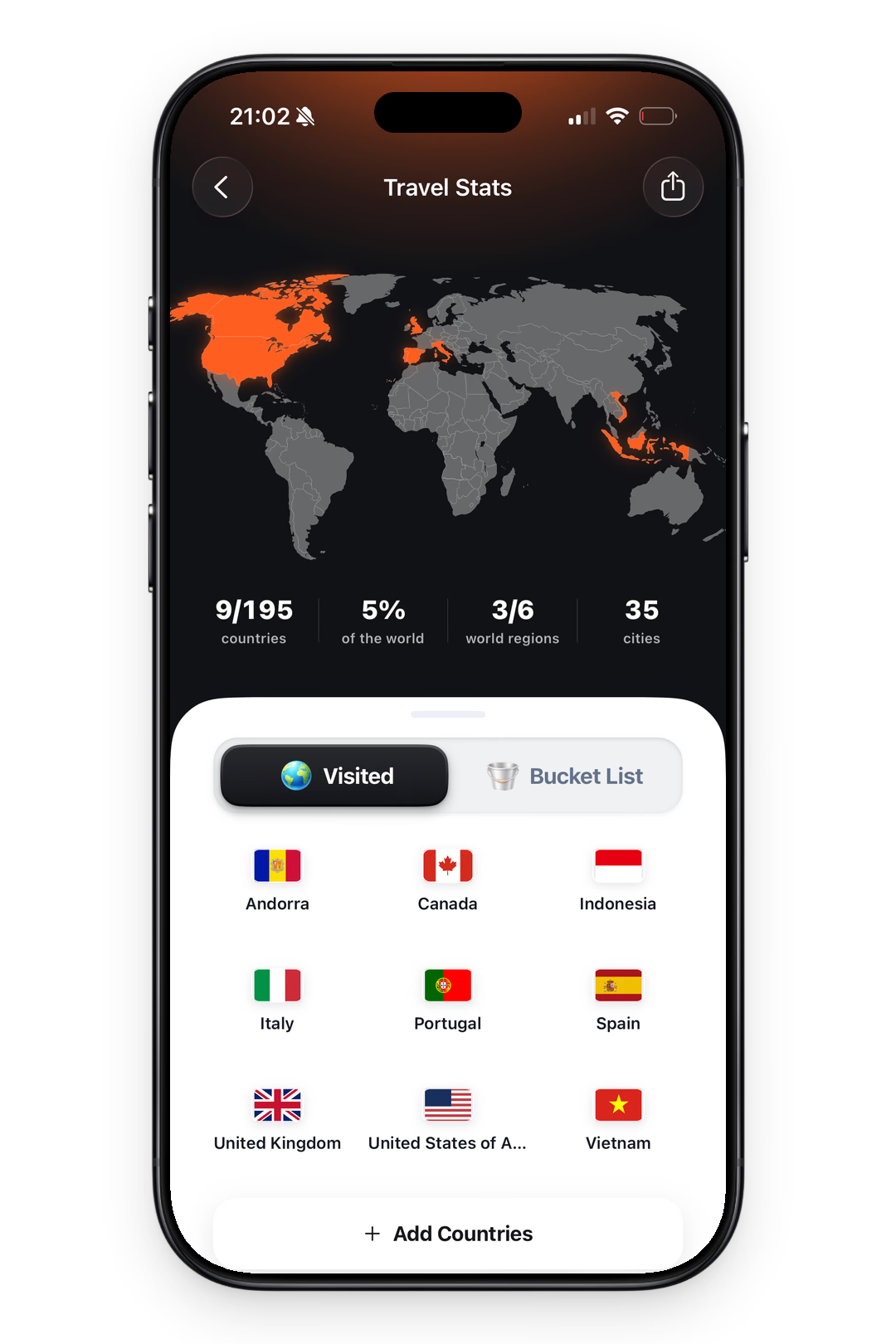
See your countries visited and travel days add up.
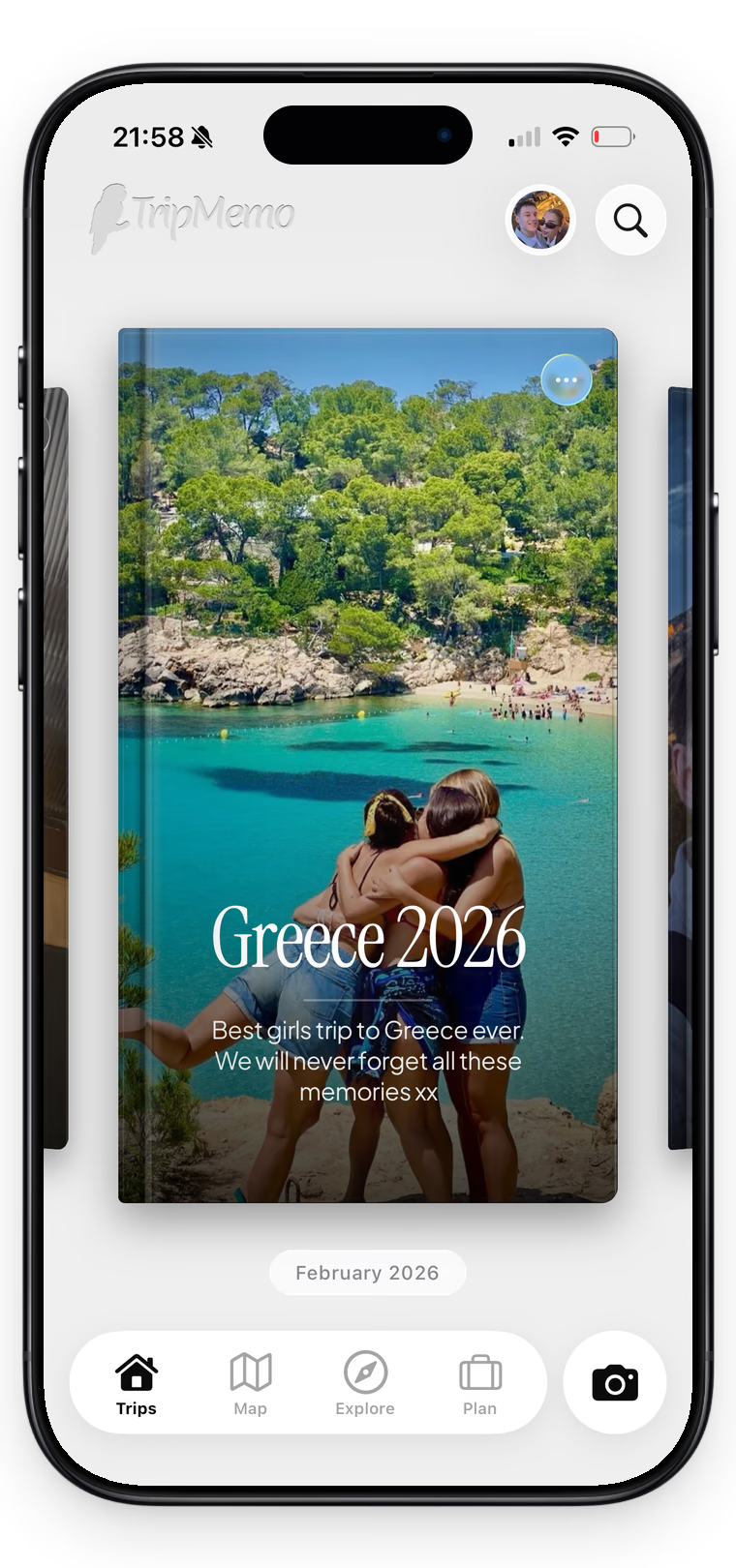
One shared trip, everyone’s best moments.

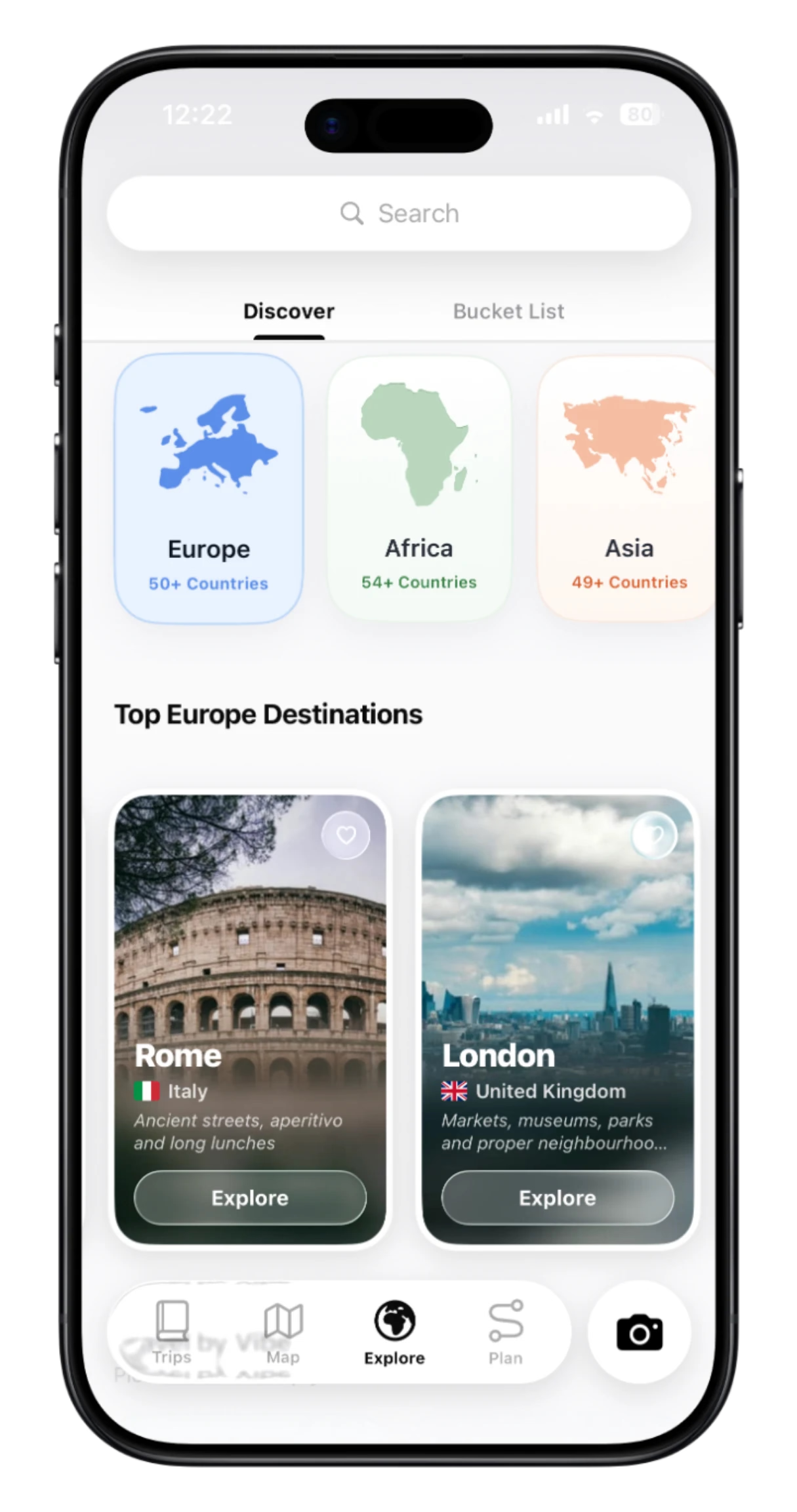
Explore destinations and ideas. Find places you’ll love.


Capture the moment with film looks and travel stamps.

.webp&w=3840&q=90&dpl=dpl_5LiWpjAxVHcJfxZ5FqYxsrCPPe5e)
Add memories offline. Sync when you reconnect.
Adding pins is effortless. When you take a photo or add a memory to your TripBook, TripMemo automatically captures the location and pins it on your map. You can also manually add pins for places you've visited, and each pin connects to your journal entries, photos, and notes from that location.
Yes. TripMemo includes a world map view that highlights every country you've traveled to. You'll see your global footprint at a glance, track how many countries you've explored, and watch your map fill in as you travel more.
The trip map shows the route and pins for a single TripBook, perfect for visualizing one journey. The world map shows your entire travel history across all trips, highlighting countries and displaying all the pins from your adventures over time.
Yes. TripMemo caches your map tiles and pins offline. You can add new pins without signal, and they'll sync to your world map when you reconnect. Perfect for remote adventures where service is spotty.
Absolutely. TripMemo supports real-time collaboration. Everyone in your travel group can add photos, notes, and pins to the same TripBook. All pins appear on the shared trip map, creating a collective visualization of your adventure.
Turn travel photos into books you'll actually look back on.

%20copy%202.webp&w=384&q=75&dpl=dpl_5LiWpjAxVHcJfxZ5FqYxsrCPPe5e)
%20copy%203.webp&w=384&q=75&dpl=dpl_5LiWpjAxVHcJfxZ5FqYxsrCPPe5e)