.webp&w=96&q=75&dpl=dpl_8rfq4W9dyXsDTL7JRYsC2GrNn4WF)

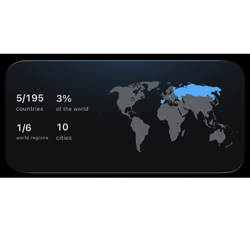
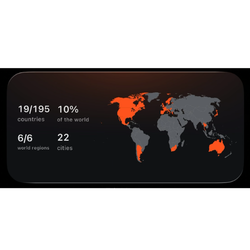

Add daily translations, a trip countdown, travel stats, photos from past trips or a shortcut to your current TripBook to your iPhone Home Screen. Choose the ones that fit the way you travel.
Widgets
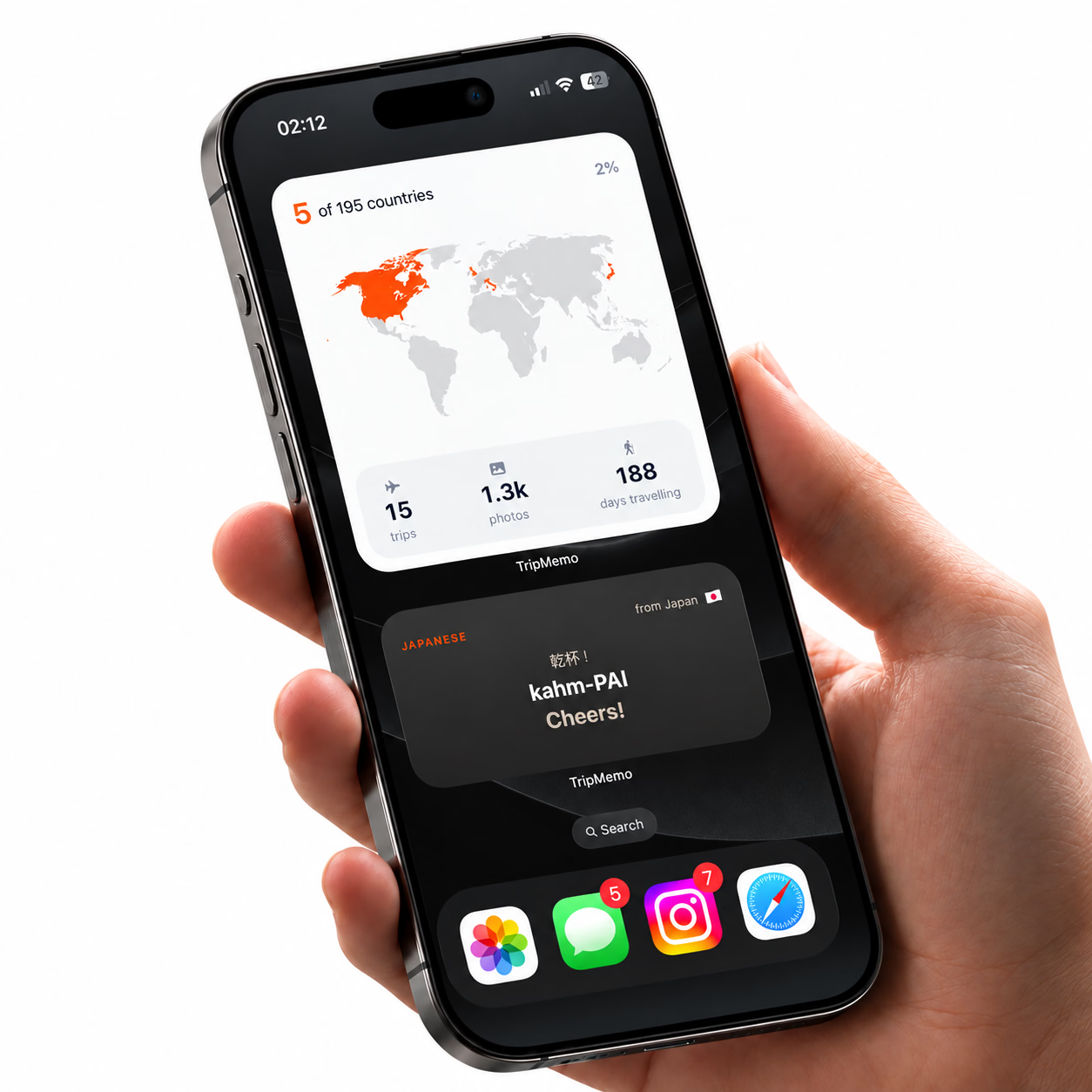
TripMemo widgets bring your travels to your iPhone Home Screen. Find a local word and how to pronounce it, count down to your next trip and see how much of the world you’ve explored. Jump straight into your current TripBook to add a memory, or flick through photos from a favourite adventure. Your travels, there whenever you glance at your phone.
Count down to your next trip
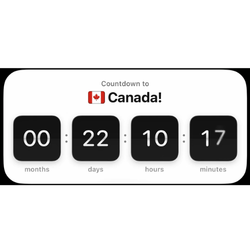
Give yourself something to look forward to. See how long until you go away with a trip countdown on your Home Screen, without opening the calendar and counting the days.
Daily translations and pronunciation
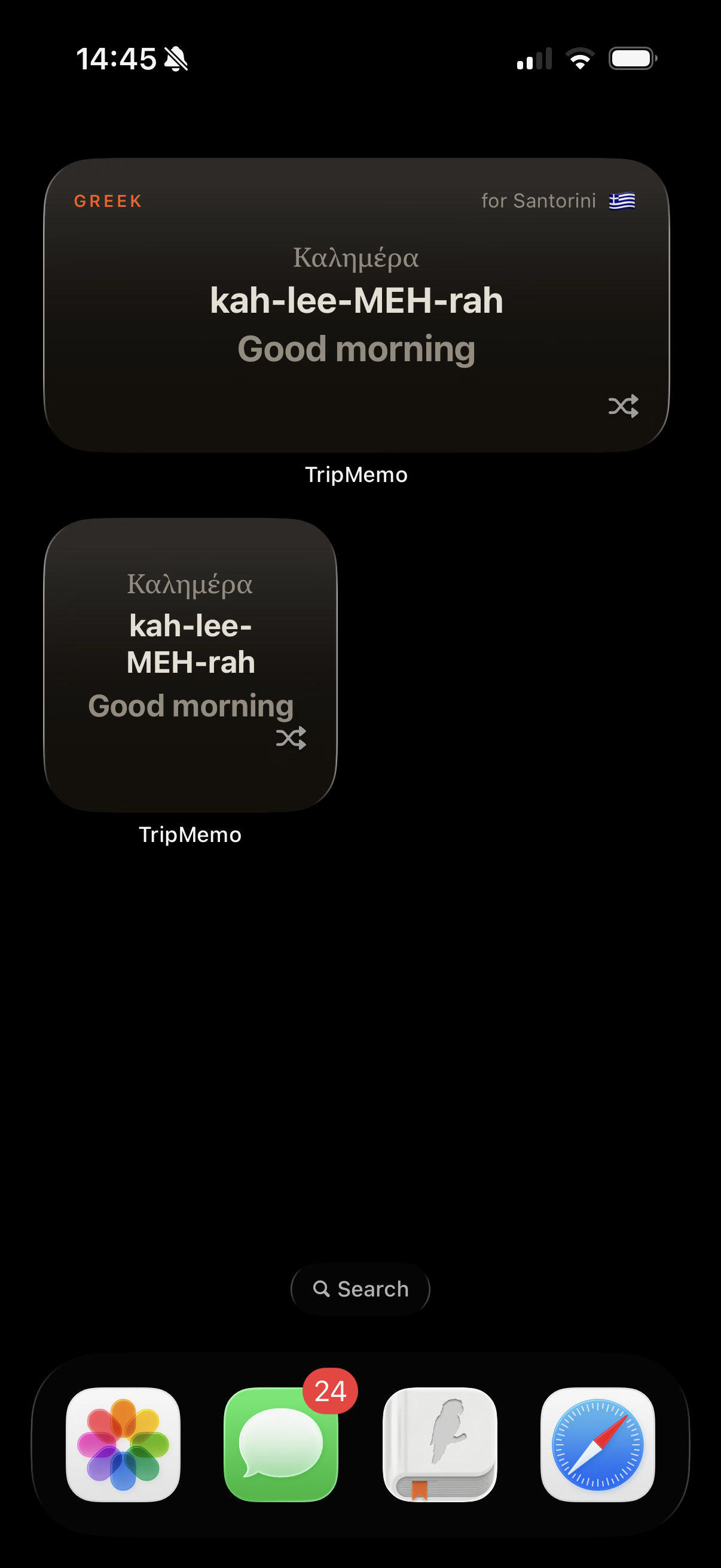
Learn a local word each day for the country you're visiting. See its translation and how to pronounce it, right on your Home Screen, so you know what to say and how to say it when chatting with locals.
One tap to open your TripBook
Tap the widget to jump straight into your current TripBook and add a photo to the right day. Start from your Home Screen, without searching through the app for your trip.

Past trip memories on your Home Screen
Photos from your past trips pop up on your Home Screen, bringing back memories you'd forgotten. Rediscover favourite moments whenever you look at your phone, without opening the app or searching your camera roll.
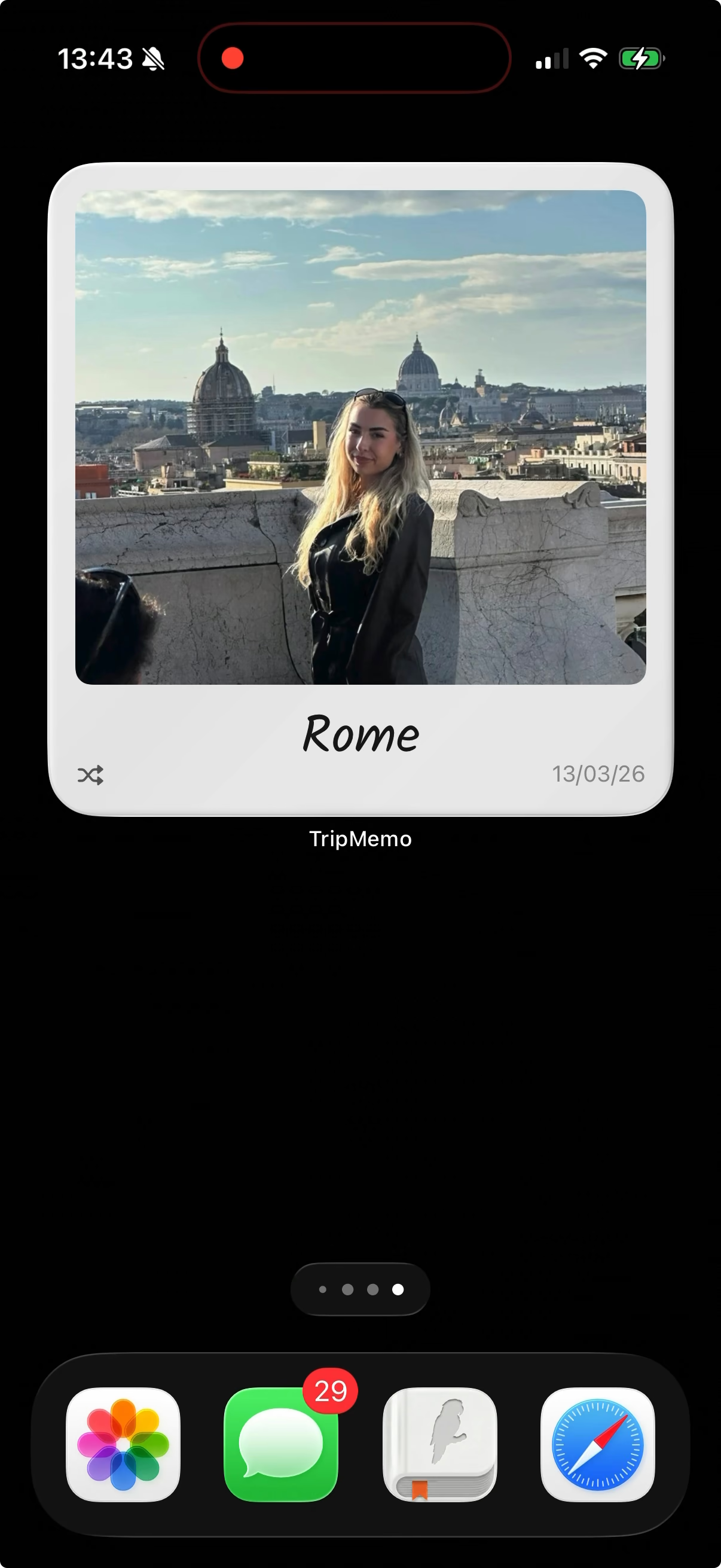
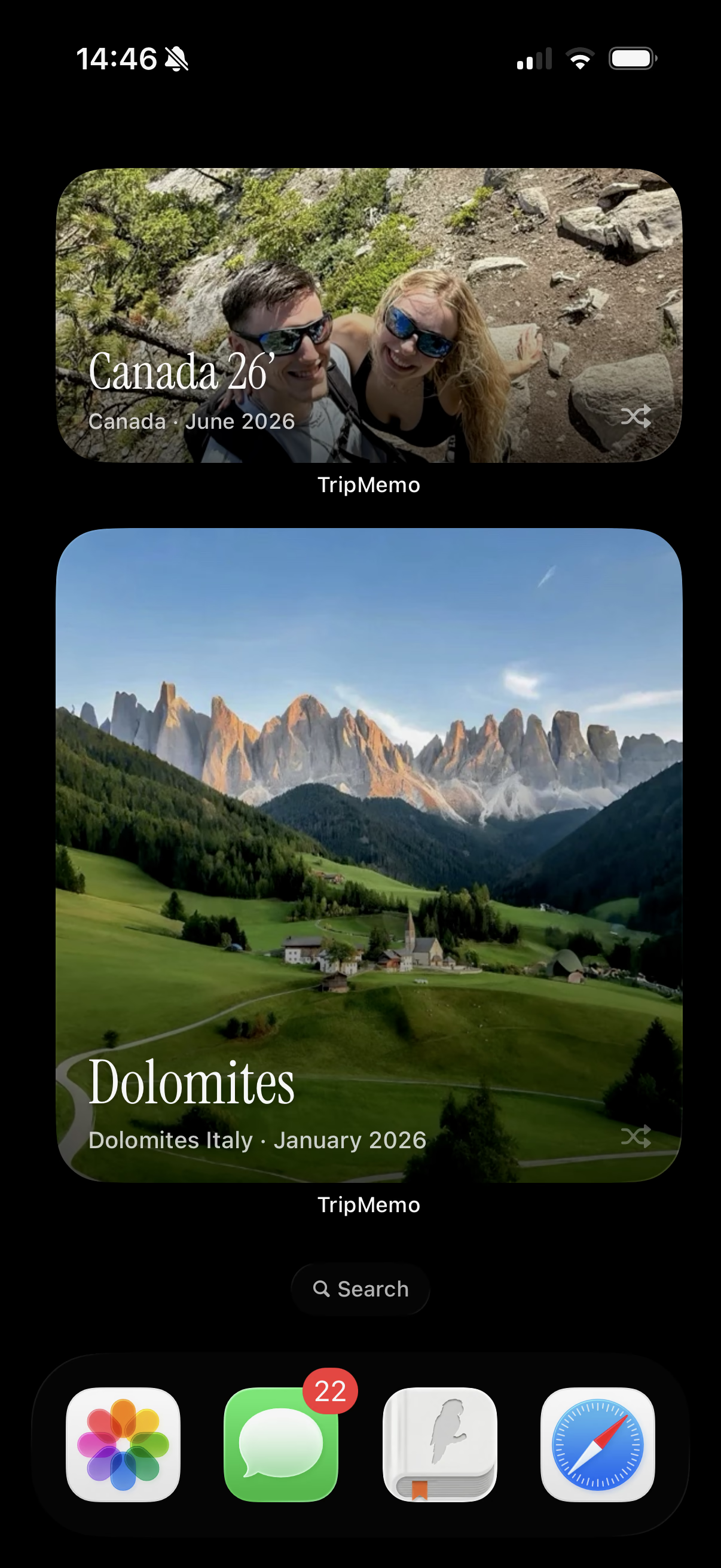
TripMemo Widgets FAQ
You can see translations, your countdown, world progress and travel photos on your Home Screen. The TripBook widget opens your current journal in TripMemo so you can add a photo to the right day without searching through your books.
With TripMemo installed, touch and hold an empty area of your Home Screen. Tap Edit, then Add Widget, and search for TripMemo. Pick a widget and an available size, tap Add Widget, then Done.
Start with just the widget you will use most. You can move it wherever it suits you, remove it at any time or stack widgets of the same size in one space and swipe between them.
See a local word each day for the country you are visiting, with its translation and a pronunciation guide. Know what it means and how to say it when chatting with locals.
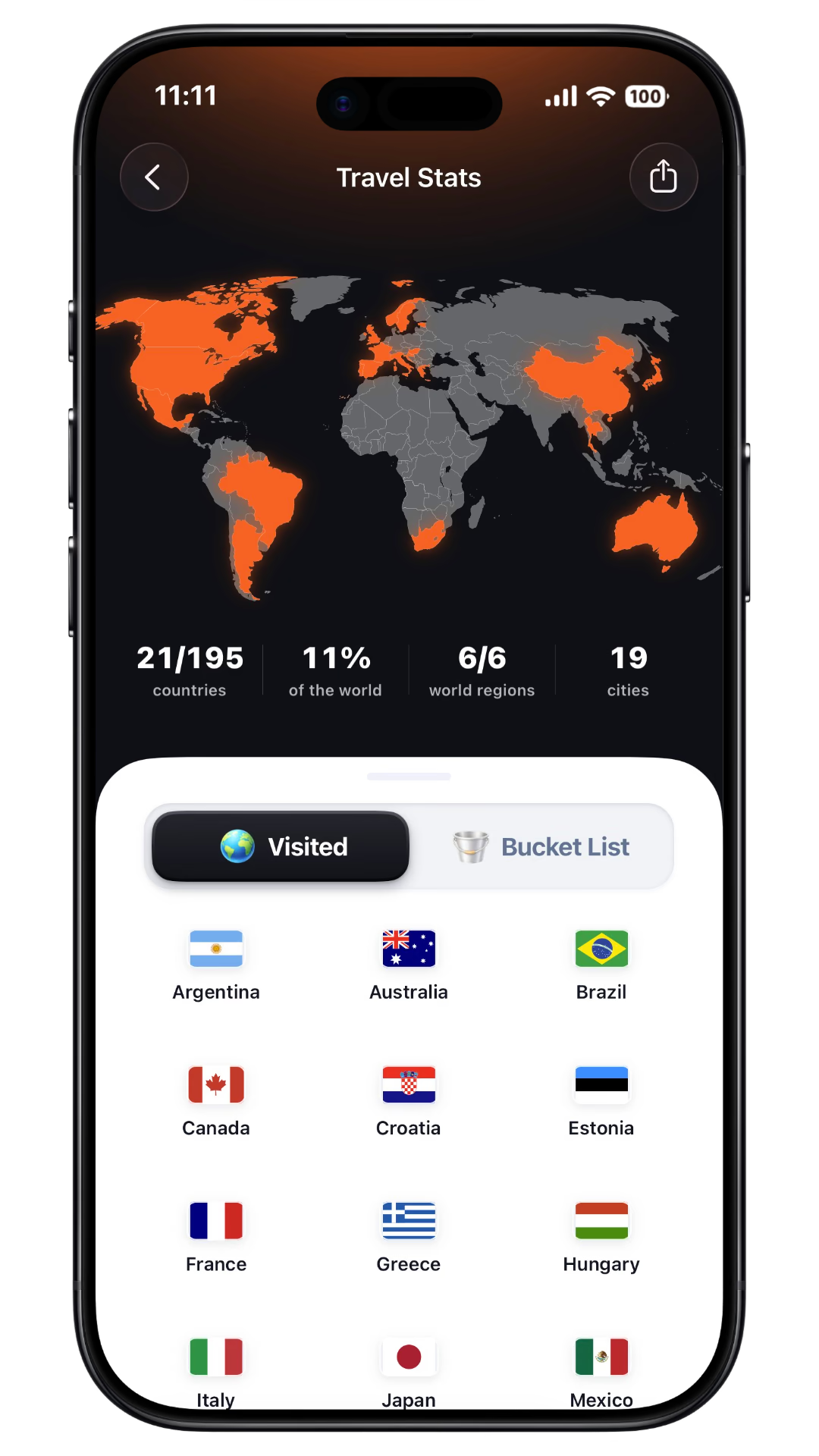
Yes. Count down to your next trip, see how much of the world you have explored or flick through photos from a past adventure. Keep a little of that holiday feeling in your everyday routine.
The widget takes you straight into your current TripBook in the app, where you add your photo. It saves you finding the book first; the photo is added inside TripMemo, rather than inside the widget.
Compare the best travel widgets for iPhone, including countdowns, flights and itinerary widgets. Explore your travel stats, or see how to keep your memories in a TripBook.
More Features in the TripMemo App.avif&w=3840&q=75&dpl=dpl_8rfq4W9dyXsDTL7JRYsC2GrNn4WF)

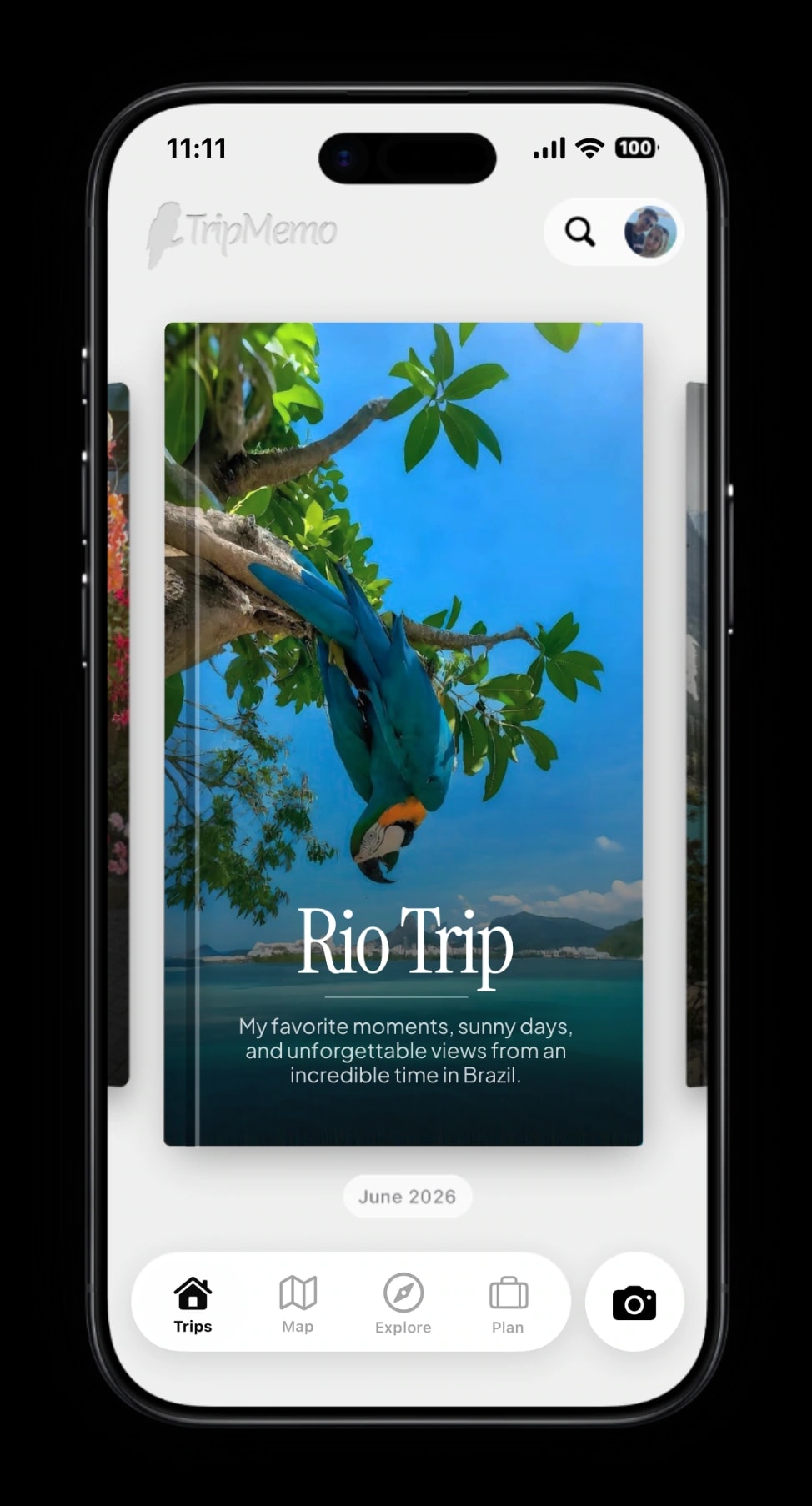
TripBooks
Turn your trip into a book of memories.
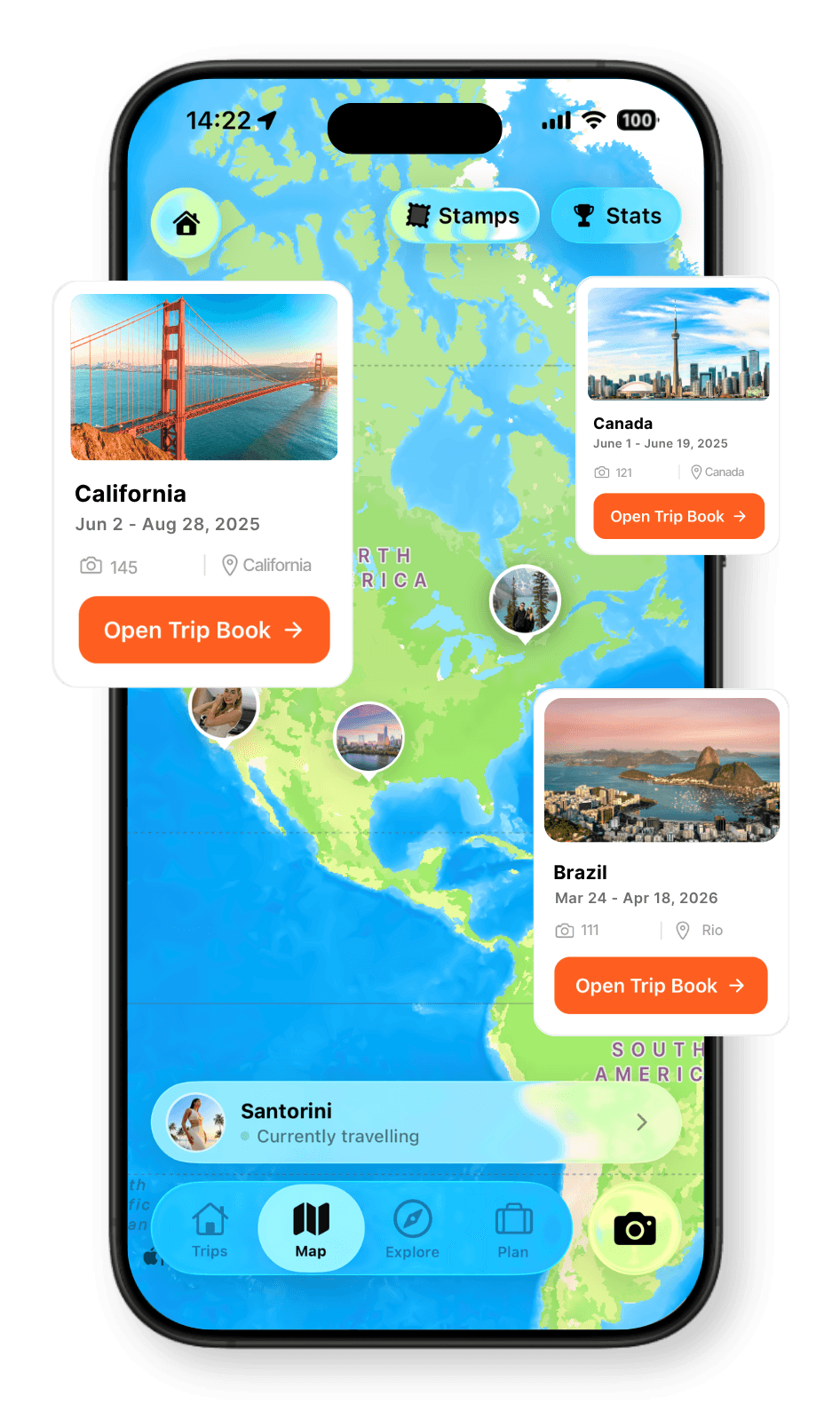
Travel Map
Every place, every memory, together on your map.
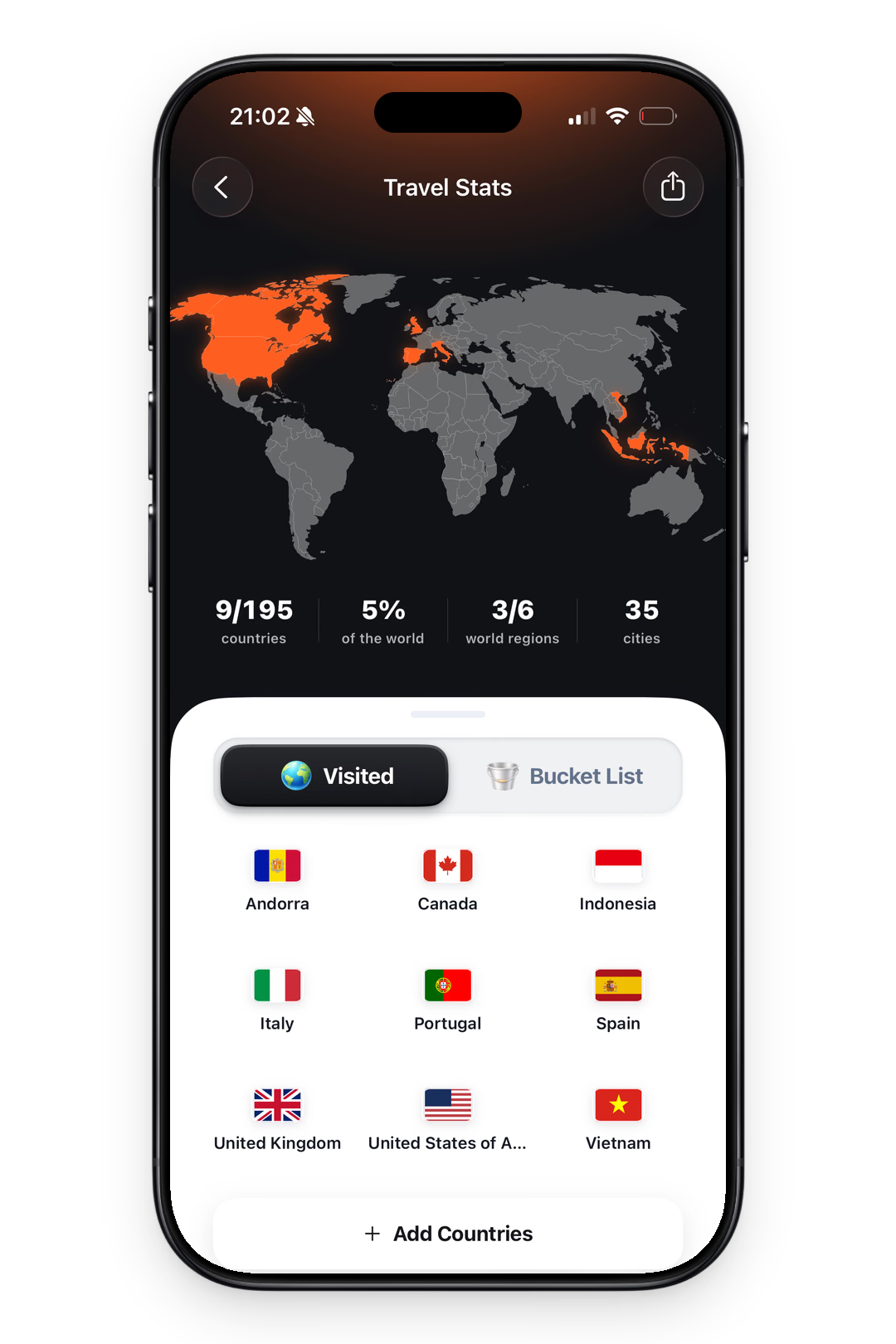
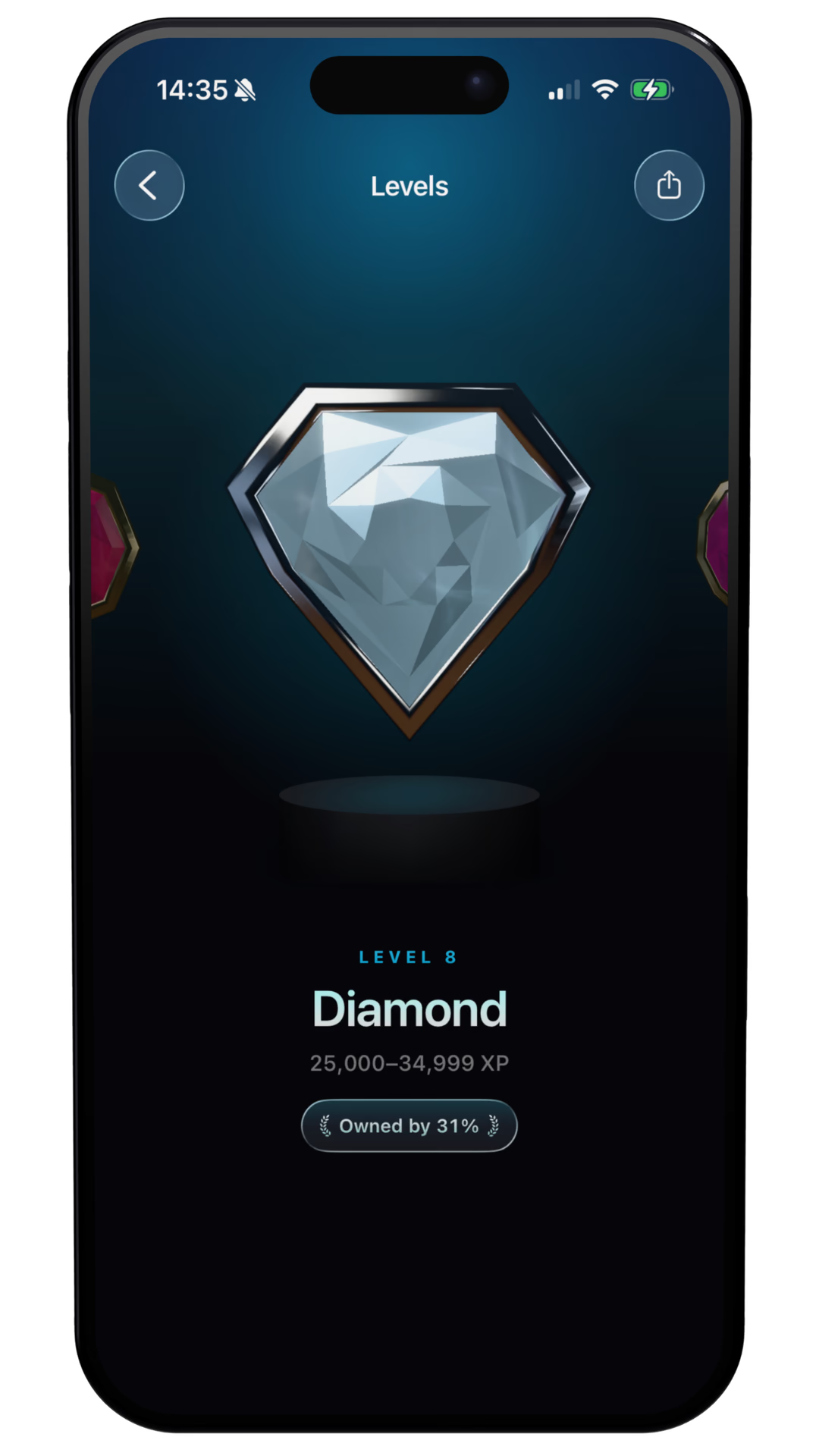
Travel Stats
See your countries visited and travel days add up.
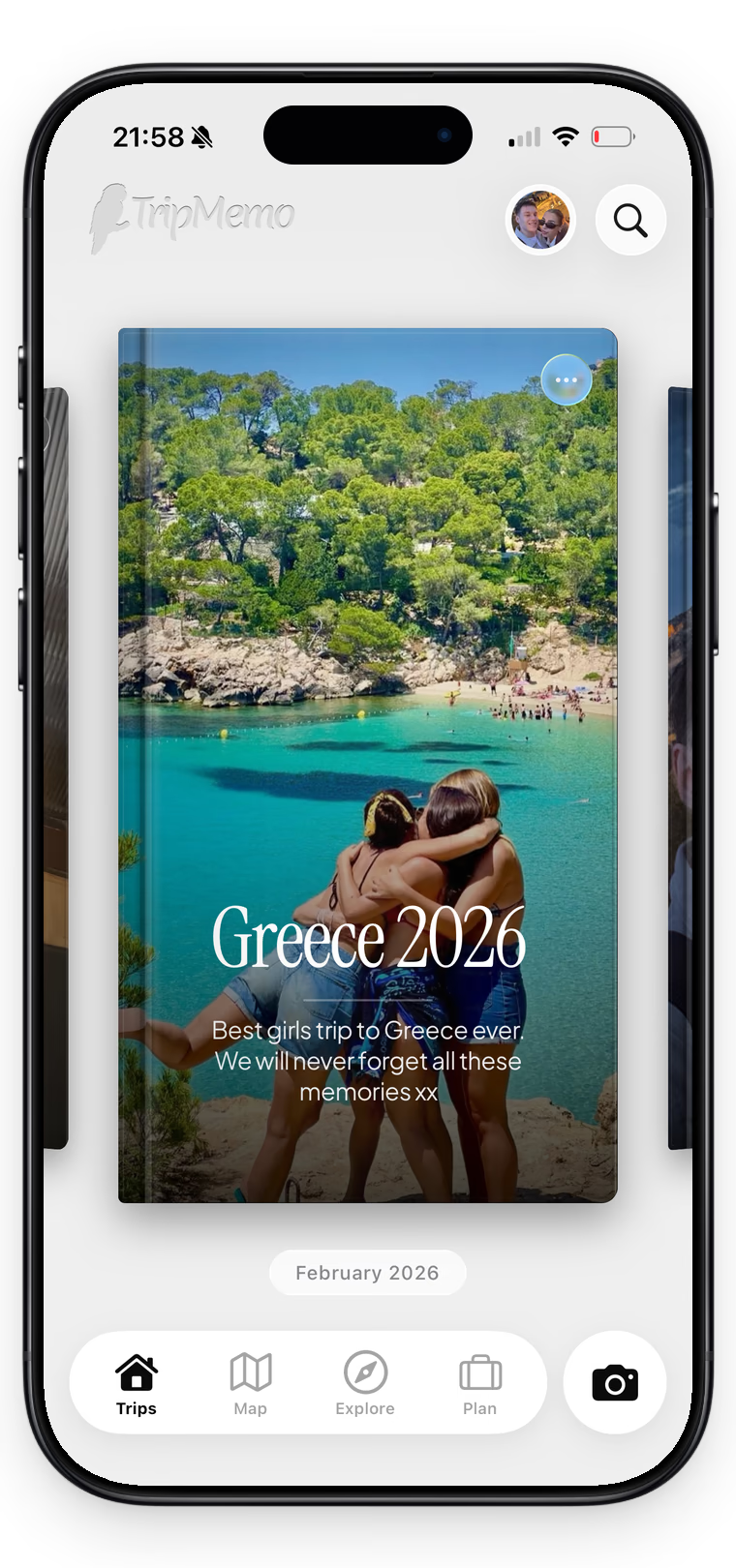
Collaboration
One shared trip, everyone’s best moments.
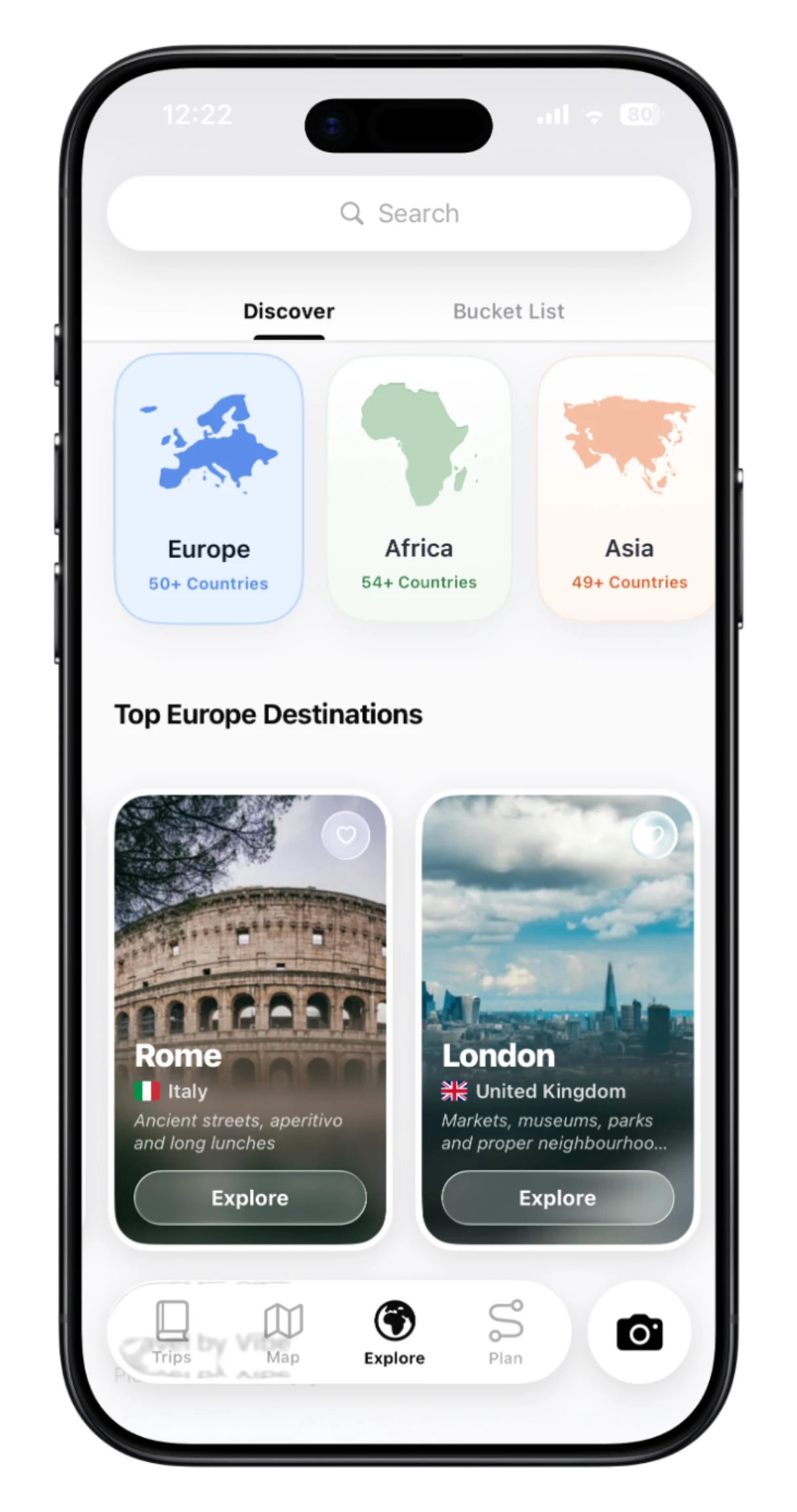
Discover
Explore destinations and ideas. Find places you’ll love.
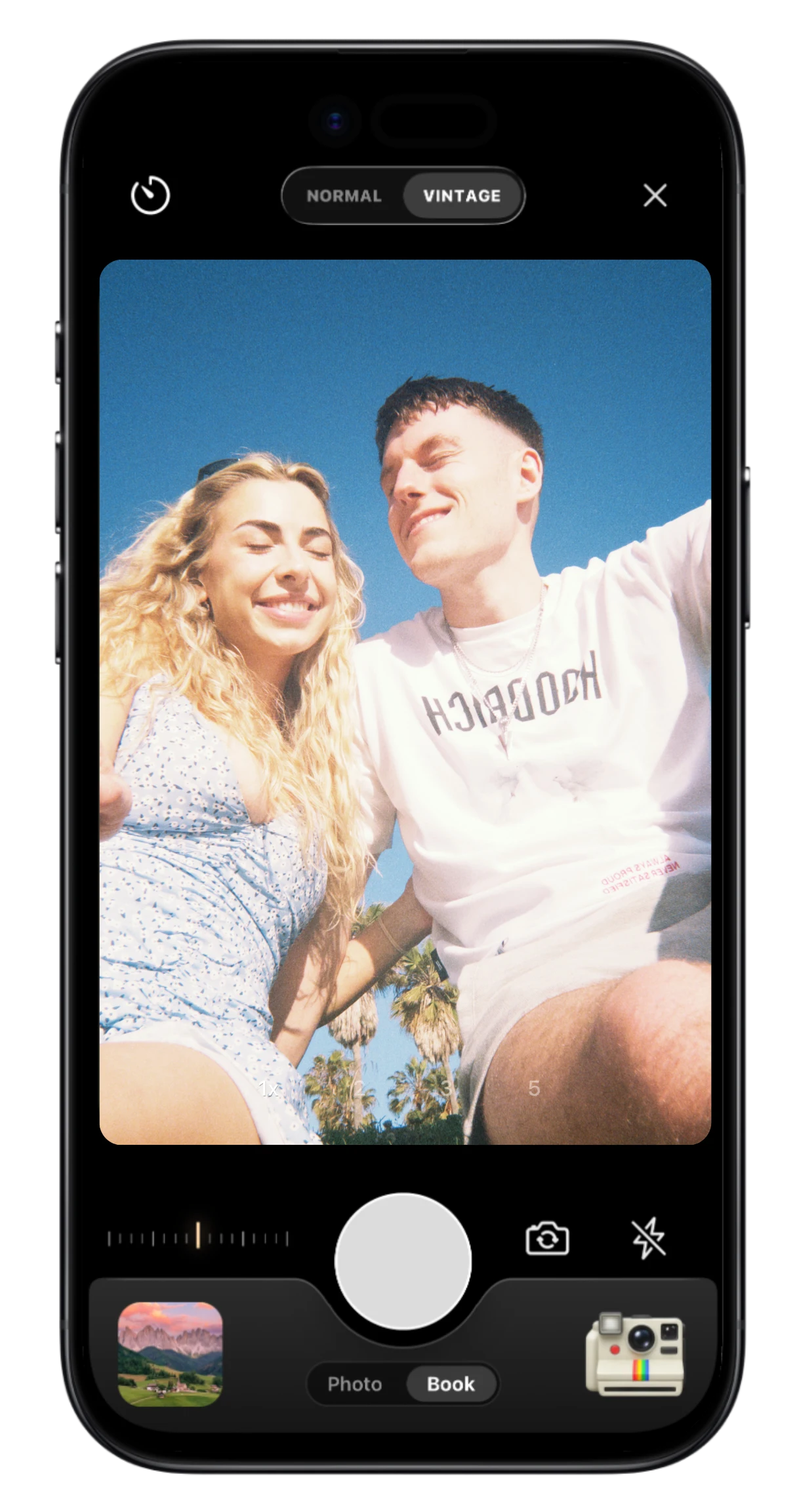
Vintage & Stamp
Capture the moment with film looks and travel stamps.
.webp&w=3840&q=90&dpl=dpl_8rfq4W9dyXsDTL7JRYsC2GrNn4WF)
Offline Mode
Add memories offline. Sync when you reconnect.