.webp&w=96&q=75&dpl=dpl_EPXMHFF758wZiFUsuw99japedPYQ)



Plans everywhere
Routes, saved places and ideas end up split across notes, screenshots, messages and browser tabs.
Backpacking app for iPhone · works offline
TripMemo is a backpacking app for planning routes, journaling offline, organising photos and sharing trips with friends. Every journey becomes one day-by-day TripBook.

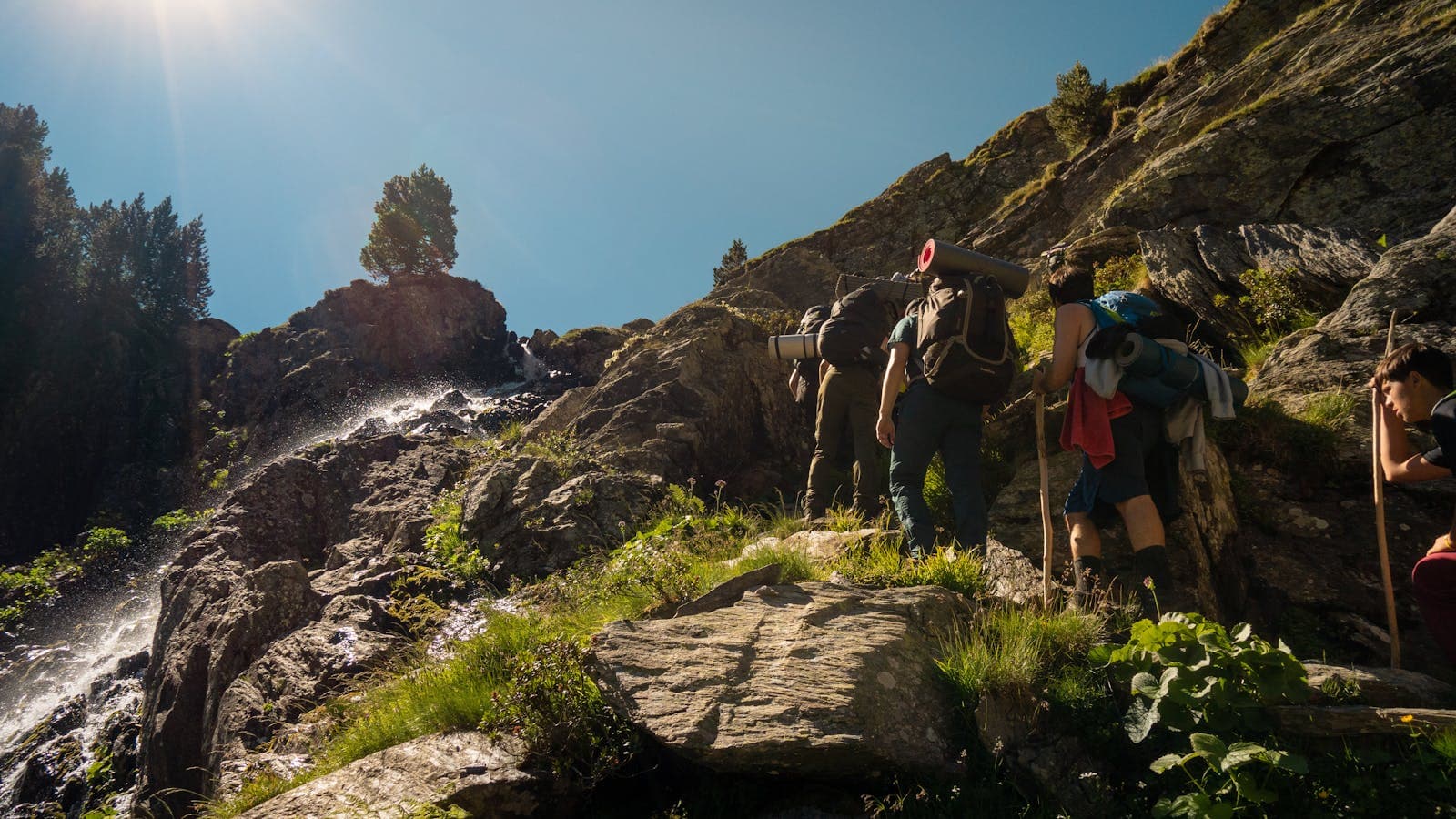

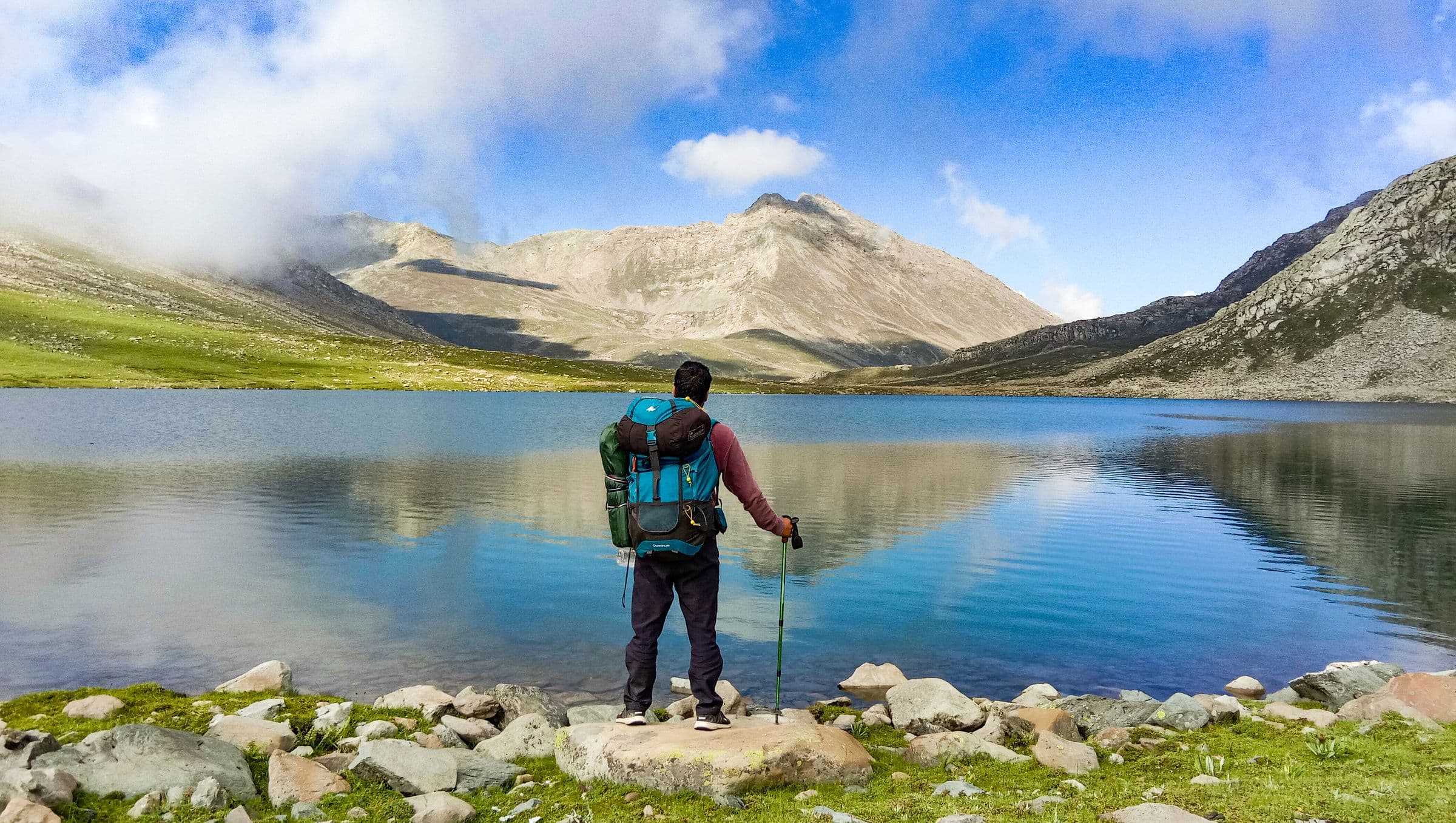
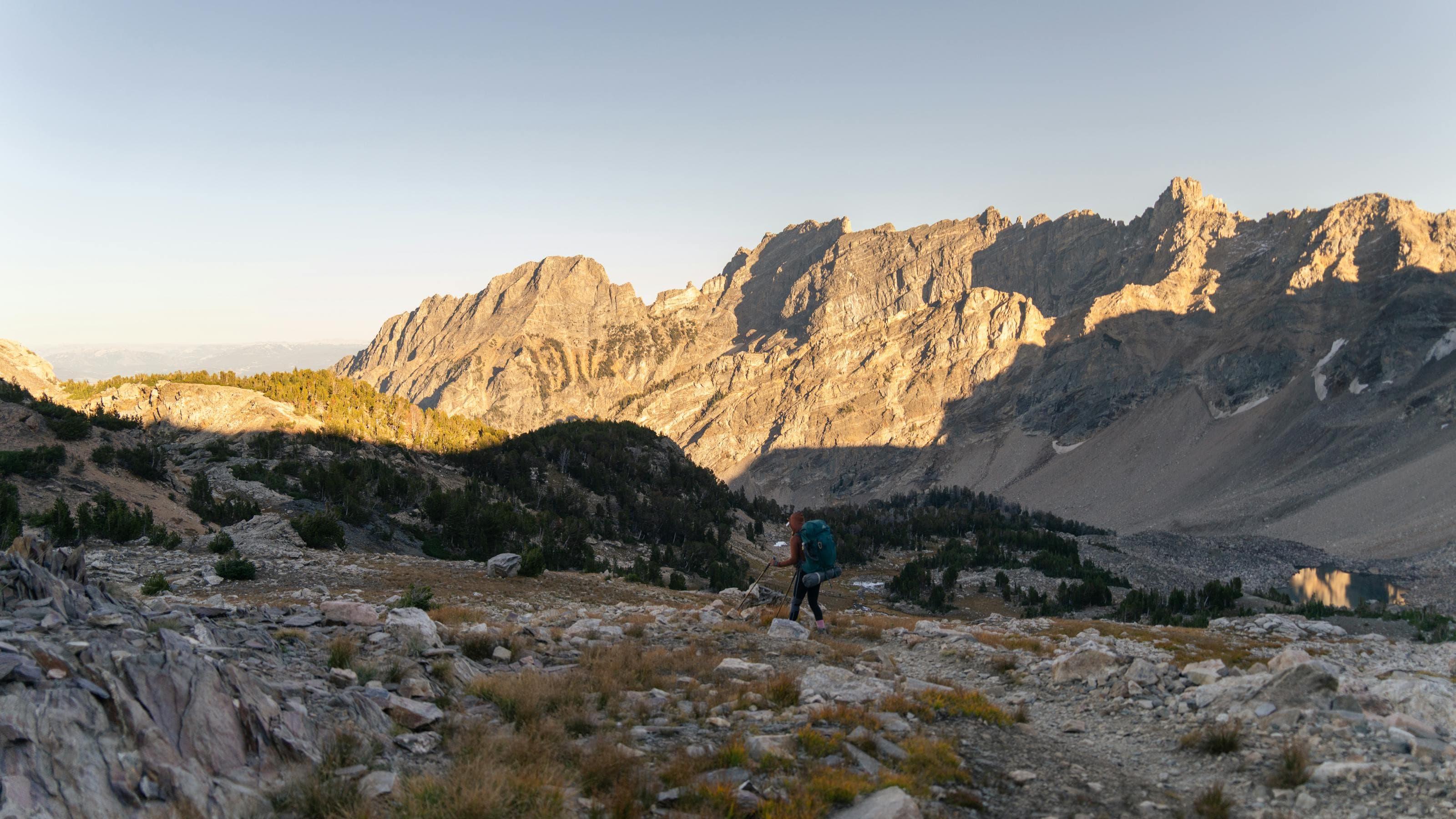
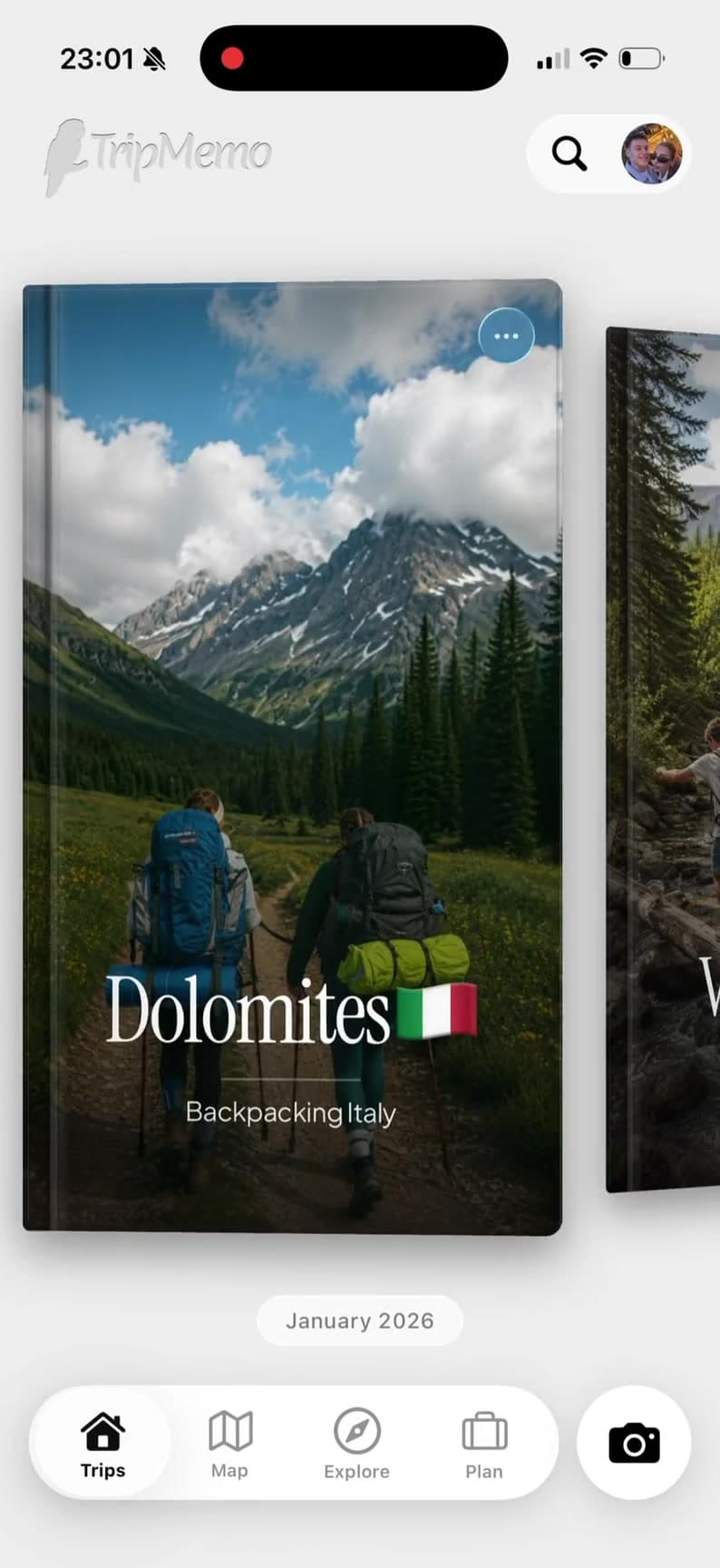
A good backpacking app should keep plans, places and memories together, even when the route changes or the signal disappears.
Routes, saved places and ideas end up split across notes, screenshots, messages and browser tabs.
The places worth remembering are often the places where travel apps stop working.
Hundreds of photos pile up across weeks on the road, with no context and no story connecting them.
The group moves on, and everyone leaves with a different piece of the journey on a different phone.
One long trip. One organised TripBook.
Plan the route, capture each day offline and keep every backpacking memory in one place.
Backpacking with friends
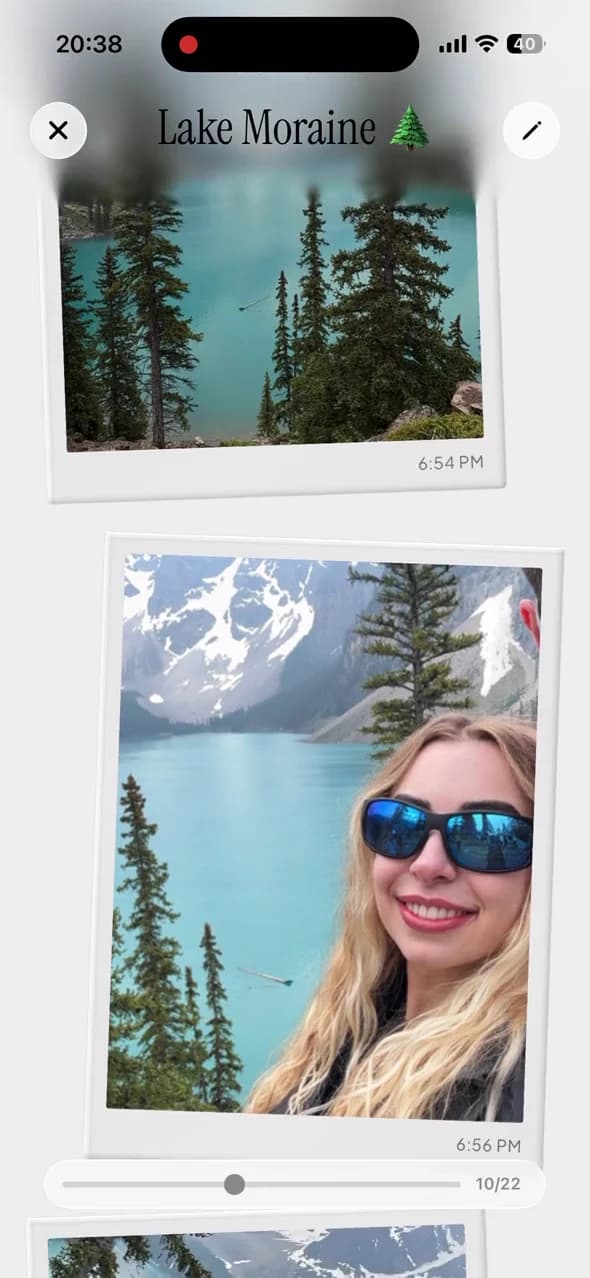
Invite your hostel crew or travel friends to the same TripBook. Everyone can add photos, notes and favourite finds in real time, so the whole journey survives beyond the group chat.













Built for the long haul
Plan before you go, capture offline while you travel and preserve every day when you return.
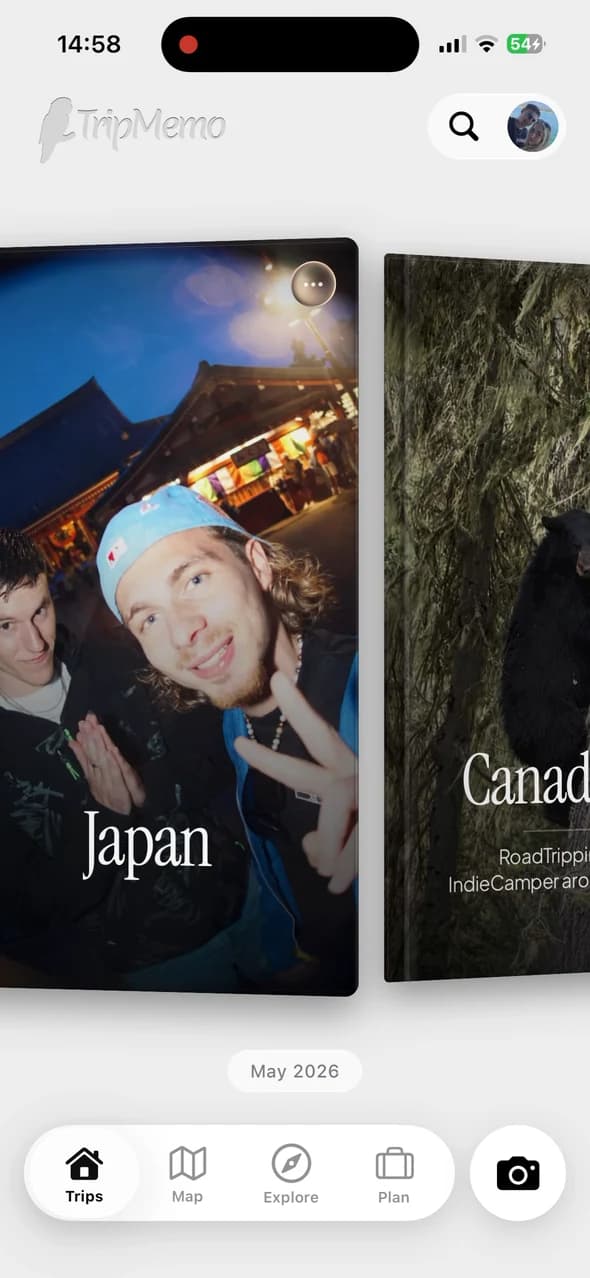


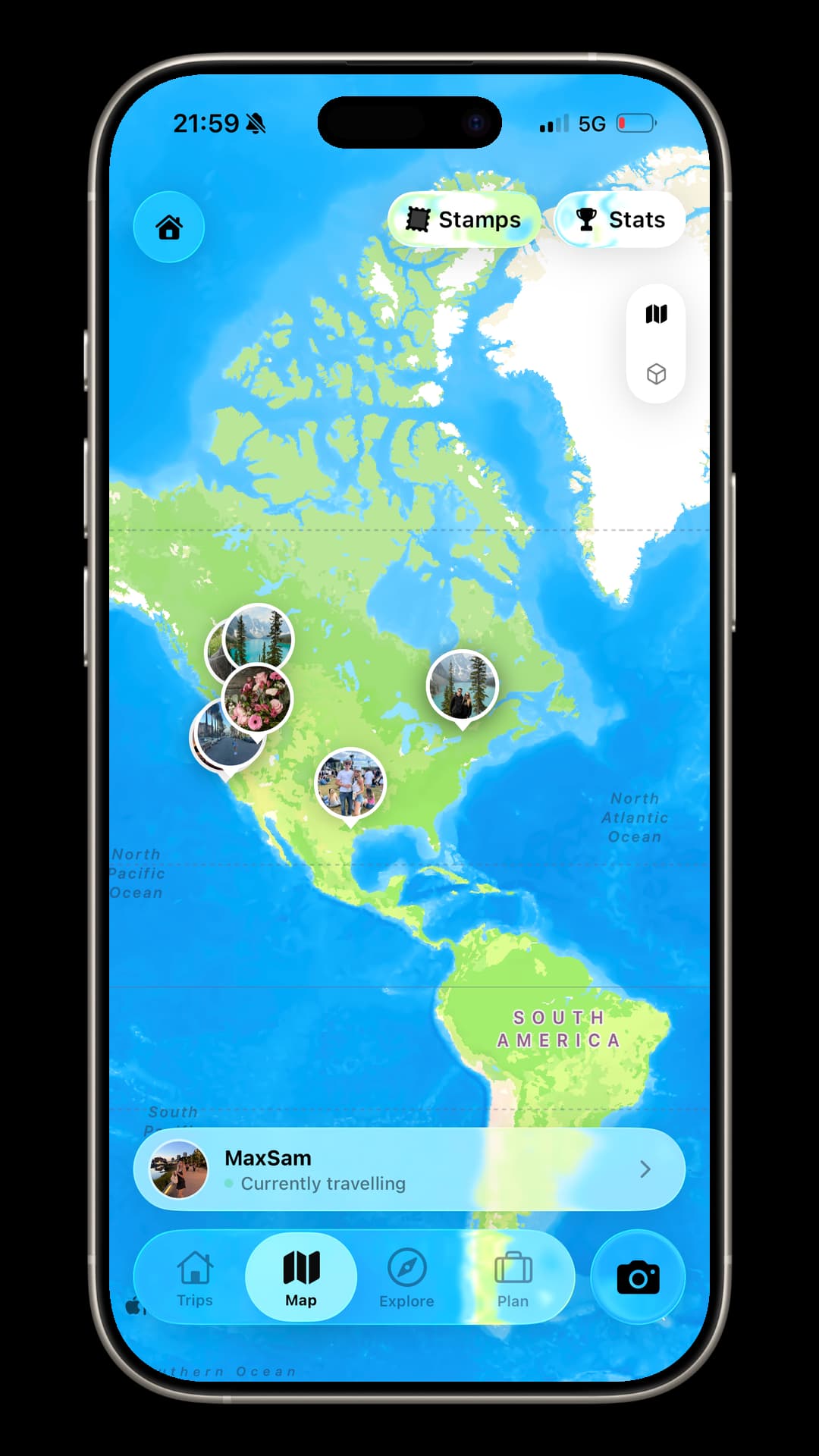
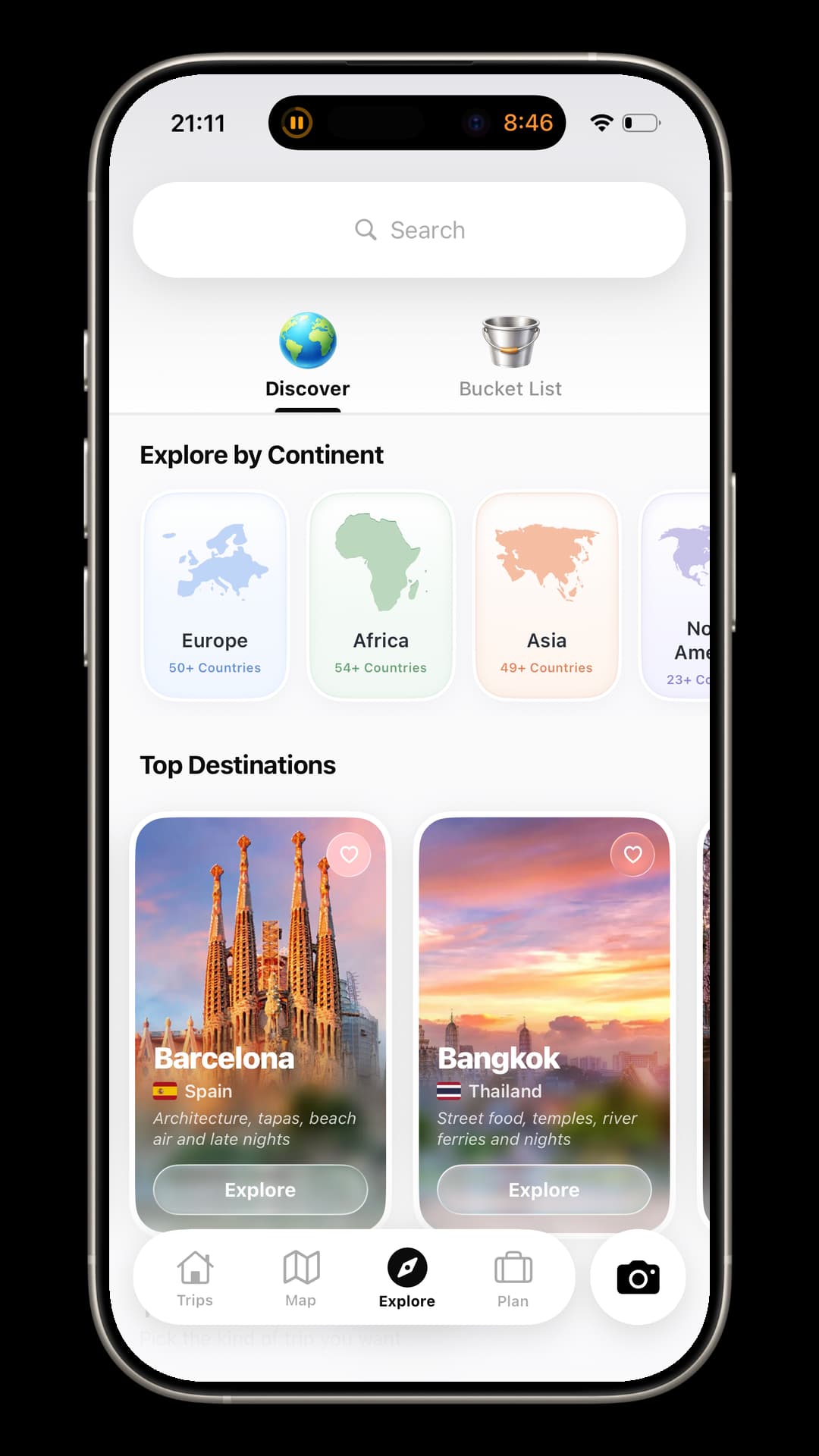
Plan the route, capture it offline and keep every day.One backpacking app for the journey before, during and after.
Create a Backpacking TripBookChoosing an app
The best app for backpackers should keep plans, offline memories and the finished story connected.
| Feature | NotesApp | PhotoAlbum | MapApp | TripMemo |
|---|---|---|---|---|
| Itinerary planning | Basic | No | Route only | Yes |
| Day-by-day TripBook | No | No | No | Yes |
| Photos + written notes | Text only | Photos only | Pins | Yes |
| Works offline | Basic | Limited | Often | Yes |
| Group collaboration | Basic | Basic | No | Real time |
| Bulk upload past days | No | Yes | No | Yes |
| Private trip sharing | Hard | Album link | Route link | One link |
| Route + memories together | No | No | Route only | Yes |
| Built for long-trip stories | No | No | No | Yes |
| Feature | Notes App | Photo Album | Map App | TripMemo |
|---|---|---|---|---|
| Itinerary planning | Basic | No | Route only | Yes |
| Day-by-day TripBook | No | No | No | Yes |
| Photos + written notes | Text only | Photos only | Pins | Yes |
| Works offline | Basic | Limited | Often | Yes |
| Group collaboration | Basic | Basic | No | Real time |
| Bulk upload past days | No | Yes | No | Yes |
| Private trip sharing | Hard | Album link | Route link | One link |
| Route + memories together | No | No | Route only | Yes |
| Built for long-trip stories | No | No | No | Yes |
How it works
Open each feature to see how TripMemo helps you discover, plan and remember the journey.
Backpacking plans change. Wi-Fi disappears. New friends join halfway through. TripMemo is designed to keep the route, the people and the story in one place without continuously tracking you.
Made for real life on the road
Offline capture · collaborative TripBooks · private sharing
Backpacking planner + travel journal
The best backpacking apps reduce the number of tools you juggle. TripMemo combines a backpacking trip planner with an offline travel journal: build an itinerary, use AI suggestions, save places, then add photos and notes as the journey unfolds. Everything becomes one day-by-day TripBook instead of separate notes, albums and map screenshots. It complements navigation and booking apps; it does not replace turn-by-turn maps.
Planning the practical side too? Estimate daily costs with our backpacking budget calculator and read the backpacking journaling guide.
For a broader overview, compare the travel journal app, or explore the dedicated solo travel app and gap year apppages.
Journaling Tips
Make the most of your travel memories with these practical journaling strategies.
Thoughtful guides for planning, documenting and remembering every part of the journey.
FAQ
Turn travel photos into books you'll actually look back on.




%20copy%202.webp&w=384&q=75&dpl=dpl_EPXMHFF758wZiFUsuw99japedPYQ)
%20copy%203.webp&w=384&q=75&dpl=dpl_EPXMHFF758wZiFUsuw99japedPYQ)