Collaboration

Collaborate in real time on one shared TripBook with friends, family or your partner. Everyone adds their photos, notes, places and inside jokes, so you can relive the trip from every perspective without chasing photos through group chats.
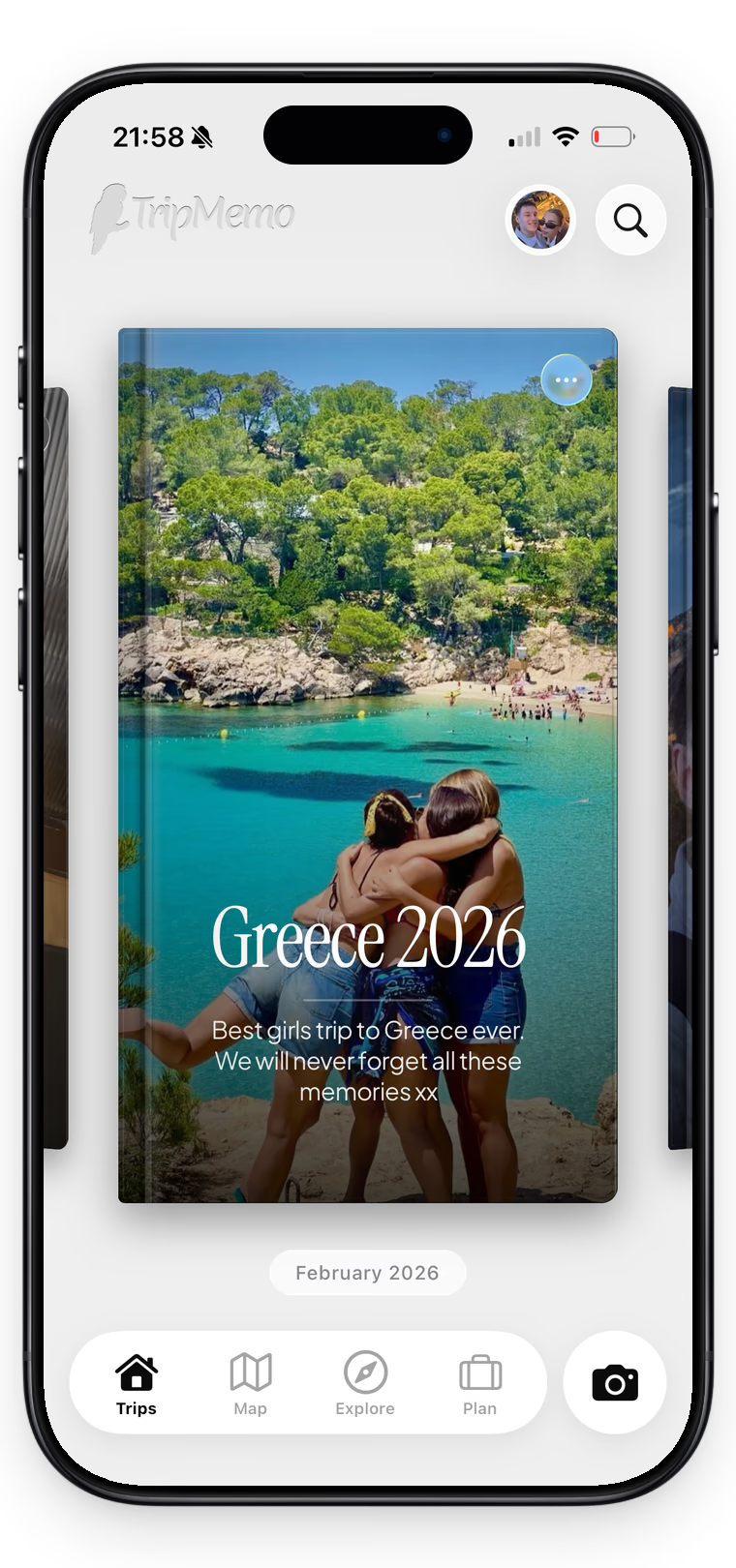
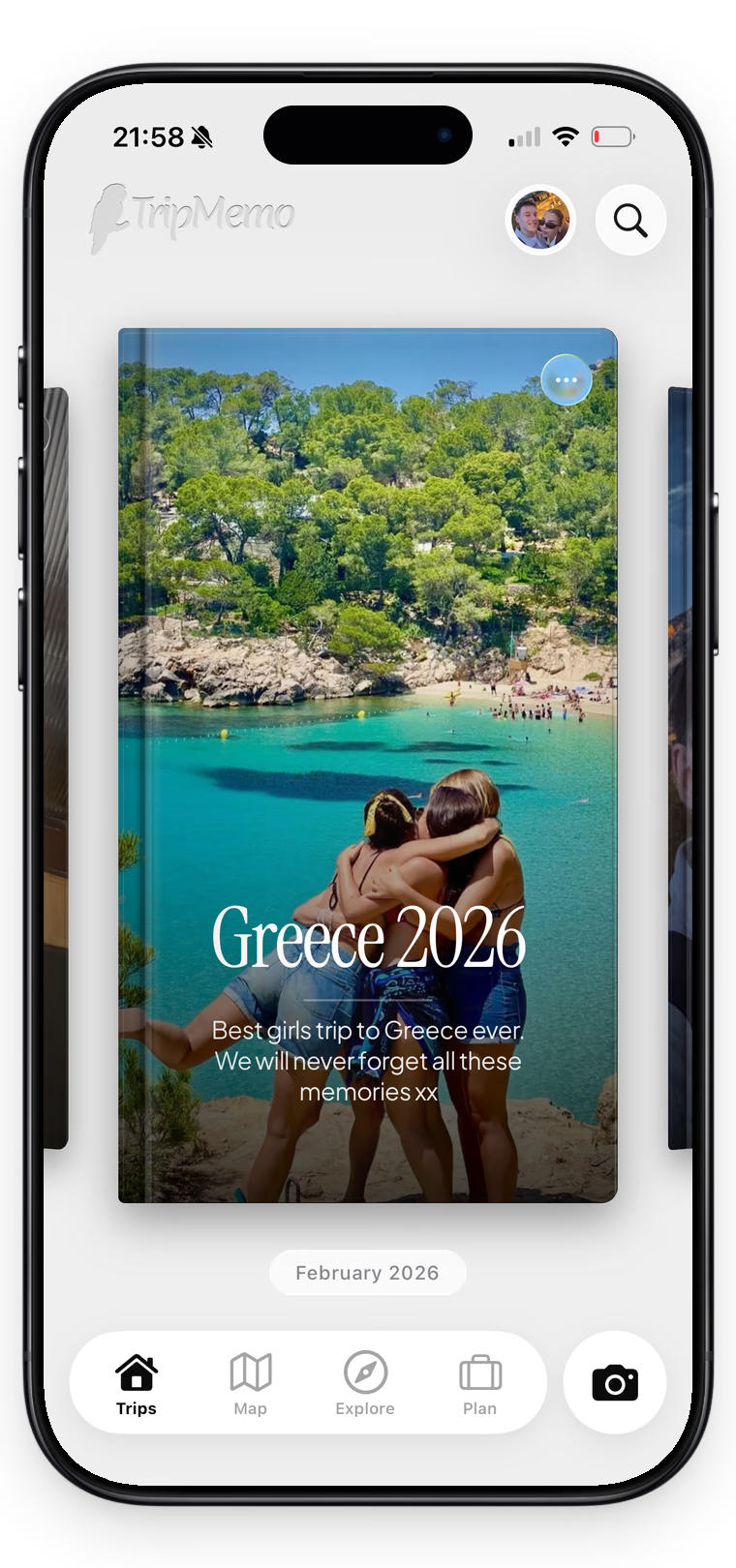
TripMemo shared travel journal showing a collaborative Greece TripBook on iPhone

Build it Together

Invite your partner, friends or family, then collaborate in one shared TripBook. Add memories, captions, inside jokes and favourite finds together as each person tells their side of the story.


Maya, a TripBook contributor
Maya
Theo, a TripBook contributor
Theo
Sam, a TripBook contributor
Sam
Ana, a TripBook contributor
Ana
Leo, a TripBook contributor
Leo
Nina, a TripBook contributor
Nina
Sofia, a TripBook contributor
Sofia
Noah, a TripBook contributor
Noah
Alex, a TripBook contributor
Alex
Emi, a TripBook contributor
Emi
Jamie, a TripBook contributor
Jamie
Priya, a TripBook contributor
Priya
Iris, a TripBook contributor
Iris
Owen, a TripBook contributor
Owen
TripMemo app features showing friends adding photos and notes to a shared collaborative TripBook on iPhone
Friends contributing their travel photos to one shared TripMemo TripBook.

Caption every

Add the jokes, details and different points of view that turn each photo into your group’s story.

Three friends hugging above a turquoise cove

The whole crew

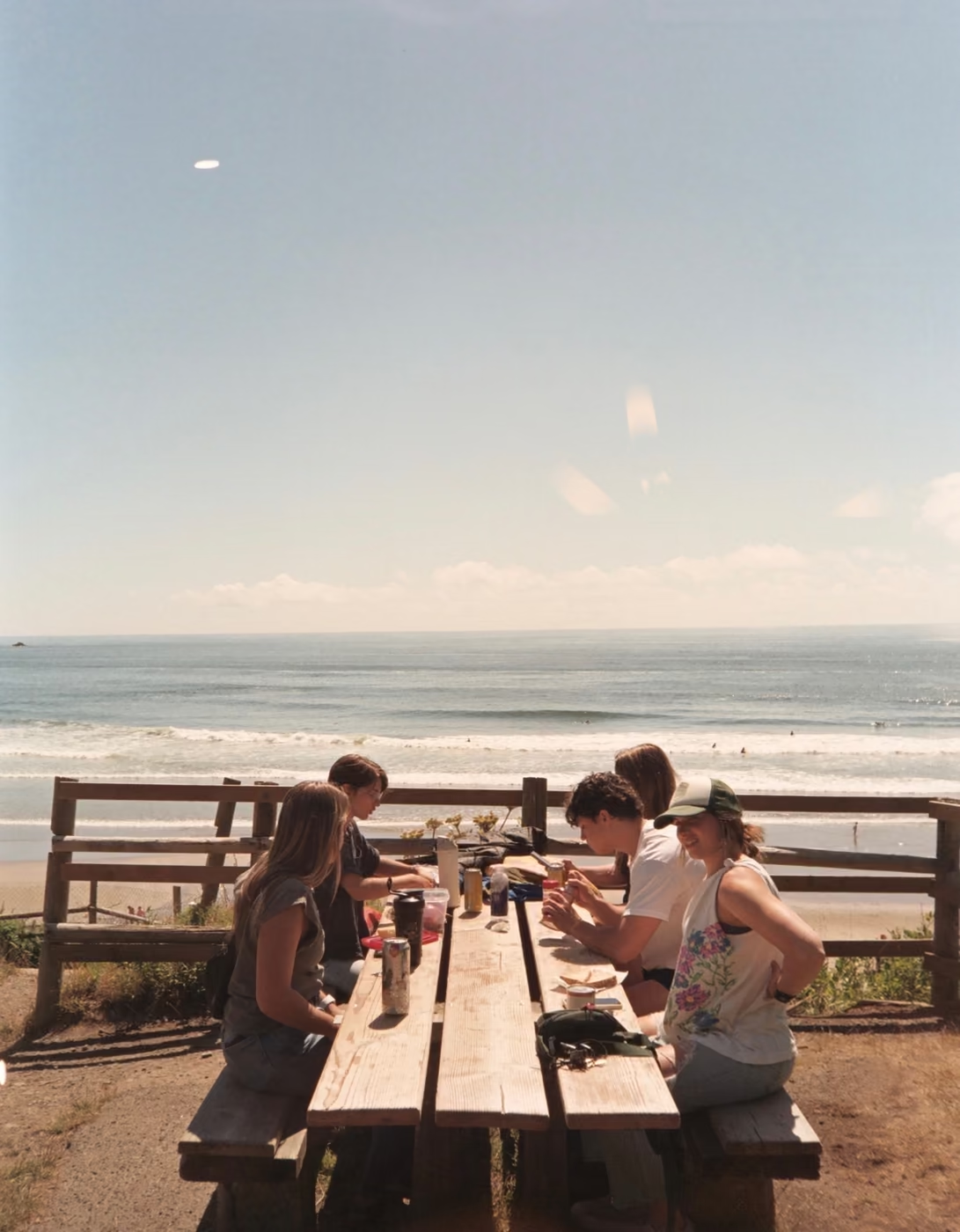
Friends sharing a picnic beside the beach

Best lunch spot

Two friends holding hands at sunset on the beach

Sunset with you

Three friends looking across a mountain landscape

We made it

Four friends and their dog taking a coastal selfie

Coast crew

Two travellers laughing together at a Rio viewpoint

Rio laughs

A family laughing together on a boat

Boat day

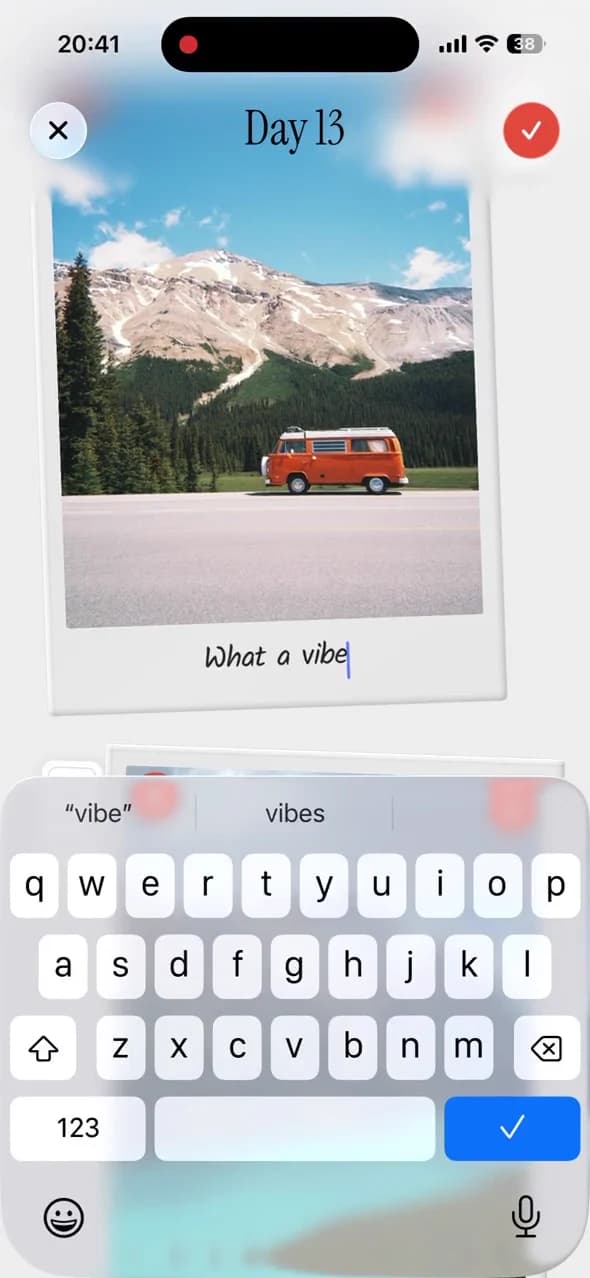
TripMemo app features showing friends adding handwritten captions to travel Polaroids on iPhone
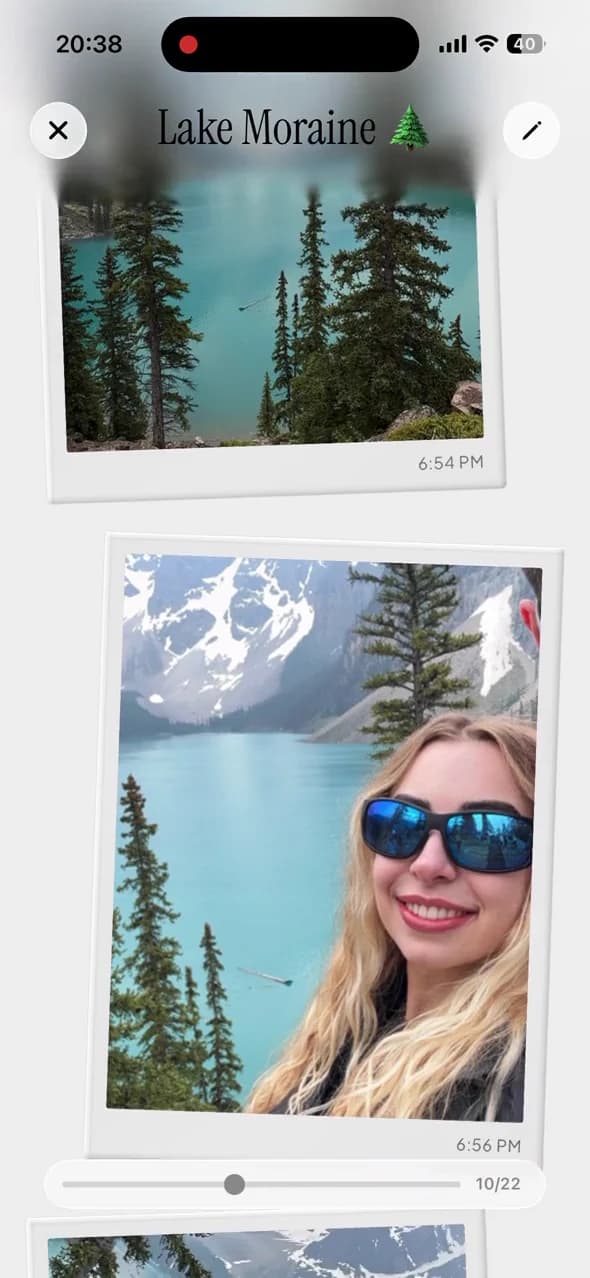
A TripMemo day page where a traveller edits a handwritten Polaroid caption, surrounded by a moving ribbon of captioned Canada memories.

Map the trip together

Everyone’s photos and places build one shared TripMap. Follow the route, revisit each day and see the journey through the whole group’s eyes.

TripMemo’s travel globe and journey playback, shown in full.

How it works:

Create the TripBook

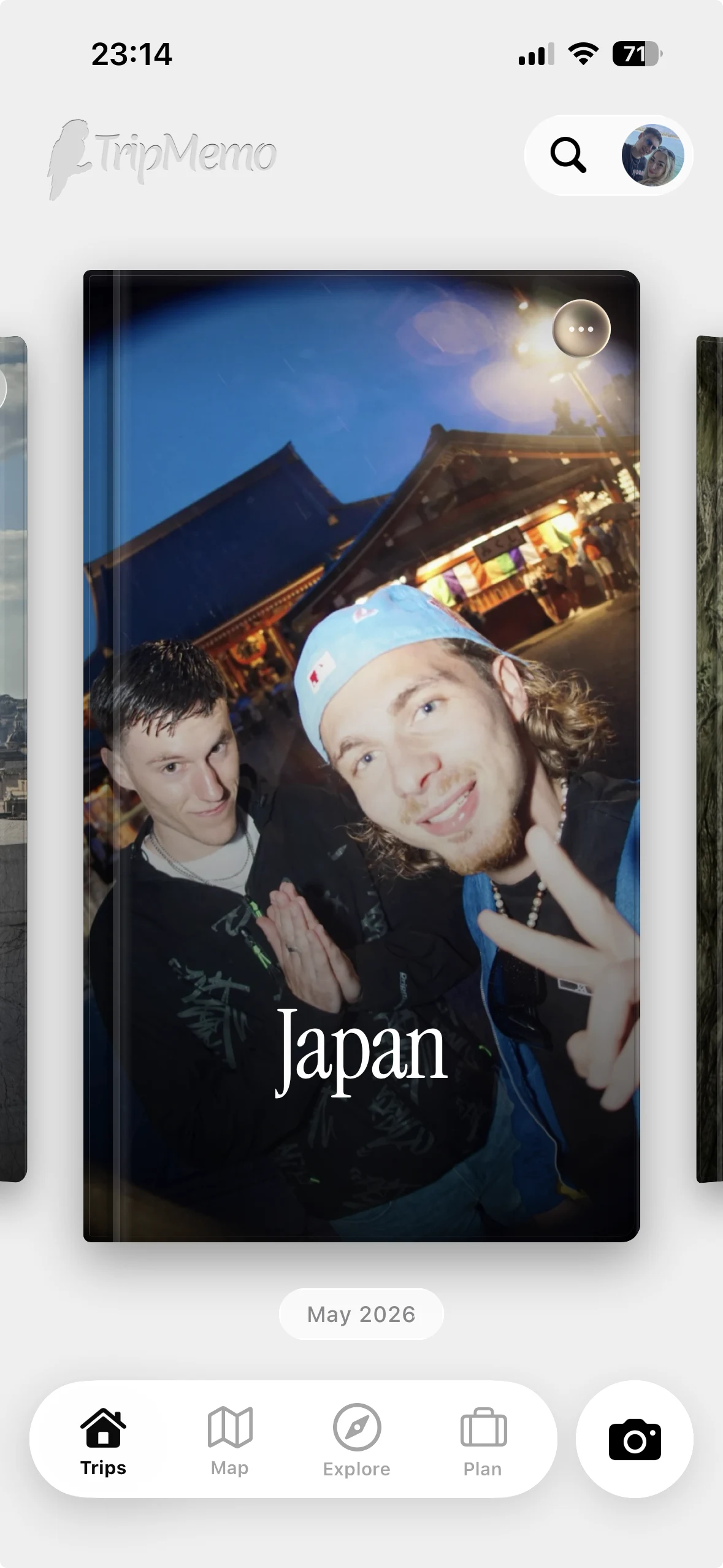
Name the trip, choose a cover and invite friends or family by username or link so everyone can collaborate in the same shared TripBook.

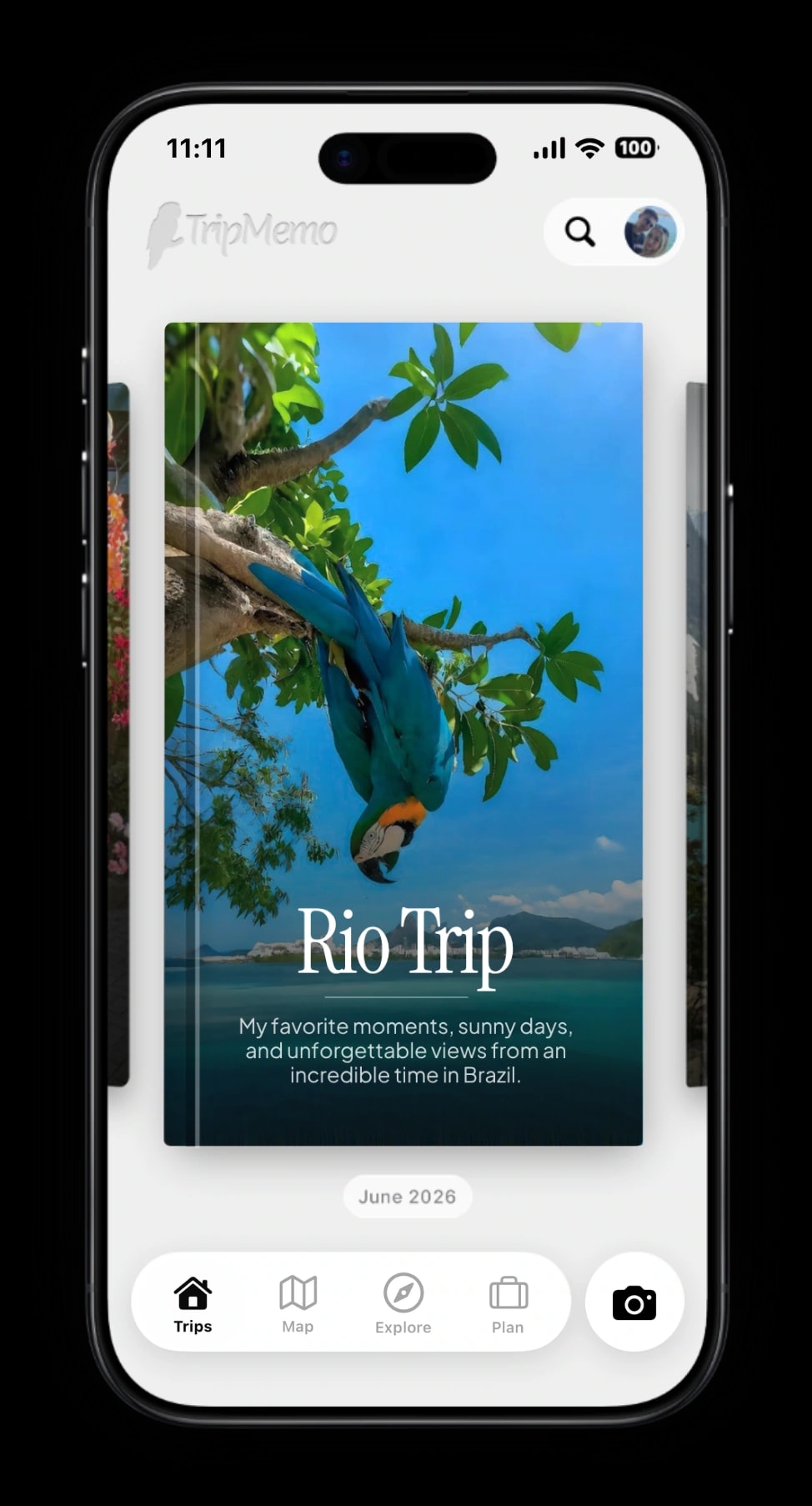
TripMemo app features showing how to create a digital TripBook and choose a custom cover photo on iPhone
A looping iPhone demo creates a shared TripBook. Five different collaboration screens spread from behind it on hover.
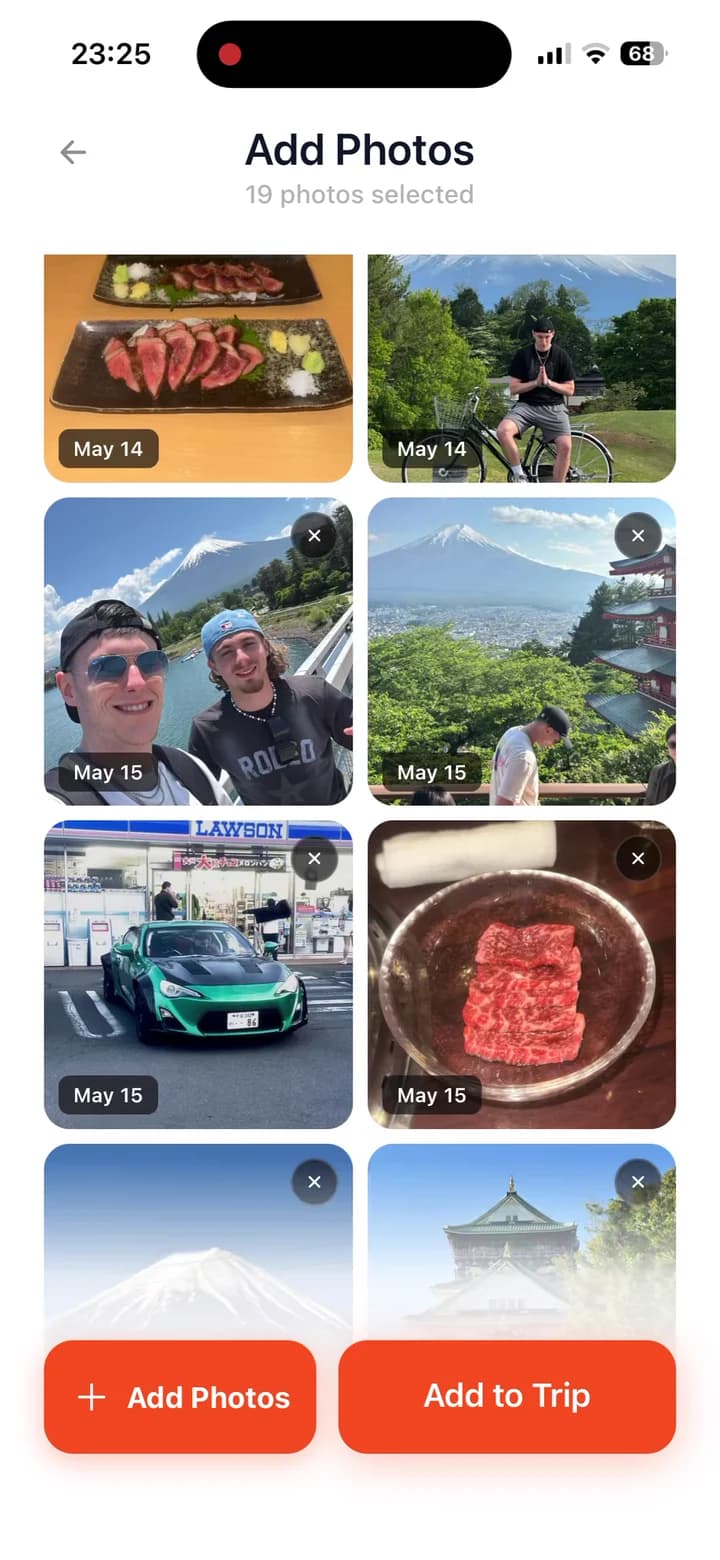
TripMemo app features showing hundreds of travel photos bulk uploaded and sorted into the correct trip days on iPhone
Bulk-selecting a full trip from the camera roll and adding it to a TripBook.

Add photos everyone can download

Everyone adds their photos to the shared TripBook, then anyone in the group can download the full collection. No chasing friends or sending photos one by one.

Write the story behind each photo

One person remembers the running joke, another remembers the restaurant. Captions and notes keep every side of the moment.
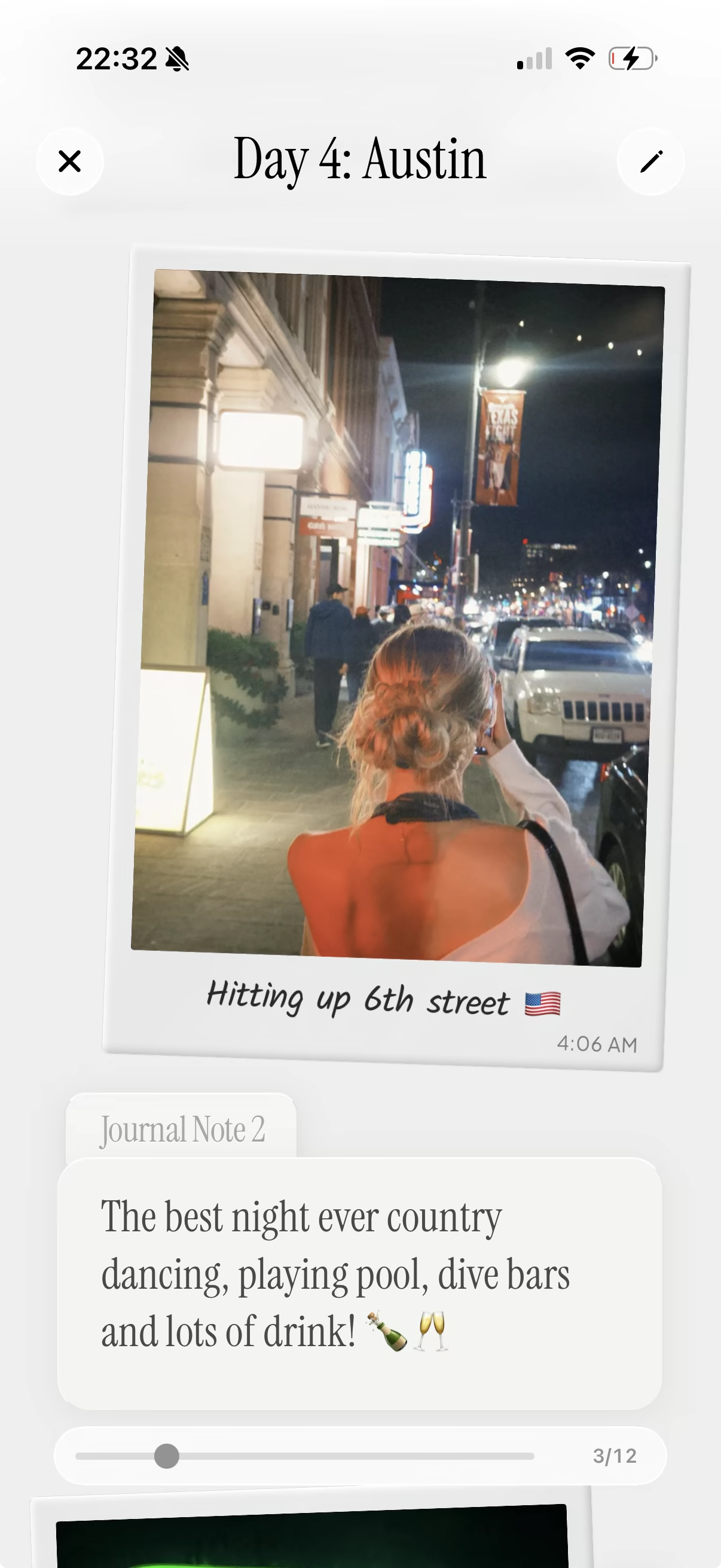
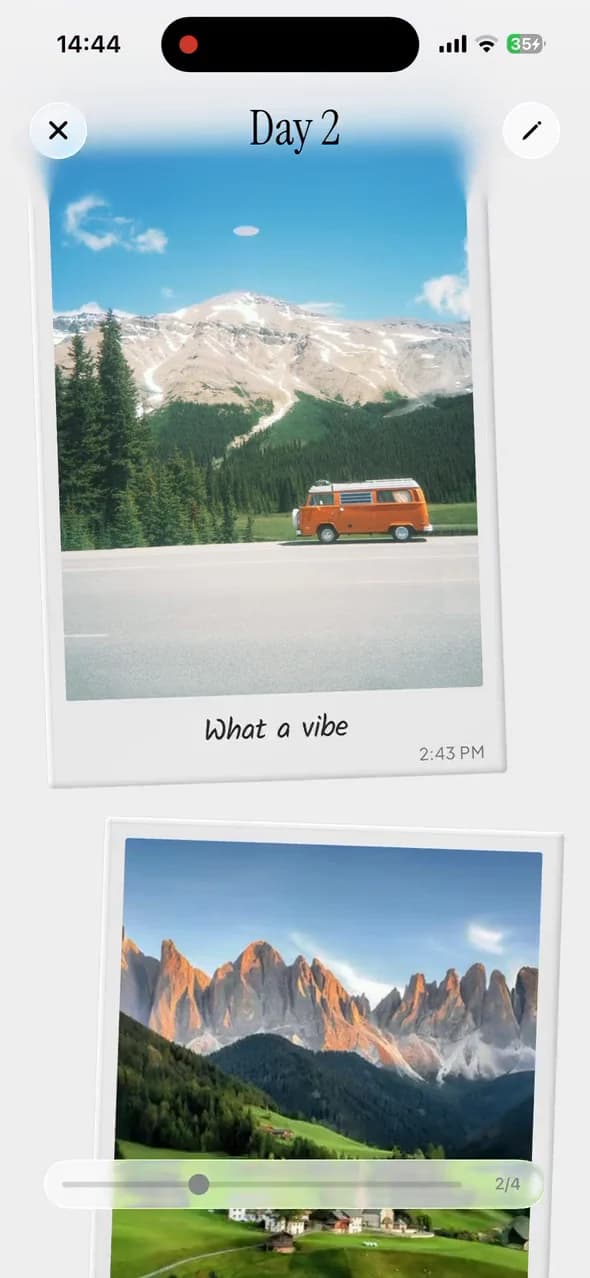
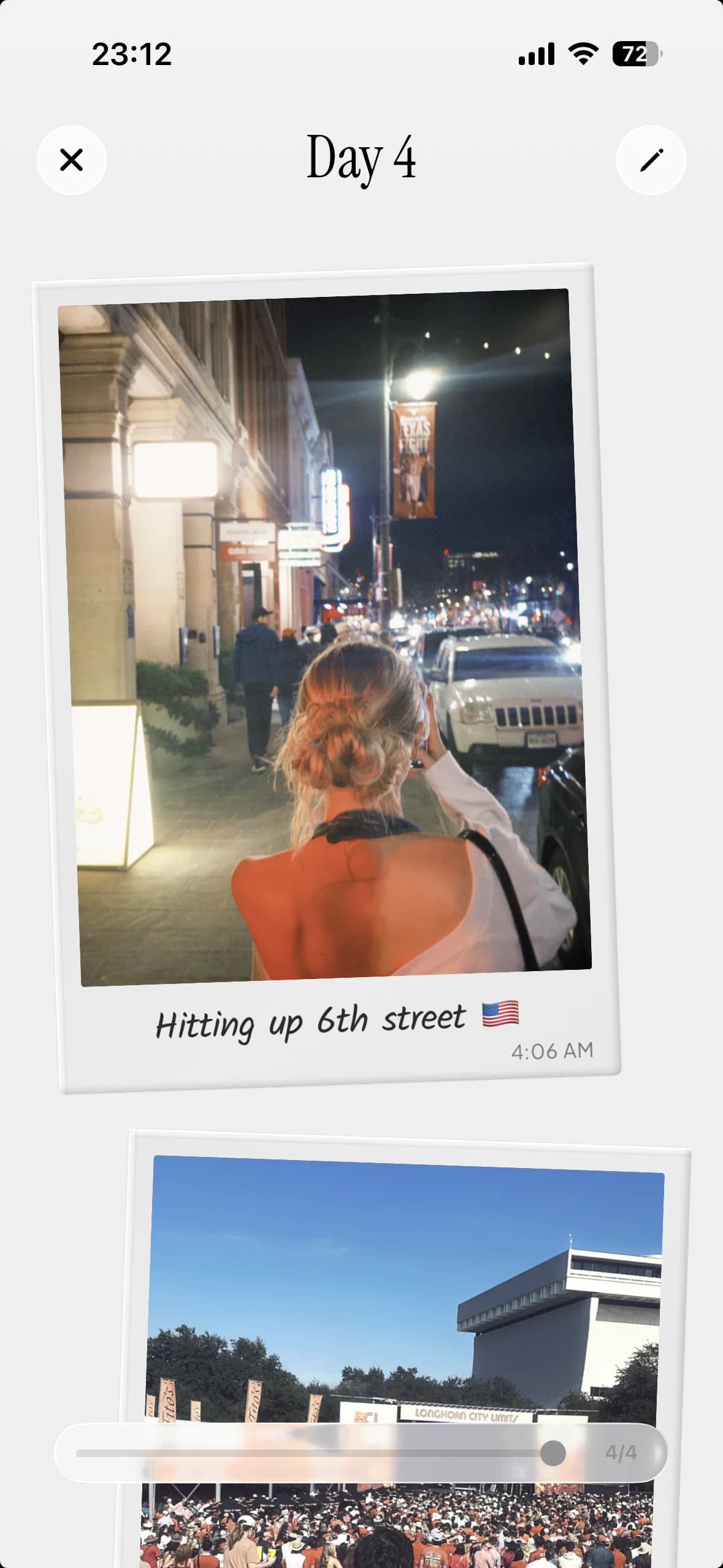
Shared TripBook showing an Austin night out with a travel photo, caption and journal note
A shared TripBook day page with six group memories spreading from behind it.
TripMemo app features showing Photo of the Day voting and a winning golden travel Polaroid on iPhone
TripMemo's Photo of the Day animation showing a travel photo becoming a metallic golden Polaroid after the daily vote.

Vote for photo of the day

Everyone adds a favourite shot. Vote together, reveal the winner and watch it turn into a golden Polaroid inside your shared TripBook.

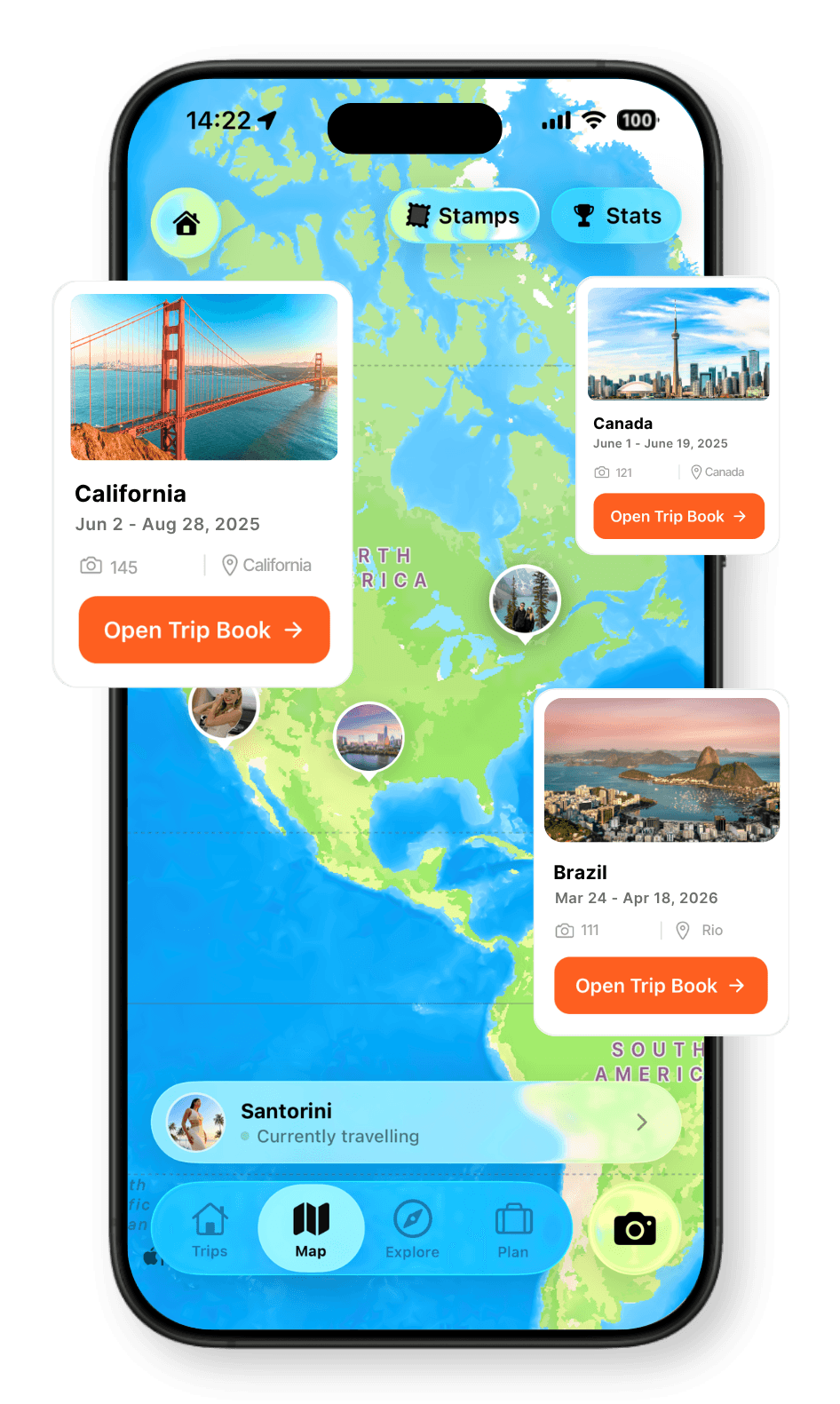
An interactive TripMap showing a trip route and photos across Canada.

See the whole route on one map

Everyone’s places and photos meet on one route. Replay the days, explore the journey in 3D and share the complete map.

Share the trip with people back home

Send one viewer link so friends and family can open the shared TripBook and TripMap without editing the trip.
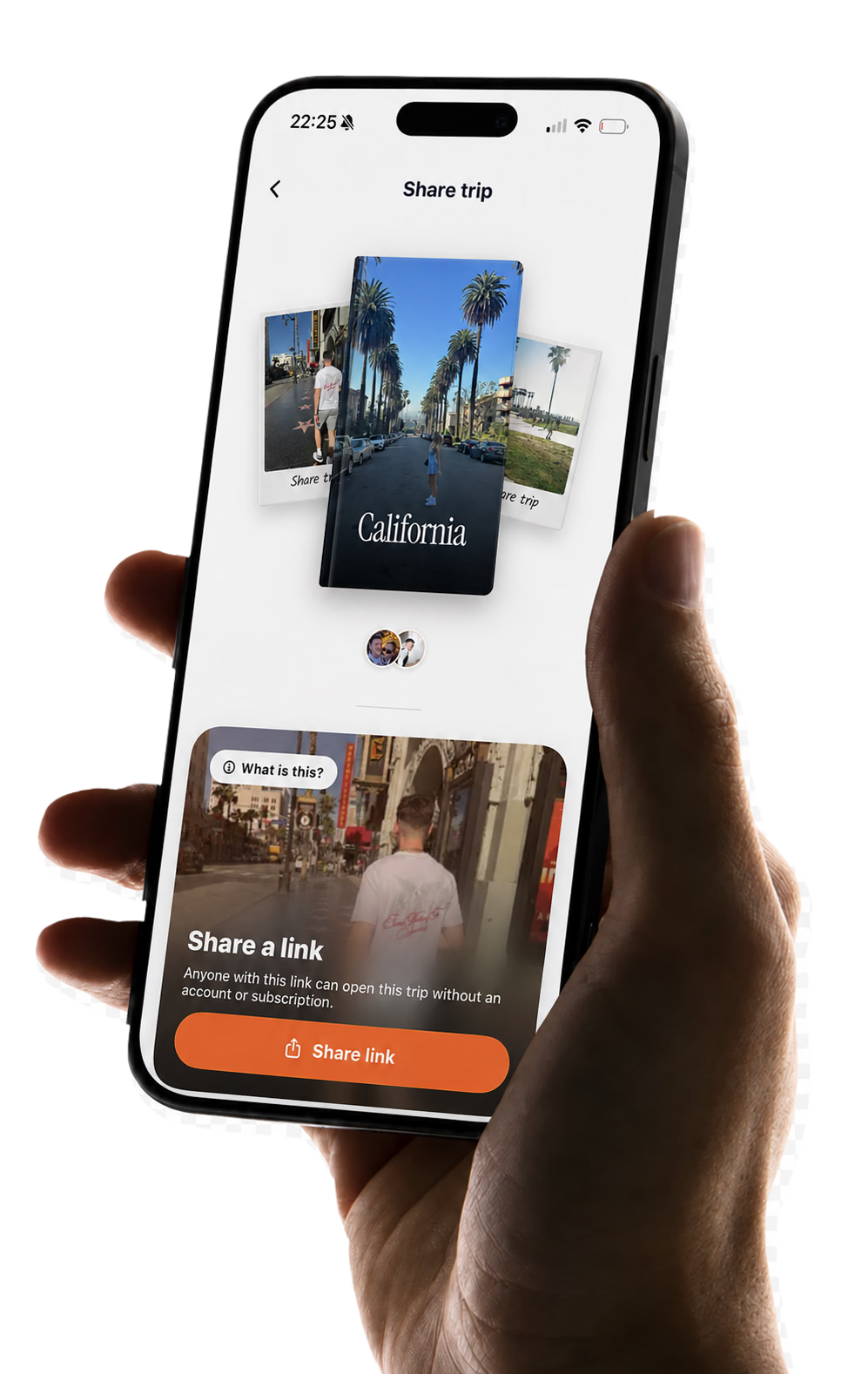
TripMemo viewer-link screen for sharing a completed TripBook and TripMap, shown on an iPhone held in hand
The TripMemo sharing screen for sending a viewer link to friends and family back home.

Made for every group and every kind of trip

Couples, families and friends can collaborate, add their favourite moments and build one shared TripBook to revisit together.

Friends sharing pasta during a group weekend in Rome

Trips with friends

One plan, every camera roll and the places you all loved.

Friends hiking together through a mountain landscape

Hikes and road trips

Pin the stops, capture offline and bring every photo home.

Family playing together on the beach at sunset

Family holidays

Give everyone an easy way to add their favourite moments.

Friends dancing together beside the sea at sunset

Girls’ trips and getaways

Keep every group photo, inside joke and late dinner in one TripBook.

Group of friends taking a photograph together beside the coast

Big celebrations

Birthdays, reunions and milestone trips remembered together.

App Store Reviews

4.6/5 from 49 UK App Store ratings · checked 8 September 2026

Group chats lose the story

Every traveller notices something different. TripMemo gives the group one place to collaborate, keep the funny bits and build the complete story instead of disconnected fragments.

MemoryScatteredTripBook
PhotosSplit across phonesEveryone adds
Funny bitsLost in the chatCaptions stay attached
Building itOne person does itMade together
Years laterHard to findOne story to relive

Give every traveller one place to add their side of the trip.

Start a shared TripBook

One TripBook Not five apps.

Shared albums collect files and group chats capture fragments. A TripBook keeps everyone’s contributions together as a story the whole group can revisit.

FeatureTripBookScattered
ContributionsEveryone addsSplit across phones
Trip structureDay-by-day storyFiles and messages
Memory contextCaptions, places, mapsEasy to lose
Getting the photosEveryone downloadsChase every friend
Reliving the tripOne browsable TripBookSearch every chat

What makes a shared travel journal useful?

A collaborative travel journal should solve more than group trip photo sharing. It should help a couple, family or group of friends collect every perspective, keep the context and turn a shared album into one travel story.

01

Collect every camera roll

Invite the group once. Friends and family add their own trip photos to the same shared TripBook.

02

Write it together

Each traveller adds captions, notes, places and the funny details only they remember.

03

Keep the trip in order

TripMemo organises everyone’s contributions into day-by-day pages and one shared travel map.

04

Download every photo

The group can download the full collection without waiting for individual sends after the holiday.

Learn how to start a collaborative travel journal, organise trip photos into a journal or learn how to keep travel memories in context.

Shared travel journal, photo album or group chat?

Choose a collaborative travel journal when several people captured the same trip and you want more than a folder of files or a stream of messages. A shared album collects photos, a group chat handles live conversation and TripMemo turns everyone's contributions into one story.

Collect files only

Shared photo album

Best when the group only needs one folder for photos and does not need captions, places or a travel story.

Talk in the moment

Group chat

Best for quick decisions and live updates. Important photos, jokes and recommendations can be difficult to find later.

Preserve the whole trip

Shared travel journal

Best when everyone should contribute photos and perspectives to one ordered story the group can revisit together.

When TripMemo is the right fit

TripMemo is designed for the shared-journal job. Collaborators add photos, captions, notes and places to one TripBook. The group gets an ordered travel story, a shared photo collection to download and a viewer link for people back home.

  • Everyone should contribute from their own phone
  • Photos need a clear day-by-day home
  • Captions, notes and places matter as much as the images
  • The group wants to download everyone’s trip photos
  • Friends and family need a view-only way to follow the story

Still comparing your options? See our tested guide to the best travel journal apps.

Want family and friends to follow along without editing? Share Your Trips with a browser link, no app or account needed to view.

Shared travel journal FAQ

Clear answers about inviting travel companions, adding memories together, managing access, working offline and sharing a finished TripBook.

01What is a shared travel journal app?

A shared travel journal app gives everyone on a trip one place to save their photos, notes, places and memories. In TripMemo, those contributions become a collaborative TripBook organised into day-by-day pages, rather than a loose folder or a stream of group-chat messages.

02How can a group collect everyone’s trip photos in one place?

Create one TripBook and invite friends or family by their TripMemo username or an invitation link. Everyone joins the same shared TripBook from their own phone, adds their photos and collaborates in one day-by-day travel story.

03Does a shared TripBook sync in real time?

Yes. Photos, captions, notes and places sync across the shared TripBook as collaborators add them, so the group can build the travel journal together. If someone adds memories without a reliable connection, TripMemo can sync those additions when they are back online.

04Can everyone add captions and notes to the same travel journal?

Yes. Every invited collaborator can add their own photos, captions, notes and places to the shared TripBook. That means the finished journal includes the jokes, details and different perspectives that one person would miss.

05Can everyone download the photos from a shared TripBook?

Yes. Once everyone has added their photos, the group can download the shared collection from the TripBook. Nobody has to wait for separate messages, chase friends after the holiday or ask each person to send their camera roll individually.

06How is a shared travel journal different from a shared photo album?

A shared album collects files. A shared travel journal keeps the story around them. TripMemo organises everyone’s photos into trip days, connects them with captions, notes, places and a travel map, and creates one TripBook the group can browse in the order the journey happened.

07Can I control who can see or edit the shared journal?

Yes. You can keep a TripBook private, invite specific people to collaborate or create a view-only link for family and friends who should follow the story without editing it. The TripBook owner manages access for the group.

08Can we build the shared travel journal during or after the trip?

Both. Collaborators can add memories as the trip happens, including when reception is unreliable, then sync later. You can also create a TripBook after returning home, bulk-add the group’s existing photos and let everyone fill in the captions and details they remember.

09Who is a shared travel journal best for?

Shared travel journals work especially well for couples, family holidays, girls’ trips, friend groups, backpacking crews and multi-generational travel. They are useful whenever several people take photos or remember different parts of the same journey.

Build it
together

Invite your travel companions, collaborate on every memory and build one shared TripBook you can laugh through together for years to come.

Real-time Collab
Works Offline
Private by Default