
Visited Countries Map
Mark every country you've been to and see what % of the world you've explored.
WorldMap

Build your visited countries map by tapping every place you've explored. This interactive world map tracker counts your countries automatically, calculates the percentage of the world you've visited, and creates a travel map you can share and keep updating.

About this tool
Your visited countries map & counter
The Visited Countries Map is an interactive world map and countries visited counter. Tap each country you've been to, it fills in orange instantly, and the tool counts how many countries you've visited and shows what percentage of the world you've explored, across all 195 UN-recognised countries and 6 continents. It works like a digital scratch map, except you can mark, count, track, share and embed it, then update it whenever you travel.
How many countries have you visited?
Most people have no idea of their exact number. Just tap each country on the map, or search it by name, to add it to your countries visited checklist. Your running total updates live (e.g. “26 of 195”), so you finally have a precise answer to “how many countries have I been to?” Click a country again to remove it. Your map is saved into the page link automatically, so you can bookmark it or hit Share to keep your progress without ever creating an account.
What percentage of the world have you visited?
The map doubles as a world travel percentage calculator. We divide the number of countries you've marked by 195 (the total number of UN-recognised countries) to show your share of the globe. Visit 20 countries and you've seen about 10% of the world; 50 countries is roughly 26%. Most travellers never pass 10 countries, so even 30+ puts you well ahead, and the live percentage is a great nudge to keep exploring. You also get a per-continent breakdown for Europe, Asia, Africa, the Americas and Oceania.
Built for mobile and sharing
On your phone, pinch to zoom and drag to pan, or tap Fullscreen for an immersive, app-like world map with your live stats in a sliding bottom panel. When you're done, export your map as an image, copy a shareable link, or grab the embed code to drop your travel map straight into a blog post.
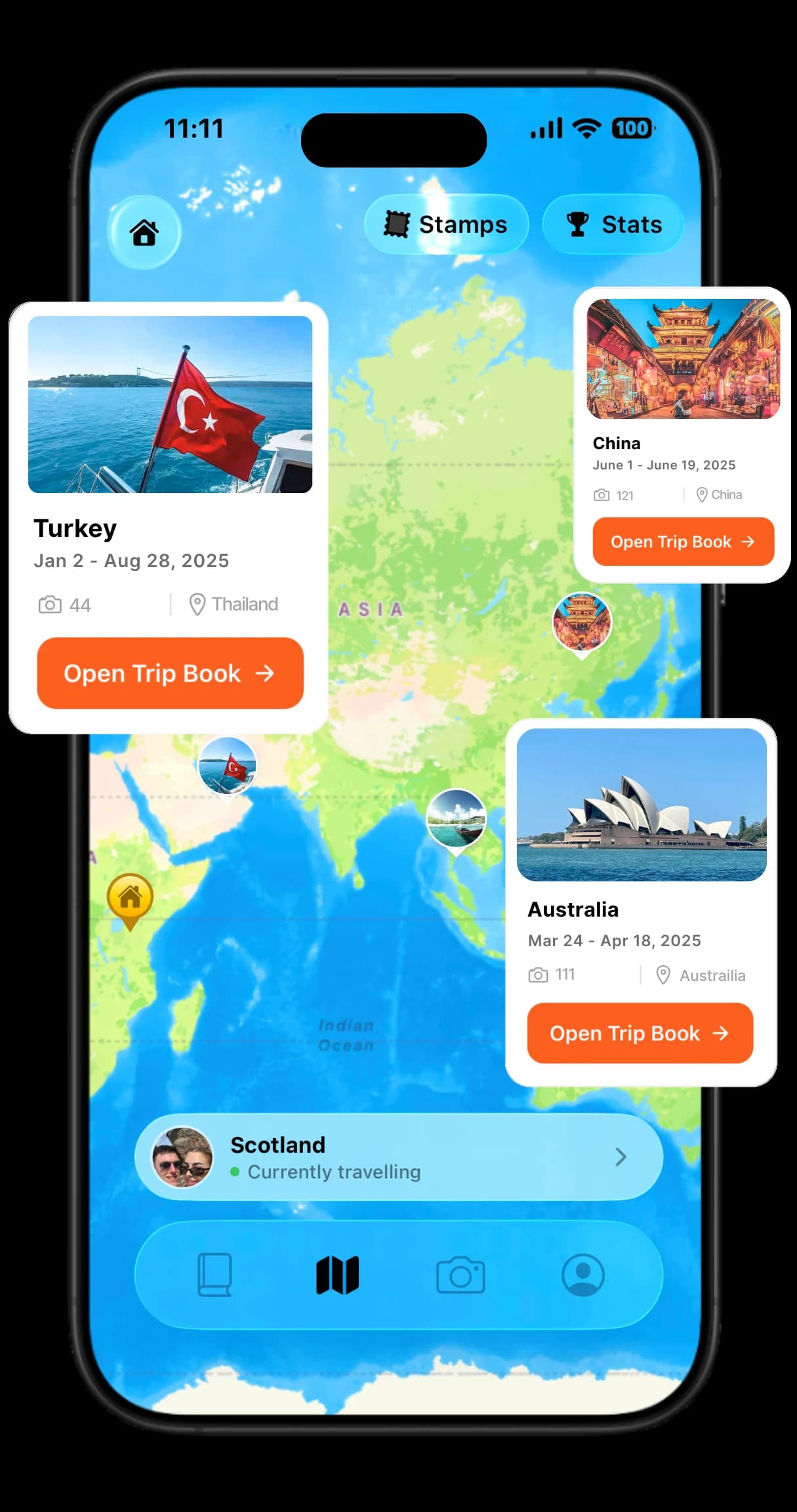
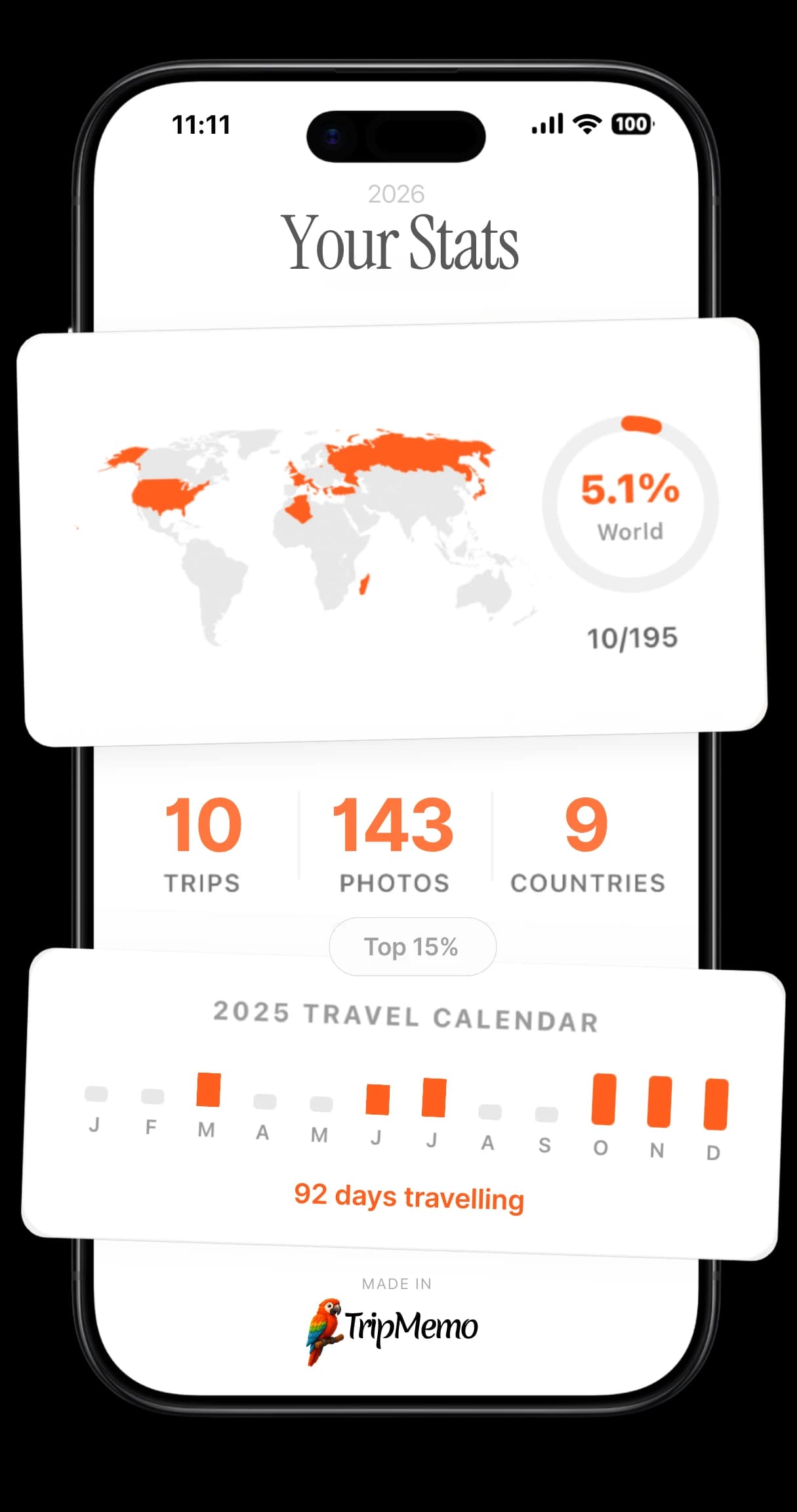
Want to remember where you went, not just which countries? The TripMemo app turns your visited countries into a living travel journal: photos pinned to the map, trip dates, automatic travel stats and beautiful TripBooks. You can also map your home turf with the Visited US States Map or find your next destination with Where Should I Travel.
How It Works
Three Simple Steps
Click Countries
Click any country on the map to mark it as visited. Click again to remove.
See Your Stats
Watch your travel statistics update in real-time as you add countries.
Share or Export
Download as an image, copy a shareable link, or embed on your blog.
Features
Everything You Need
Interactive World Map
Beautiful SVG map with smooth interactions. Click any country to toggle visited status.
Real-Time Statistics
See countries visited, percentage of world, and continent breakdown instantly.
Export Options
Download your map as a high-quality PNG image or export data as CSV.
Shareable Links
Your map is encoded in the URL. Share the link and others see your exact map.
Embeddable Code
Get HTML embed code to display your map on any blog or website.
Made for Mobile
Pinch to zoom, tap to add countries, and go fullscreen for an app-like map.
Know the countries?
Start mapping the ones you've lived.
TripMemo turns your trips into private TripBooks, with photos, notes, memory pins, travel stats and collaborative stories, all pinned to your own world map.
Travel stats
Automatically count countries, continents and % of the world.
Itinerary
Build an itinerary in seconds for any destination.
Bucket list
Save dream places and organise all your future trips.
TripBooks
Turn photos, notes and places into a beautiful travel story.
.webp&w=96&q=75&dpl=dpl_7HdsHuHoztbD75pPSmqrd4UbVQGH)
FAQ
Common Questions
How do I use the visited countries map?
How many countries are there in the world?
How is the percentage of world visited calculated?
Can I share my visited countries map with others?
Can I embed my map on my blog or website?
Is my data saved automatically?
What's the difference between this tool and the TripMemo app?
Do territories and dependencies count as separate countries?
Can I save my map and come back to it later?
Is this a digital scratch map?
Can I compare apps for tracking countries visited?
Can I track US states or specific places too?
How many countries does the average person visit?
Does the map work on mobile?
What percentage of the world have I visited?
Can I make a visited countries map for just Europe or Asia?
Related Tools
More from TripMemo
World Map Game →
Test whether you can find each country on the map.
Visited US States Map →
Tracking America too? See your 50-state progress.
World Heritage Sites Map →
Track the 1,200+ UNESCO World Heritage Sites you've visited.
Spin the Globe →
Find a random country to add to your list next.
Where Should I Travel →
Quiz that matches you to your next destination.
Bucket List Map →
Now map the places you still want to go.
25 Best Bucket List Destinations →
The definitive list of 25 places to see before you die.
Travel Stats Tracker →
See your full travel history at a glance.
Best Country Tracker Apps →
Compare country counters, travel maps, route trackers and memory journals.
World Countries Quiz →
Test how many countries you can name.
Visa Checker →
See visa requirements for any passport + destination.

%20copy%202.webp&w=384&q=75&dpl=dpl_7HdsHuHoztbD75pPSmqrd4UbVQGH)
%20copy%203.webp&w=384&q=75&dpl=dpl_7HdsHuHoztbD75pPSmqrd4UbVQGH)

Your trips deserve
more than a camera roll
Turn travel photos into books you'll actually look back on.