Best Polarsteps Alternative (2026)
Plan your next adventure, relive past trips and see how far you have travelled. TripMemo brings digital travel journals, itinerary planning and travel stats together in one app.
Quick answer
Choose TripMemo if you want an all-in-one app for digital travel journals, real-time collaboration, itinerary planning, travel maps and stats. Family and friends can follow your journey through a shared TripBook link, viewing it for free in their browser without downloading TripMemo. Create solo TripBooks or use real-time collaboration to add photos, captions and notes together.
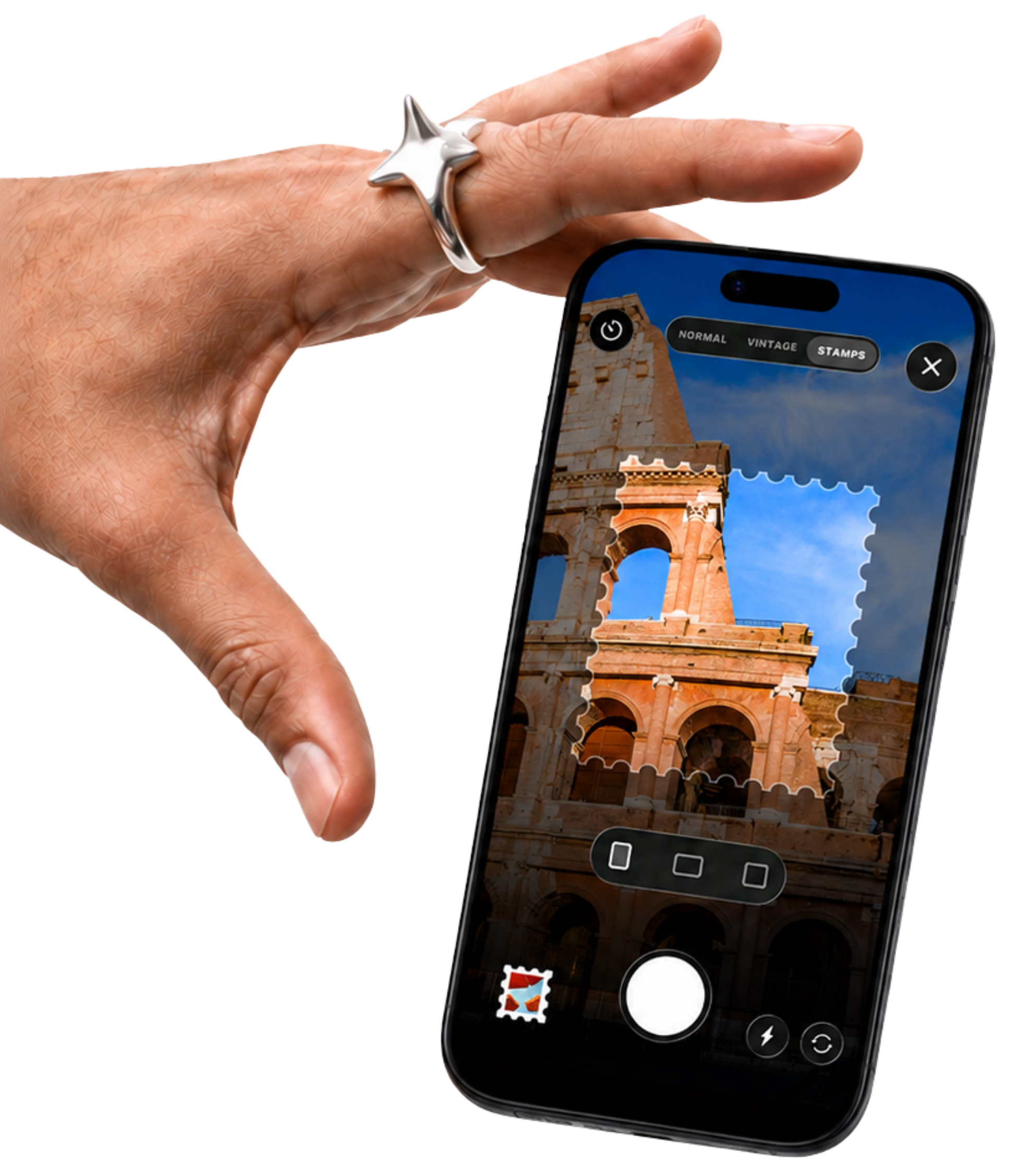
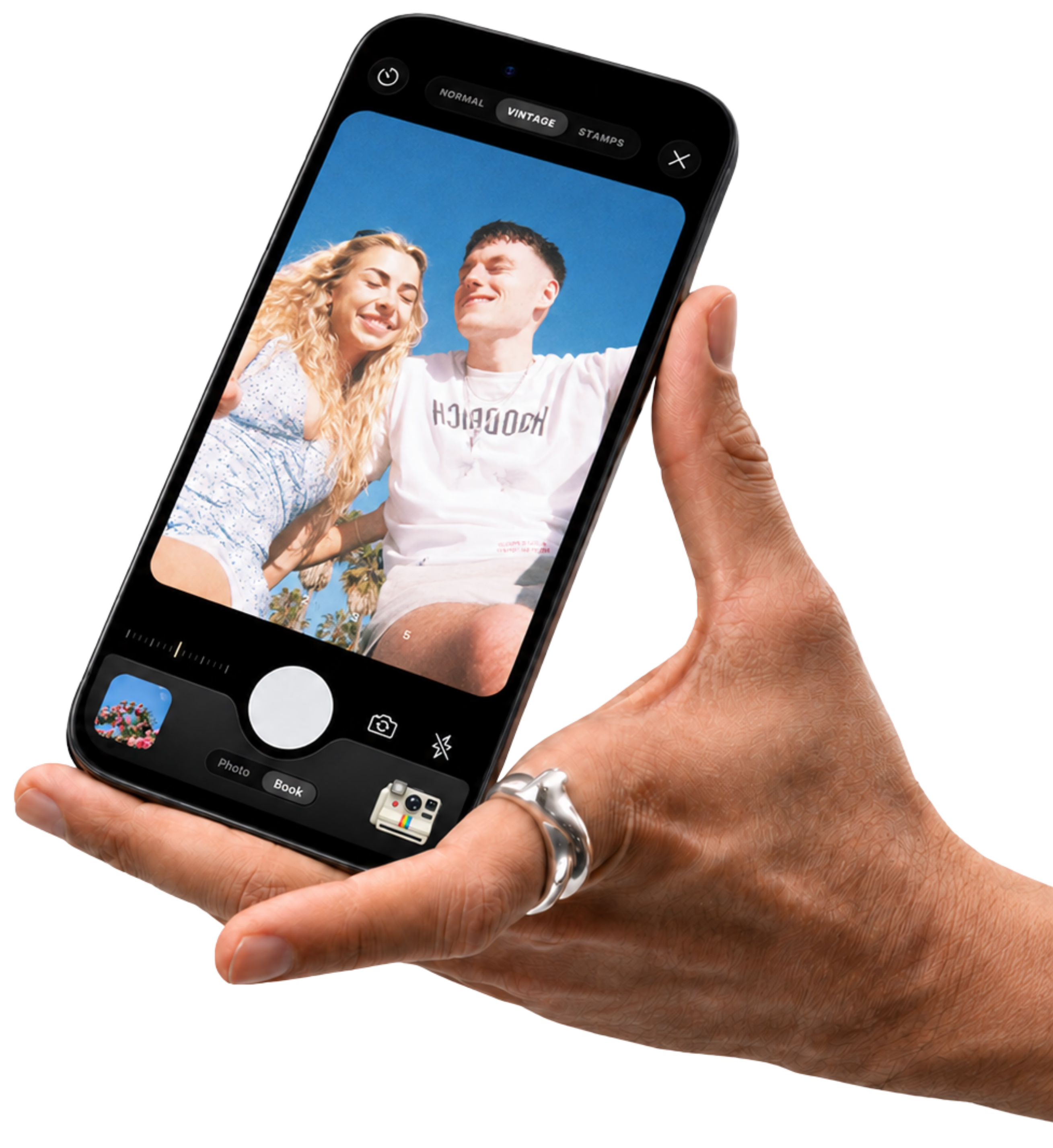
Bulk upload past trip photos, journal offline, save inspiration from social media, and capture memories with vintage and stamp cameras. Automatically add places and routes to your trip map as you build your journal.
If automatic background route tracking is your priority, Polarsteps may be a better fit.
Updated . This comparison is written by TripMemo Editorial Team.
.webp&w=96&q=75&dpl=dpl_EPXMHFF758wZiFUsuw99japedPYQ)
Which Polarsteps alternative fits your trip?
Start with what you want to bring home: a shared photo journal, a recorded route, a detailed itinerary or a personal diary. Choose TripMemo for digital travel journals, itinerary planning, travel maps and stats, with solo TripBooks, real-time collaboration and shared links for family and friends. Other apps suit different priorities.
| Your priority | App to consider and why |
|---|---|
| Digital travel journals, planning, maps and stats, with real-time collaboration and easy sharing | Choose TripMemo if you want an all-in-one app for digital travel journals, real-time collaboration, itinerary planning, travel maps and stats. Family and friends can follow your journey through a shared TripBook link, viewing it for free in their browser without downloading TripMemo. Create solo TripBooks or use real-time collaboration to add photos, captions and notes together. |
| Automatic route recording | FindPenguins offers an automatic travel tracker. Consider it if you want another app built around recording your route. TripMemo pins photos to the places they were taken, but does not continuously record the route between them. |
| Detailed trip organisation | Wanderlog combines itineraries, maps and booking organisation. Consider it when arranging the trip is your main task. |
| A personal diary beyond travel | Day One supports written entries, photos, video and audio. Consider it for an ongoing personal journal. |

Both apps let people contribute. Polarsteps Travel Together lets you invite up to five travel buddies to share a tracker and add steps, photos and videos. TripMemo brings photos, notes and edits into shared TripBook pages, with visitor and editor access. The distinction is how you build and revisit the trip.
Both support offline photos and notes. Polarsteps requires a connection to add new spots and activities. TripMemo queues offline TripBook edits to sync when you reconnect.
“Not documented” means we did not find this feature in the Polarsteps documentation reviewed, rather than a confirmed absence. Saving social posts into an app is different from sharing a trip out to social media. Polarsteps documents the latter through Trip Reels.
Polarsteps sources: Travel Together, offline use and sharing. Checked 12 September 2026.
Polarsteps is great at Tracking
TripMemo is great at Remembering
Use the tool that matches how you want to experience your trip.
If you want a TripBook you’ll revisit
.avif&w=3840&q=75&dpl=dpl_EPXMHFF758wZiFUsuw99japedPYQ)
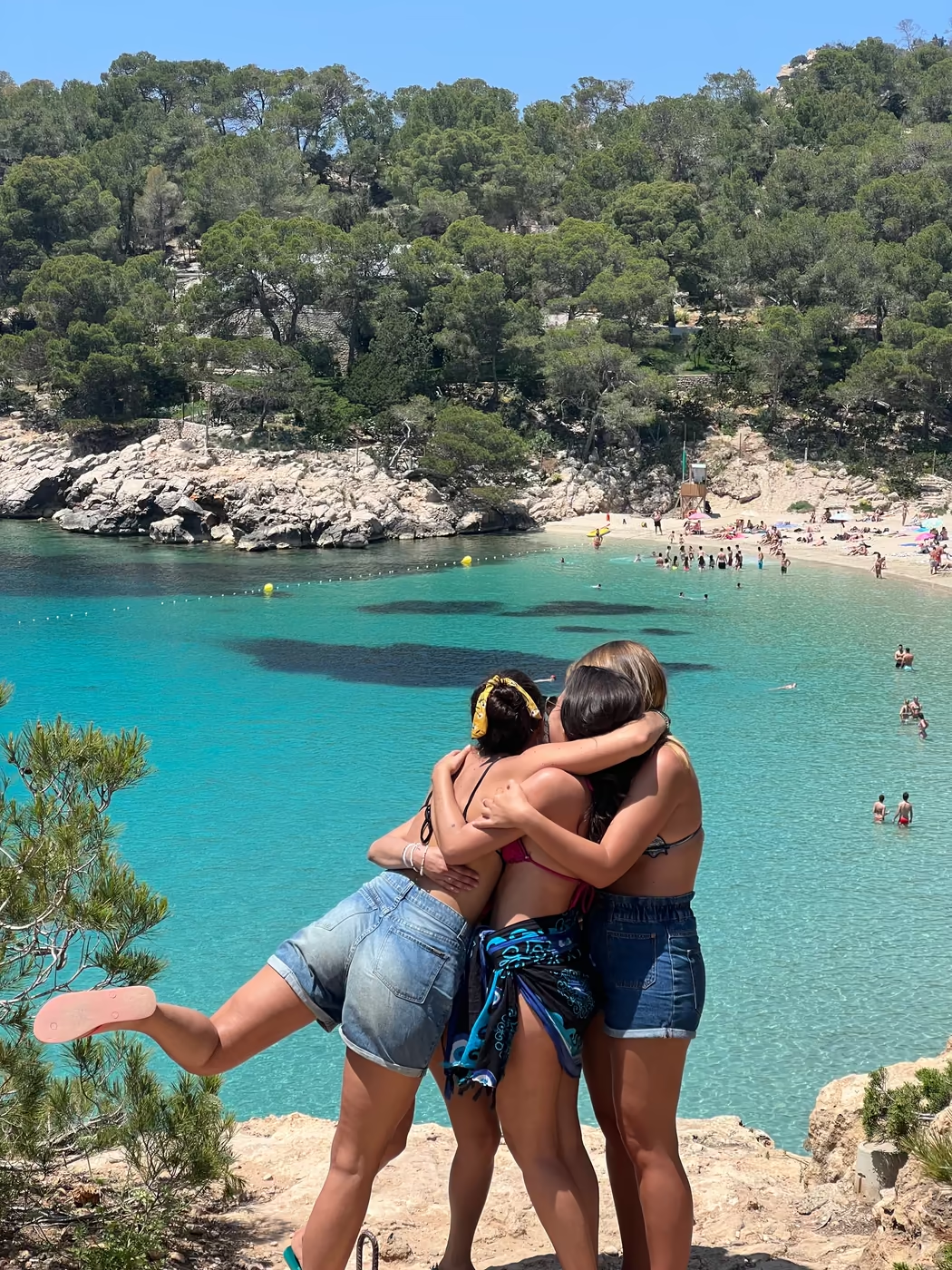
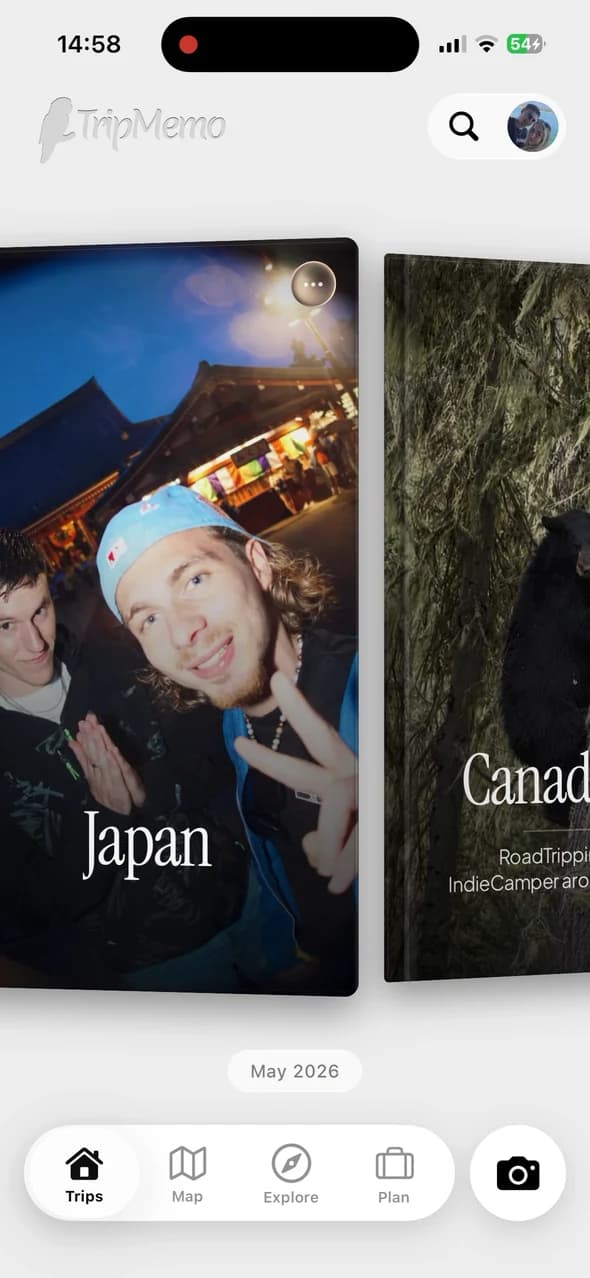
TripMemo is for people who want the trip to feel like a story: pages, captions, places, and a library of trips that feels permanent.
Best for
- Memory preservation
- Beautiful layouts (Polaroids + image view)
- Group trips and couples
- Offline journaling
If you want passive route tracking
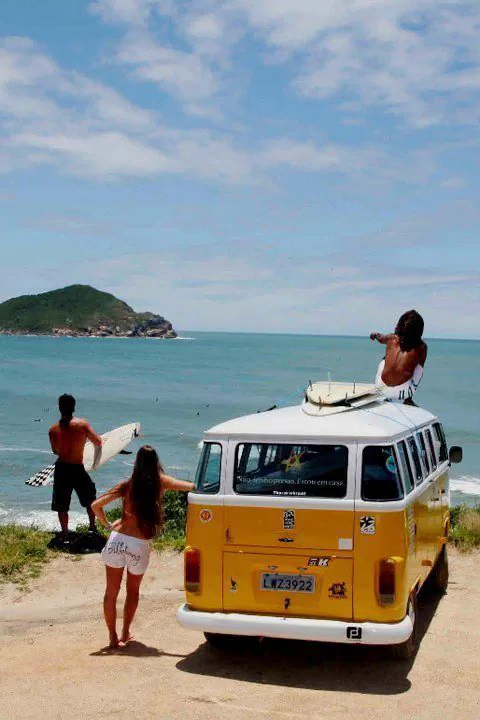
If your favorite thing is an automatically recorded route and a public-friendly timeline, Polarsteps can be a great fit.
Best for
- Passive tracking
- Route visualizations
- Following trips publicly

one for the camera roll 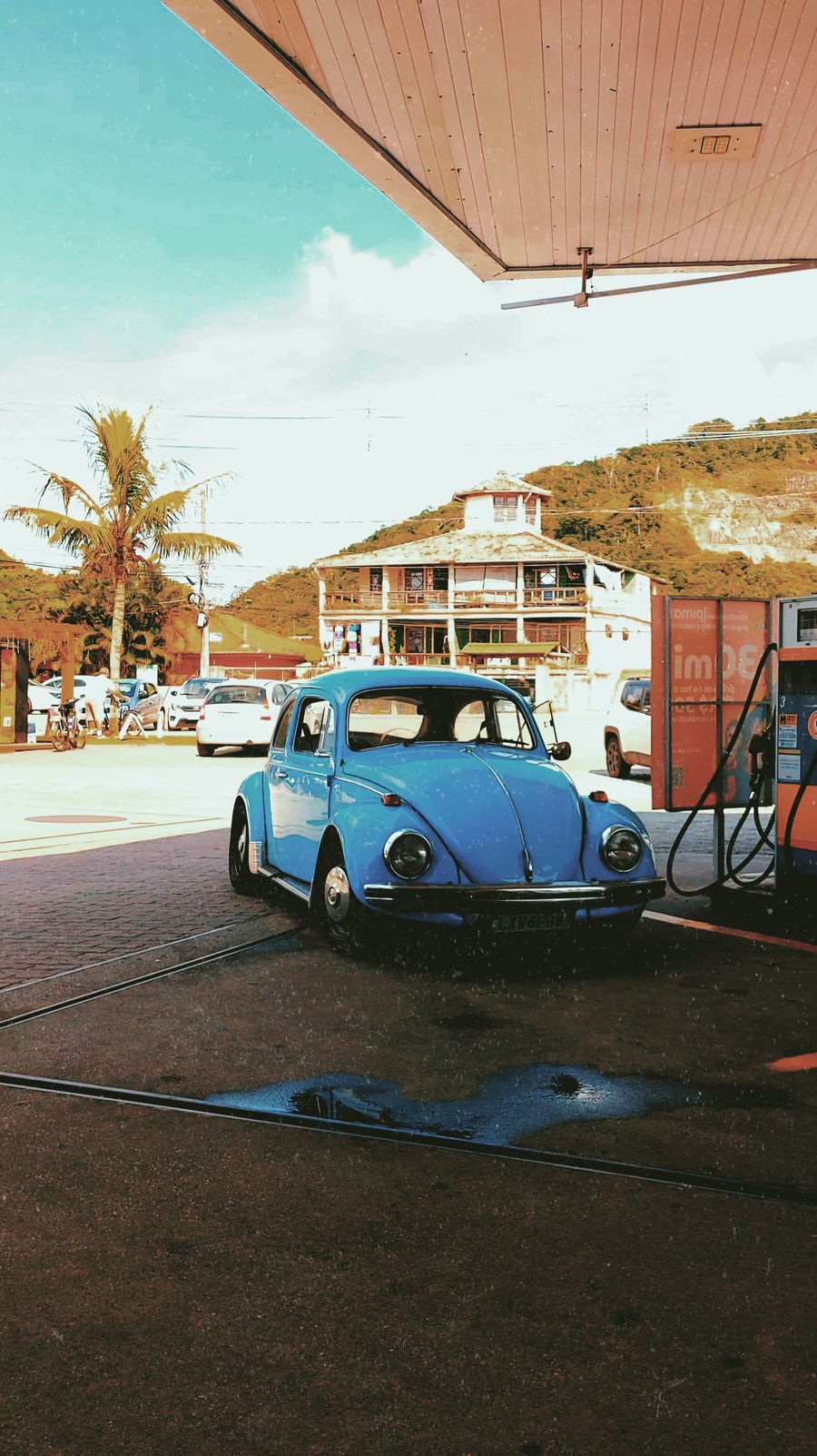
found on the road 
salt in the air 
palms, always 
Paris on film 
cards after dinner 
lake days 
one more round 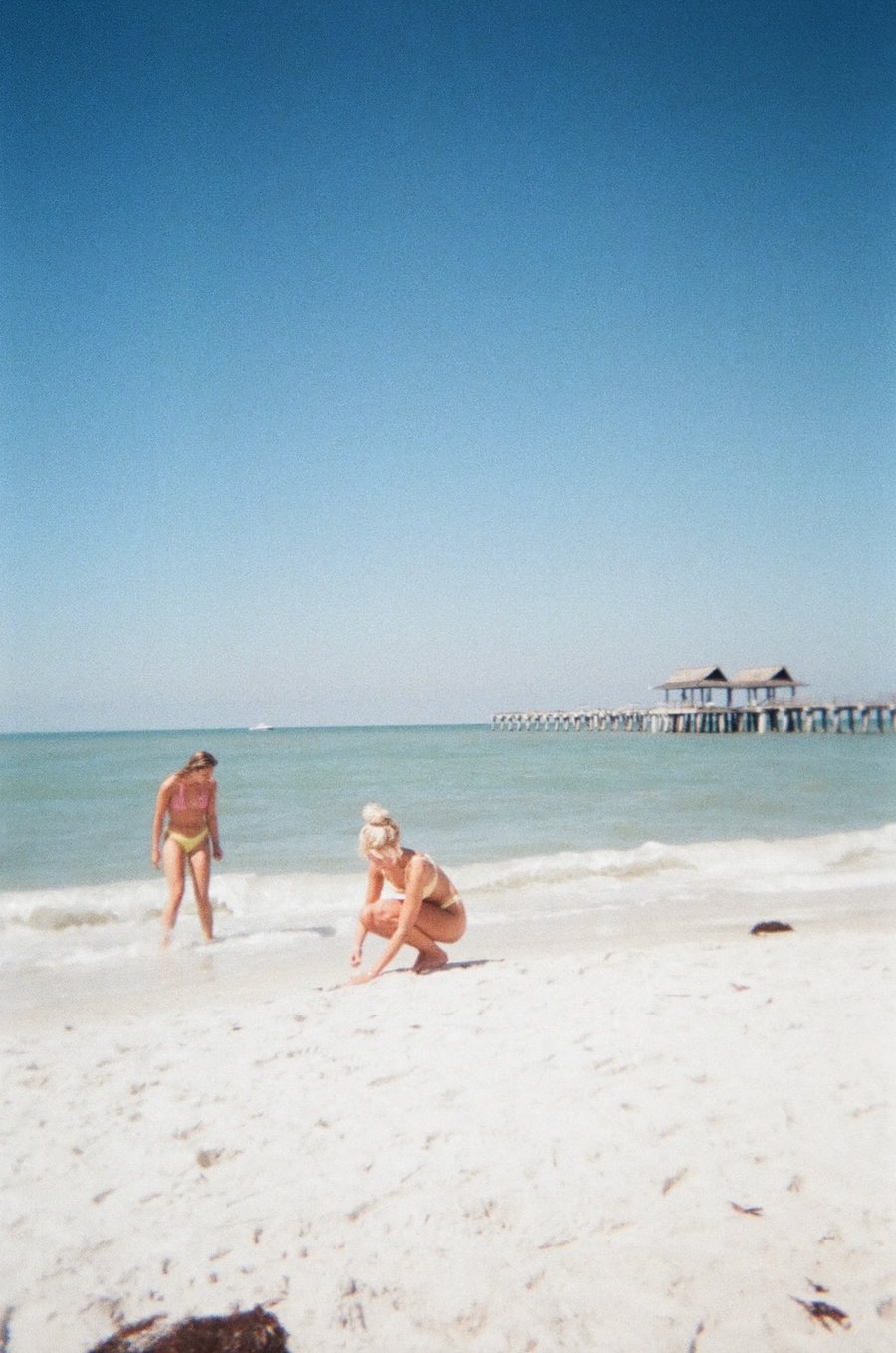
barefoot before breakfast 
the car we almost bought 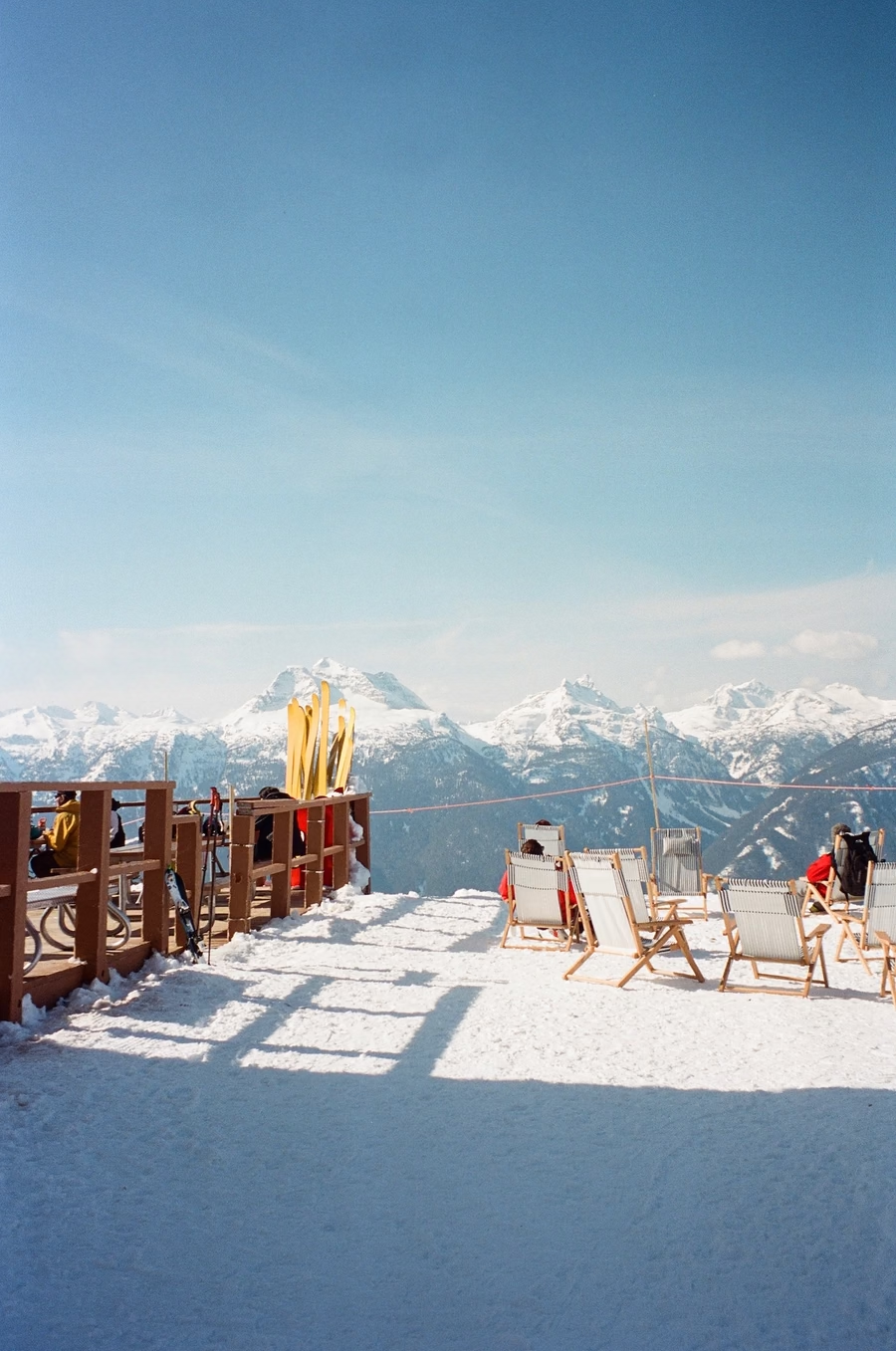
just one more run 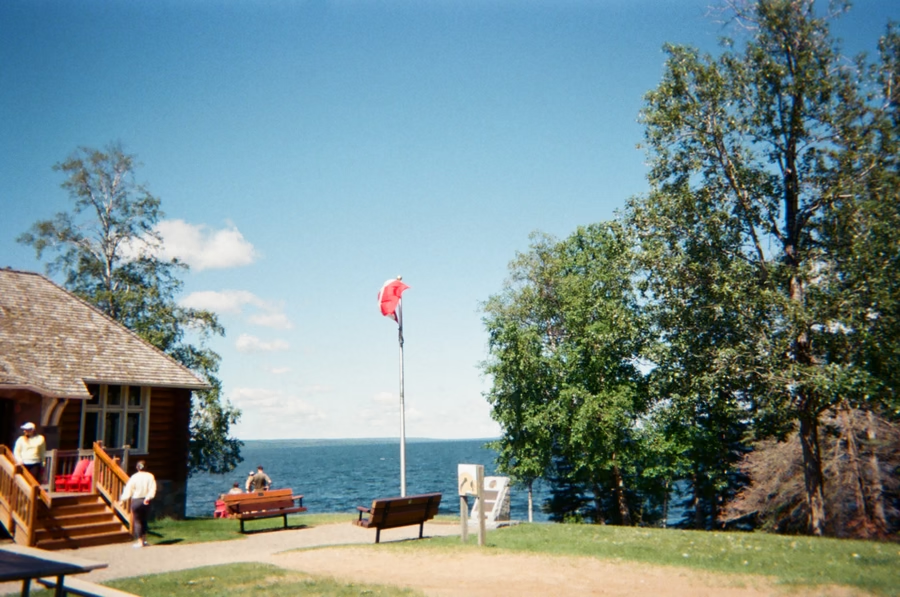
wish you were here
Which traveler are you?
See how TripMemo fits your travel style.
Tap to see why TripMemo fits
What you get with TripMemo
Everything below is designed around the TripBook: pages, places, people, and the feeling of reliving the trip years later.
TripBook
Each trip becomes a digital TripBook, with pages for each day rather than a timeline. Photos and notes live together, so your trip reads like a story you can revisit.







Real Time Collaboration
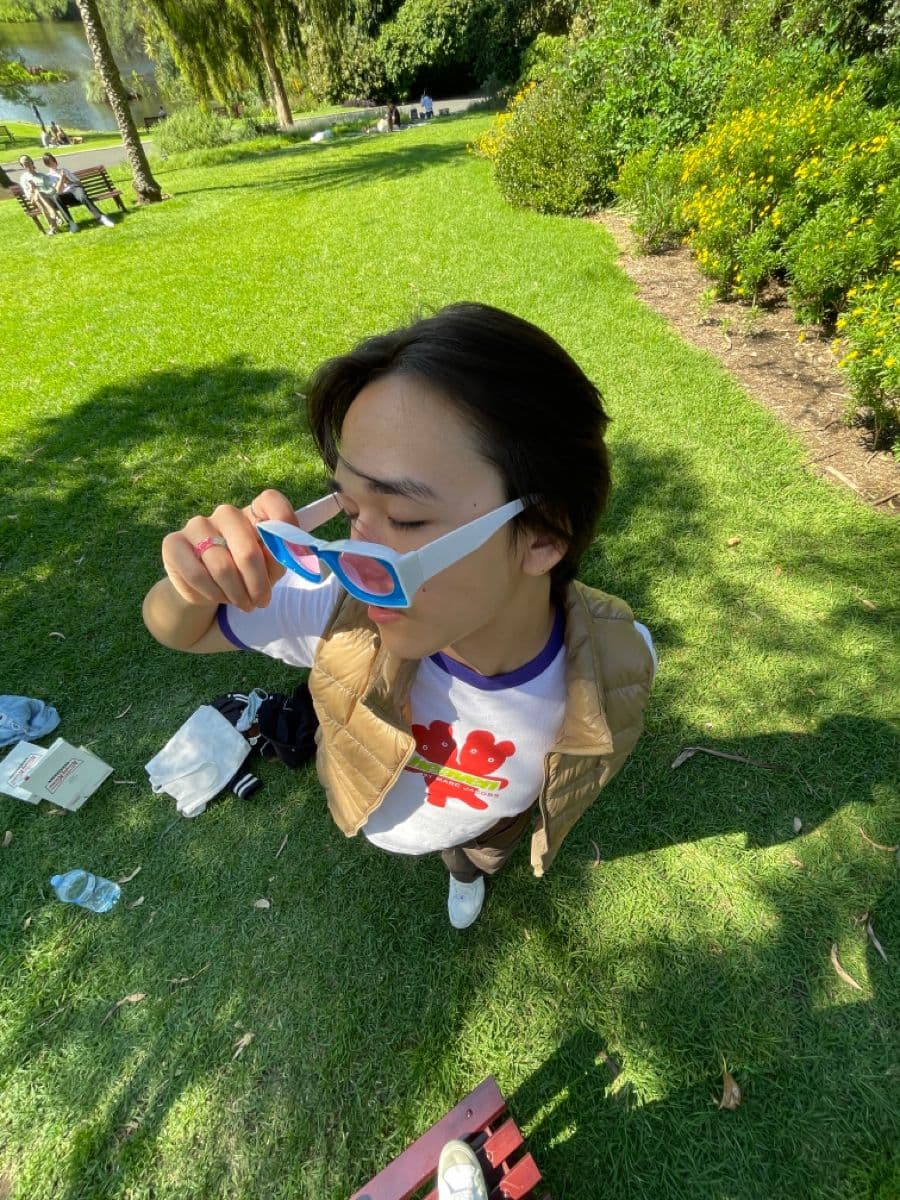
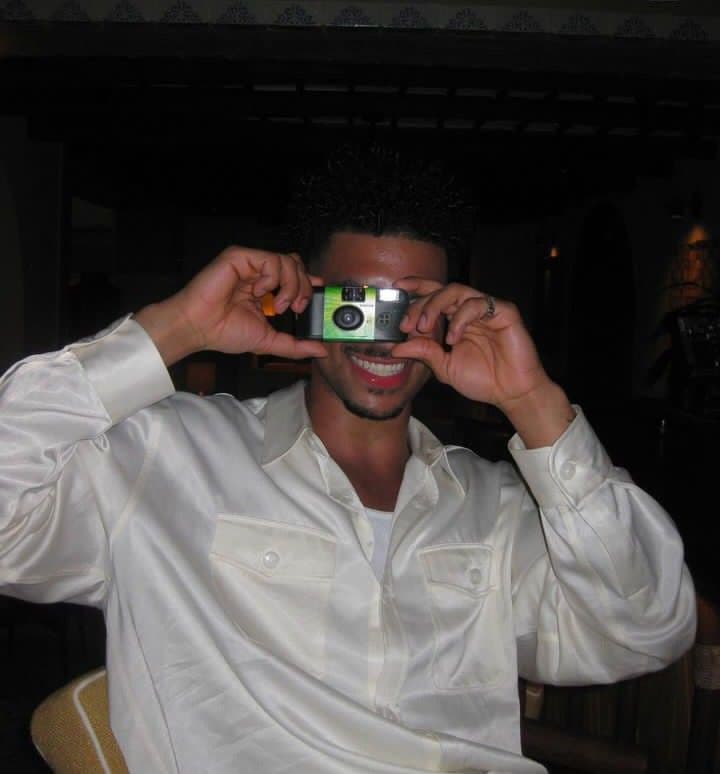
One trip. One shared TripBook. Friends add photos, notes, and edits, and everyone sees it instantly. No more scattered group chats.




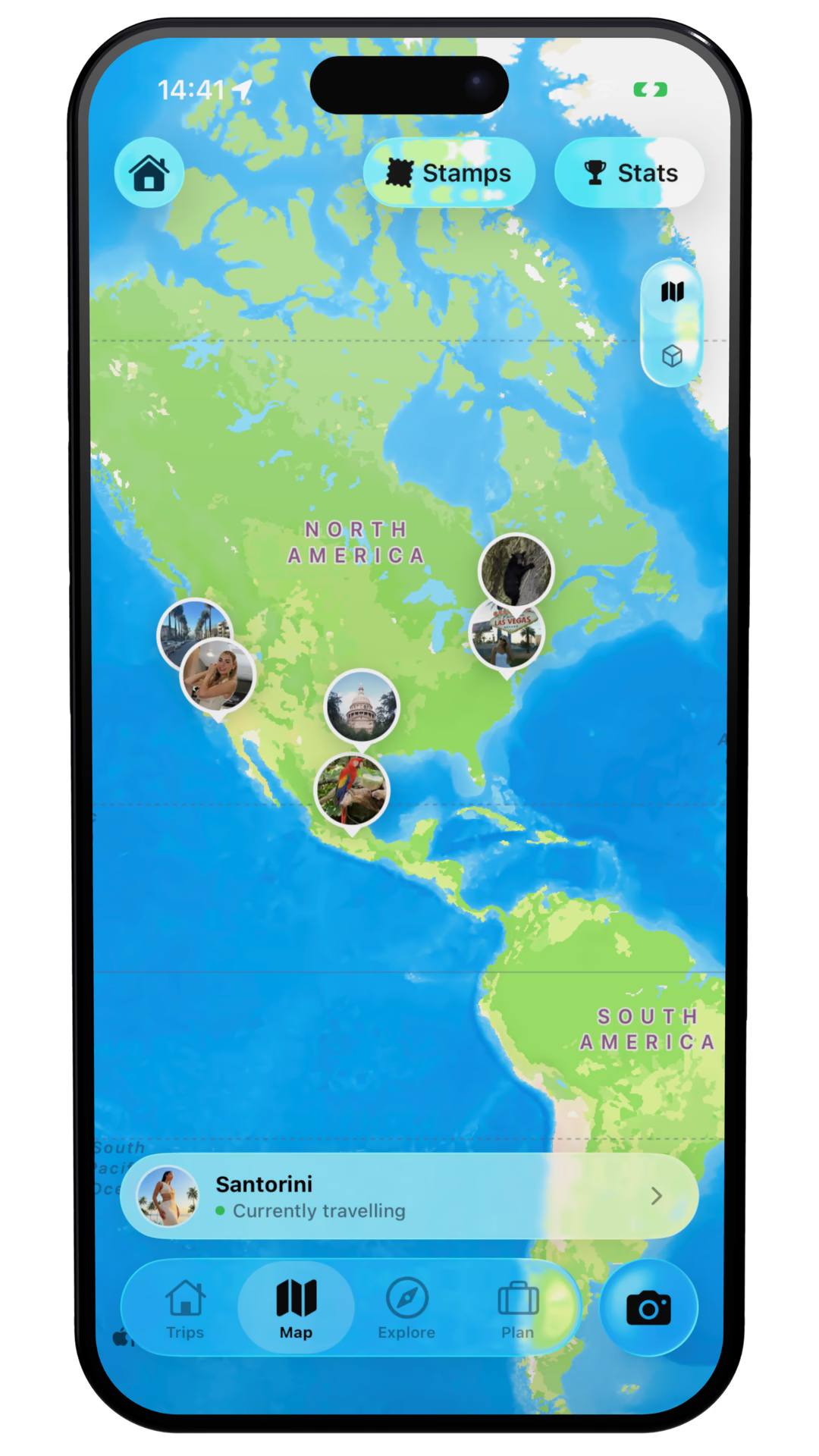
Maps for Reflection
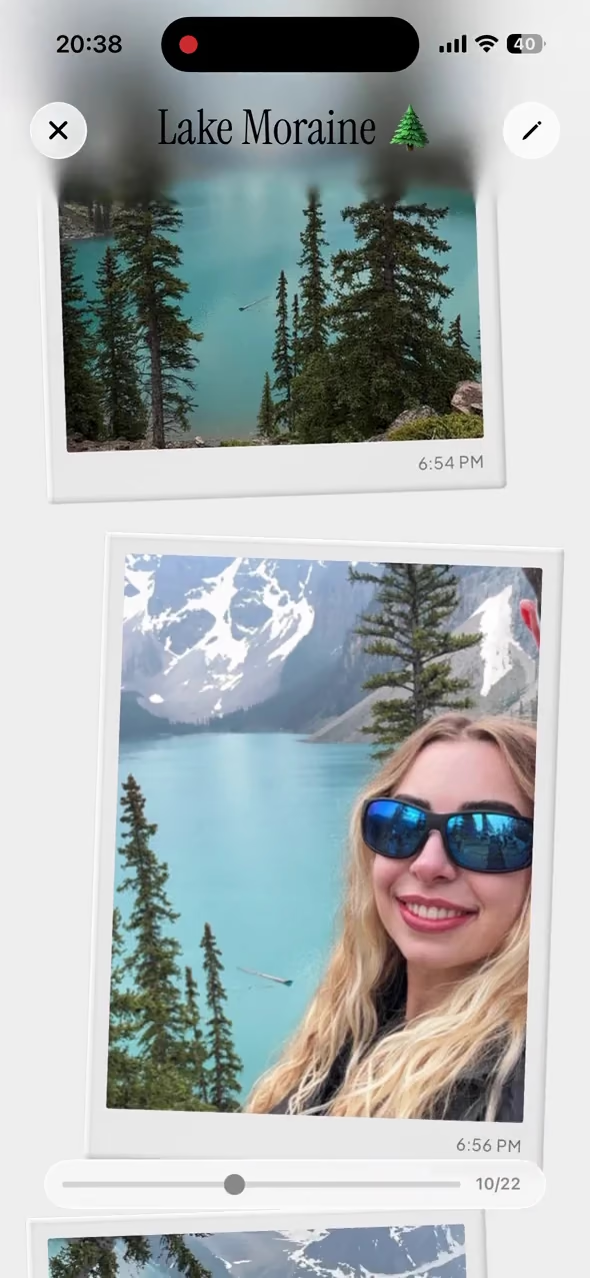
Your TripBooks live on a world map. Inside each TripBook, memories are pinned where they happened, so the story clicks instantly.
Vintage & Stamp Camera
Capture photos that feel nostalgic and intentional, right in the app. Four custom LUTs make your memories look like keepsakes the moment you take them.
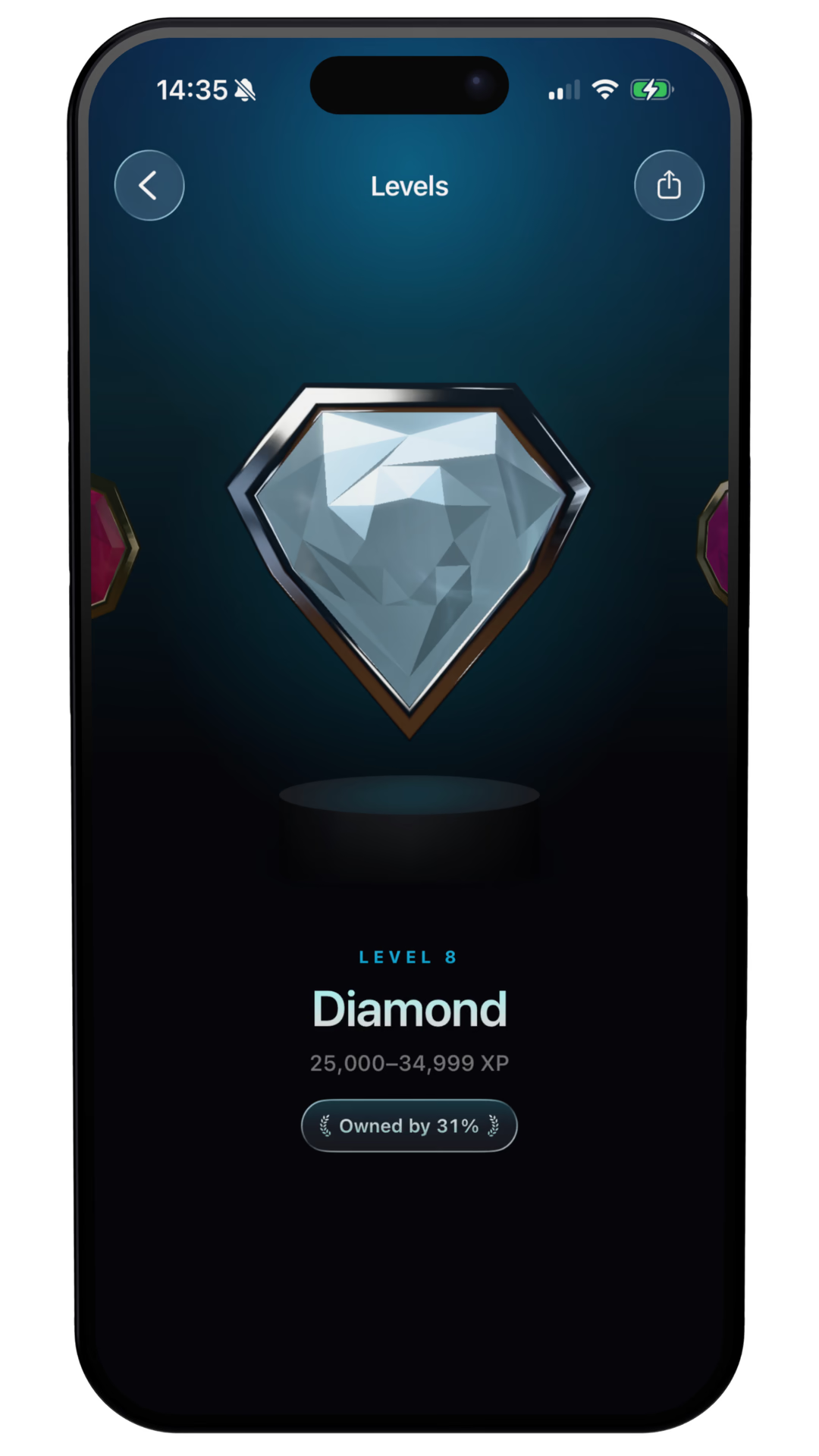
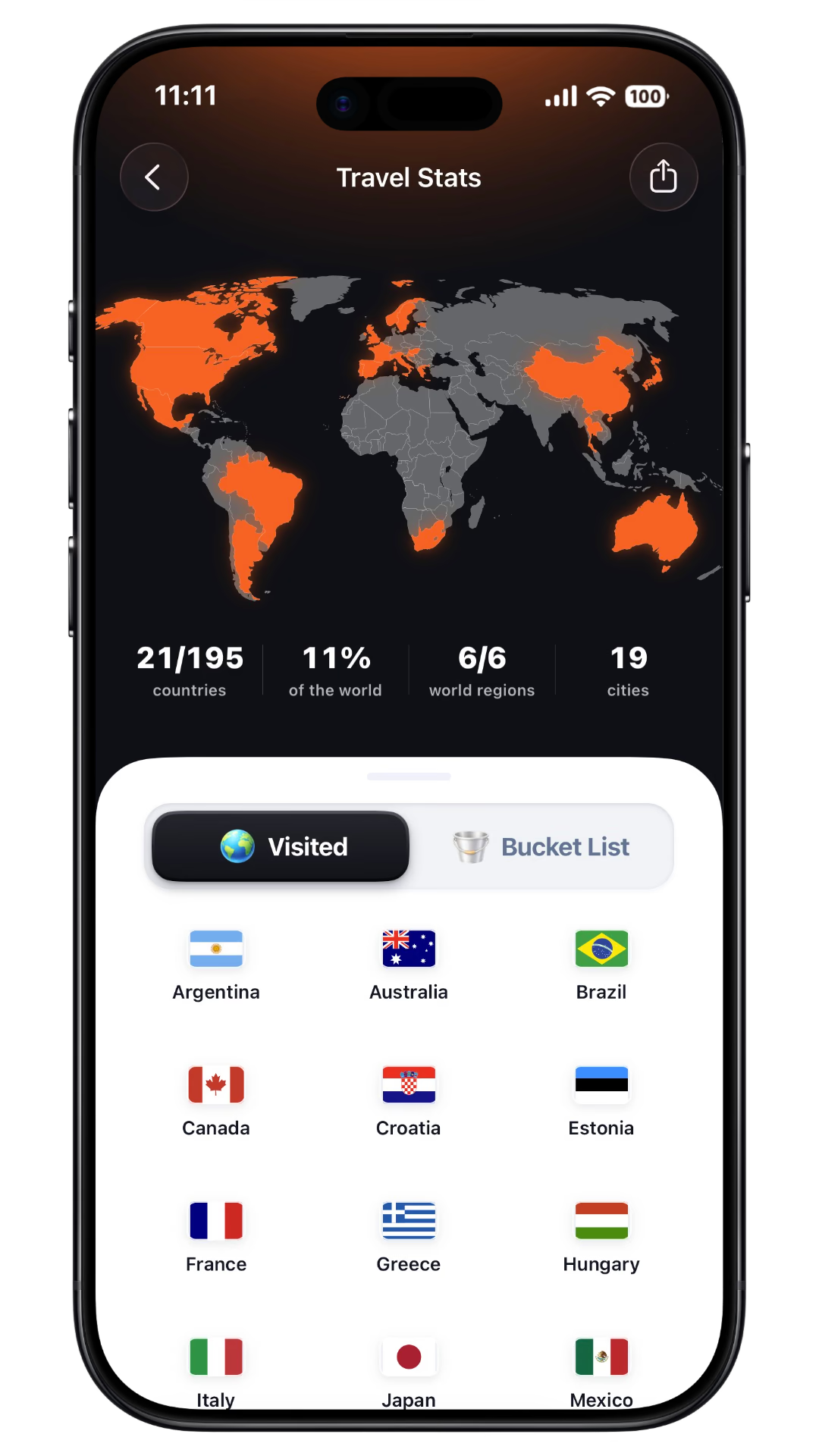
Stats & Progression
See countries visited, places explored, and your travel calendar. TripMemo adds playful progression (levels, missions, and Trippin') without turning your memories into a social feed.
Offline mode that keeps up
Write notes, add photos, reorder pages offline. TripMemo queues everything locally and syncs automatically when you’re back online.
Network
Offline active
Photo captured
Offline Queue
Journal entry
Offline Queue
Layout updated
Offline Queue
Share links
Built for group trips, with access for visitors or editors.
Download all photos
Built for group trips.
Reorder pages
Built for group trips.
Everyone contributes
Built for group trips.
one for the camera roll found on the road salt in the air palms, always Paris on film cards after dinner lake days one more round barefoot before breakfast the car we almost bought just one more run wish you were here
Introducing...
Bulk Upload
Bring every old trip into TripMemo
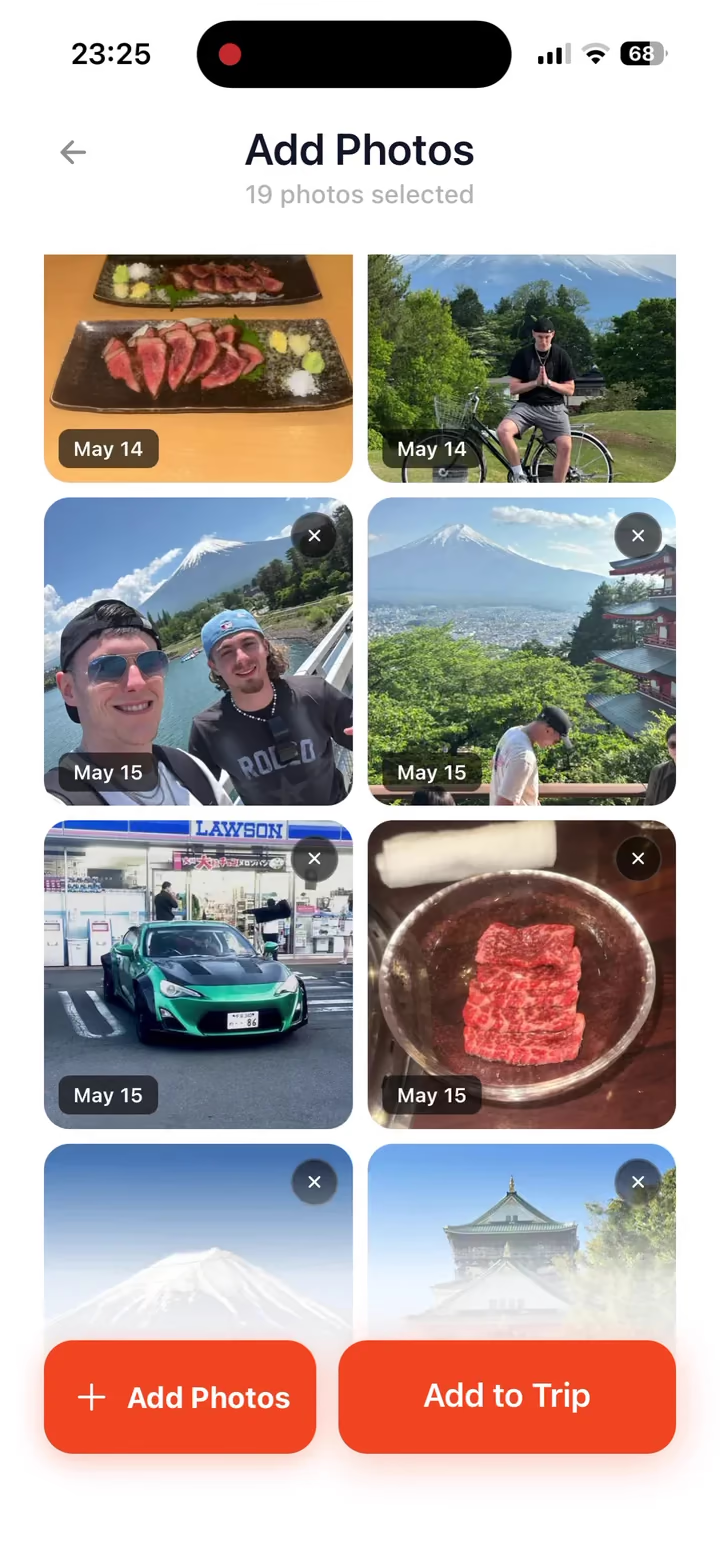
Add photos from your camera roll to a new TripBook. TripMemo sorts everything into days and chronological order so the story builds itself.
Create a new TripBook
Open TripMemo, tap the + button, name your trip and pick a cover. Takes seconds.
Tap bulk upload
Inside the TripBook, choose bulk upload and select photos from your camera roll.
Auto-sorted into days
TripMemo reads photo dates and groups everything into pages by day, in chronological order. No manual sorting required.
Add notes and pins
Drop in captions, journal notes, and optional map pins to give each page context. Your TripBook now reads like a story you'll actually revisit.
Years of trips, ready in minutes
Bulk upload works just as well for a weekend getaway as it does for a decade of camera roll memories. Start with one trip and let TripMemo handle the rest.
one for the camera roll found on the road salt in the air palms, always Paris on film cards after dinner lake days one more round barefoot before breakfast the car we almost bought just one more run wish you were here
Bring every old trip into TripMemo
Add photos from your camera roll to a new TripBook. TripMemo sorts everything into days and chronological order so the story builds itself.
Create a new TripBook
Open TripMemo, tap the + button, name your trip and pick a cover. Takes seconds.
Tap bulk upload
Inside the TripBook, choose bulk upload and select photos from your camera roll.
Auto-sorted into days
TripMemo reads photo dates and groups everything into pages by day, in chronological order. No manual sorting required.
Add notes and pins
Drop in captions, journal notes, and optional map pins to give each page context. Your TripBook now reads like a story you'll actually revisit.
Years of trips, ready in minutes
Bulk upload works just as well for a weekend getaway as it does for a decade of camera roll memories. Start with one trip and let TripMemo handle the rest.
Benefits, limitations and the details behind them
How TripMemo Editorial Team compares these apps
We publish TripMemo and have a commercial interest in it. We compare the tasks travellers need to complete: planning, recording a route, collecting memories, contributing together and sharing with home. TripMemo details reflect our product information. Competitor claims link to their official product or support pages.
The detailed Polarsteps feature sources were checked on 12 September 2026. Browser-sharing documentation and the alternative-app product pages were reviewed on 13 September 2026. This is a documentation-based comparison, not a hands-on benchmark. We have not measured comparative battery use or speed. Features can change, so review the linked sources before choosing.
For camera, social-saving and levelling comparisons, “not documented” reflects the sources reviewed, not proof of absence. See Polarsteps’ photo documentation and Trip Reels documentation.
| Benefit and supporting detail | What to keep in mind |
|---|---|
| A digital TripBookCollect photos, notes and places in day-by-day pages.Explore TripBooks | TripMemo pins photos to the places they were taken. Polarsteps also offers automatic background route recording, which TripMemo does not provide. |
| Shared contributionsInvite editors to add photos, notes and edits to the same TripBook.Polarsteps collaboration documentation | Collaboration is available in both apps. Polarsteps Travel Together supports up to five invited travel buddies, with shared steps, photos and videos. |
| Browser viewingFriends and family back home can follow your journey for free through a shared TripBook link in their browser, without downloading TripMemo.Polarsteps sharing documentation | Viewing and editing are different permissions. Polarsteps also supports viewing shared trips without its app. |
| Offline photos and notesTripMemo queues offline TripBook edits for syncing when a connection returns.Polarsteps offline documentation | Changes cannot reach other people until they sync. Polarsteps also supports offline photos and text, but adding new spots and activities requires a connection. |
| Photos from past tripsBulk upload adds camera roll photos to a new TripBook and organises them by date.See the photo upload steps | This does not import an entire Polarsteps trip. Add notes and map pins separately, and keep your original trip to retain its route and other content. |
| Vintage cameraTripMemo includes four custom LUTs for a film-inspired look when you capture photos.Explore the Vintage and Stamp Camera | Polarsteps documents taking and adding photos, but we found no documented equivalent to these built-in vintage effects. That is not confirmation that every camera effect is unavailable. |
| Stamp cameraTripMemo turns travel photos into stamp-style keepsakes in the app.See TripMemo camera examples | We found no stamp-camera feature in the Polarsteps documentation reviewed. This comparison concerns the built-in camera treatment, not uploading photos edited elsewhere. |
| Individual photo captionsTripMemo supports captions alongside your photos, as well as journal notes.Polarsteps photo and caption documentation | Polarsteps says individual photo captions are not supported. You can describe photos in the step text instead. |
| Save from social mediaShare from Instagram, TikTok, Safari or X to save travel inspiration in TripMemo on iPhone.See how saving to TripMemo works | We found no documented equivalent for saving social posts into Polarsteps. Polarsteps does let you share Trip Reels out to social apps; that is a different direction of sharing. |
| Levels, achievements and awardsTripMemo lets you collect achievements and awards and level up as part of your travel experience.Polarsteps profile and badge documentation | We found no documented equivalent levelling system in Polarsteps. Its profile documentation does mention membership and other badges, so we do not claim that Polarsteps has no badges or rewards of any kind. |
| Itinerary planningTripMemo builds itineraries as well as preserving your trip memories.Explore itinerary planning | Itinerary planning is different from automatically recording the route you actually travel. |
FAQ
Polarsteps Alternative Questions
Quick answers to the questions people ask before switching.
Is TripMemo a good Polarsteps alternative?
Can I still see my trip on a map?
Does TripMemo work offline while traveling?
Can my friends add their photos to the same trip?
Can I share a TripBook with people who don't have the app?
Does TripMemo have a built-in vintage camera?
Can I bulk upload photos after a trip?
Can I download everyone's photos from a collaborative trip?
Is TripMemo a planning app like an itinerary tool?
Can people on Android view my TripMemo journey?
Does TripMemo share my live GPS location?
Can I bring my Polarsteps trips into TripMemo?
What if I want route tracking?
More Comparisons
Exploring Other Travel Apps?
See how TripMemo compares to other popular travel journal and tracking apps.
App Store Reviews
4.6/5 from 52 UK App Store ratings · as of 12 September 2026
%20copy%202.webp&w=384&q=75&dpl=dpl_EPXMHFF758wZiFUsuw99japedPYQ)
%20copy%203.webp&w=384&q=75&dpl=dpl_EPXMHFF758wZiFUsuw99japedPYQ)

Your trips deserve
more than a camera roll
Turn travel photos into books you'll actually look back on.