.webp&w=96&q=75&dpl=dpl_J4ztBiaYnp2yHjUocpYhNwGrJvXE)
TripMemo supports offline journaling with photos, notes, and TripBook content available on your device. Cloud sync and updates from collaborators need an internet connection. Before travelling, open the TripBooks you want to use and check their sync status.
Offline Mode
Add photos, write notes, and edit your TripBooks without an internet connection. Keep documenting on flights, mountain trails, cruises, and in national parks. Work with content saved on your iPhone, then check your queued changes when you reconnect.
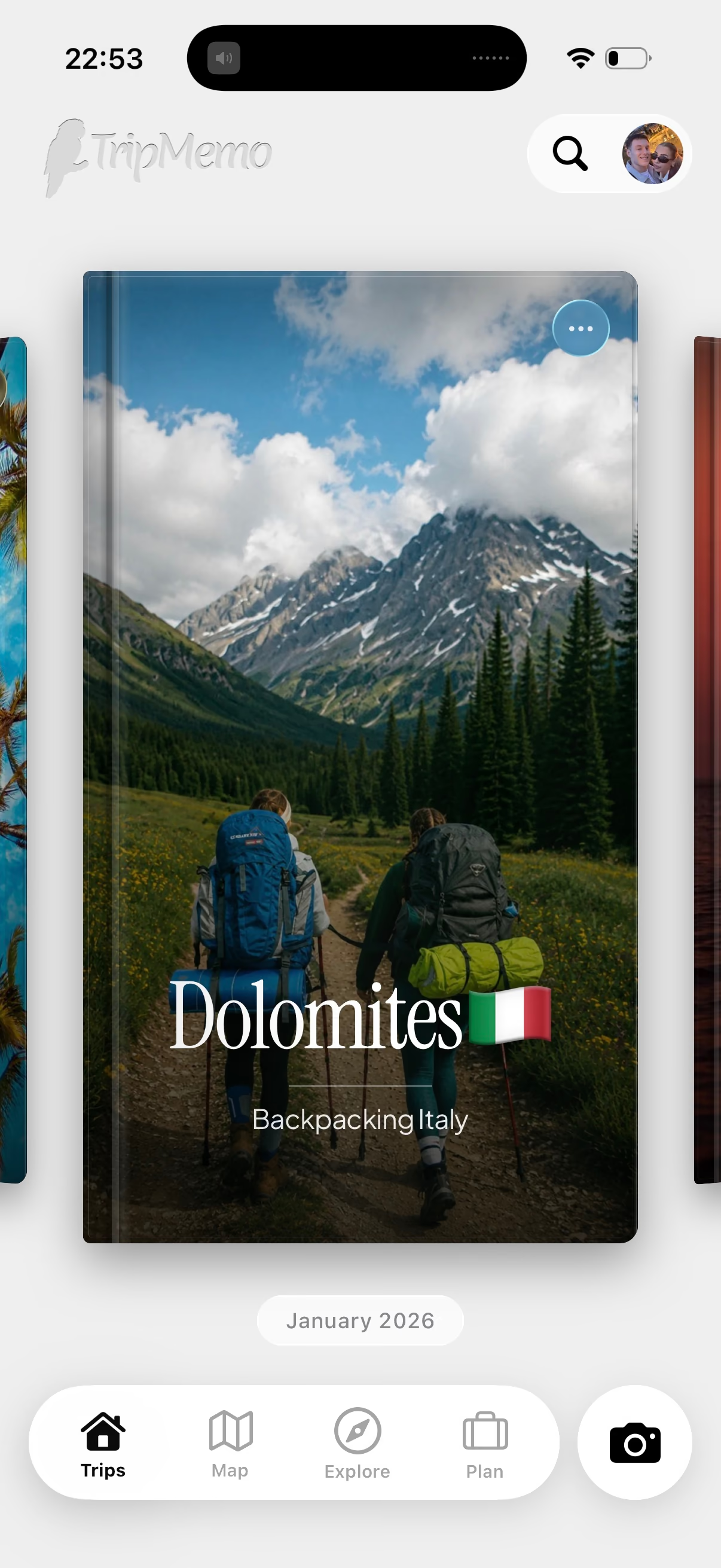
Add photos & notes offline
Import photos from your camera roll, write notes, and organise your days using content available on your iPhone. Reorder memories or delete unwanted shots. Bulk import entire days or past trips, with photos sorted by date.
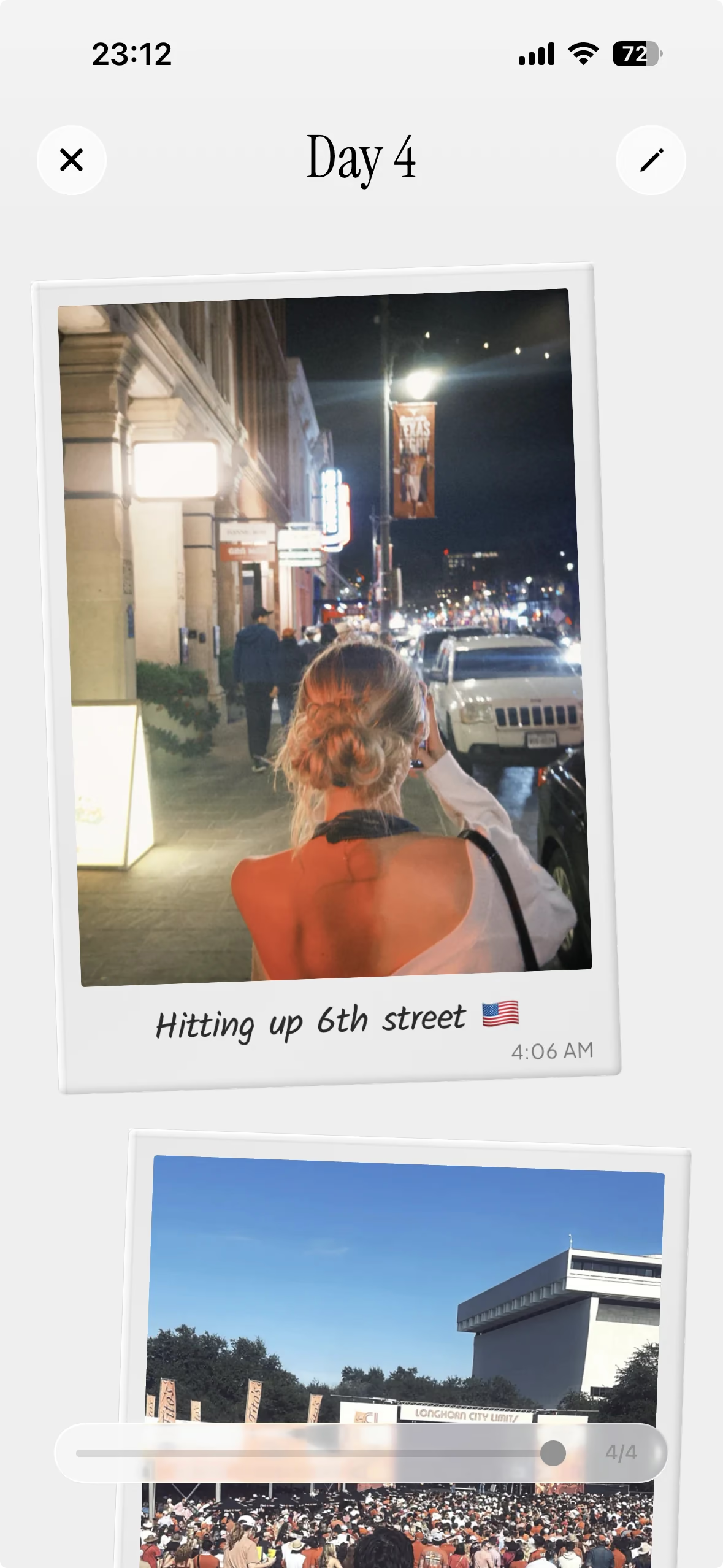
Browse your TripBooks
Look back through TripBooks available on your device. Open the trips you want to revisit before heading out, then use a flight or bus ride to browse memories and finish your notes. Offline map access depends on the map content already cached on your iPhone.

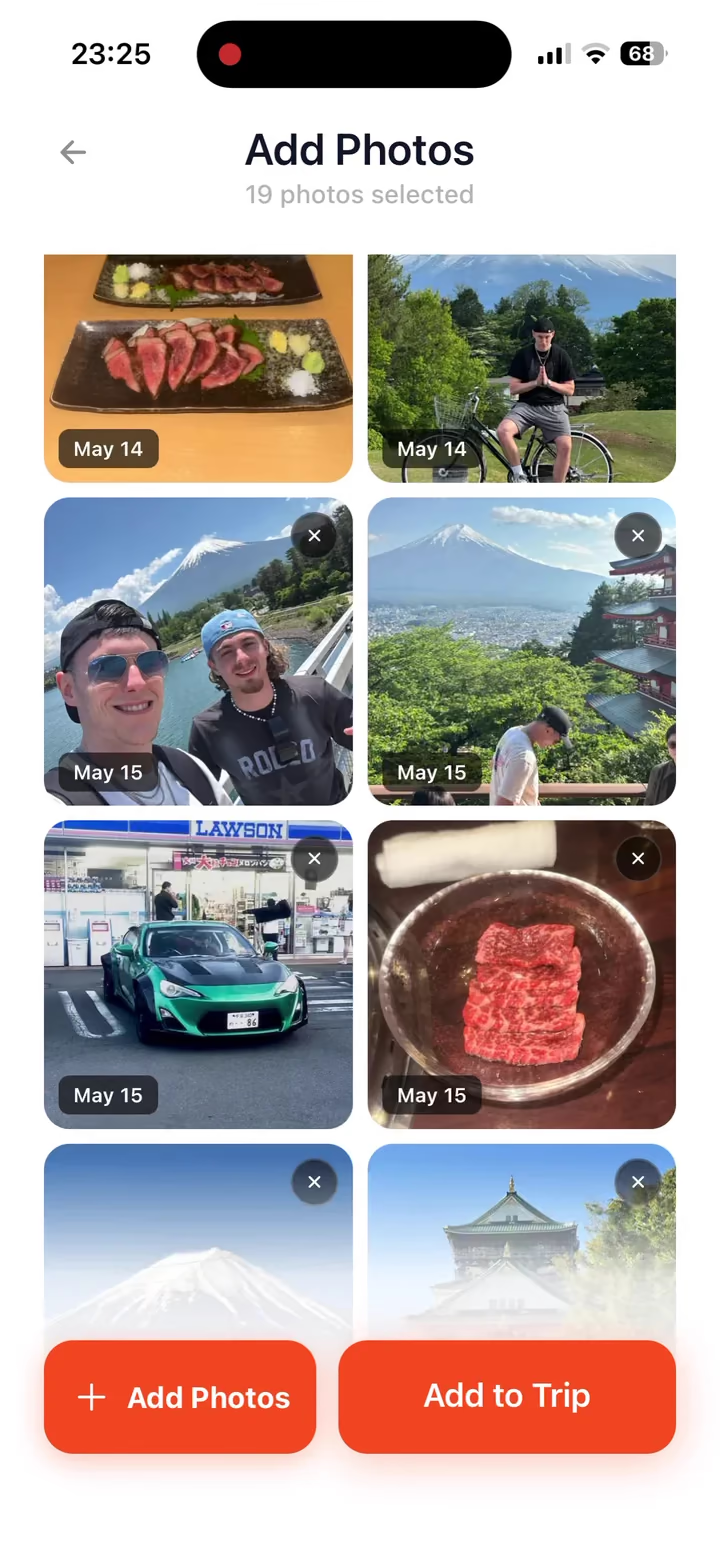
Save now, sync later
Offline additions are stored on your device while waiting to upload. Check the sync queue to see what’s pending when you reconnect. Sync uses WiFi and cellular by default, or you can choose WiFi-only in settings to save roaming data. Check your queue before leaving WiFi to confirm your memories have uploaded.

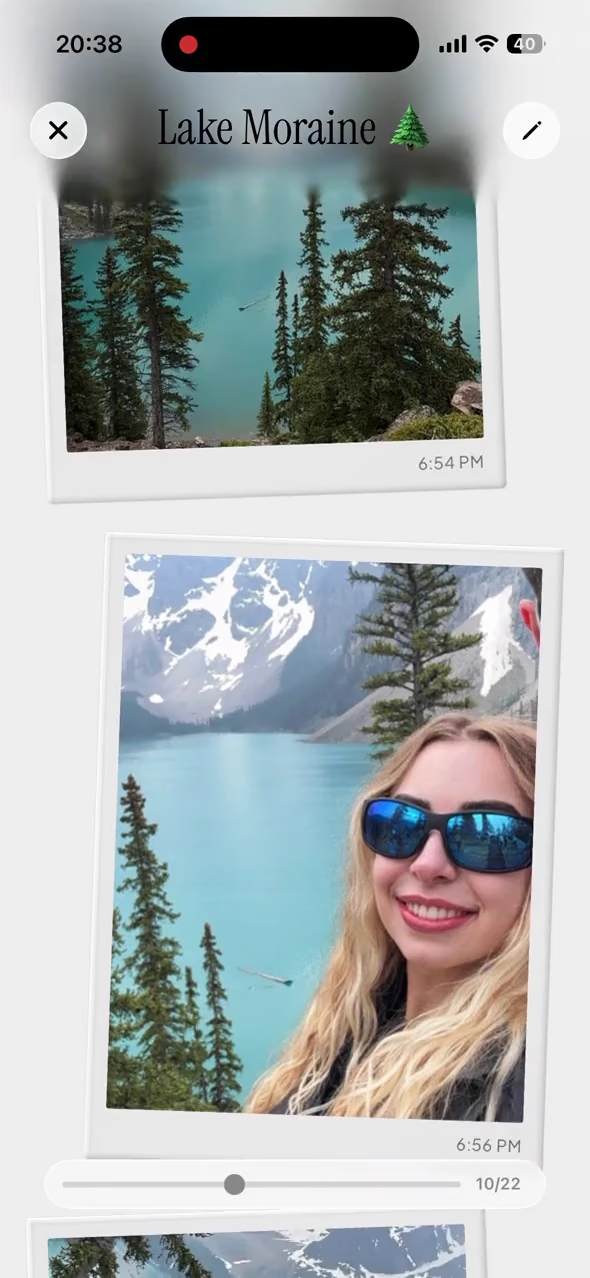
Keep adding together
Add to shared TripBook content available on your device while you’re offline. Each contributor’s additions need to sync before the rest of the group can see them. Reconnect and check your upload status when you’re ready to catch up.
Offline Mode FAQ
TripMemo can upload queued changes when a connection is available, according to your sync settings. Check the sync queue to confirm what has uploaded. Shared additions become available to others after syncing.
You can add photos that are available locally on your iPhone. Photos stored only in iCloud may need to download while you’re connected first. Offline additions stay on your device until they upload.
TripMemo supports WiFi and cellular syncing. You can choose WiFi-only in settings to limit cellular uploads. Check your sync settings before an international trip.
You can use offline journaling features with content already available on your device while airplane mode is on. Download any photos you need and check your TripBooks before your flight. Cloud uploads and shared updates need a connection.
A travel app built forBackpackers
Keep every place, person and little moment together in one TripBook.

Backpackers
Big routes, loose plans, every day remembered.

Couples
Two perspectives, one story made together.

Families
Everyone's favourite moments, together in one book.

Road trippers
Every stop, scenic detour and roadside find, mapped.

Weekend explorers
Short escapes that stay with you long after Sunday.
More Features in the TripMemo App.avif&w=3840&q=75&dpl=dpl_J4ztBiaYnp2yHjUocpYhNwGrJvXE)

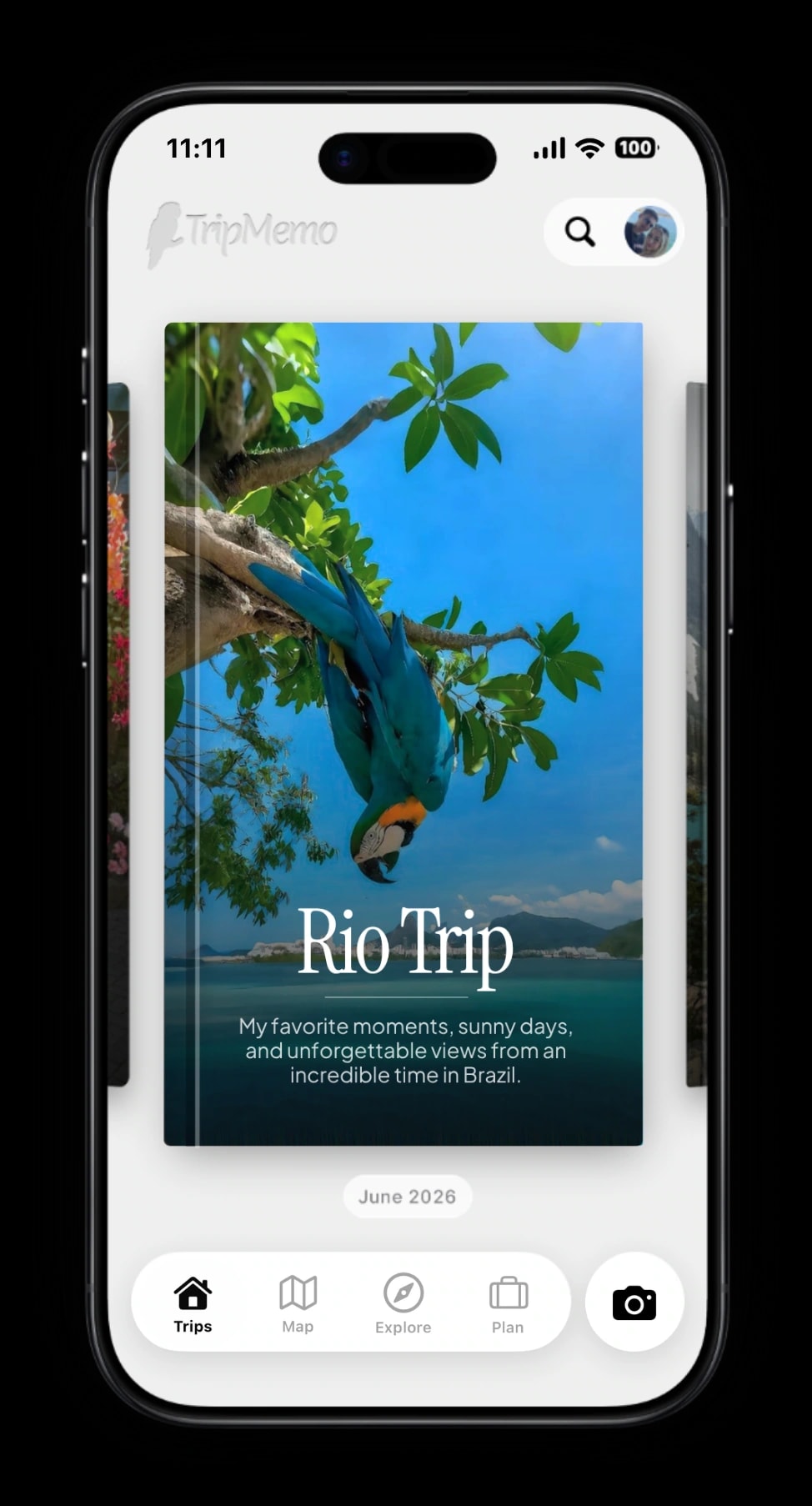
TripBooks
Turn your trip into a book of memories.

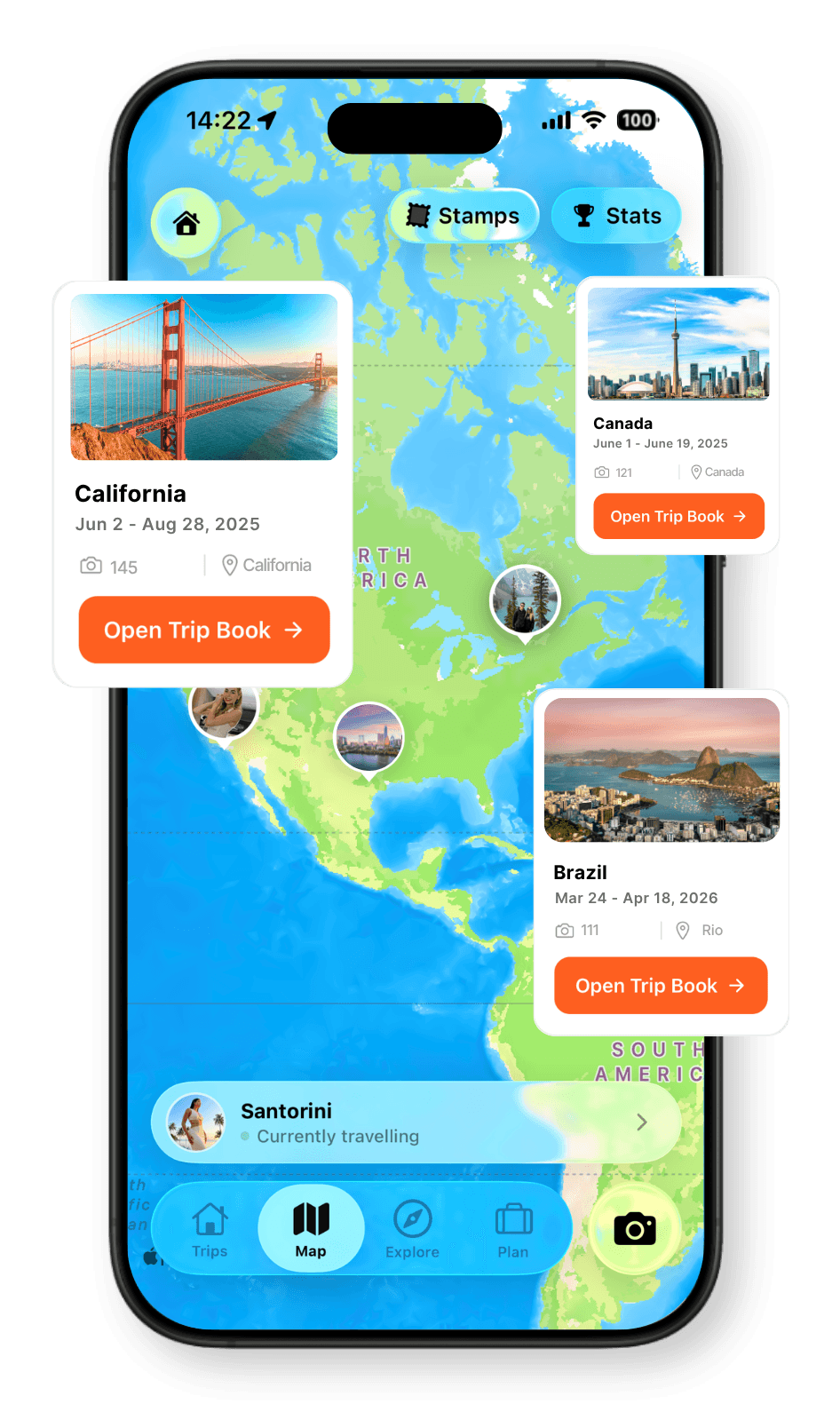
Travel Map
Every place, every memory, together on your map.

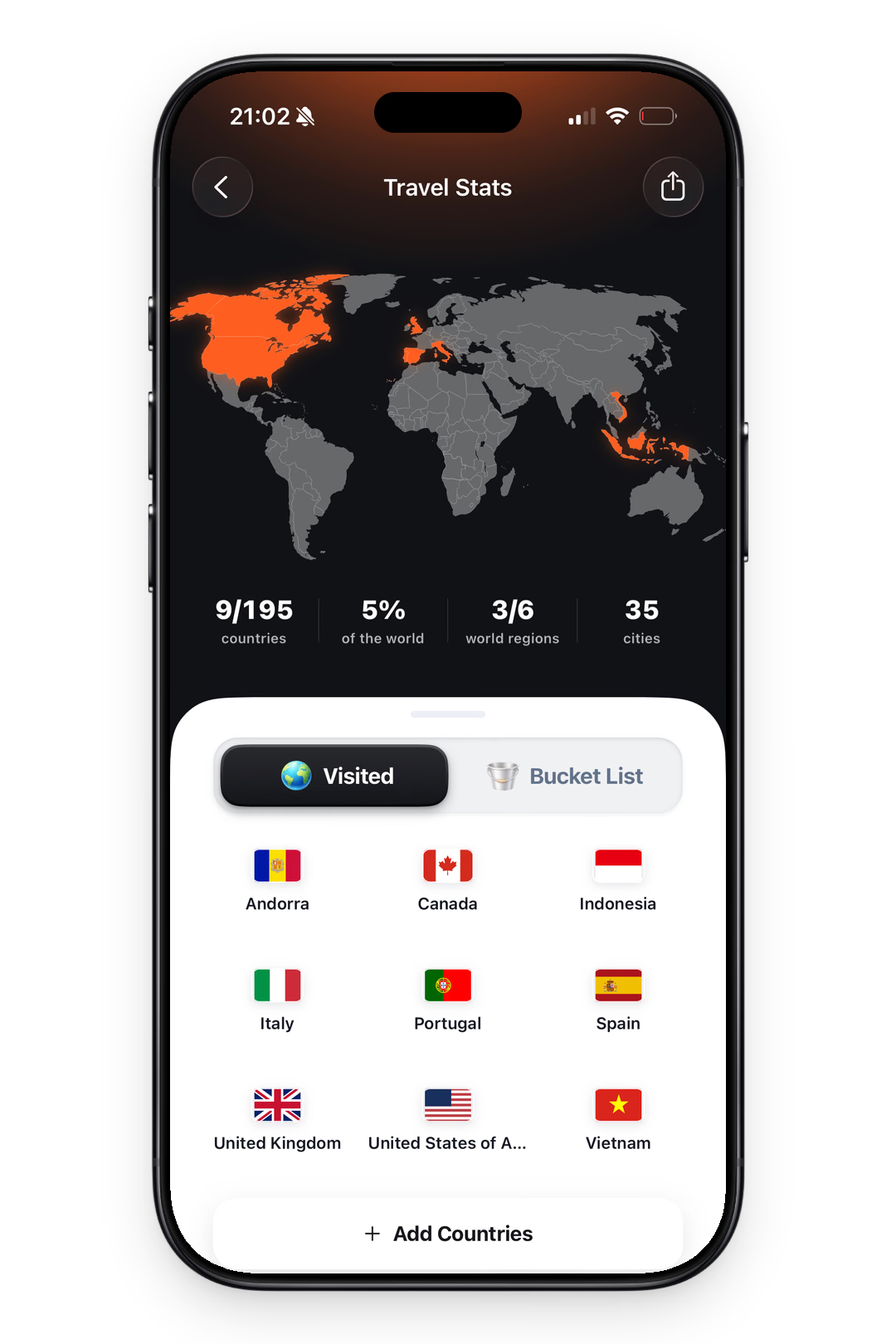
Travel Stats
See your countries visited and travel days add up.
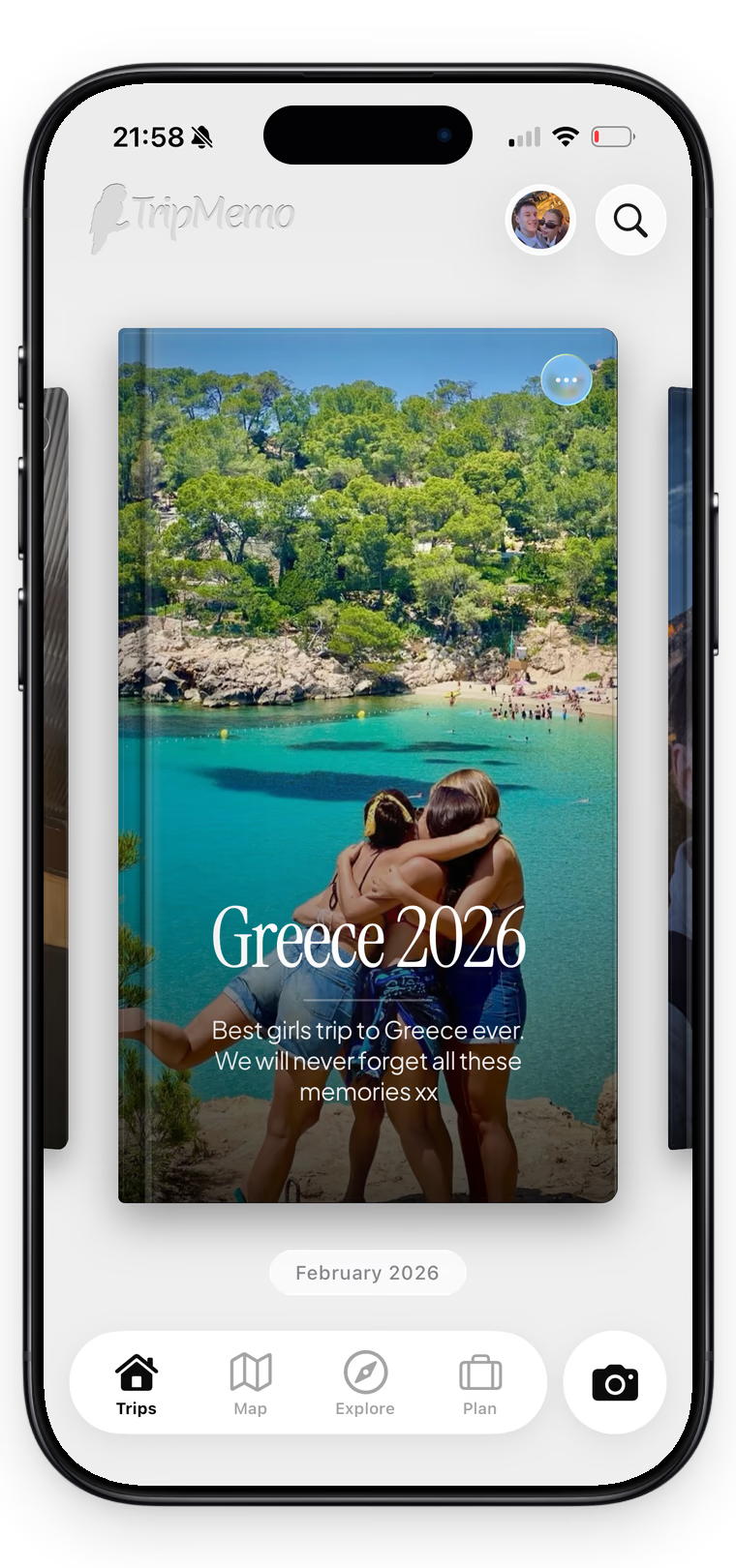
Collaboration
One shared trip, everyone’s best moments.

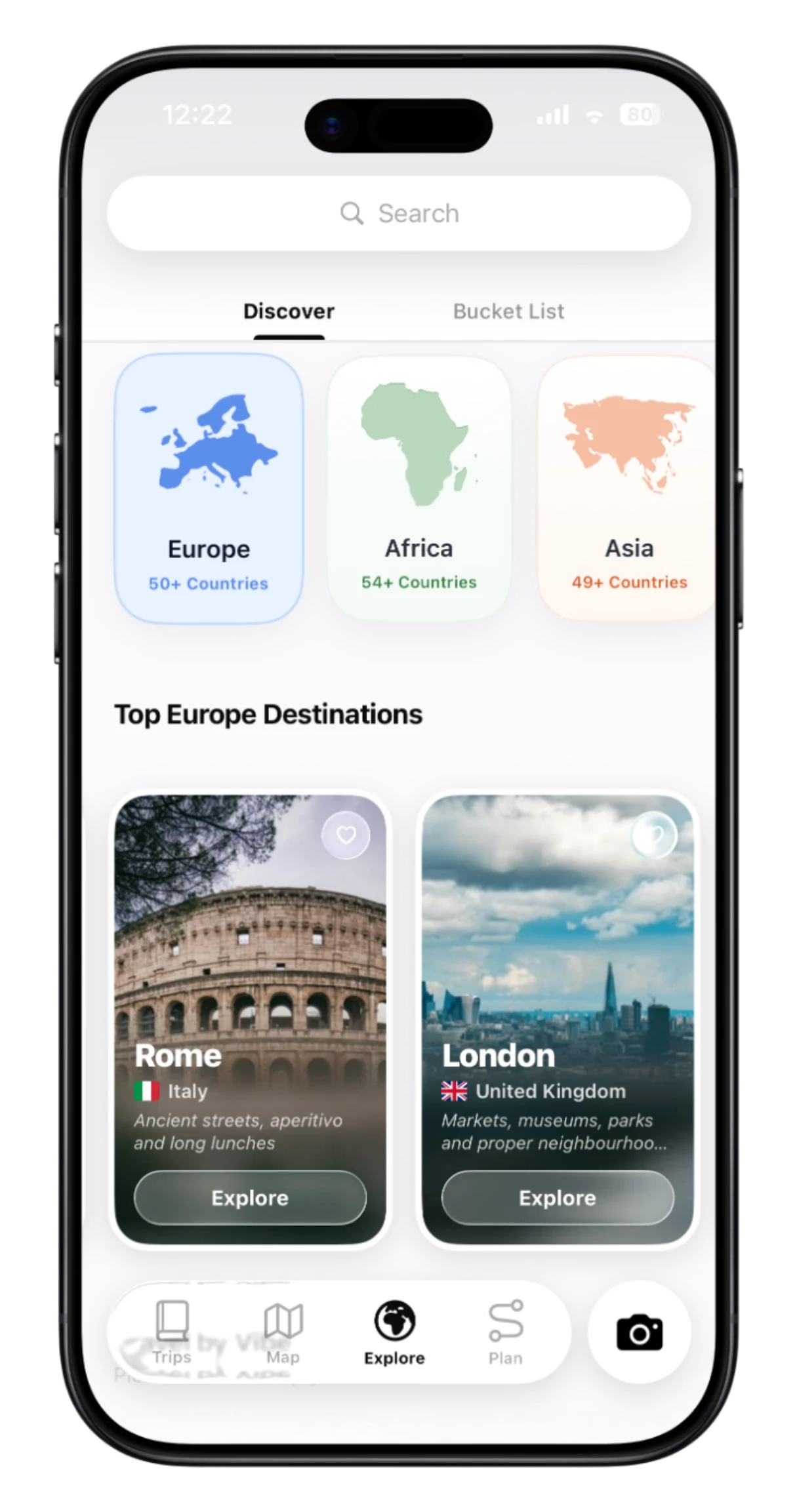
Discover
Explore destinations and ideas. Find places you’ll love.

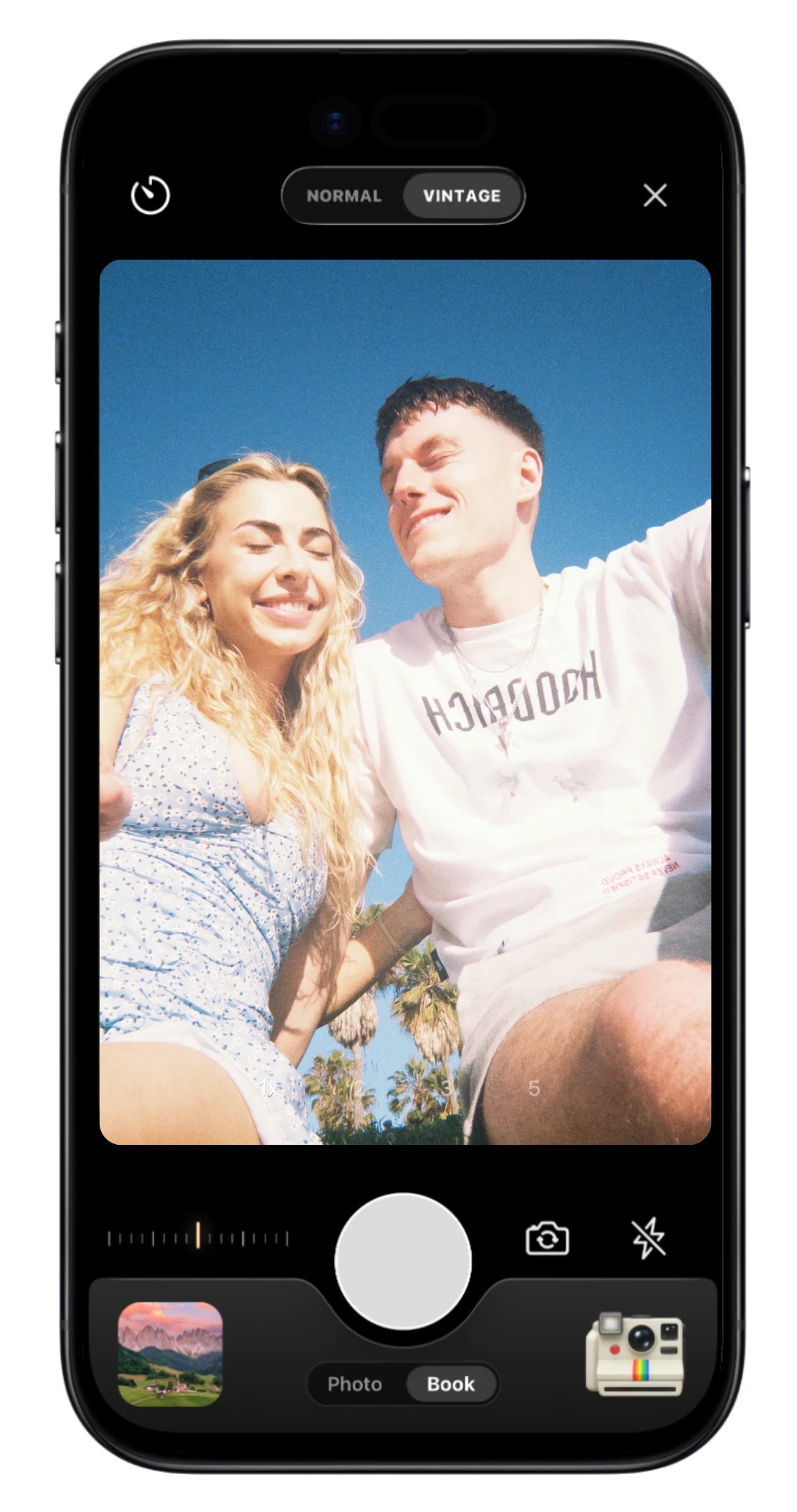
Vintage & Stamp
Capture the moment with film looks and travel stamps.

.webp&w=3840&q=90&dpl=dpl_J4ztBiaYnp2yHjUocpYhNwGrJvXE)
Offline Mode
Add memories offline. Sync when you reconnect.