.webp&w=96&q=75&dpl=dpl_8rfq4W9dyXsDTL7JRYsC2GrNn4WF)

Backpackers
Build a flexible route around your budget, pace and must-see stops.

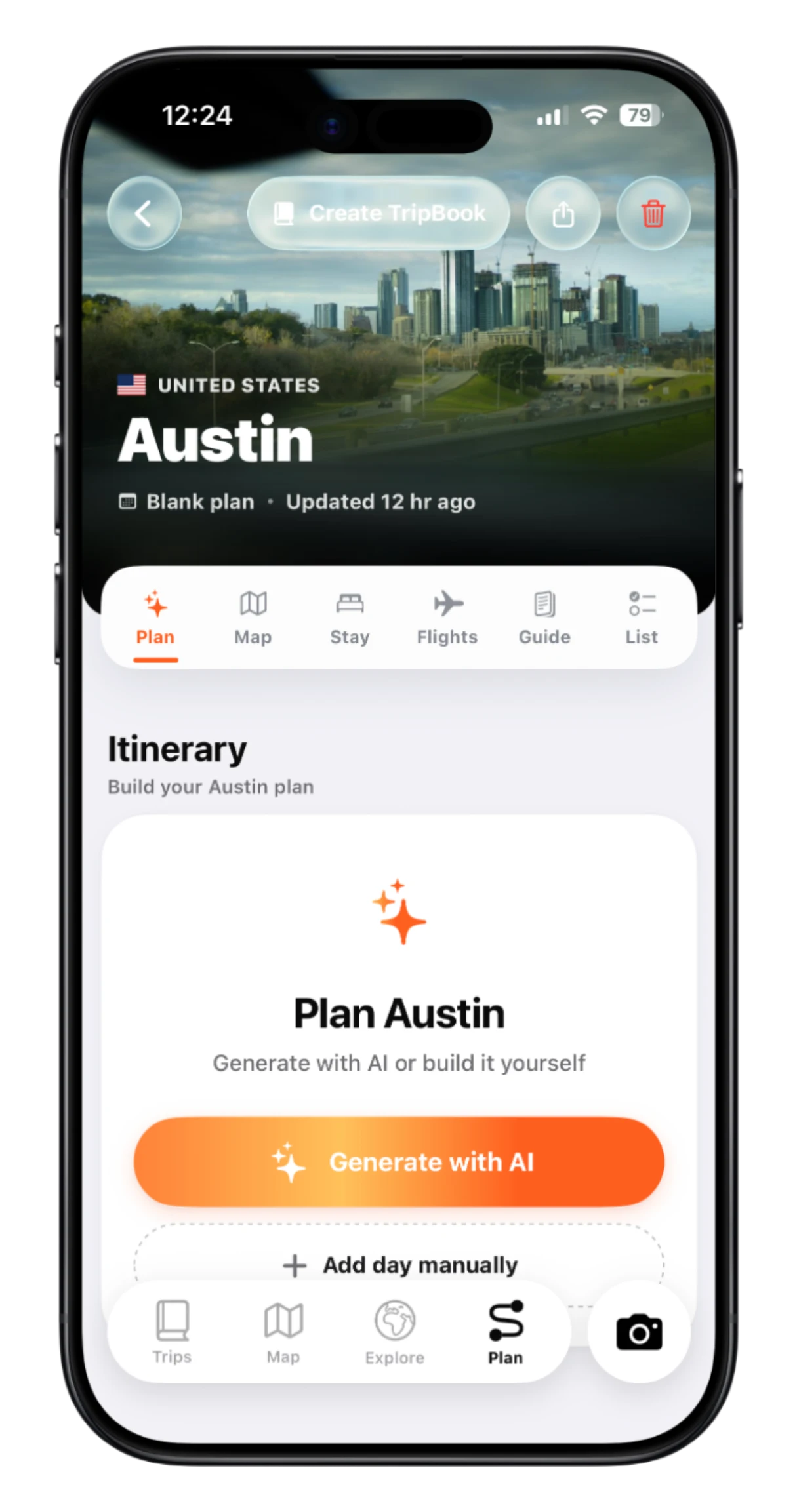
Spend less time researching and more time looking forward to your trip. TripMemo's AI travel planner for iPhone creates a day-by-day itinerary around your dates, budget and interests in seconds. See your route on the map, keep stays and flights together, and change any part of the plan to make it yours.
Choose where you want to go. Not sure yet? Spin the Globe picks a random destination you can plan a trip to.

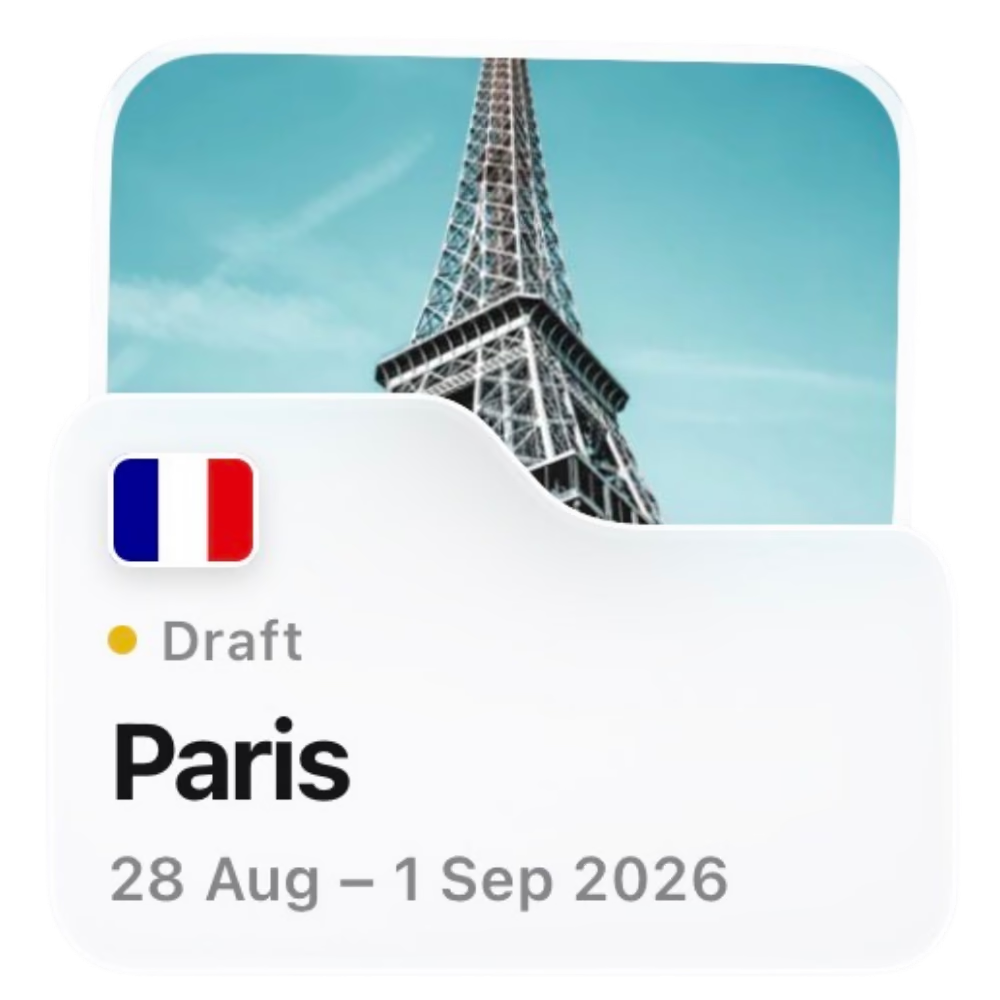

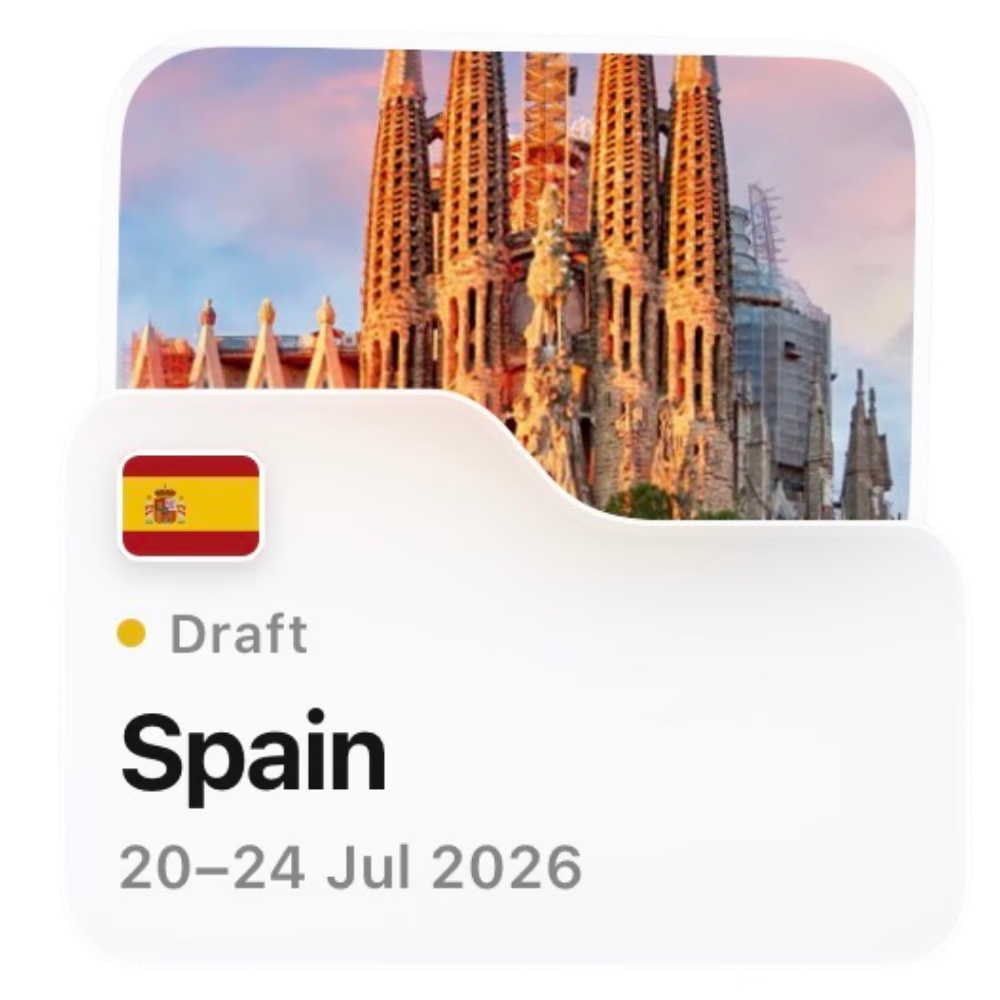

Add accessibility needs, dietary preferences or special requests to shape a plan around you.
Turn your trip details into a personalised day-by-day itinerary, ready to explore and make your own.
See your planned stops on the map, follow your route and get a feel for how each day fits together.
Keep your itinerary, stays, flights, area guide, experiences and lists together.
Move activities, add your own ideas or remove a stop. Add a before-you-go checklist so nothing gets forgotten, and keep refining the plan until it feels right.




Plan a solo escape, a weekend together, a family holiday or a bigger group adventure, with an itinerary shaped around the trip in front of you.
Build a flexible route around your budget, pace and must-see stops.

Plan shared adventures, slow mornings and a special dinner for two.

Balance family activities with downtime and everyone's needs.

Plan your stops, scenic detours and places to stay along the way.

Make the most of a few days with an itinerary that fits your pace.
.avif&w=3840&q=75&dpl=dpl_8rfq4W9dyXsDTL7JRYsC2GrNn4WF)

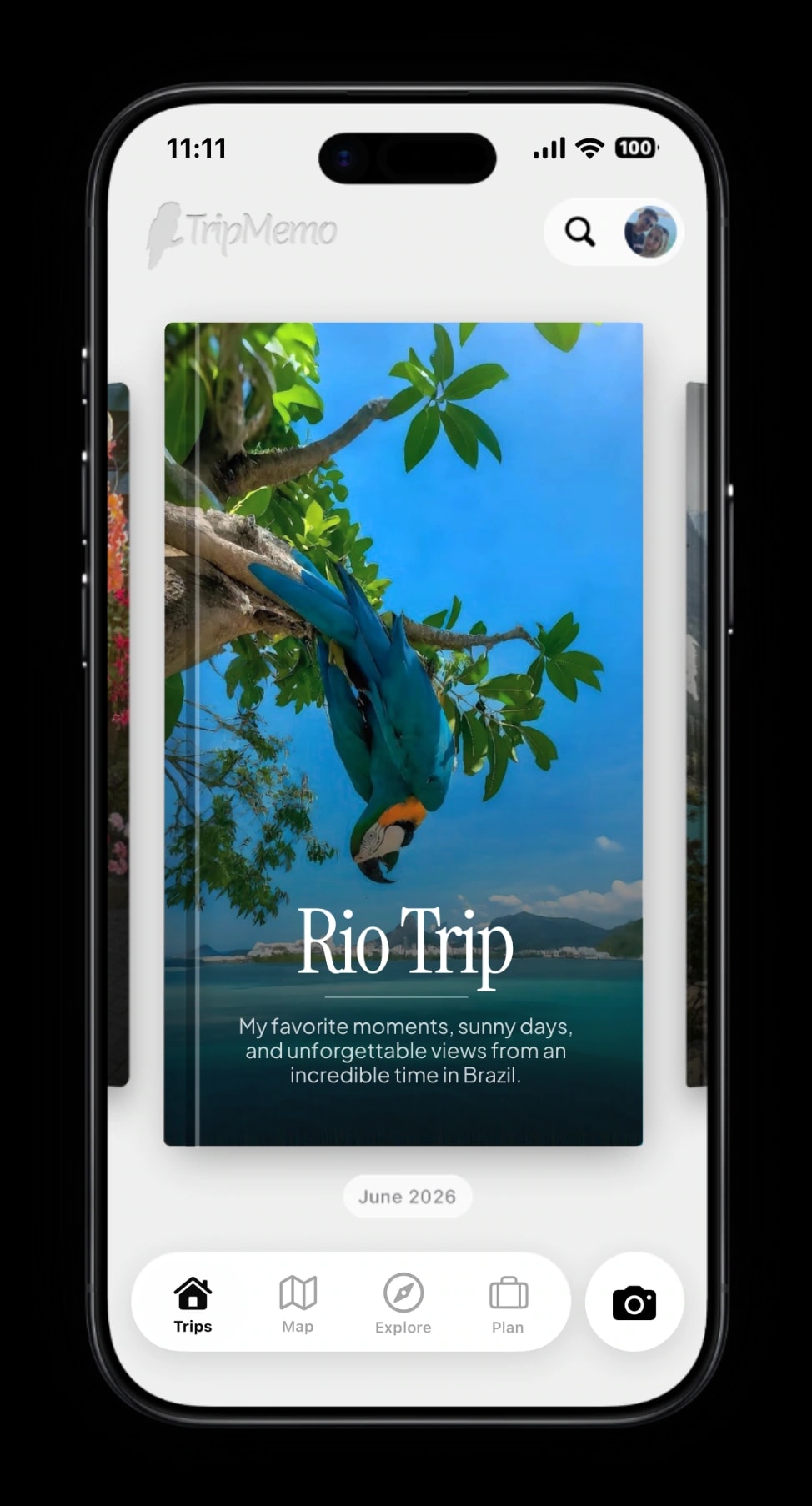
Turn your trip into a book of memories.
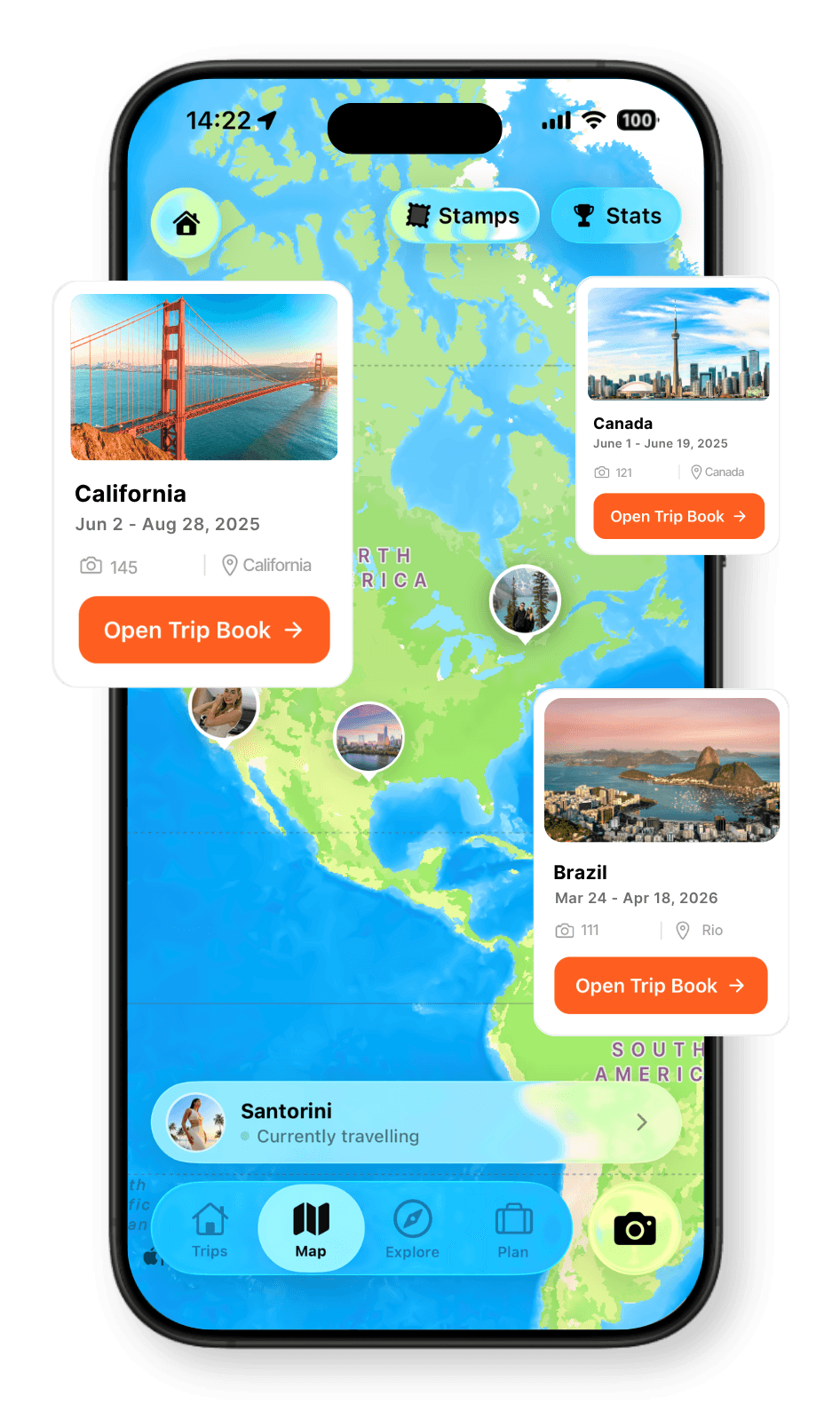
Every place, every memory, together on your map.
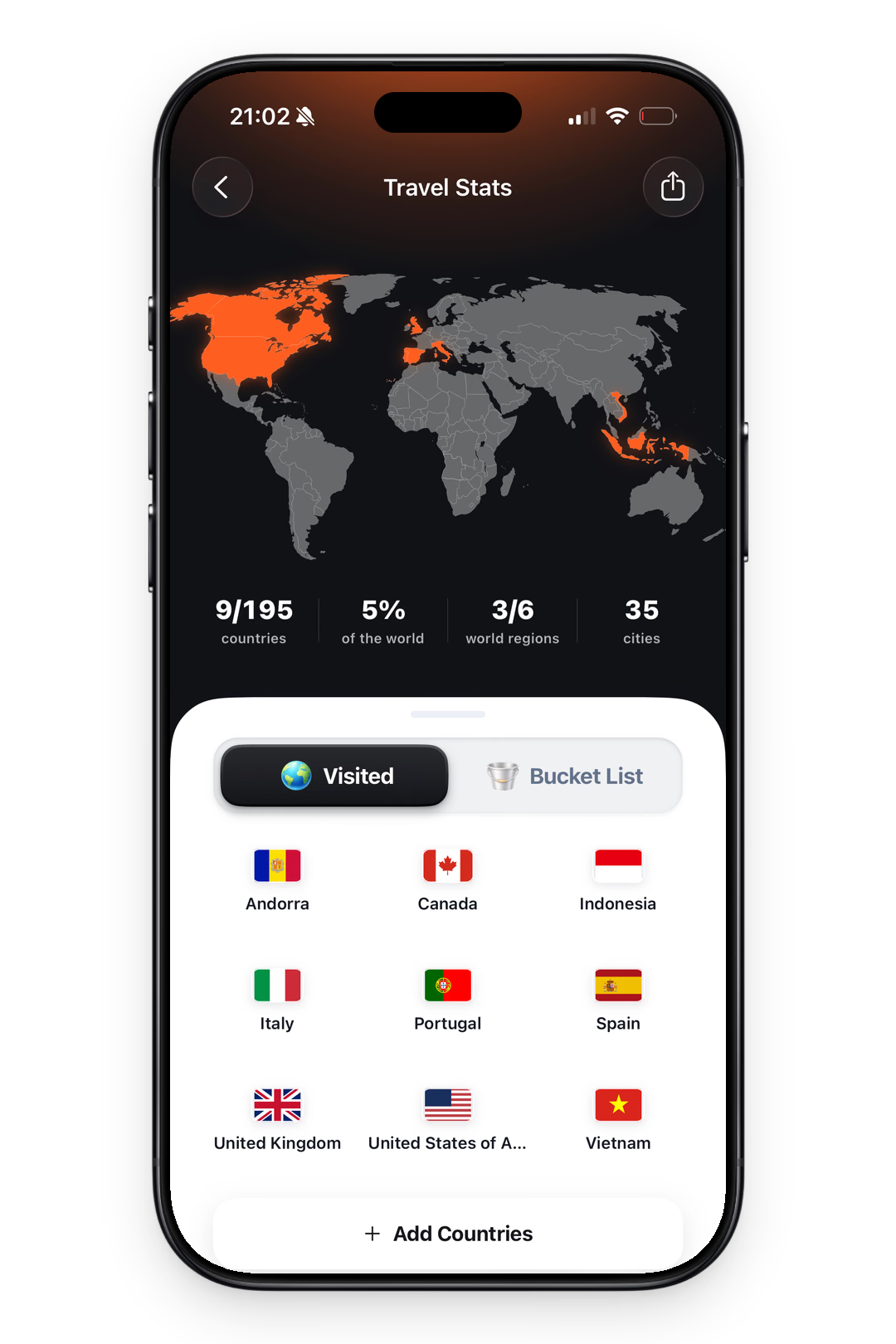
See your countries visited and travel days add up.
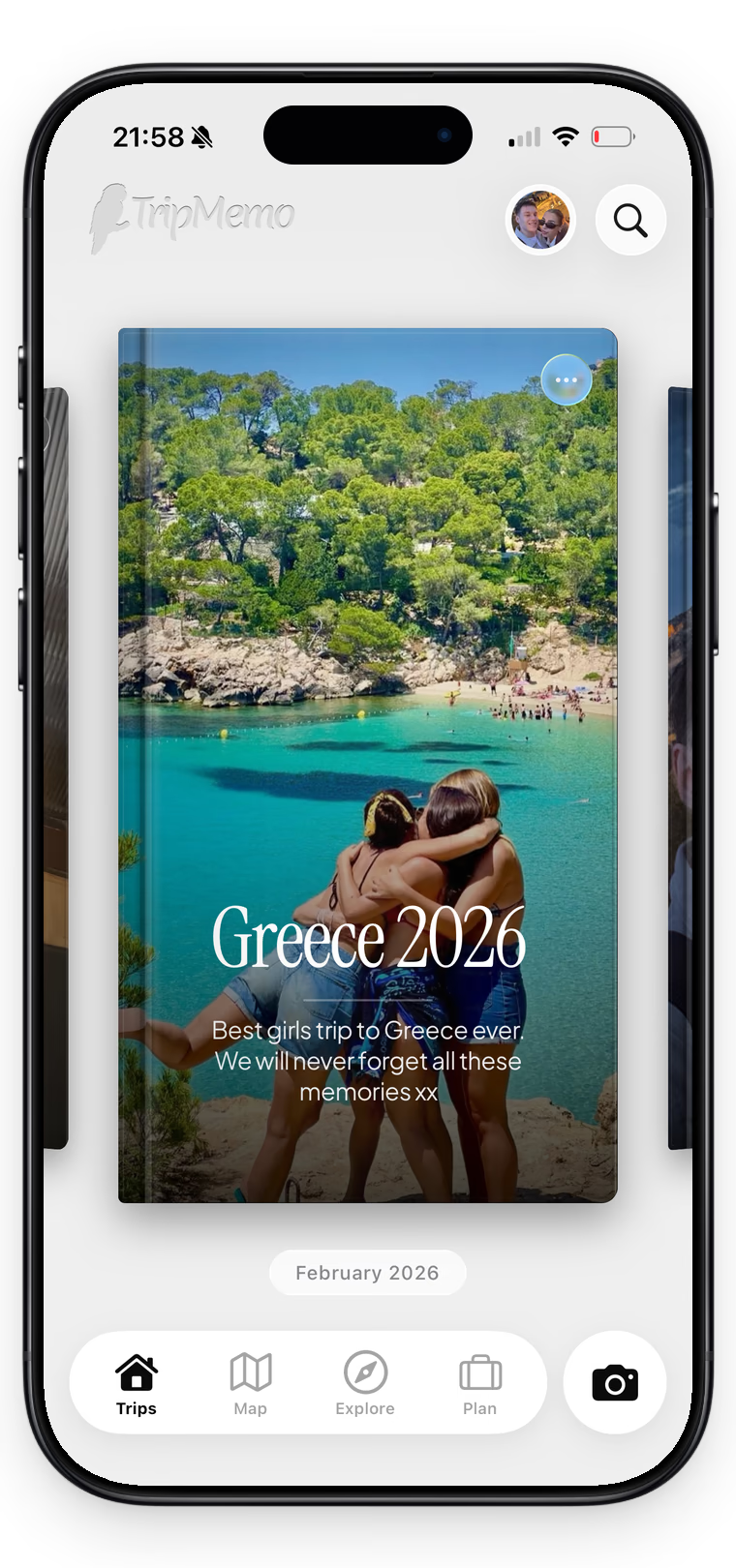
One shared trip, everyone’s best moments.
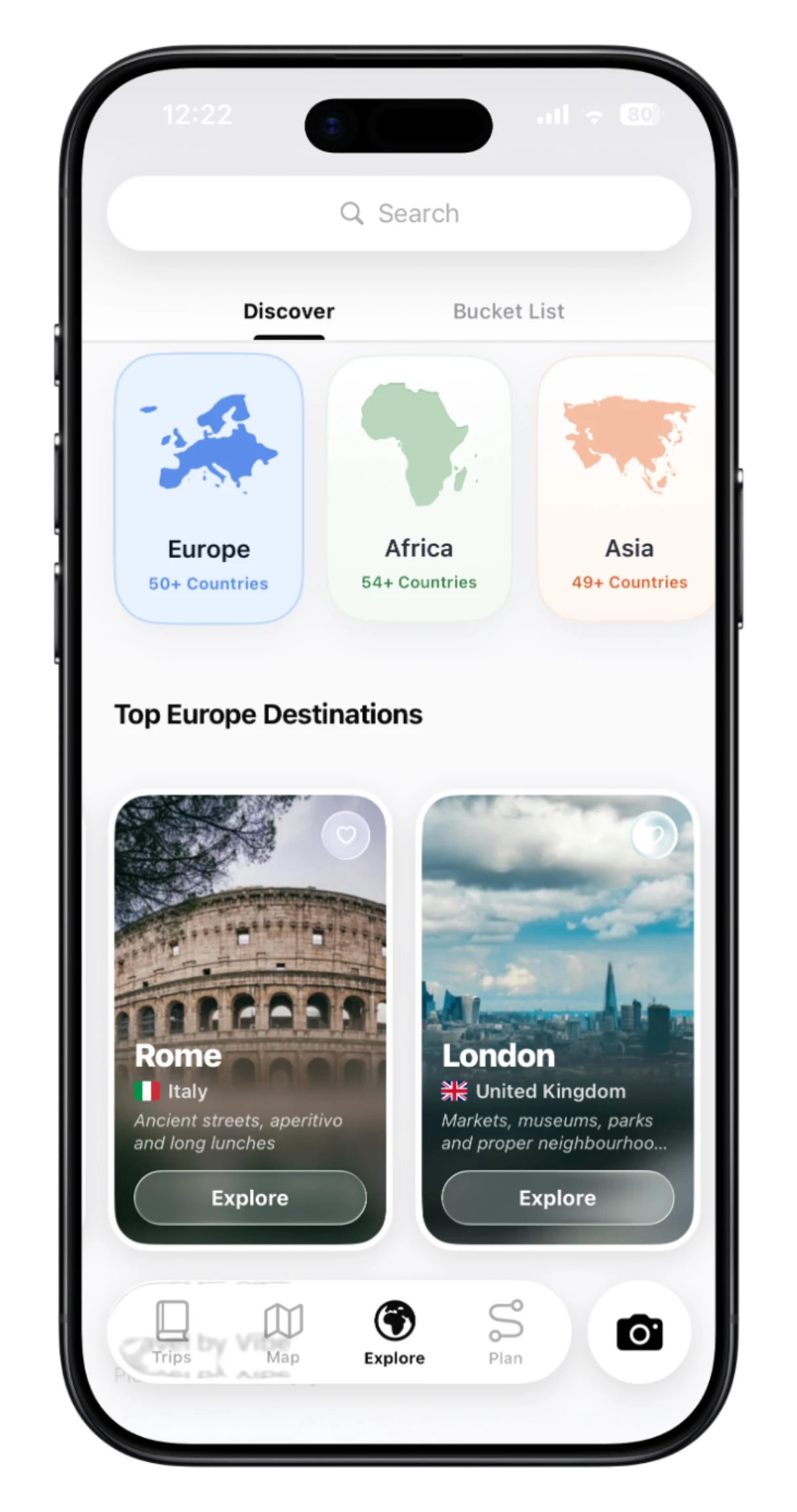
Explore destinations and ideas. Find places you’ll love.

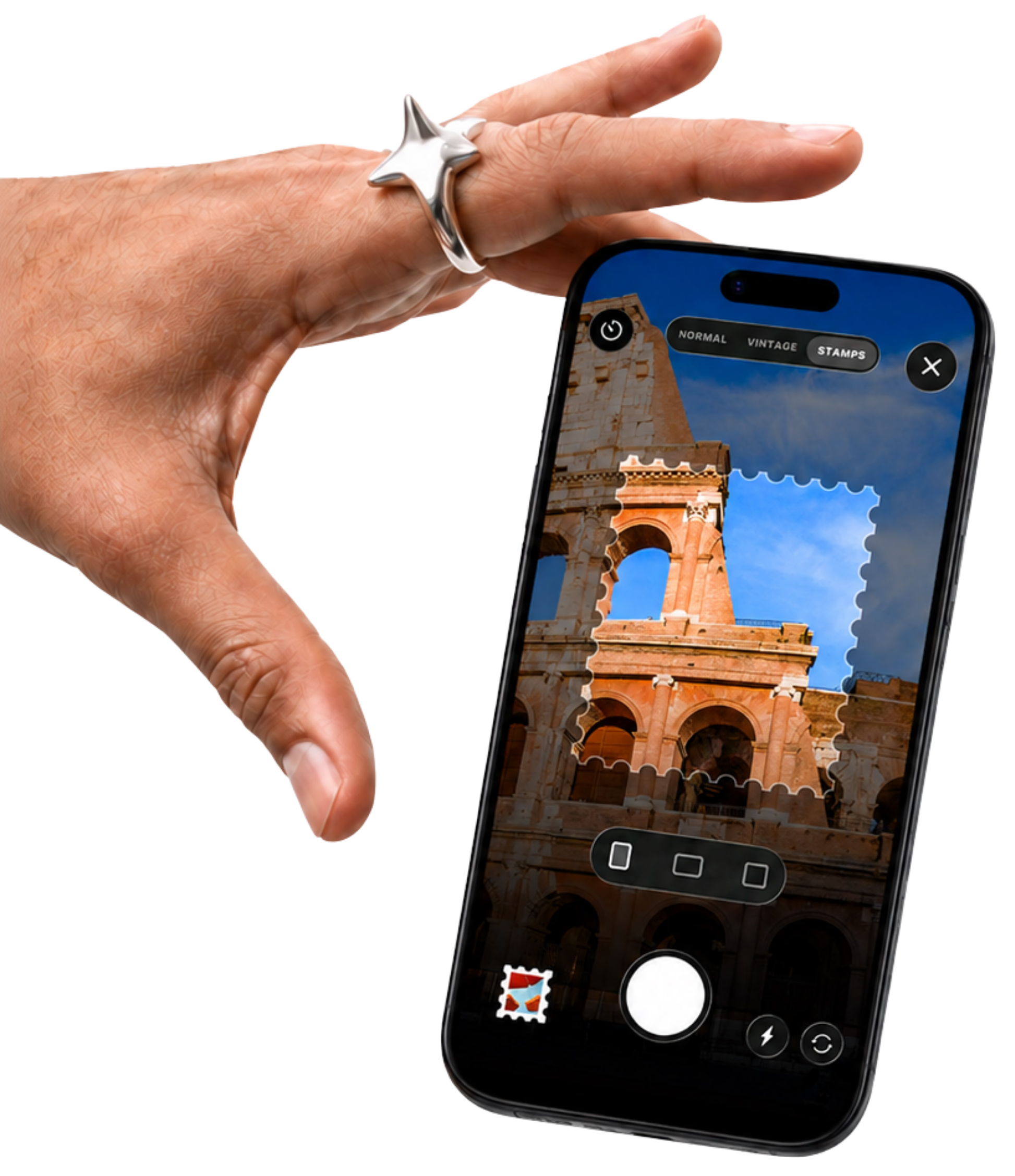
Capture the moment with film looks and travel stamps.
.webp&w=3840&q=90&dpl=dpl_8rfq4W9dyXsDTL7JRYsC2GrNn4WF)
Add memories offline. Sync when you reconnect.
A few details. A plan shaped around you. Room to make it your own.
Choose a destination and dates, then tell TripMemo about the kind of trip you want. Plan with AI uses that context to create a practical day-by-day starting point, with places and ideas grouped into an itinerary you can edit.
Yes. The plan is shaped around the details you provide, including your destination, trip length, pace, interests and who you are travelling with. More useful context gives the planner a clearer picture of the trip you have in mind.
Yes. Use extra notes to explain accessibility needs, dietary preferences, special occasions, preferred start times or personal must-dos. TripMemo can use those details when shaping the itinerary.
Yes. Treat the first plan as a starting point. You can move days around, add your own ideas and remove anything that is not right for you, so the final itinerary stays under your control.
Yes. You can begin with a blank plan and build each day yourself. You can also use AI for the first draft, then take over and edit the details manually.
Yes. Each destination plan brings the itinerary together with its map, places to stay, flight information, destination guide and lists, so the practical details are not scattered across different notes.
Yes. A plan can include suggested experiences, from mostly free activities to a fuller schedule of tours. You can open a booking partner to see more information and continue to booking.
Yes. Plan with AI can give a group a shared starting point based on the destination, dates and travel style. Once the trip begins, invited travellers can also contribute photos and memories to the same TripBook.
Your destination plan can become a TripBook, bringing the trip from the ideas and itinerary stage into the photos, notes, places and memories you collect while travelling.
Turn travel photos into books you'll actually look back on.

%20copy%202.webp&w=384&q=75&dpl=dpl_8rfq4W9dyXsDTL7JRYsC2GrNn4WF)
%20copy%203.webp&w=384&q=75&dpl=dpl_8rfq4W9dyXsDTL7JRYsC2GrNn4WF)