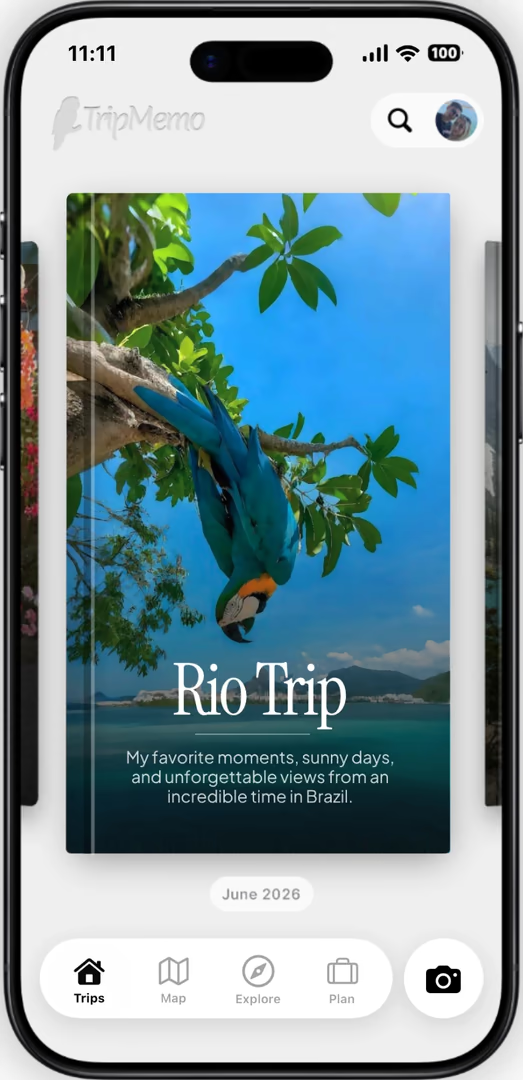
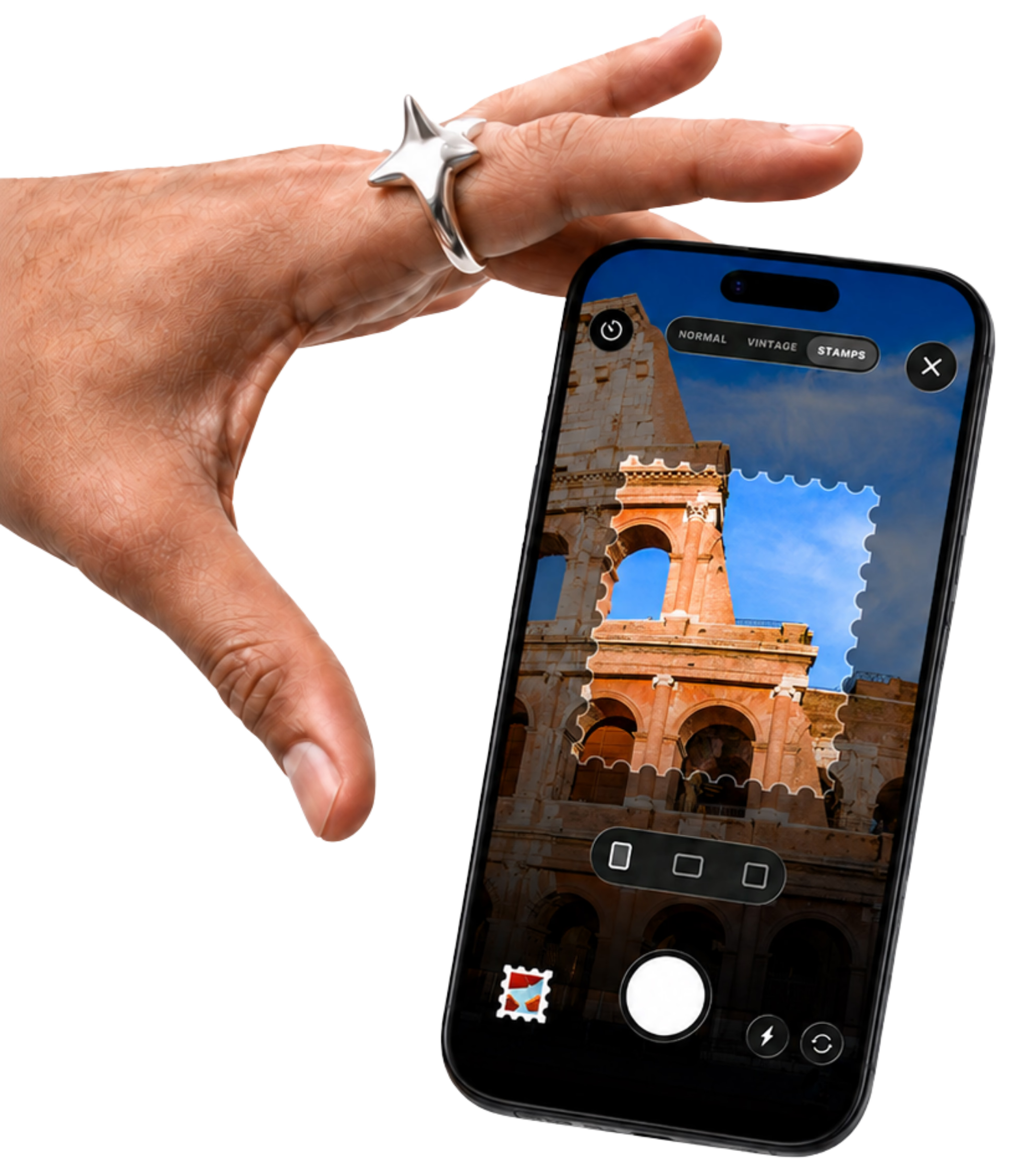
Looking for a TripIt alternative? TripMemo helps you decide what to do each day with a personalised AI itinerary. Edit the plan, see your stops on a map and keep the photos and notes in a TripBook as the journey unfolds.
AI itineraries · Editable days · Maps · Shared TripBooks
Your next trip, with a plan of its own.
Make a plan that feels like you Put your days on the map Keep the story in a TripBook
THE REAL DIFFERENCE
Start with the itinerary. Stay for the whole trip.
An itinerary can mean two different things: a schedule built from reservations, or a day-by-day plan of what to explore. TripIt excels at organising bookings. TripMemo creates personalised AI day plans and brings them together with the memories you make.
WHY TRIPMEMO
You want your plan and your story together.
Set the destination and dates. Shape an AI itinerary around your travel style. Make it your own, then build a TripBook with the photos, notes and places that made the trip yours.
You want confirmation emails organised into an itinerary, calendar sharing and frequent-flyer tools such as TripIt Pro flight alerts.
TripIt Pro adds real-time flight notifications, alternate flight options and airport guidance. Keeping flight information in a TripMemo plan is a different capability from monitoring those flights.
INSIDE TRIPMEMO
From “where shall we go?” to “remember this?”
01
Create your starting point
Choose your destination and dates. Tell AI about your budget, interests and pace to create a personalised day-by-day itinerary.
02
Make every day your own
Add or remove activities, move days and see planned stops on the map. Start with a blank plan whenever you prefer to build it yourself.
03
Let the plan become a story
Turn your destination plan into a TripBook. Add photos and notes, invite contributors and share a view-only link with the people back home.
PUT YOUR OWN TRIP IN THE PICTURE
What would you ask your planner?
For a Lisbon break after a work trip, enter your leisure dates, interests and pace. Mention a late start after your arrival. Edit the AI plan to include your own reservations, then use a TripBook for the photos and notes from your days exploring.
Start with your preferences. AI creates the first day-by-day plan from the details you provide.
Keep control of the itinerary. Add your own places, remove activities and move days. Use the map to explore planned stops.
Keep the memories too. Your destination plan can become a TripBook for your photos and notes.
The features compared here do not establish TripMemo as a replacement for TripIt Pro flight monitoring. TripMemo helps you create and edit day plans and keep travel memories. If live flight alerts are essential, keep a service that provides them.
Is TripMemo a good TripIt alternative for iPhone?
TripMemo is a TripIt alternative for iPhone travellers who want AI help deciding what to do each day, plus a shared TripBook for photos and notes. Consider TripIt when organising booking confirmations and receiving TripIt Pro flight alerts are your main priorities.
Can I plan on a computer or Android phone?
TripMemo itinerary creation and editing take place in the iPhone app. Browser access is for viewing shared TripBooks, not for editing itineraries. If planning on a computer or another mobile platform is essential, check the other app’s current platform availability before choosing.
Can TripMemo create itineraries like TripIt?
Yes. Plan with AI creates a personalised day-by-day itinerary from your destination, dates and preferences. You can edit the result, add or remove activities, move days around, or build a plan manually.
What can I personalise in an AI plan?
Your travel style, interests, budget, comfort level, pace and companions can shape the plan. Extra notes let you describe dietary preferences, accessibility needs, preferred start times or personal must-dos. These are planning inputs, not guarantees about a venue or activity.
Can I keep practical trip details with the itinerary?
Yes. A destination plan brings together your itinerary, map, stays, flight information, destination guide and lists. Suggested experiences can link to booking partners. Keeping flight information in a plan should not be confused with automatic reservation imports or live flight alerts.
Can my friends contribute or follow along?
Invited contributors can add photos and notes to a shared TripBook. You can also send a view-only TripBook link for family and friends to open in a browser without an app or account. TripBook contributions are distinct from simultaneous itinerary co-editing.
Can I import my existing TripIt trip?
This page does not promise an automatic TripIt import. To try TripMemo, create a destination plan using your dates, then add the activities and details you want to keep. Keep your original booking confirmations available.
Does TripMemo work offline?
You can add TripBook photos and notes offline and sync when you reconnect. That is a journaling capability; it does not mean AI generation, booking links or itinerary maps work offline.