01
Time available
Count complete days, arrival and departure constraints, fixed events and the recovery time needed before returning to normal life.
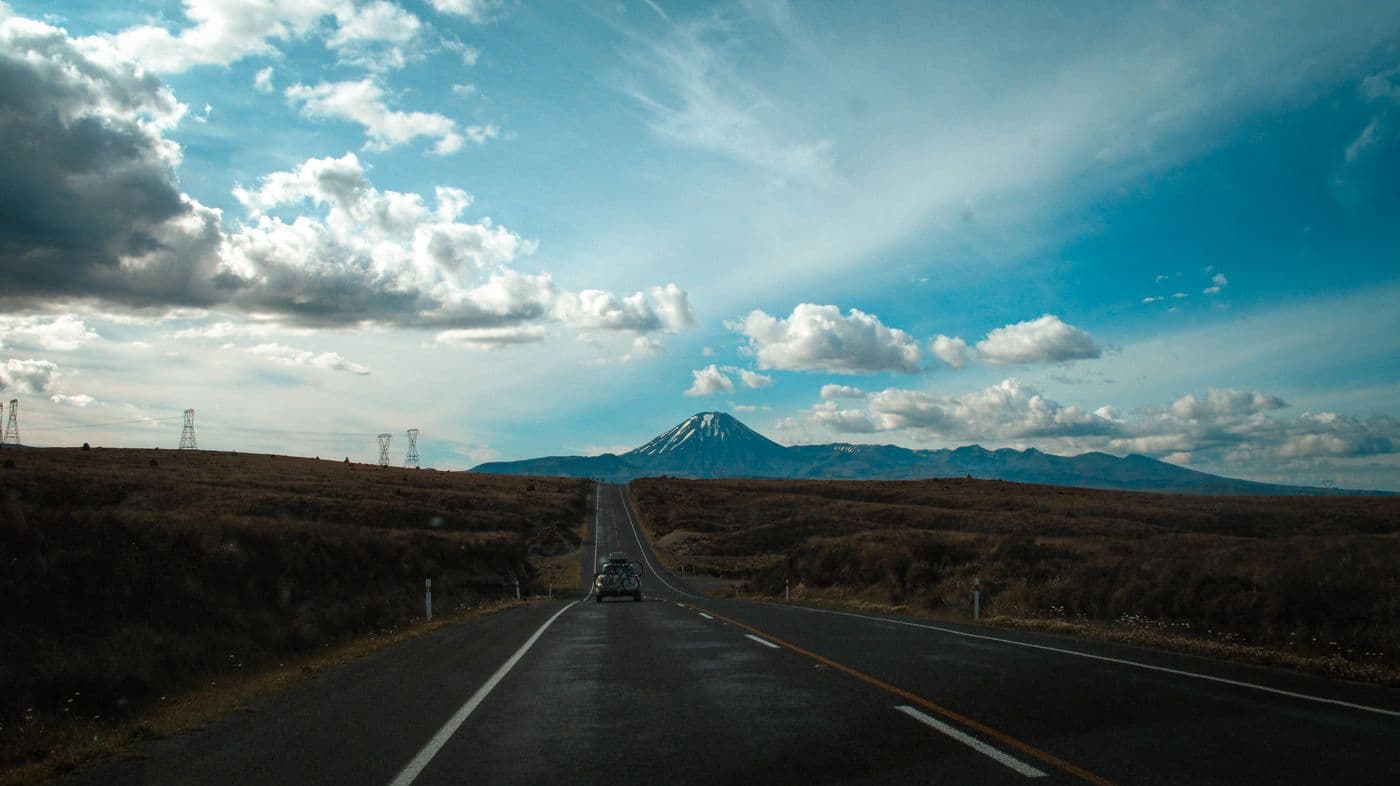
Step-by-step road trip planning guide
Step-by-step road trip planning guide
Plan the decisions that protect the journey: realistic driving days, meaningful stops, somewhere to sleep and a backup when signal, weather or energy changes.
These decisions control the distance, pace, budget and tools you will need later.
Count complete days, arrival and departure constraints, fixed events and the recovery time needed before returning to normal life.
Plan for who can legally and comfortably drive, passenger needs, accessibility, children, pets and how decisions will be shared.
Decide whether the journey is mainly about scenery, national parks, cities, food, family visits, camping or the road itself.
Include fuel or charging, accommodation, food, activities, tolls, parking, insurance and a margin for changes.
Hotels, campsites, camper stops and spontaneous accommodation create different booking, legal and comfort requirements.
Check weather patterns, daylight, road closures, mountain access, ferry schedules and destination-specific restrictions.
Work through the decisions in this order. Each step reduces the chance of building an attractive route that does not work in practice.
Write down the dates, starting point, final destination, travellers, available drivers and the type of experience everyone expects.
Select the places or events that justify the journey. Anchors should matter enough that the route can be built around them.
Map the anchors in order and inspect the total distance, road type, border crossings, ferries and obvious overnight gaps before adding attractions.
Agree how much time the drivers can comfortably spend behind the wheel and how much of each day should remain for stops, meals and delays.
A mileage target is not a safety rule. Reduce the day when weather, sleep, traffic or route conditions make it necessary.
Choose a small number of stops that improve the journey itself: a walk, viewpoint, meal, historic place or person the group genuinely wants to see.
Label each stop fixed, preferred or optional. Optional stops are the first to move when the road takes longer than expected.
Check accommodation, campsite or legal overnight options before relying on a destination. Note check-in limits and late-arrival consequences.
Estimate the route-dependent costs and add a contingency. Keep emergency money separate from the amount available for ordinary spending.
Check current vehicle requirements, insurance, licences, border documents and destination rules using official sources.
Download the information needed without signal, give every traveller access to the plan and preserve enough space for weather, rest and unexpected discoveries.
One app. Your entire trip.
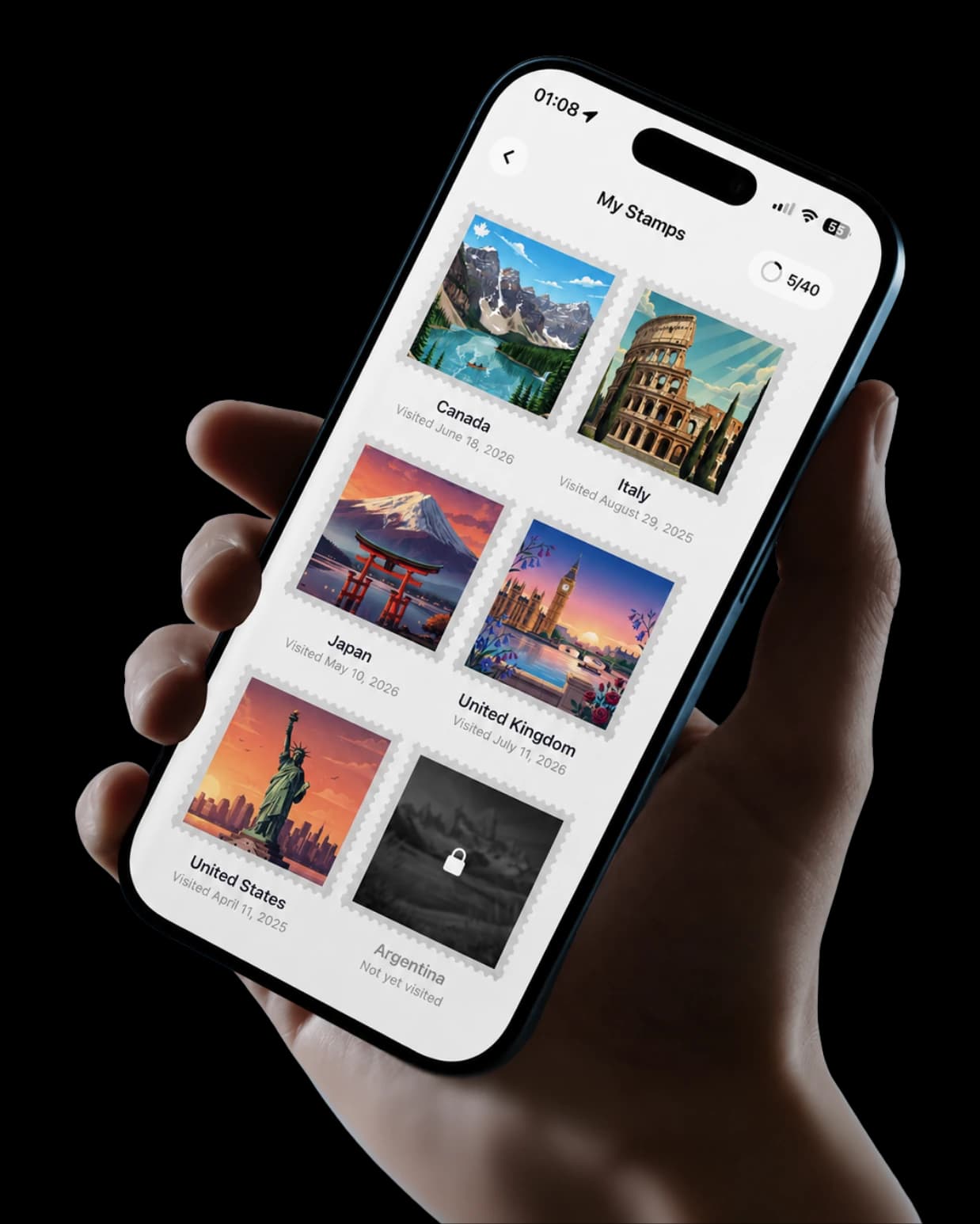
Label every decision. This stops ideas from quietly turning into obligations.
Status
Status
Status
Open each group as you reach that stage. The checklist is designed for scanning on a phone, not reading as one wall of text.
A road trip does not become simpler when one app is forced to perform navigation, planning, booking, tracking and memory keeping badly.
Use a dedicated maps service for current directions, traffic and rerouting. Download the required areas before losing signal.
Compare navigation toolsKeep anchor stops, day plans, addresses and optional ideas somewhere the whole group can understand and update.
See TripMemo planningChoose whether you want automatic route history or a deliberate story made from selected places, photographs and notes.
Compare tracking modelsOfficial guidance and offline backups matter more than a perfectly arranged itinerary.
Start with the shape of the trip: how many days you have, who is travelling, the start and finish, and two or three anchor places that matter most. Test whether those anchors fit before adding dozens of optional stops.
There is no universal number. Start with the necessary drive, one meaningful main stop and enough time for meals, breaks and delays. Add optional stops only when the day still has comfortable margin. A road trip should not require rushing through every place you chose to visit.
Set a limit based on the driver’s experience, sleep, route conditions, weather and the amount of time you want outside the car. Do not treat an online mileage target as a safety rule. If the driver feels drowsy, stop in a safe place rather than pushing towards a planned destination.
Book nights that are scarce, expensive, legally necessary or attached to fixed dates. Flexible nights can remain undecided when the route, season and local rules make that practical. Always understand where overnight parking or camping is permitted before relying on spontaneity.
Download map areas covering the complete planned route, reservation details, important addresses, tickets and any park or destination information you will need. Keep a suitable backup because offline navigation can have limits and downloaded data may expire or exclude live conditions.
Different tools solve different jobs. Use a dedicated navigation service for current directions and traffic. Use a planning or journaling tool for flexible stops, shared notes, photographs and the record of the journey. Confirm every product’s current offline and regional coverage before relying on it.
Save the drives, shape the days, then keep every stop and story.
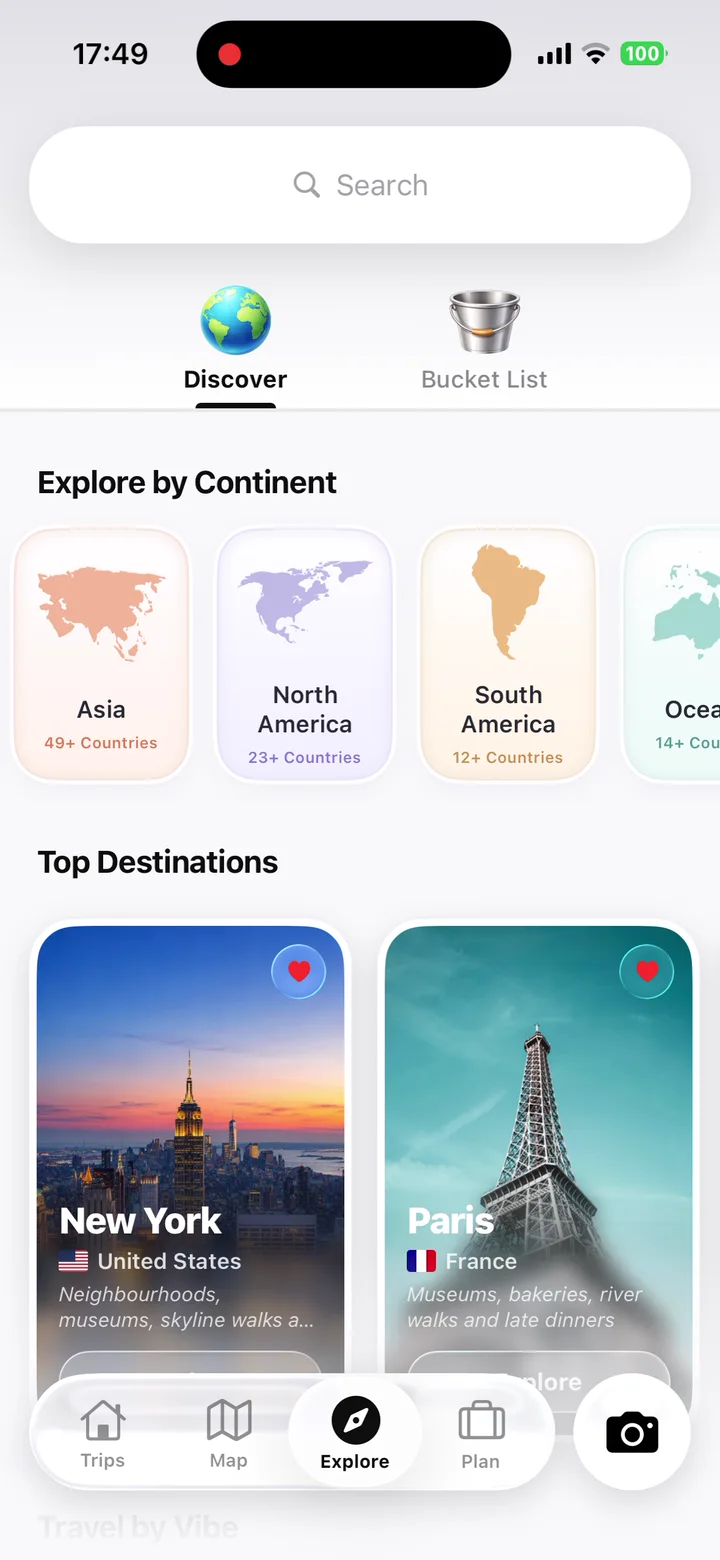
Travellers are using TripMemo to organise the camera roll, write down the details and give every journey a home they can return to.
Turn travel photos into books you'll actually look back on.

.webp&w=96&q=75&dpl=dpl_5AFt6BmzDa8obLEamEnqP4AqFFFc)


%20copy%202.webp&w=384&q=75&dpl=dpl_5AFt6BmzDa8obLEamEnqP4AqFFFc)
%20copy%203.webp&w=384&q=75&dpl=dpl_5AFt6BmzDa8obLEamEnqP4AqFFFc)