
Photo strip
Three moments in a vertical sequence—ideal for stories, birthdays and photo-booth style prints.
Free online photo tool
Turn up to four pictures into a Polaroid strip, square grid or wide photo row—then download it free, without uploading your images.
Layout & finish
Photos 0/4
Three layouts
Use a vertical strip for a sequence, a compact 2×2 grid for four favourites, or a wide row for landscapes and groups.
Three moments in a vertical sequence—ideal for stories, birthdays and photo-booth style prints.
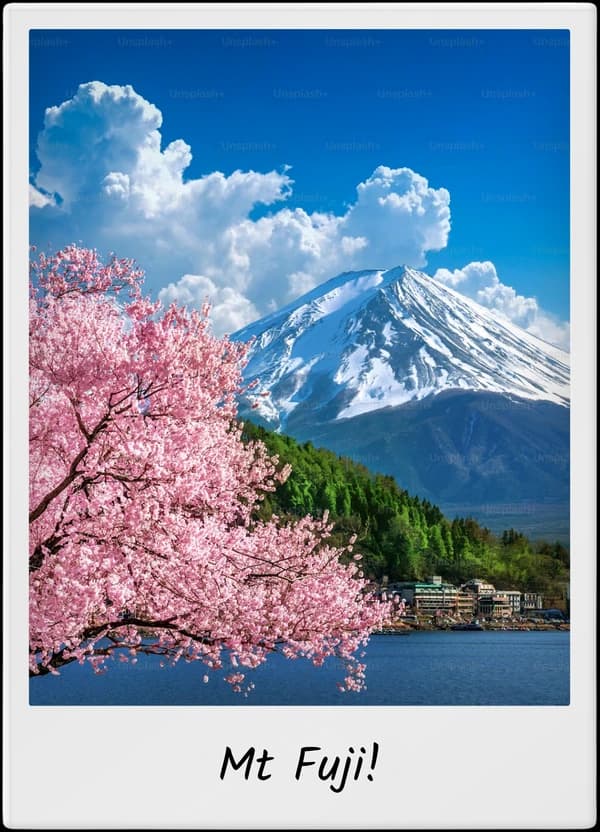
Four balanced frames for a weekend, destination, friendship or before-and-after collection.
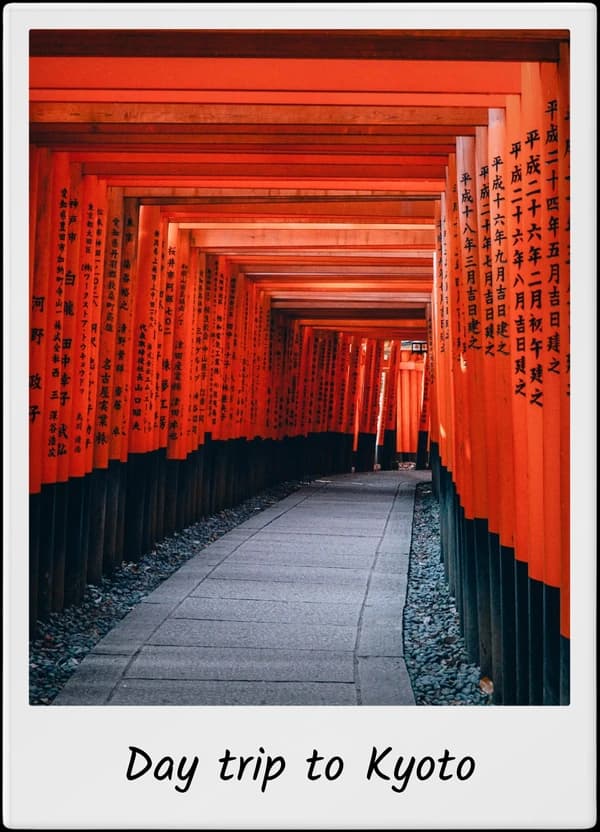
Three photos across for a banner, travel recap or group of landscape memories.
Private by design
Uploads, arrangement and exporting all happen on your device. There is no account and TripMemo does not store the images in your collage.
Choose up to four JPG, PNG or WebP images.
Pick a layout, reorder frames and add short captions.
Export the complete collage as a high-resolution image.
Need the correct frame ratio before you start? Use the Polaroid photo size guide, or find a short line in our Polaroid caption ideas.
Polaroid collage FAQ
Quick answers about layouts, privacy, captions and downloads.
Yes. You can make and download photo strips, square grids and wide Polaroid rows without an account, paywall or watermark.
You can add up to four JPG, PNG or WebP images. The 2×2 grid uses four photos; the strip and wide row use three.
No. The editor reads, arranges and exports your images locally in this browser. They are not sent to TripMemo.
Yes. Every uploaded photo has its own optional caption. You can also reorder photos, change the frame colour, adjust spacing and switch paper texture or natural tilt on and off.
Yes. Choose PNG for crisp graphics or JPEG for a smaller photo file, then download a high-resolution collage directly from the editor.