

Mon, 5 Oct 2026
Day01
Printable travel itinerary template
Build a clear day-by-day travel plan, keep space for slow moments, then copy, share or print it before you go.
Start your itinerary
Tokyo, Kyoto and Osaka
Mon, 5 Oct 2026
Tue, 6 Oct 2026
Wed, 7 Oct 2026
Use this template for fixed anchors, not every minute. Save extra ideas as options so weather, energy and local recommendations can improve the plan.
Discover & plan
Save the places, shape the days, then keep every part of the journey.
Travel itinerary FAQ
A useful itinerary includes dates, destinations, fixed transport or booking details, a few daily anchors, arrival information, and flexible space for meals, rest and discoveries.
Yes. Add your trip details and daily plans, then choose Print. The browser print view is designed to keep the itinerary readable on paper or as a saved PDF.
Yes. Use the template for city breaks, multi-country routes, family holidays, solo travel, road trips and international journeys. Check visa, entry, health and transport details with the relevant official sources.
The browser tool saves your current draft locally on the same device so you can come back to it. Clearing browser storage can remove the saved draft.
Plan the parts that are time-sensitive, such as transport, check-in and timed tickets. Use the rest of each day for one or two priorities and leave room for energy, weather and local recommendations.
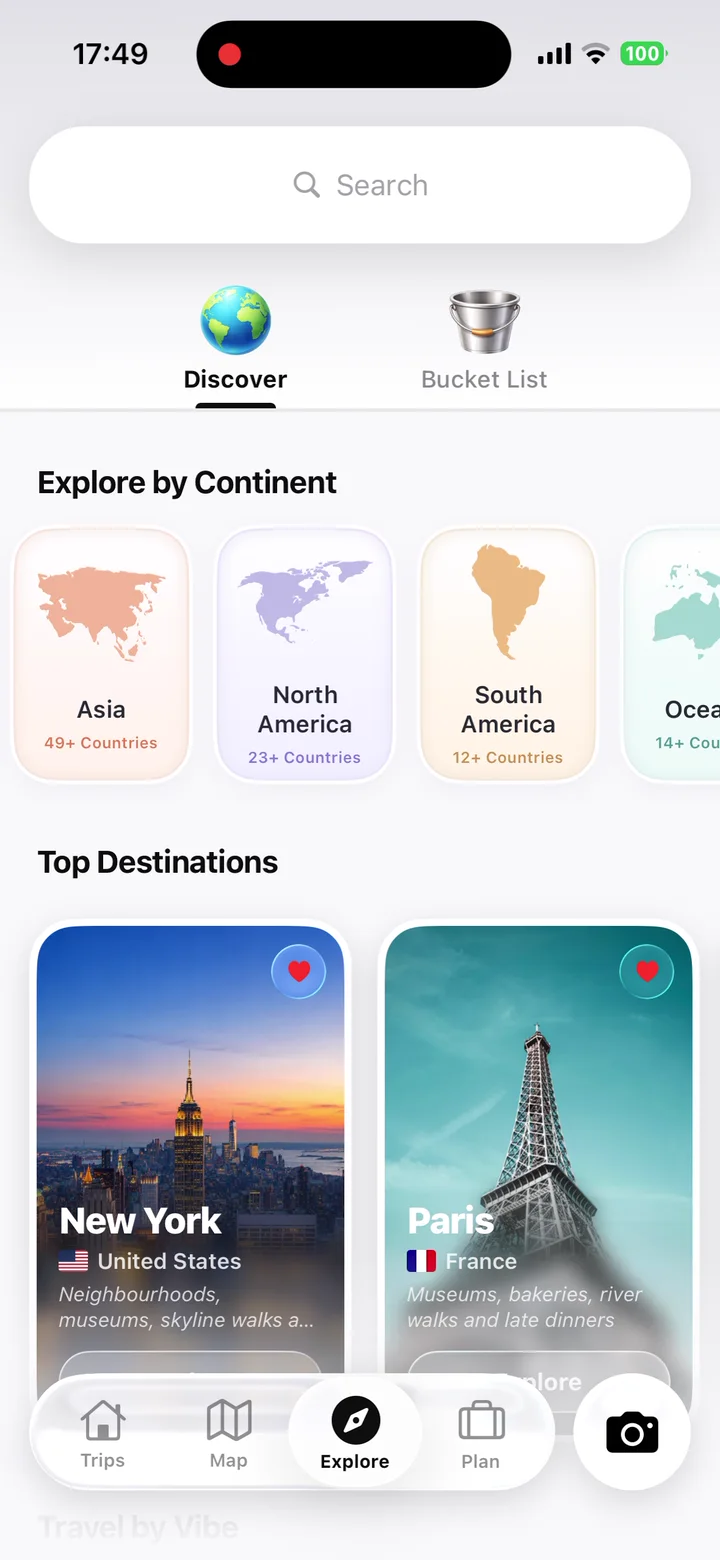
TripMemo helps connect a trip plan with the photos, places and notes you collect on the journey. Use the template for a quick browser plan, then use TripMemo to keep the story of the trip in one private TripBook.
Continue planning
Keep the plan moving with one focused next step.
Turn travel photos into books you'll actually look back on.

.webp&w=96&q=75)

%20copy%202.webp&w=384&q=75)
%20copy%203.webp&w=384&q=75)
