
Stay with Apple Journal
Best when you want personal reflection, media attachments and location-aware entries inside Apple's journal system.

Travel-focused alternatives compared
Travel-focused alternatives compared
Apple Journal has grown into a capable personal journal with photos, locations, audio and multiple journals. The reason to switch is not that it is bad. It is that a journey often needs trip structure, collaboration and a clearer way to relive the story.
Quick answer
Keep Apple Journal if you want one personal journal for everyday life and occasional trips. Choose a travel-specific alternative when you want every journey separated into a book, connected to a map, reconstructed from a camera roll or written by more than one traveller.
Best when you want personal reflection, media attachments and location-aware entries inside Apple's journal system.
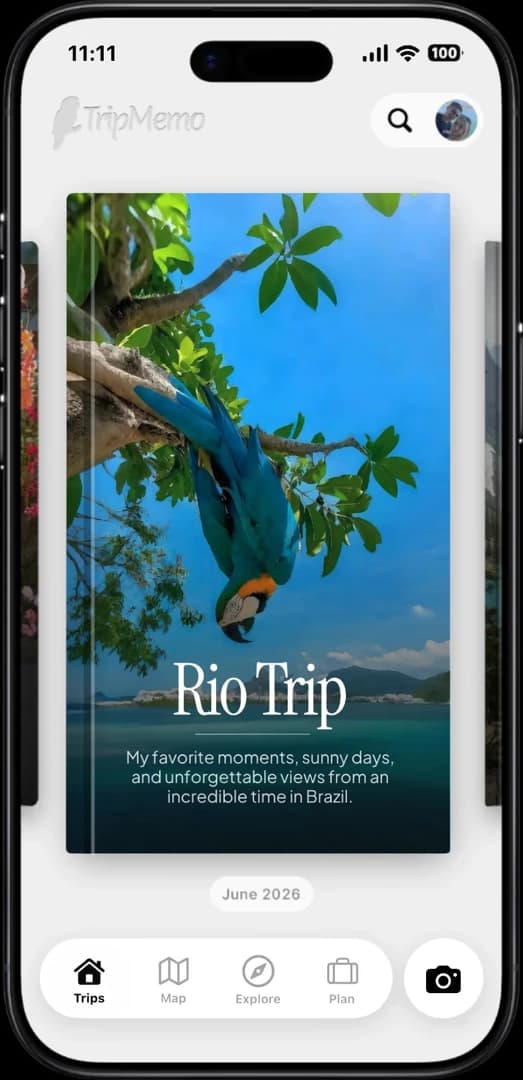
Best when a trip needs day pages, selected photos, mapped places, statistics and shared contributors.
Best when you want a mature general journal with deep writing, search and export tools across several Apple devices.
Best when the route should be recorded as you move and become the backbone of the travel story.
Choose by need
Ignore the number of features for a moment. Decide what should sit at the centre of the finished record.
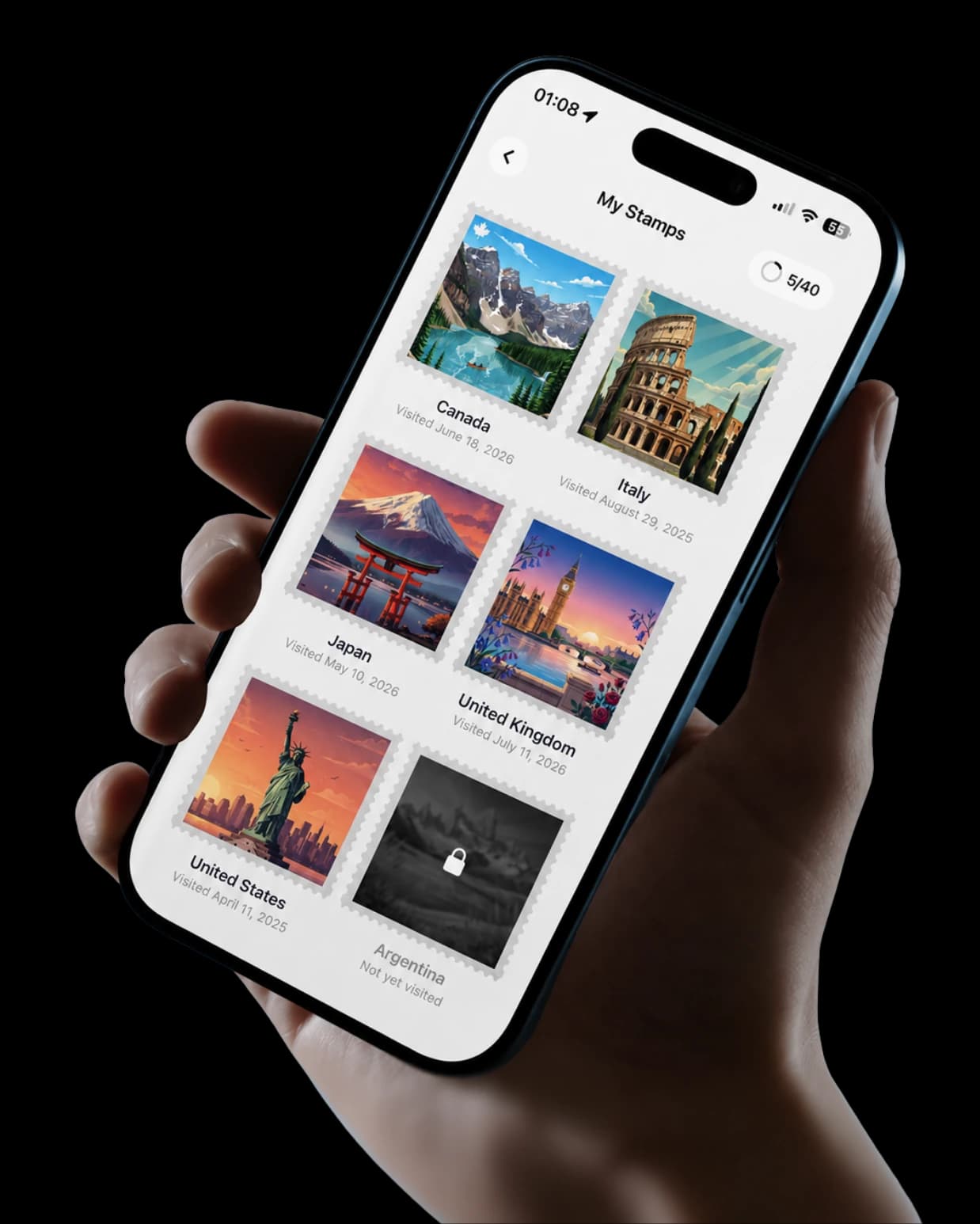
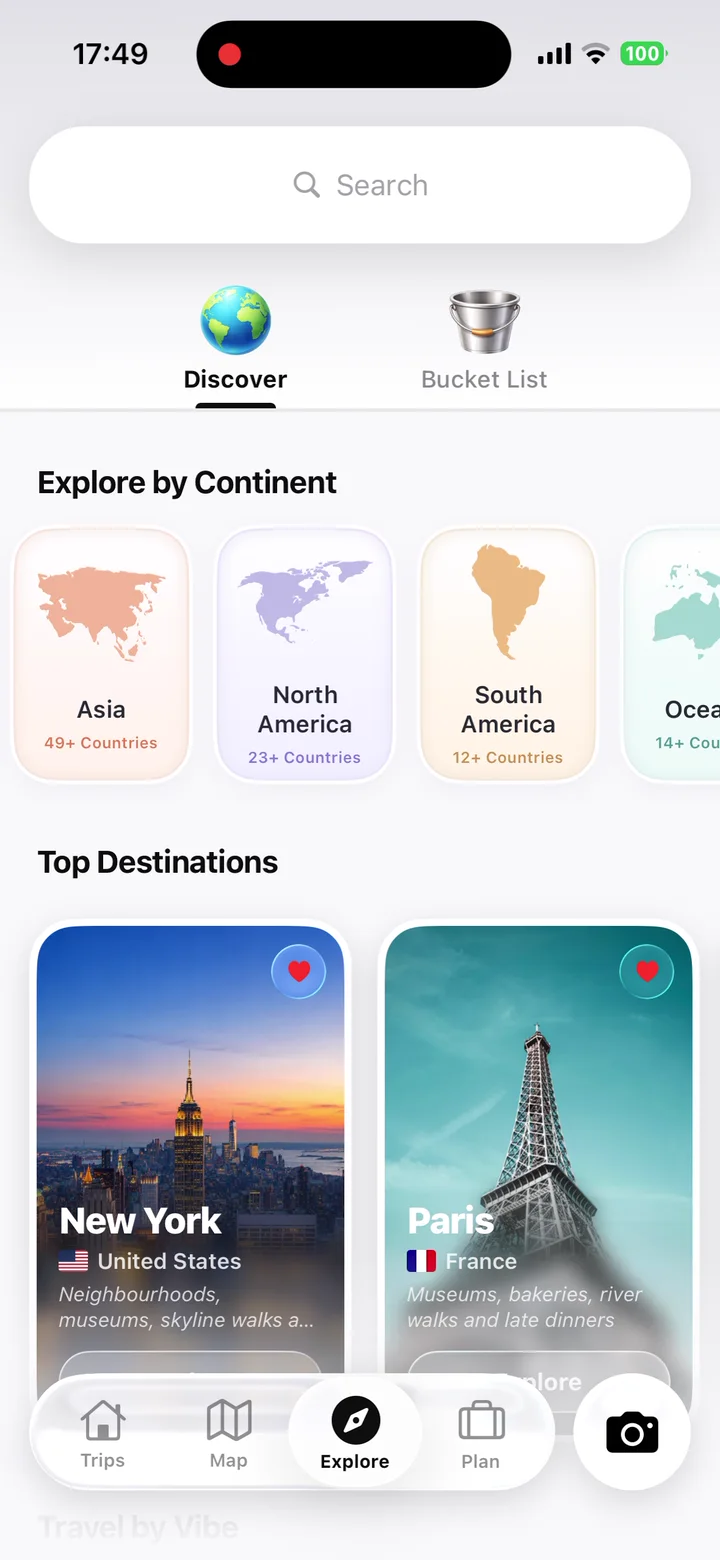
Save the places, shape the days, then keep every part of the journey.
Travellers are using TripMemo to organise the camera roll, write down the details and give every journey a home they can return to.
Both can contain words, photographs and places. The key distinction is whether your organising unit is a personal journal entry or a complete trip shared with the people who experienced it.
Decision factor
Decision factor
Decision factor
Decision factor
Decision factor
One app. Your entire trip.
Detailed assessment
No single product replaces every Apple Journal feature. The better alternative is the one whose organising model matches the record you want to keep.
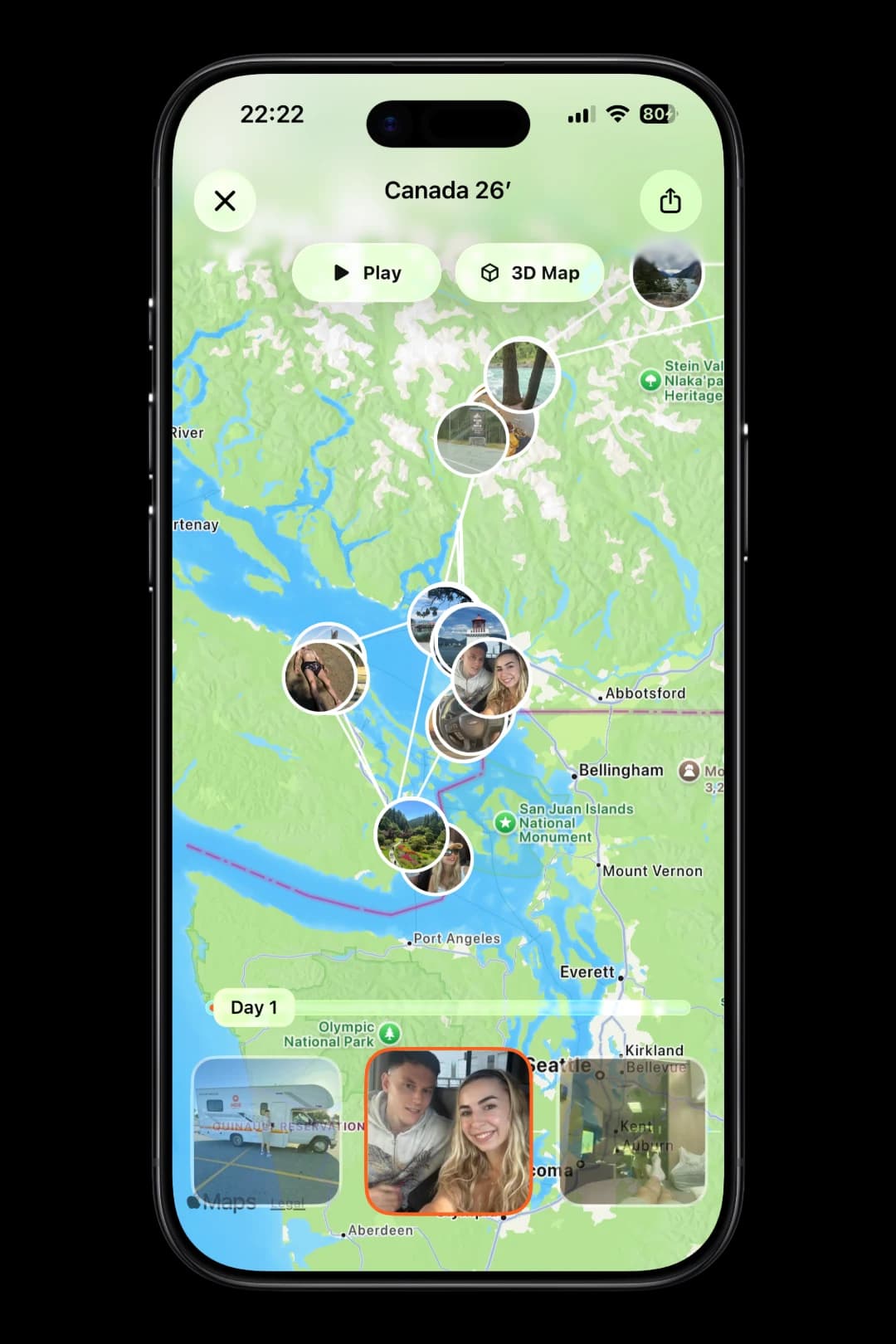
TripMap
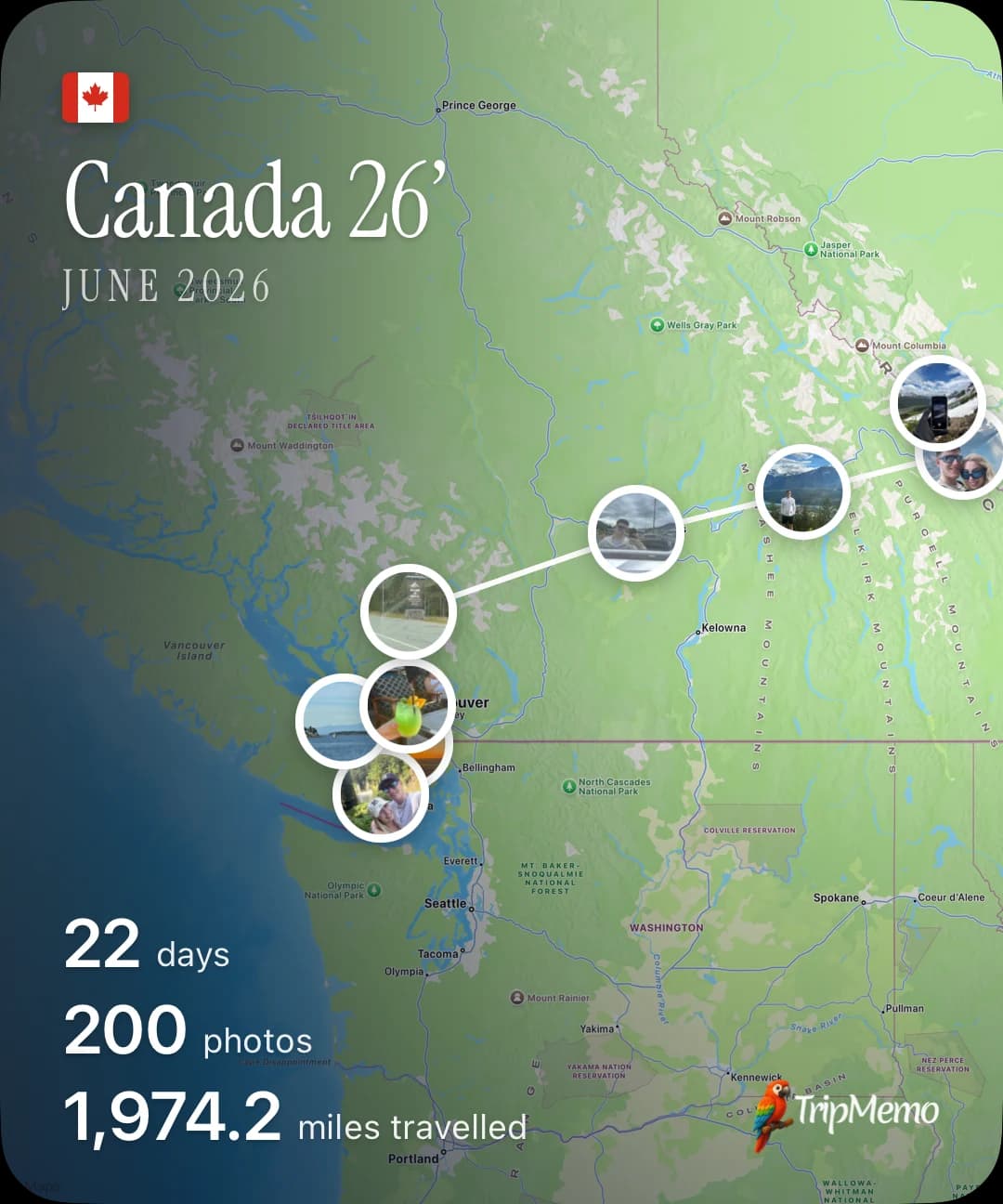
Follow every day on one living map. Play the route, explore it in 3D and share the entire trip in one beautiful view.
Transparent methodology
This comparison answers a narrow question: which Apple Journal alternative is best for documenting travel? It does not attempt to rank every general journaling app for every use case.
Reviewed 1 August 2026
Apple's current support documentation was checked before describing Journal features such as multiple journals, attachments, search and Places.
Products were assessed specifically as travel journals, not as mental-health journals, productivity systems or general note-taking apps.
We compared organising model, travel mapping, past-trip reconstruction, shared authorship, offline use and long-term revisit value.
TripMemo publishes this page and is one of the alternatives included. We state where Apple Journal or another product is the better fit.
Temporary prices, ratings and promotional offers were excluded because they can change independently of the page.
Feature statements link to official documentation where a first-party source is available.
Features change. We use official product documentation where possible and avoid using temporary pricing or promotional claims as ranking factors. Check the linked product pages before making a final decision.
TripMemo, App Store listing
Current iPhone features including TripBooks, travel statistics, photos, notes and collaboration.
Apple, write in Journal
Multiple journals, suggestions and entry creation.
Apple, attachments and locations
Photos, videos, audio, formatting and map locations.
Apple, search and Places
Search, filtering, calendar and map-based entry views.
Apple, export Journal entries
Current export guidance for preserving Journal entries before changing workflows.
Polarsteps, travel tracker
Route-led trip tracking and travel storytelling.
TripMemo is the strongest fit when you want each journey organised as a TripBook with day pages, photos, notes, maps, travel statistics and invited contributors. Day One is better for a powerful general-purpose journal, while Polarsteps is better when automatic route tracking is the priority.
Yes. Apple Journal supports multiple journals, photographs, videos, locations, audio and a Places view. It works well for personal entries. A travel-specific alternative becomes useful when you want trip-by-trip structure, shared contributors, route-led storytelling or travel statistics.
Apple Journal is a broad personal journal. TripMemo is organised around trips: each TripBook has day-by-day pages, selected travel photographs, notes, mapped places and sharing controls. You can also invite another traveller to contribute to the same TripBook.
Yes. Apple's current support documentation says entries with a location, or photographs containing location information, can appear in the Places view. TripMemo also uses maps, but places them inside a trip-specific system connected to TripBooks and travel statistics.
Apple Journal is designed around personal journals. If two travellers need to build one record together, TripMemo lets invited contributors add photographs and notes to the same TripBook.
TripMemo does not currently advertise a one-tap Apple Journal import. For a completed trip, you can bulk upload the original photographs into a new TripBook and add the important written context manually. Keep an export or copy of your original journal before changing systems.
You can. Apple Journal can remain your personal everyday journal, while TripMemo holds structured TripBooks for journeys you want to map, share or build with another traveller.
Related TripMemo Guide

A wider guide to choosing between travel journals, maps and memory tools.
Read guide
Compare TripMemo with other travel journal and planning apps.
Read guideCompare the wider market across collaboration, maps, writing and offline use.
Read guideSee how TripBooks organise photographs, notes and places into a travel story.
Read guideA dedicated comparison for travellers considering Day One.
Read guideSee when a travel-specific journal is more useful than a notes app.
Read guideEditorial disclosure
TripMemo publishes this comparison and is included as one of the products discussed. Apple Journal features and export options can vary by iOS version, device and settings. We used current Apple support documentation where available. Check the linked sources before relying on a workflow or migration path.
Turn travel photos into books you'll actually look back on.
.webp&w=64&q=75)

.webp&w=96&q=75)



%20copy%202.webp&w=384&q=75)
%20copy%203.webp&w=384&q=75)
