Your New Favourite Thailand
Travel App
Turn your Thailand adventure into a beautiful TripBook. Document temples, track your island hopping, capture every street food discovery—all organized by day and location, with offline mode for remote islands.
.webp&w=96&q=75&dpl=dpl_EPXMHFF758wZiFUsuw99japedPYQ)

Island hopping
Phuket → Phi Phi → Krabi
3,142 photos
Auto-organized by day
Works offline
Perfect for remote islands
Food journal
Every street food find
The Thailand Photo Problem
2 Weeks in Thailand, 3,000+ Photos
Every temple is golden. Every beach is paradise. Every meal is photogenic. You come home with chaos.
Temple Overload
Was that Wat Pho or Wat Arun? Which day was the Grand Palace? All temples blur together.
Lost Street Food
That incredible pad Thai stall... was it on Khao San or Yaowarat? You'll never find it again.
Island Chaos
Phuket, Phi Phi, Krabi, Koh Samui—your camera roll is a jumbled mess of beaches.
No Time to Organize
You're too busy exploring to sort photos. Back home, it feels overwhelming.
TripMemo organizes your Thailand trip automatically.
Day by day. Island by island. Every temple, meal, and moment—findable forever.
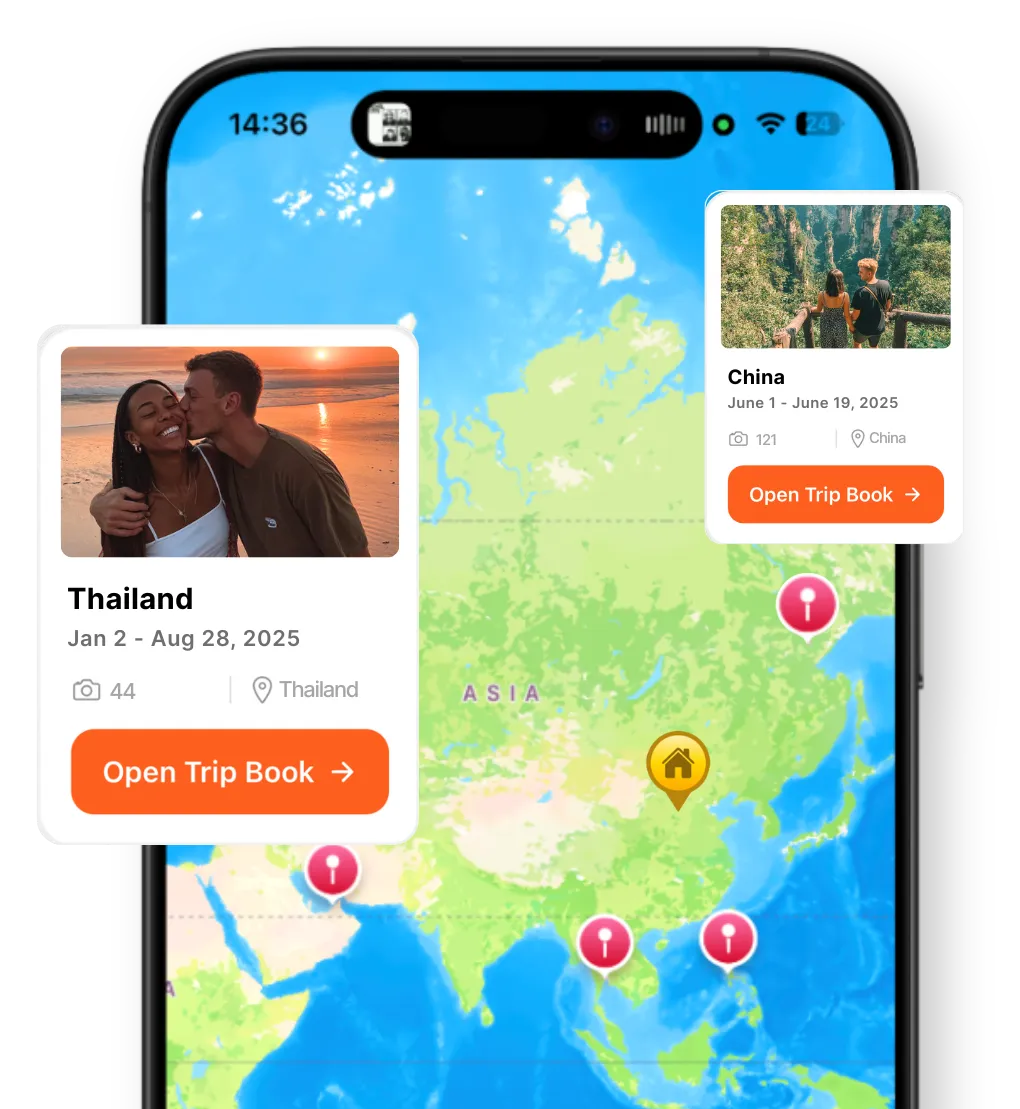
Map-first journaling
Your Thailand trip, pinned where it happened
A great Thailand travel journal isn't just chronological—it's geographic. TripMemo ties your temple visits, street food discoveries, and island stops to the map, so your journey across Thailand clicks instantly.
- Pin temples, night markets, and beach bars as you go
- See your entire Thailand route at a glance
- Share your map with family following from home
Built for Thailand Trips
Your Thailand TripBook, Effortless
Every Day Becomes a Page



Your Journey, Pinned

Works Offline
Remote islands have limited wifi. Document beaches, boats, and jungle treks—syncs when you're back online.
No Connection
18 photos saved locally
Bulk Upload 300 Photos
Beach days mean hundreds of photos. Add up to 300 at once—auto-organized by date & location.
Share with Family
Generate a private link for your Thailand TripBook. Family follows your journey without downloading an app.
Share your book
tripmemo.app/view/thailand-2025
Street Food Journal Built-In
Every pad thai, mango sticky rice, night market feast, and floating market find. Add notes about what you ordered and where. Build your own Thailand food map.
Pad Thai
Yaowarat
Mango Sticky Rice
Night Market
Massaman Curry
Sukhumvit

Experience Thailand
Every Moment Treasured
Every temple, every island sunset, every street food adventure—TripMemo captured the magic of Thailand.
77
Provinces
40K+
Temples
1430
Islands
365
Days of Sun
"Every temple, every island sunset, every street food adventure—TripMemo captured the magic of Thailand. Looking back feels like being there again."
— Jake M., 4-week Thailand adventure
Thailand Routes
Document Your Route
Whether you're doing the classic circuit or island hopping, TripMemo captures every stop.
Classic Thailand
First-timer essentials
Island Hopper
Beach paradise trail
Northern Adventure
Mountains & temples
Off the Beaten Path
Hidden Thailand
Take TripMemo to Thailand
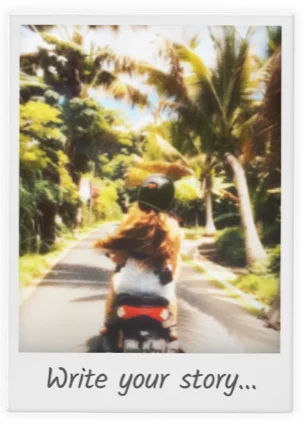
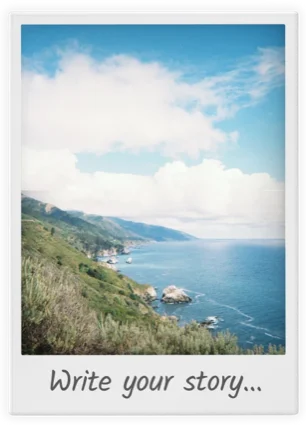
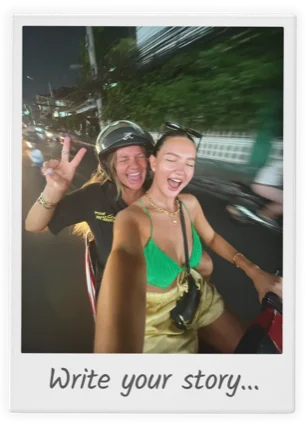
Every temple, beach, and street food moment—captured in beautiful Polaroid-style layouts.







What to Document
Thailand Photo Opportunities
Temple Gold
Wat Pho, Wat Arun, Grand Palace, White Temple
Tip: Remove shoes, dress modestly, sunrise visits
Beach Paradise
Maya Bay, Railay Beach, Similan Islands, Koh Tao
Tip: Snorkeling shots with waterproof cases
Street Food
Pad Thai, mango sticky rice, night markets, floating markets
Tip: Follow the locals, document the wok fire
Jungle & Wildlife
Ethical elephant sanctuaries, jungle treks, waterfalls
Tip: Visit sanctuaries not riding camps
Night Markets
Chatuchak, Night Bazaar, Walking Streets
Tip: Twilight captures both neon and daylight
Island Life
Longtail boats, beach huts, full moon parties
Tip: Golden hour on the beach is unbeatable
Perfect for Every Thailand Traveler
"Three weeks in Thailand, 5,000+ photos, and TripMemo kept everything organized by island and day. My parents followed along from home and could actually see our journey unfold. Best way to document a Thailand trip."
Alex R.
First Thailand trip • Bangkok to Islands
Journaling Guide
How to Journal Your Thailand Trip 🇹🇭
Capture the moments that matter with these destination-specific journaling tips.
Document Temple Discoveries
Thailand has 40,000+ temples. Note the names (Wat means temple), what made each unique, the Buddha statues, the gold leaf, the peaceful moments. Your journal helps you remember which temple was which.
Create a Street Food Map
Pad Thai stalls, mango sticky rice vendors, night market finds—document where you ate, what you ordered, and the prices. Build your personal Bangkok food guide for your next visit or to share with friends.
Record Island Hopping Adventures
Phi Phi, Koh Lanta, Koh Samui, Koh Tao—each island has different vibes. Document the longtail boat rides, best snorkeling spots, beach bar recommendations, and which islands you'd return to.
Capture Night Market Magic
Night markets are sensory overload. Write about the sounds, smells, the chaos, the finds. Note which markets had the best food, shopping, and atmosphere.
Write About Cultural Encounters
The wai greeting, monks on morning alms, temple etiquette, the kindness of locals—these cultural moments define a Thailand trip. Capture them while they're fresh.
Map Your Journey
Bangkok chaos, Chiang Mai temples, southern islands—document your route, the overnight trains and buses, the domestic flights, and how long you spent in each place for future planning.
Resources for Thailand Journaling
Guides, tools, and articles to enhance your travel documentation
Thailand Travel Journal FAQ
Does TripMemo work offline on Thai islands?
Can I organize photos from multiple islands in Thailand?
How do I document island hopping in Thailand?
Is TripMemo good for backpackers in Thailand?
Can I share my Thailand trip with family back home?
How do I keep track of all the temples I visit in Thailand?
What's the best app for a gap year in Thailand?
Can I add street food locations to my TripBook?
What makes TripMemo different from Google Photos for a Thailand trip?
Can both people document a couples trip to Thailand?
Ready to Document Your Thailand Adventure?
From golden temples in Bangkok to crystal waters in the islands—create a TripBook that captures every moment.

%20copy%202.webp&w=384&q=75&dpl=dpl_EPXMHFF758wZiFUsuw99japedPYQ)
%20copy%203.webp&w=384&q=75&dpl=dpl_EPXMHFF758wZiFUsuw99japedPYQ)

Your trips deserve
more than a camera roll
Turn travel photos into books you'll actually look back on.