
Best Pin Traveler Alternative (2026)
Track countries visited, explore your travel maps and stats, and keep photos, notes and places in shared TripBooks. TripMemo also includes AI and manual itinerary planning on iPhone.
Quick answer
Choose TripMemo if you want travel maps and stats alongside a day-by-day journal of your trips. Pin Traveler is worth comparing if you prefer organising visited places, photos and future destinations on a travel map.
TripMemo also offers AI itineraries and manual day planning on iPhone. You can create a TripBook directly from your plan, then add photos, notes and places.
Compare Pin Traveler and TripMemoExplore travel stats, AI itinerary planning and travel journaling in TripMemo.


By the TripMemo editorial team. TripMemo publishes this comparison and is one of the apps compared. “Check app” means we have not verified that feature, not that it is unavailable. See Pin Traveler’s official features. TripMemo features reviewed 14 September 2026.
Pin Traveler is great at Pinning
TripMemo is great at Storytelling
Use the tool that matches how you want to remember your trip.
If you want location pins with notes
Pin Traveler brings countries, cities, photos and saved places together on a travel map. It also supports planning trips with stops and dates, so compare the planning and journaling experience that suits you.
Best for
- Pin-based tracking
- Location notes
- Wishlist pins
If you want to plan and keep a travel journal
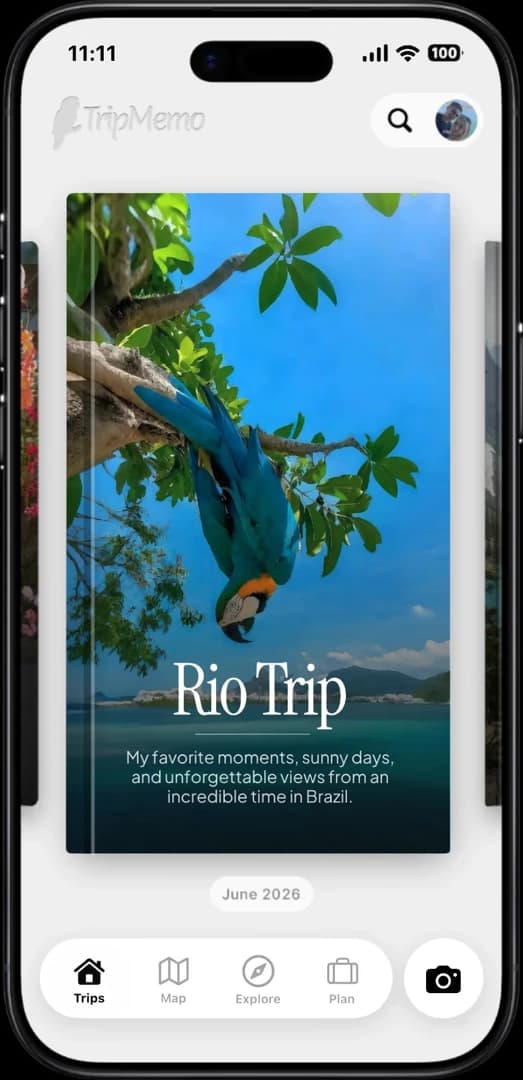
TripMemo helps you plan your days, track countries and keep a travel journal. Create a TripBook directly from your plan, then add photos, notes and places.
Best for
- Deep storytelling
- Beautiful layouts (Polaroids + image view)
- Group trips and couples
- AI itineraries and manual planning
- Create a TripBook from your plan
- Offline journaling










What you get with TripMemo
Everything below is designed around the TripBook: pages, places, people, and the feeling of reliving the trip years later.
Stats + progression
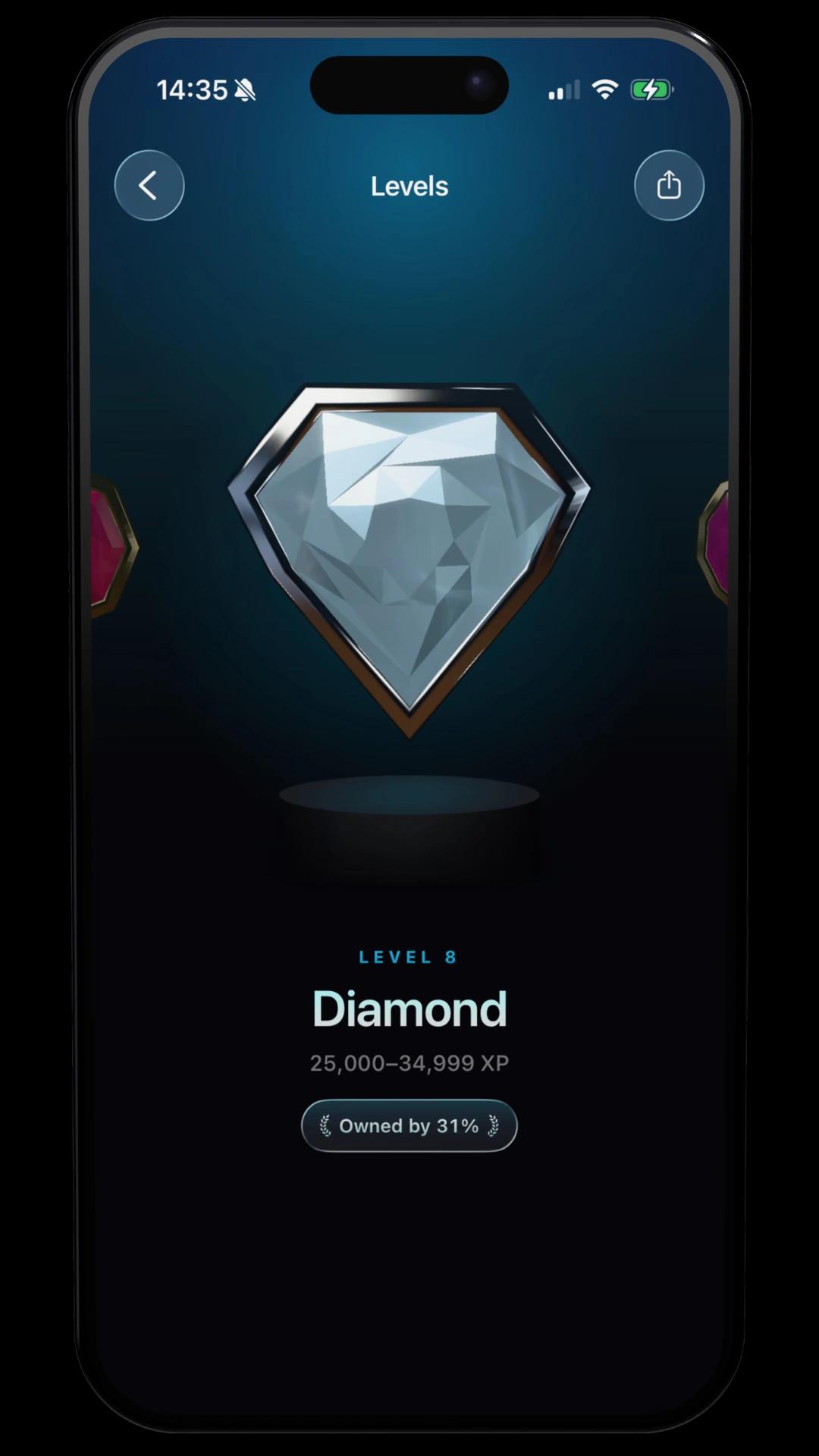
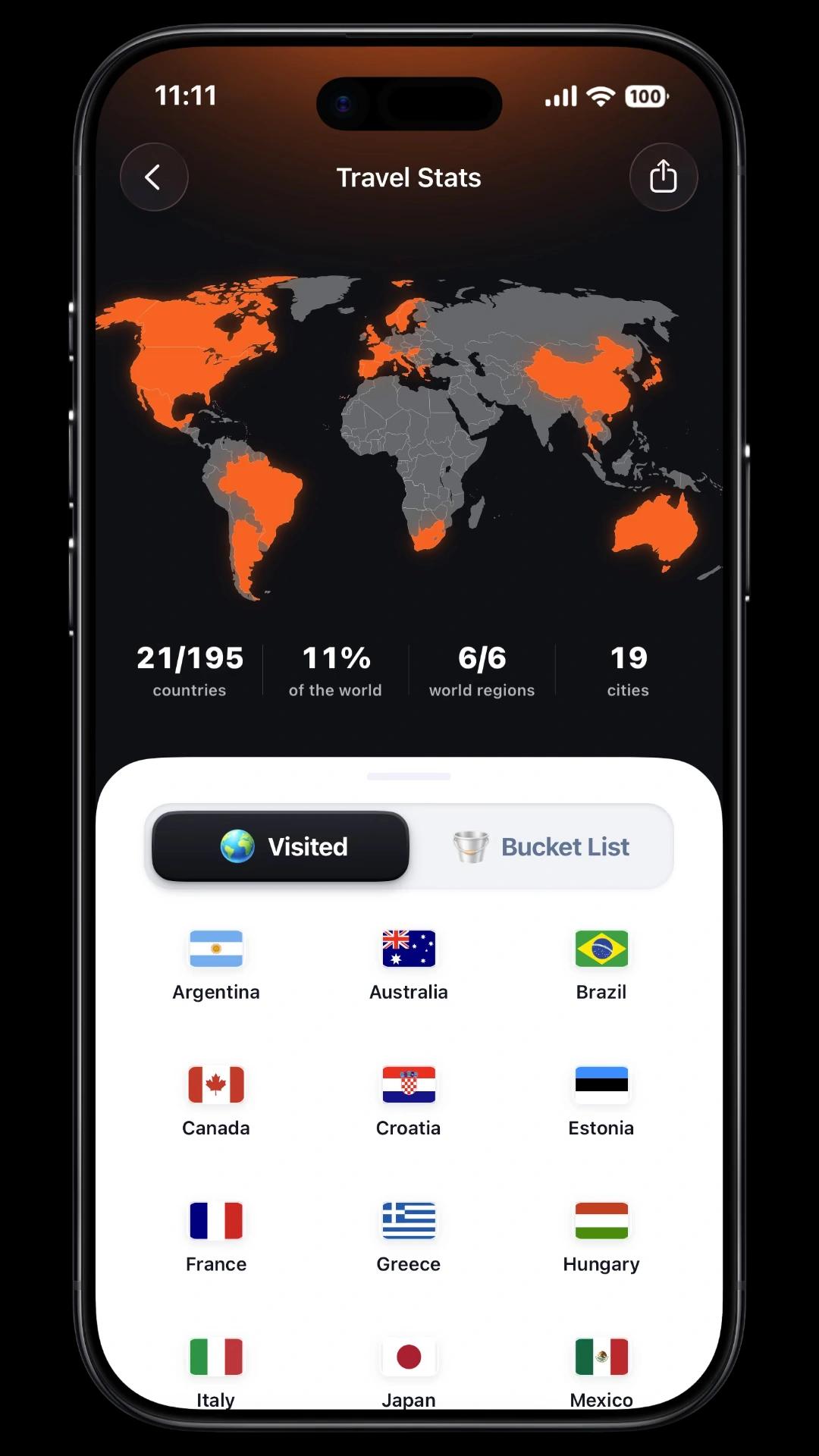
See countries visited, places explored, and your travel calendar. TripMemo adds playful progression (levels, missions, and Trippin') without turning your memories into a social feed.
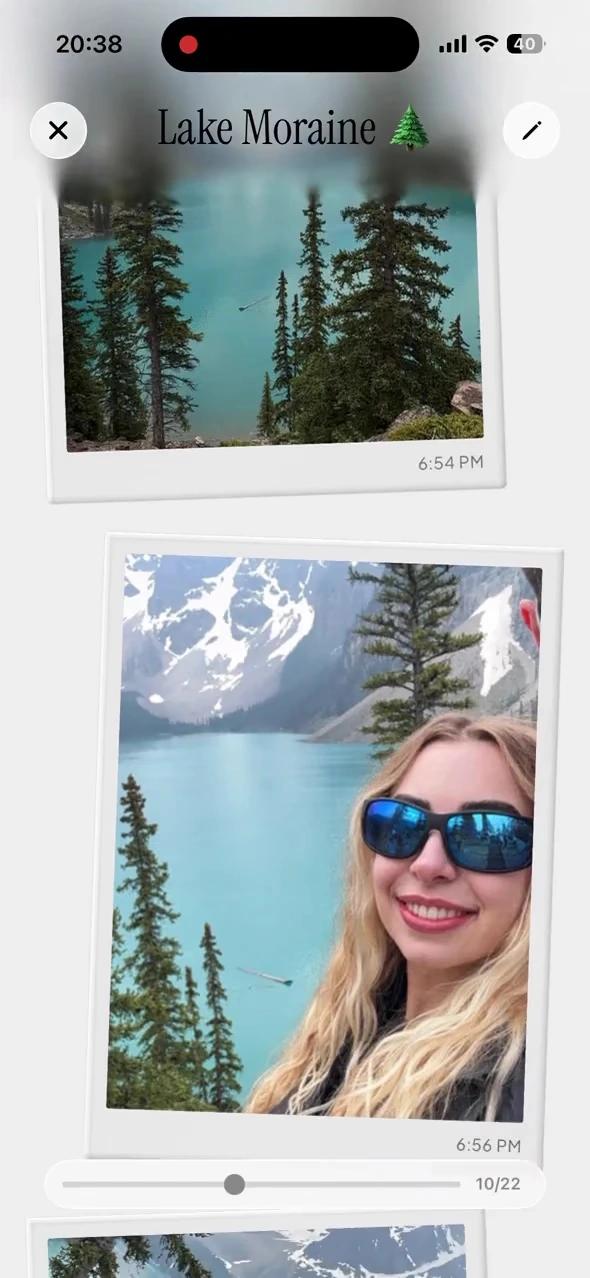
Day-by-day TripBooks
Each trip becomes a digital book. Each day becomes a page. Photos and notes live together, so your trip reads like a story you can revisit.






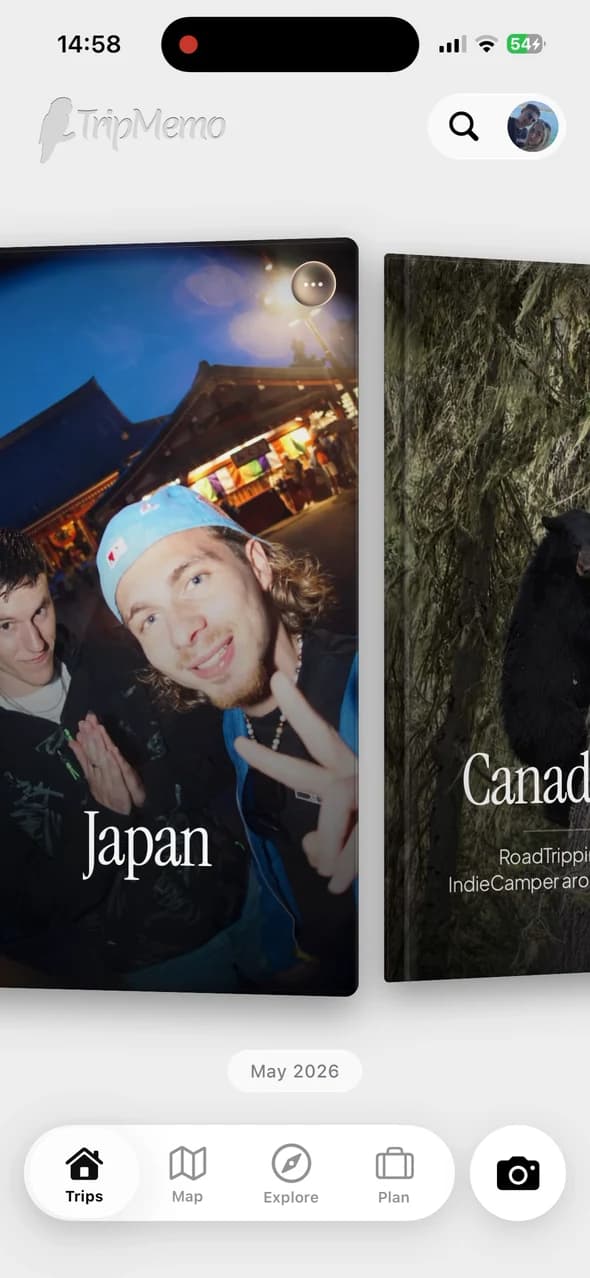

Shared TripBook contributions
One trip. One shared TripBook. Invited friends add photos and notes, which sync when connected. No more scattered group chats.






Maps for reflection
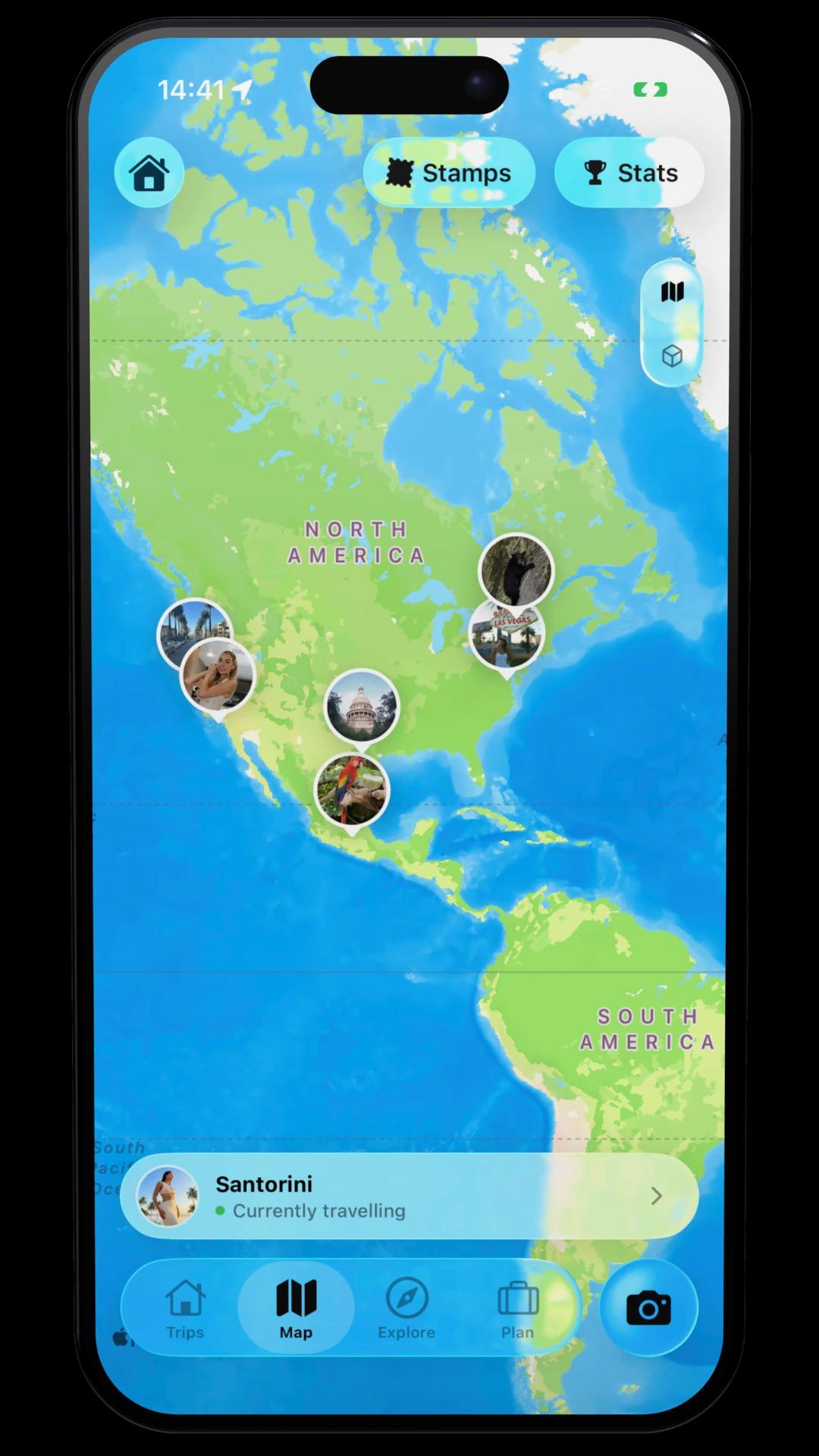
Your TripBooks live on a world map. Inside each TripBook, memories are pinned where they happened, so the story clicks instantly.
Vintage camera (4 filters)
Capture photos that feel nostalgic and intentional, right in the app. Four custom LUTs make your memories look like keepsakes the moment you take them.
Offline mode that keeps up
Add photos and notes offline. TripMemo saves your changes locally and syncs when you are back online.

Which traveler are you?
See how TripMemo fits your travel style.
Tap to see why TripMemo fits
How to switch from Pin Traveler
Moving to TripMemo does not automatically transfer your Pin Traveler data. Keep any existing records you want to preserve.
Start with one past trip or your next itinerary.
Set up TripMemo on iPhone. Track countries visited, explore your travel stats and save destinations to your bucket list.
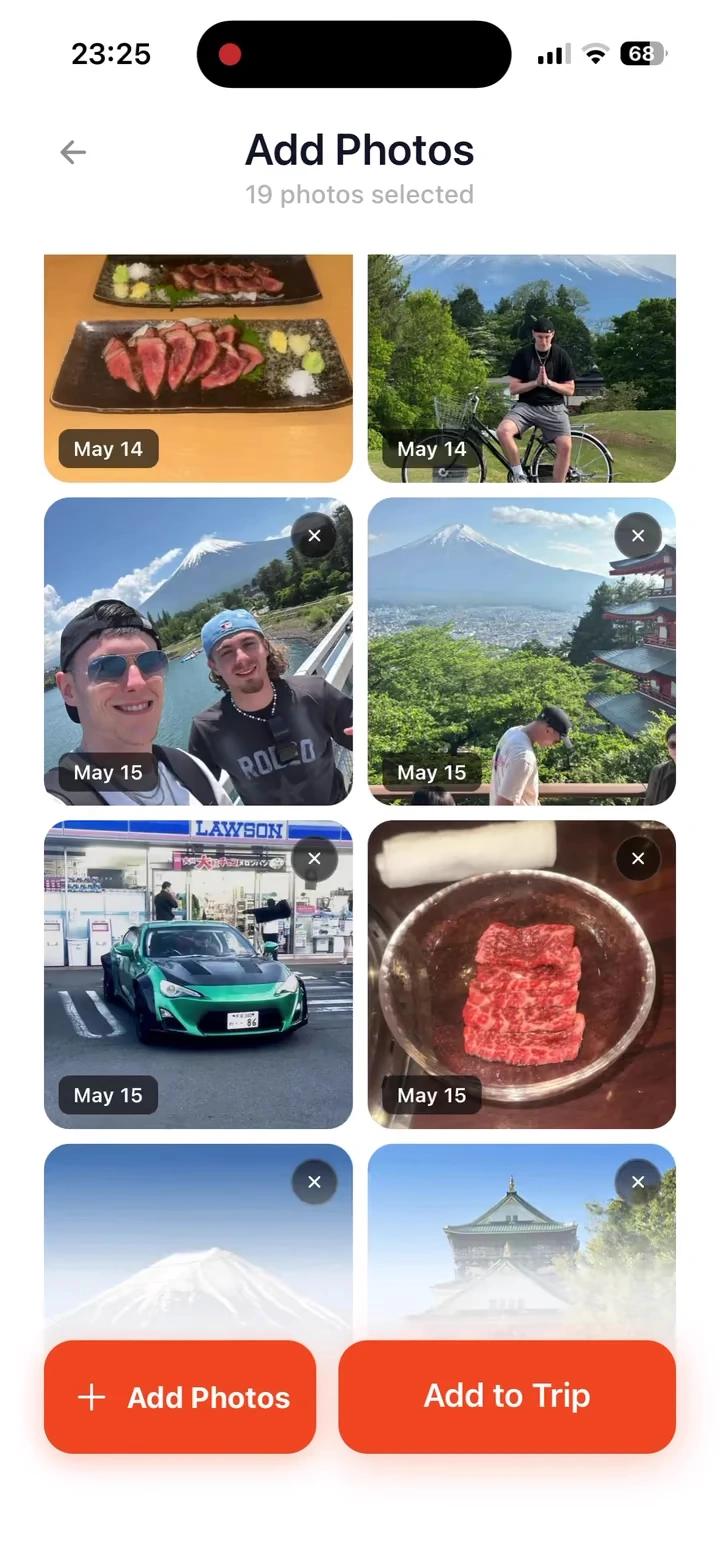
Bring your photos into a TripBook. Upload photos available in your camera roll, then add notes, captions and places. This starts a TripBook from your photos, rather than importing another app’s journal.
Plan your next trip. Generate a personalised AI itinerary or build days manually. Edit days and activities, then create a TripBook directly from your plan.
Capture and share the journey. Add photos and notes offline and sync when you reconnect. Invite TripBook contributors or share a view-only browser link.
TripMemo combines country tracking, travel stats, itinerary planning and journaling. You can keep using Pin Traveler alongside it if that suits you.
FAQ
Pin Traveler Alternative Questions
Quick answers to the questions people ask before switching.
Is TripMemo a good Pin Traveler alternative?
Can I create and edit an AI itinerary?
Can I create a TripBook from my plan?
Can I discover destinations and save a bucket list?
Does TripMemo track countries and show travel maps?
What can I do offline?
Can friends contribute to the same TripBook?
Can I share a TripBook with someone who does not have the app?
Can I add photos from a past trip?
Does TripMemo include a vintage camera?
App Store Reviews
Travellers are using TripMemo to organise the camera roll, write down the details and give every journey a home they can return to.
More comparisons
See how TripMemo compares to other popular travel journal and tracking apps.

%20copy%202.webp&w=384&q=75)
%20copy%203.webp&w=384&q=75)

Your trips deserve
more than a camera roll
Turn travel photos into books you'll actually look back on.