Bucket List Map
Mark the places you want to go • Build your travel bucket list
How It Works
Build your list in three steps
Add dream destinations
Click any country on the map to add it to your bucket list. Click again to remove it.
See your stats
Watch your dream-destination count, world percentage, and continents update in real time.
Share or download
Copy a shareable link or download your bucket list map as an image.
The TripMemo app
Keep your bucket list everywhere you go
Save your dream destinations in TripMemo, plan each trip, and tick them off as you travel. One app for the places you want and the trips you take.
- Save your bucket list and plan every trip
- Map where you have been and where you are going
- Photos, notes, and journals for each destination
.webp&w=96&q=75&dpl=dpl_B2DaXHBbNucfRgJqqwj2zMaECZud) Get the App
Get the App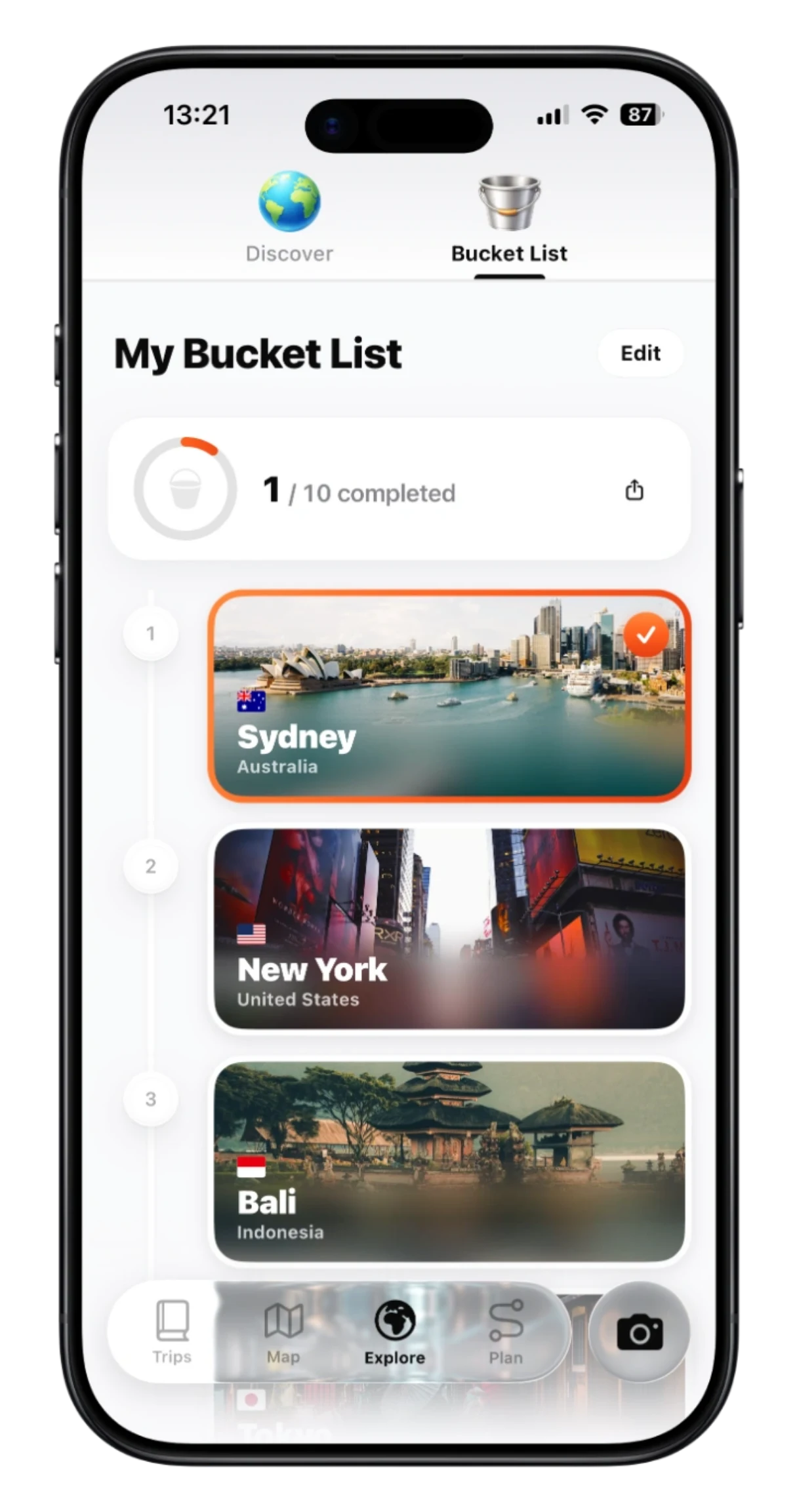
A map for the trips you haven't taken yet
A bucket list map turns a vague “someday” into something you can see. Instead of a list buried in your notes app, every dream destination lights up on a world map, so you can spot the regions you keep gravitating to, balance far-flung trips with closer ones, and decide what to plan next.
It is the forward-looking companion to a visited countries map: one tracks where you have been, the other maps where you want to go. Need ideas to fill it? Browse the 25 best bucket list destinations, spin up a random pick with Spin the Globe, or find your match with Where Should I Travel.
When you are ready to act on it, save your bucket list in TripMemo to plan each trip, add notes and photos, and tick destinations off as you go, turning the map you want into the trips you take.
Ideas to add
What to put on your bucket list map
Stuck for inspiration? These are some of the most-wanted trips on earth, a great starting point for any travel bucket list. Add the countries they sit in to your map above, then explore the full 25 best bucket list destinations for more.
Machu Picchu
Peru
Hike the Inca Trail to the lost city in the clouds
The Northern Lights
Iceland
Chase the aurora over glaciers and black-sand coast
Cherry blossom season
Japan
Temples, bullet trains, and sakura in Kyoto
Serengeti safari
Tanzania
Witness the Great Migration across the plains
Santorini
Greece
Whitewashed cliffs and caldera sunsets
Milford Sound
New Zealand
Fiords, waterfalls, and Lord of the Rings scenery
The Pyramids of Giza
Egypt
Stand before the last ancient wonder of the world
Banff and the Rockies
Canada
Turquoise lakes and mountain road trips
Halong Bay
Vietnam
Cruise past thousands of limestone karsts
Patagonia
Chile
Torres del Paine peaks and end-of-the-world trekking
The Amalfi Coast
Italy
Cliffside villages, lemon groves, and the Med
Bali
Indonesia
Rice terraces, surf breaks, and temple mornings
How to build a travel bucket list you will actually finish
A bucket list works best when it is more than a wish. Seeing your dream destinations on a map turns a vague list into a plan you can act on. Here is how to build one that lasts.
Start with the trips that have always called you
Add the handful of places you have wanted to see for years first. Those anchor destinations keep the list personal instead of a generic top-10.
Balance icons with hidden gems
Mix bucket-list giants like Japan, Peru, and New Zealand with a few lesser-known countries you are curious about. The map makes it easy to spot regions you keep returning to.
Mix far-flung dreams with closer wins
Pair a once-in-a-lifetime trip with a couple of nearer destinations you could reach this year. Quick wins keep the momentum going so the list never stalls.
Mark where you have already been
Switch on "Been there" to see visited countries beside your wishlist. Watching the map fill in is the best motivation to keep travelling, and it shows where to head next.
Turn the map into real trips
When a destination moves from dream to plan, save your bucket list in TripMemo to build an itinerary, add notes and photos, and tick it off as you go.
FAQ
Common questions
What is a bucket list map?
How do I make a travel bucket list map?
How is this different from a visited countries map?
Is the bucket list map free?
Can I share or download my bucket list map?
How many countries can I add to my bucket list?
What should I put on my travel bucket list?
Is there a free bucket list map maker?
Can I mark countries I have already visited too?
How do I make a map of countries I want to visit?
How many places should be on a travel bucket list?
Does the bucket list map work on mobile?
Can I add cities or specific places, not just countries?
Can I save my bucket list permanently?
Related Free Tools
More from TripMemo

Visited Countries Map →
Track every country you have already been to.
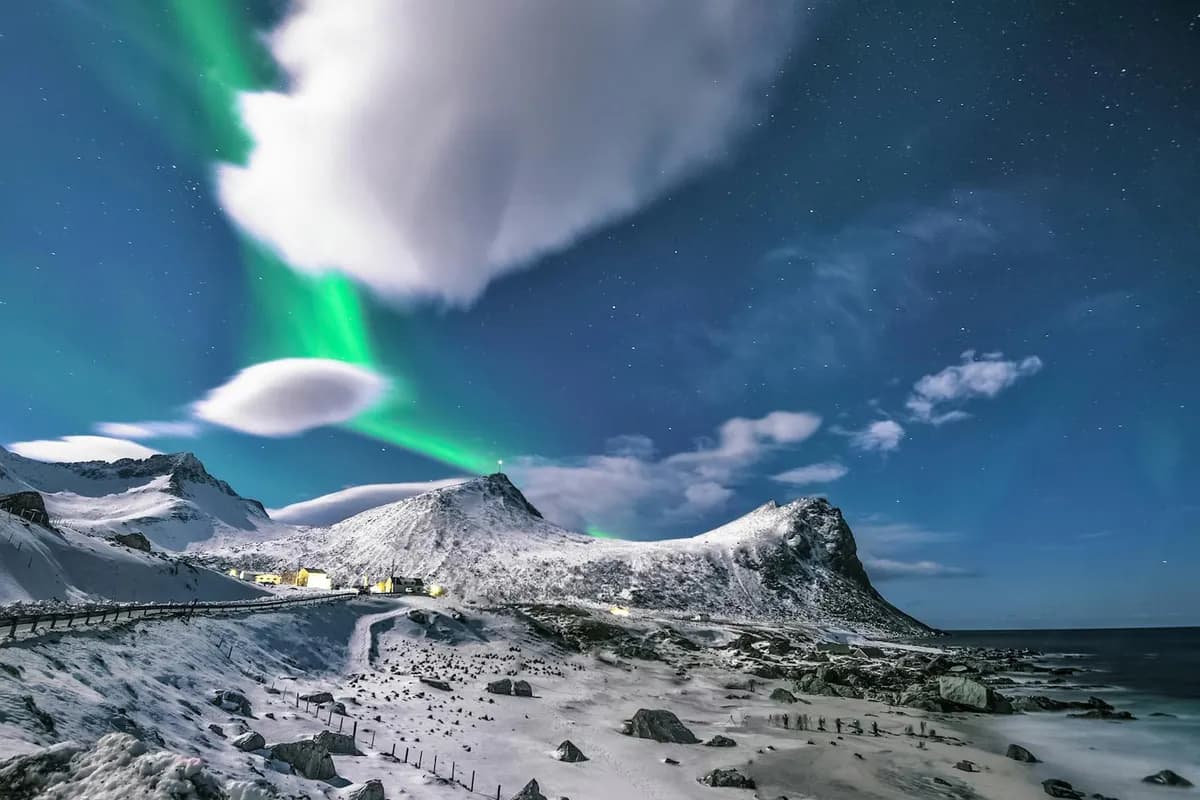
25 Best Bucket List Destinations →
Ideas for your list: 25 places to see before you die.
Spin the Globe →
Find a random country to add to your bucket list.

Where Should I Travel →
A quick quiz that matches you to your next trip.

Rainy Season Checker →
Find the best time to visit each place on your list.

Visited US States Map →
Mark all 50 states you have visited.

%20copy%202.webp&w=384&q=75&dpl=dpl_B2DaXHBbNucfRgJqqwj2zMaECZud)
%20copy%203.webp&w=384&q=75&dpl=dpl_B2DaXHBbNucfRgJqqwj2zMaECZud)

Your trips deserve
more than a camera roll
Turn travel photos into books you'll actually look back on.